
Start here: Browsers & Extensions
All topics →Latest in Browsers & Extensions



Most read in Browsers & Extensions



More from Browsers & Extensions

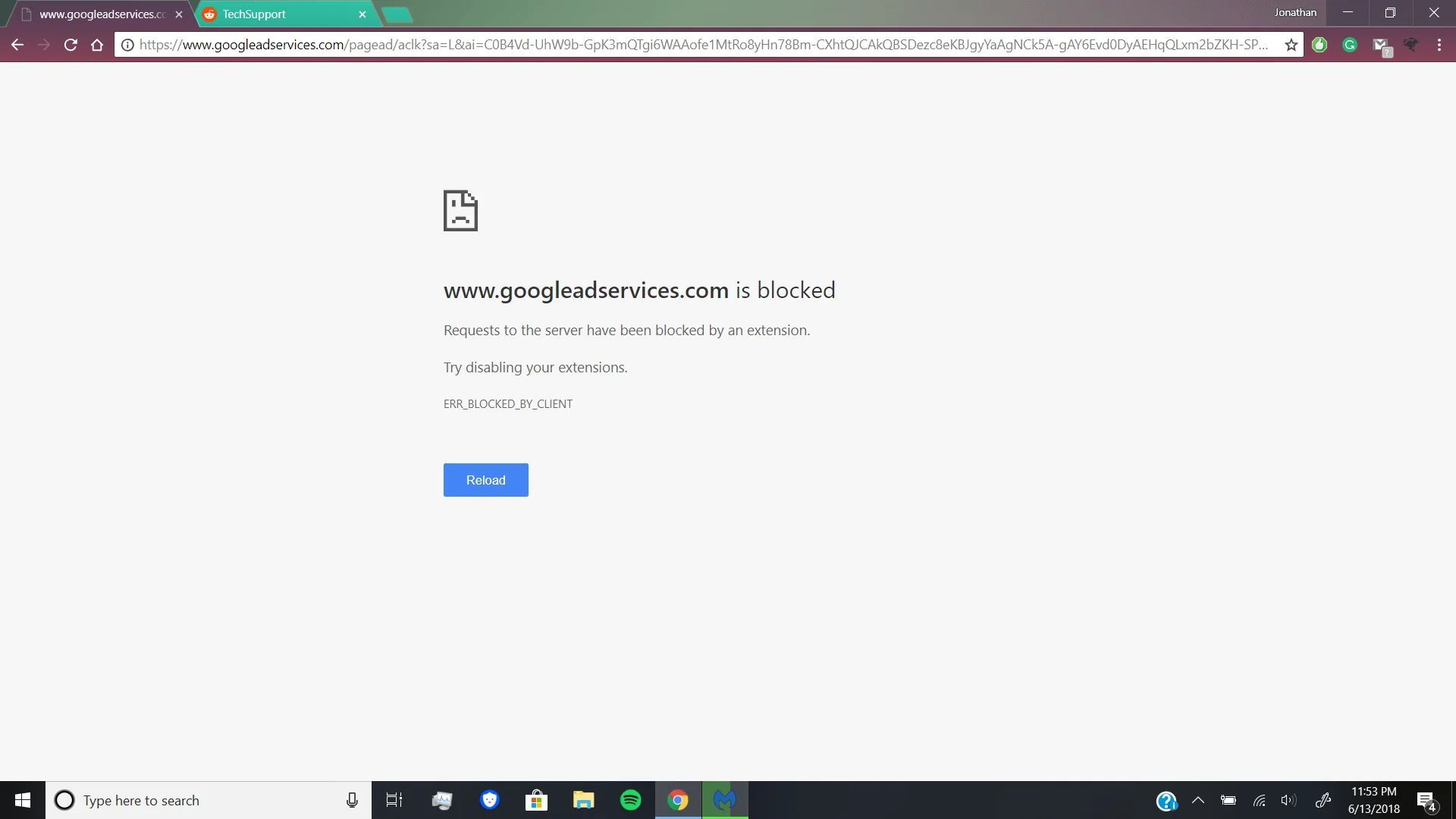
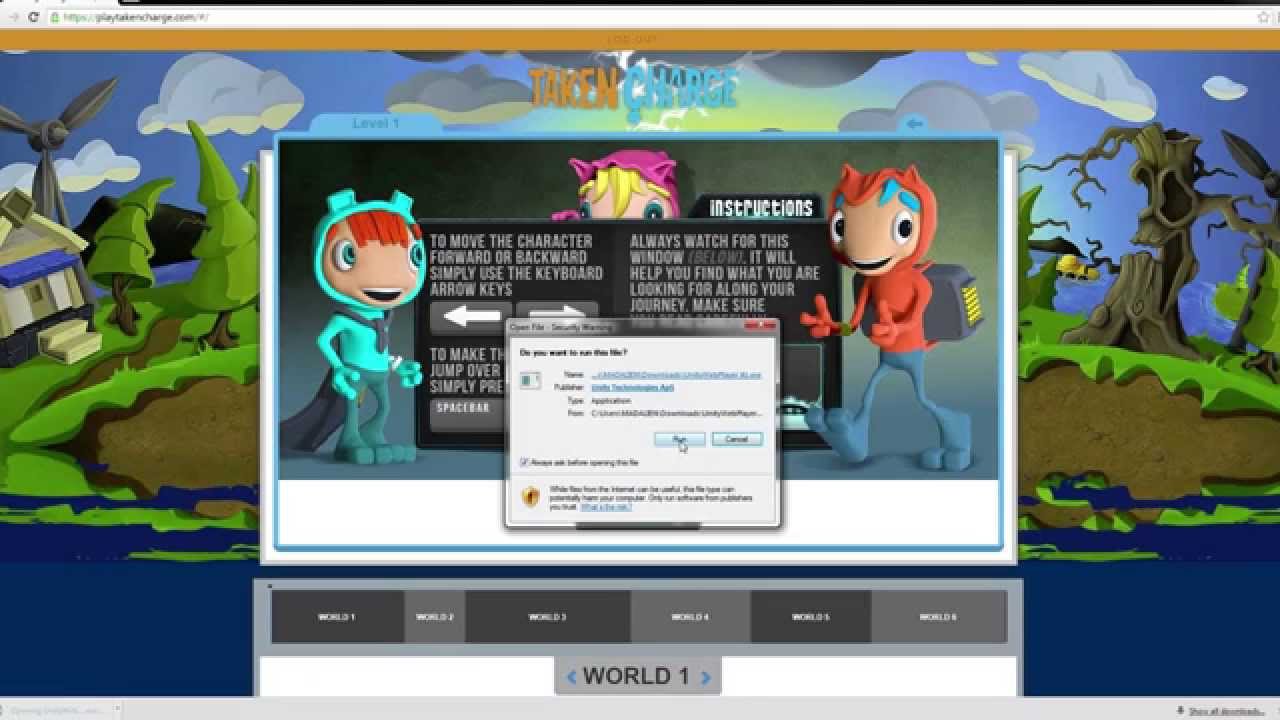

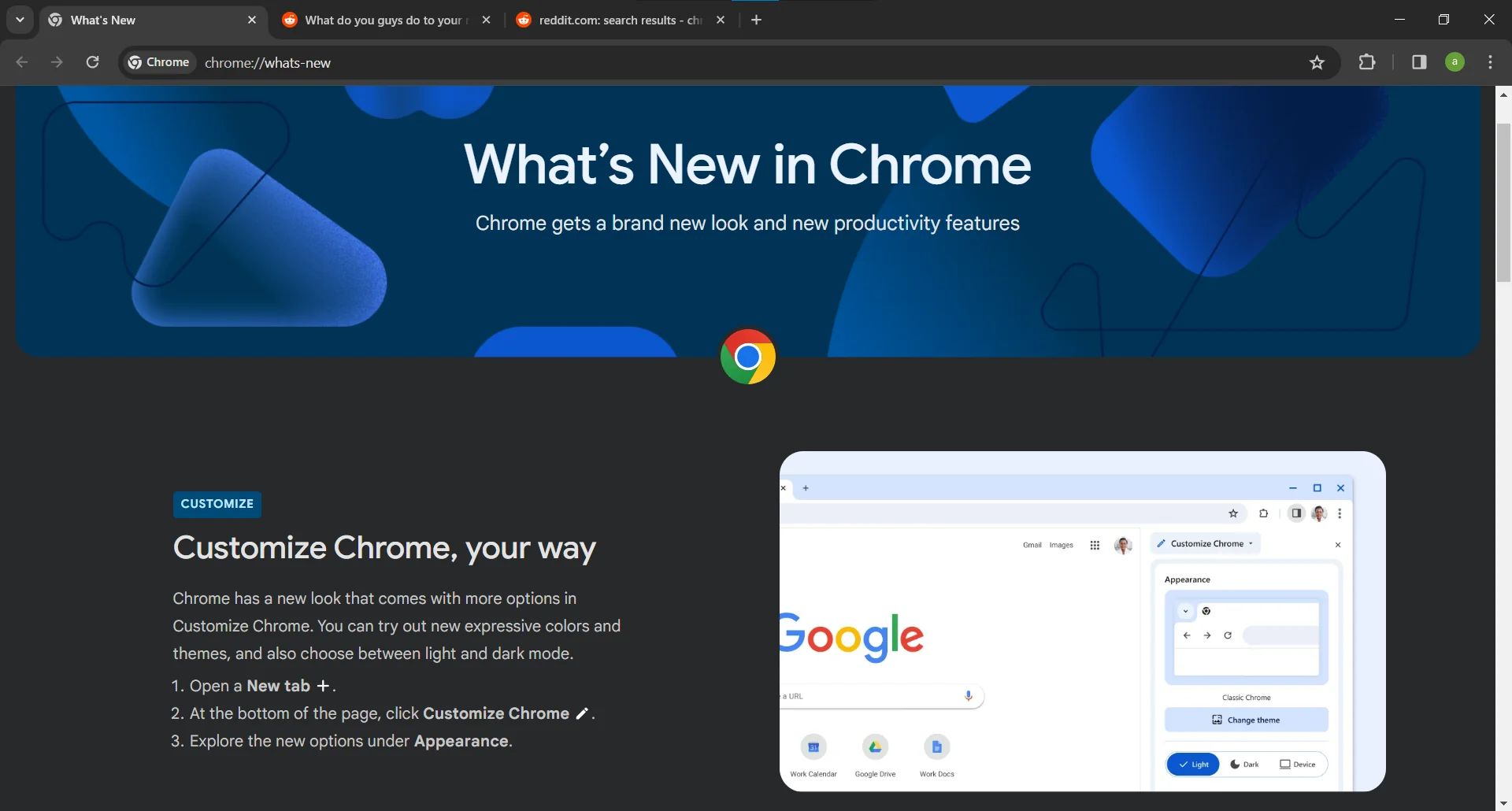


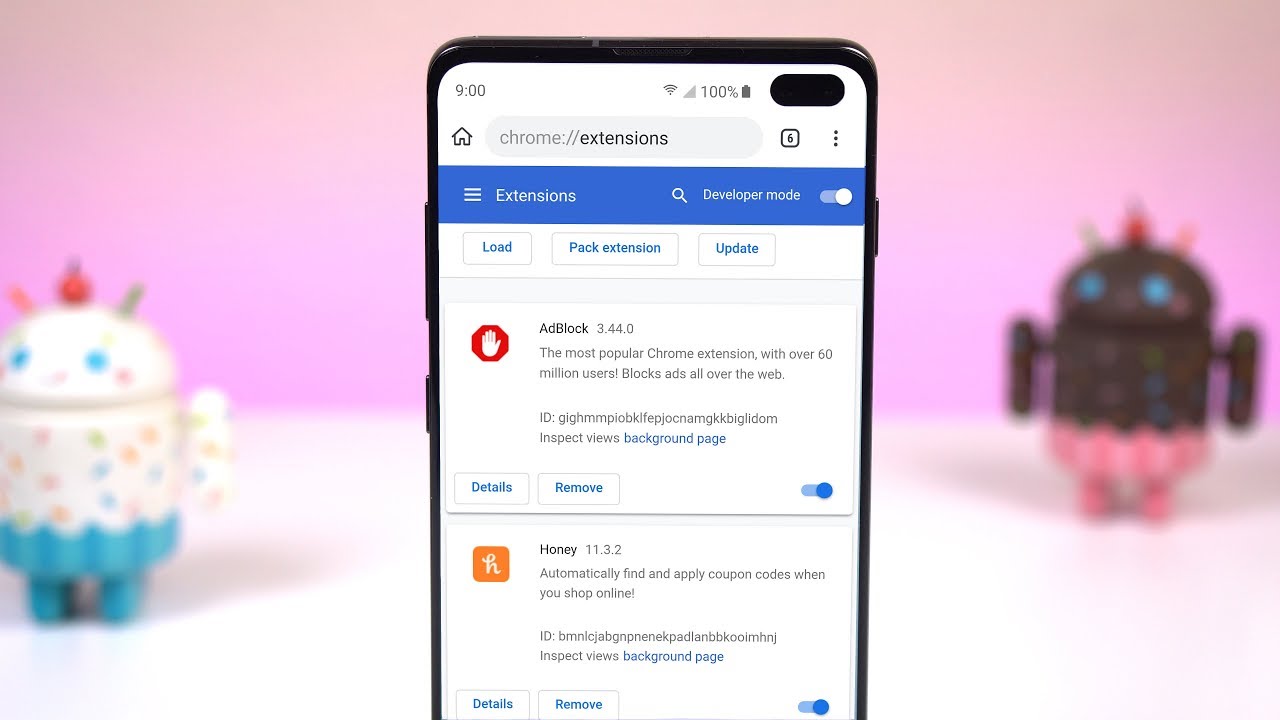
Browsers and extensions are the everyday tools that shape how you work, shop, and stay entertained online, and this section helps you make them behave the way you want. It is written for anyone who uses Chrome, Safari, Firefox, or the built-in browser on their phone or console, whether you are tweaking a homepage, fixing a display issue, or adding a new tool to your workflow. The guides start with the essentials: enabling developer mode for Chrome extensions, customising the Chrome homepage and shortcuts, removing DuckDuckGo from Safari, resizing Chrome windows and fonts, and even using Safari on an Android device.
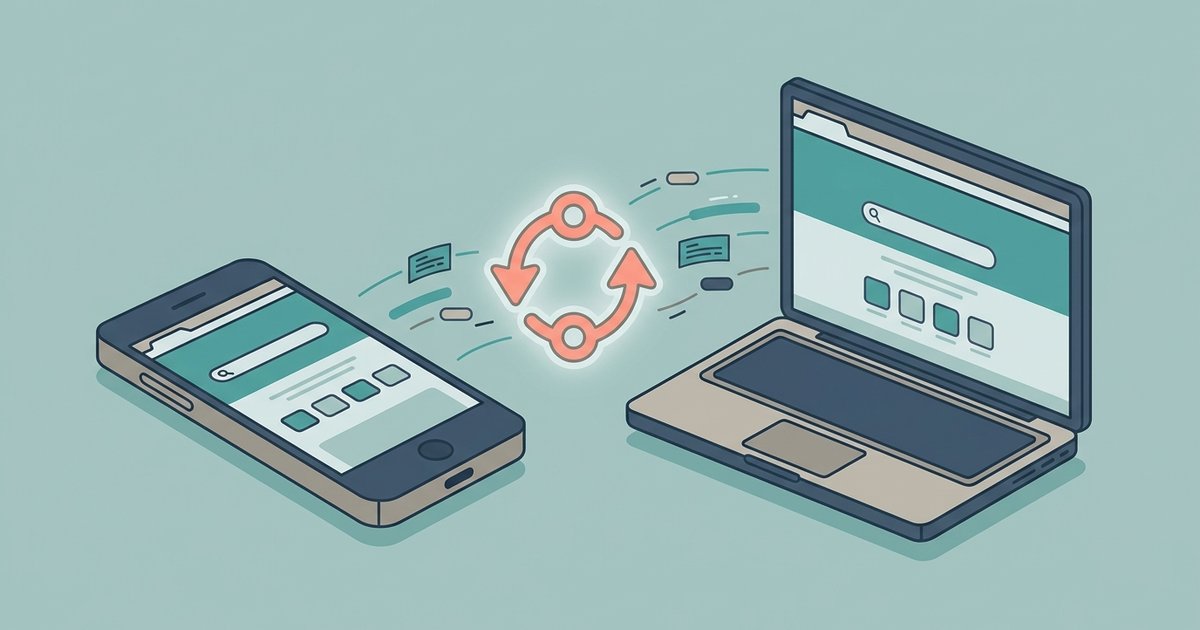
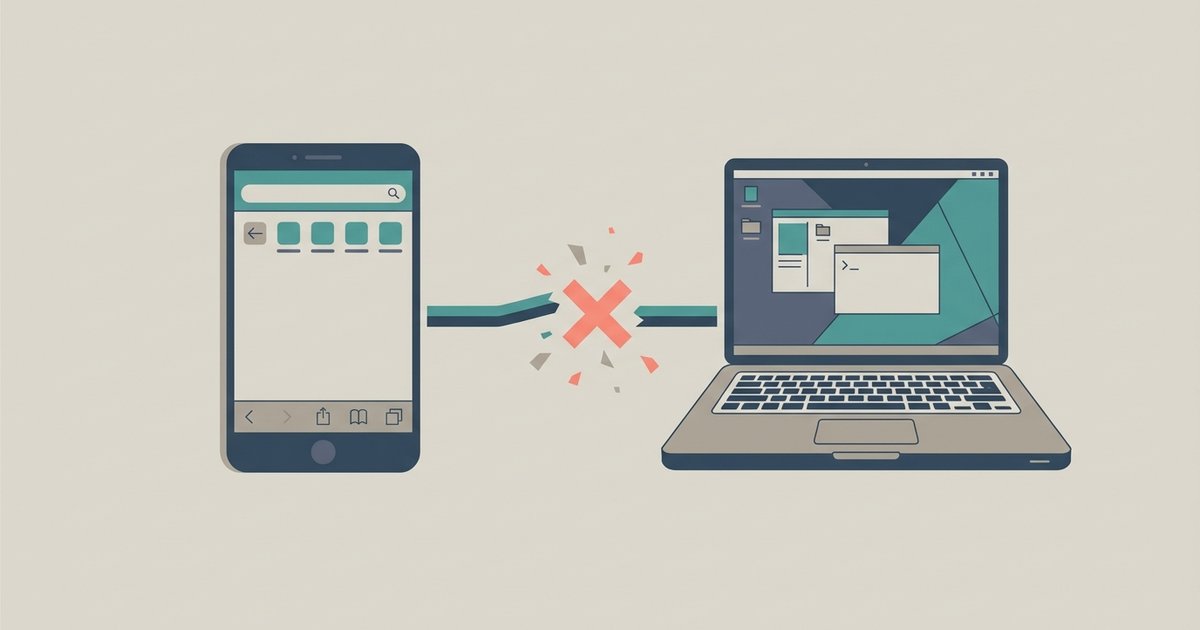
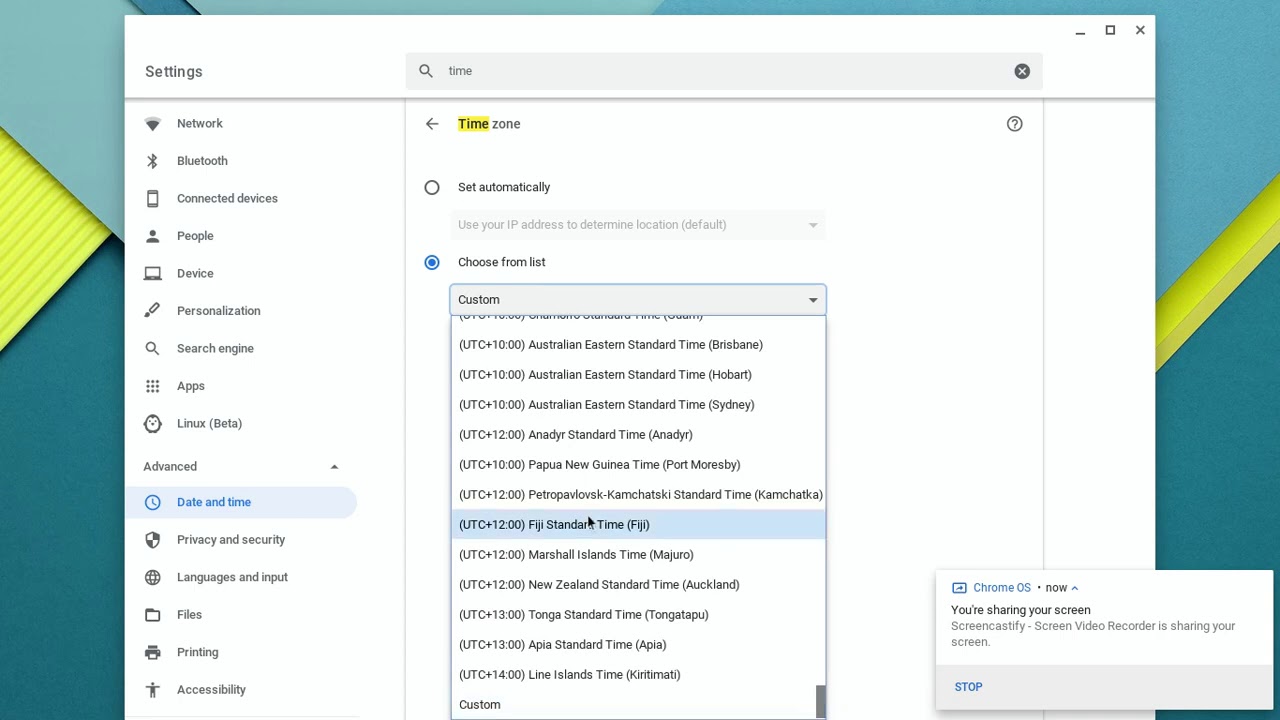
Across the articles, three practical themes stand out. First, personalisation and layout: you can learn how to change the time zone in Chrome, adjust bookmark toolbar font sizes, make tabs bigger on a 4K monitor, and add webpages to your most-visited list. Second, cross-device and cross-browser behaviour: articles show you how to cast from Firefox to Chromecast, access the web browser on a PS5, check browser history on Android, and find out whether Safari on iPhone works with a Windows PC. Third, permissions and settings: you can discover how to allow camera access, share your screen, add trusted sites in Safari, and change which browser opens links by default.
Beyond the main guides, the section answers specific everyday questions, like how to have more than one browser installed, how to change location in Safari, how to add extensions to Chrome mobile, and how to remove Yahoo Search from Firefox. The focus is always on helping you take control of your browser environment, recover access to your own settings, and choose the official options that keep your experience smooth and predictable.
