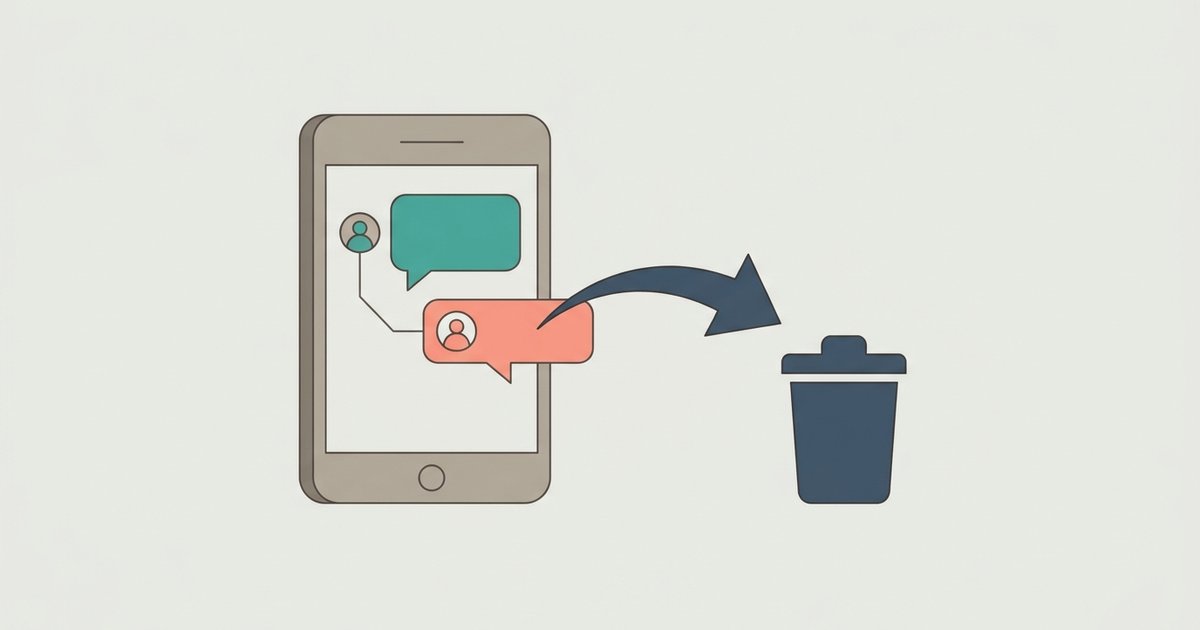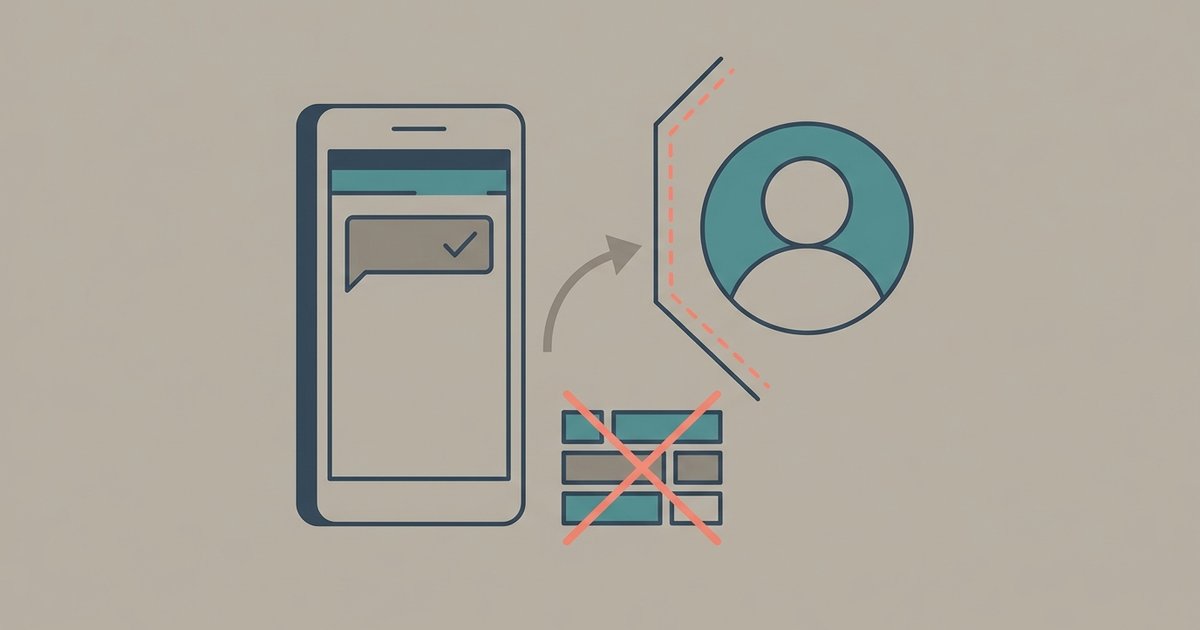
Messenger never tells you that someone blocked you, so there is no single screen that confirms it. What you get instead is a pattern: messages that will not send, an active status that disappears, and a profile that may or may not still load. Reading those signs together, and ruling out a deactivated or deleted account, is the only honest way to answer the question.
Meta does not send a block notification
Meta's help center is direct about this: profiles are not notified when you block them. The same applies in reverse, so the absence of an alert means nothing. It also means any app or website that claims to reveal who blocked you on Messenger is guessing at best, and is often after your login details.
The other thing to know before you start reading signs is that Messenger has more than one kind of block, and each one leaves different traces.
The two kinds of block
When someone opens your chat, taps your name and chooses Block, Messenger offers two different outcomes, and Meta's help pages treat them as separate things.
Blocking messages and calls. This stops you from messaging or calling them on Messenger or in Facebook chat. It does not touch Facebook itself. According to Meta, a person blocked this way can still see the other person's Facebook profile, can still comment on their posts, and can still see their messages if both are in the same group conversation.
Blocking the profile. This is the full block. Meta says blocking someone's Facebook profile on Messenger also blocks them on Facebook, and the blocked person cannot message, call or find that profile on Messenger or Facebook chat. If the two of you were Facebook friends, the block also unfriends you.
There is a third, softer option that looks similar from the outside. Restricting someone hides the conversation from their Chats list and silences notifications, and Meta says a restricted person cannot see when the other person is online or whether their messages have been read. Nobody is told about a restriction either, so some of the signs below can come from a restrict rather than a block.
Signs that point to a block
Your messages will not send. Meta's troubleshooting page for sending problems lists "you blocked the person or they blocked you" as one cause of the error. In practice the chat usually stays in your list with its history intact, but you cannot send anything new, and the reply area may show a notice instead of the normal text box. The exact wording of that notice varies by app version.
Their active status is gone. Meta's page on active status says that if you cannot see someone's active status, it may be because that profile has turned off its active status or because that profile has blocked you. On its own this proves little, since plenty of people switch active status off.
You cannot find their profile. A full Facebook profile block removes the profile from your view on both Messenger and Facebook, but a Messenger-only block may leave their Facebook profile visible. If search stops returning someone you could find last week, and their name no longer links through from old comments or tags, that is consistent with a profile block. It is also consistent with a deactivated or deleted account, which is why the next step matters.
You can no longer call them. Both kinds of block stop calls, so a call button that no longer works fits either one.
Messenger block, Facebook block or deactivated account
This is the comparison that settles most cases. Check it from your account, then check again from a friend's account or a logged-out browser where that is possible.
| What you notice | Blocked messages and calls | Blocked profile | Deactivated Facebook profile |
|---|---|---|---|
| Can you message them? | No | No | Often yes, if they kept Messenger active |
| Can you see their Facebook profile? | Yes, depending on their privacy settings | No | No, for anyone |
| Can a mutual friend see their profile? | No | Yes | No |
| Does your old chat history stay? | Yes | Yes | Yes |
The mutual friend check is the decisive one. If you cannot see a profile but a friend can, the account still exists and you have been blocked. If nobody can see it, the account has most likely been deactivated or deleted.
What a deactivated account looks like
Deactivation hides a Facebook profile from everyone. Meta says that when someone deactivates, no one else can see their profile, people cannot search for them, and some information such as messages they sent may remain visible to others.
Messenger complicates this. A person can deactivate Facebook but keep Messenger running, and Meta says that in that case their Facebook profile picture still shows in Messenger conversations and their friends can still message them. So a friend who has vanished from Facebook but still replies on Messenger has not blocked you. They have deactivated Facebook and kept Messenger.
If they deactivated Facebook without keeping Messenger, your messages behave much like a block: they do not go through, and Meta's own troubleshooting list tells you to check whether the other person has deactivated or deleted their account before assuming anything else.
What a deleted account looks like
Deletion is permanent. Meta says some information, such as messaging history, is stored outside the profile, which means friends may still have access to messages the person sent after the profile has been deleted. You will keep the old conversation, but you will not be able to reply and the profile will not come back. Name and photo placeholders shown for deleted accounts differ between app versions, so do not read too much into how the chat header looks.
Group chats are not a reliable test
People often check whether someone has left or stopped responding in a shared group chat. It does not tell you much. Meta says that if you are in a group chat with a profile you have blocked, that profile can still see your messages or join a group call, and you are warned if you are about to enter a group chat or call with someone you have blocked. On the mobile apps, messages from the blocked person are hidden for the person who did the blocking, though they can tap to unhide them. Both of you can remain in the same group while one has blocked the other.
Signs that do not mean a block
- No reply, or no "seen" indicator. Meta added a control that lets people hide read receipts, and a restricted person loses them entirely. Silence is not a block.
- A message sitting as delivered but unread. Your message may have landed in their message requests if you are not connected, which is a folder many people never open.
- A temporary sending limit. Meta can temporarily stop an account from sending messages if it sent a lot of messages recently or something went against its Community Standards. That affects your messages to everyone, not just one person.
- App or connection trouble. An outdated app, a weak connection or a full device can all stop messages leaving your phone.
What to do once you are fairly sure
Do not try to get around a block with a new account or through friends. Meta says it limits how a blocked person's other profiles can interact with the person who blocked them, and repeated contact after a block is the kind of behavior that gets accounts restricted. If the relationship matters and you have another way to reach them that they have not closed, one brief message is reasonable. Otherwise, the block is the answer.
If you blocked someone yourself and want to check the result, look for your blocked list in Messenger's settings. That list is the only place Messenger will show you a block in plain words, and it only ever shows the ones you made. That list is the only place Messenger will show you a block in plain words, and it only ever shows the ones you made.