Start here: PCs & Laptops
All topics →Latest in PCs & Laptops
Most read in PCs & Laptops
More from PCs & Laptops
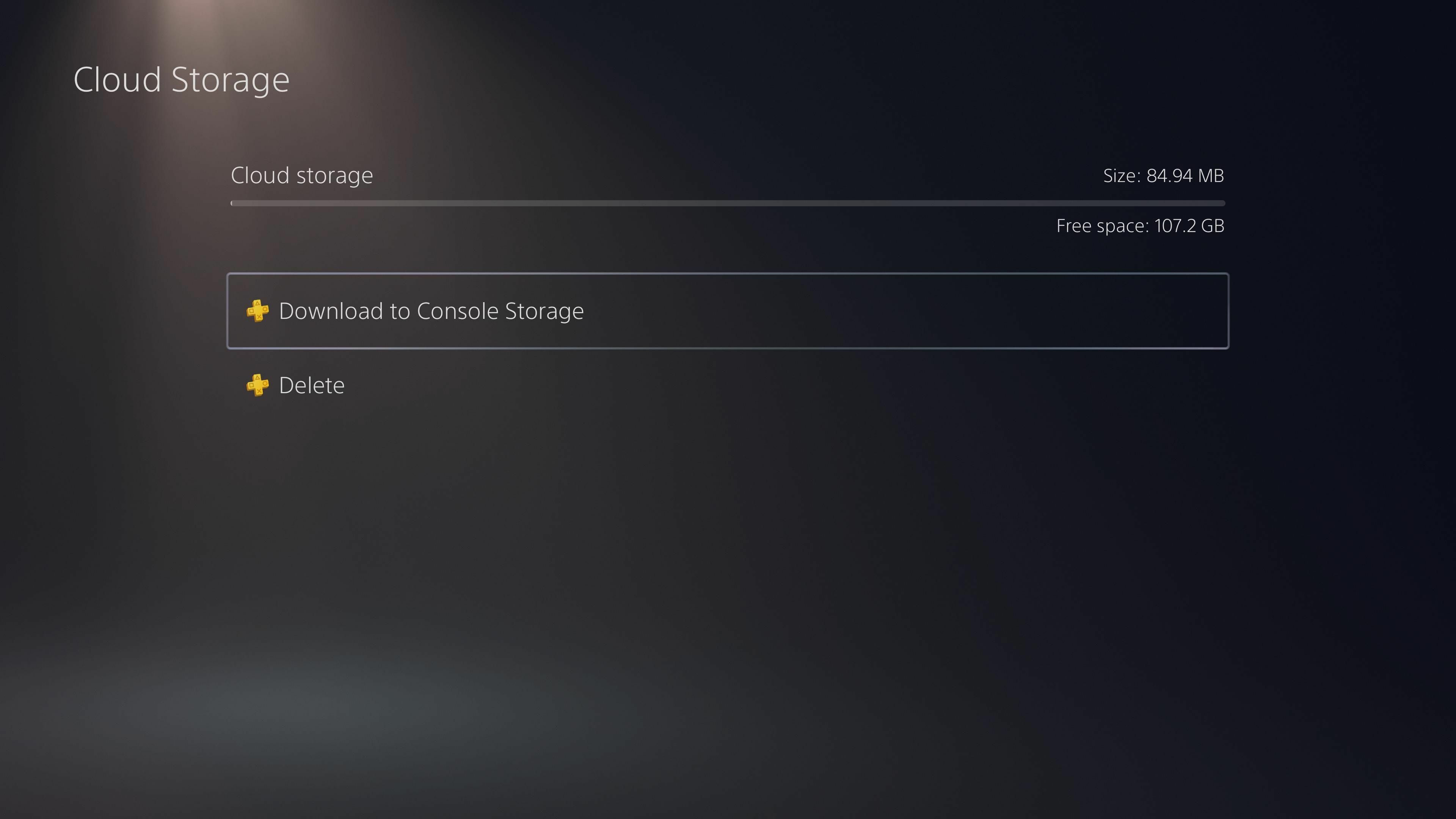
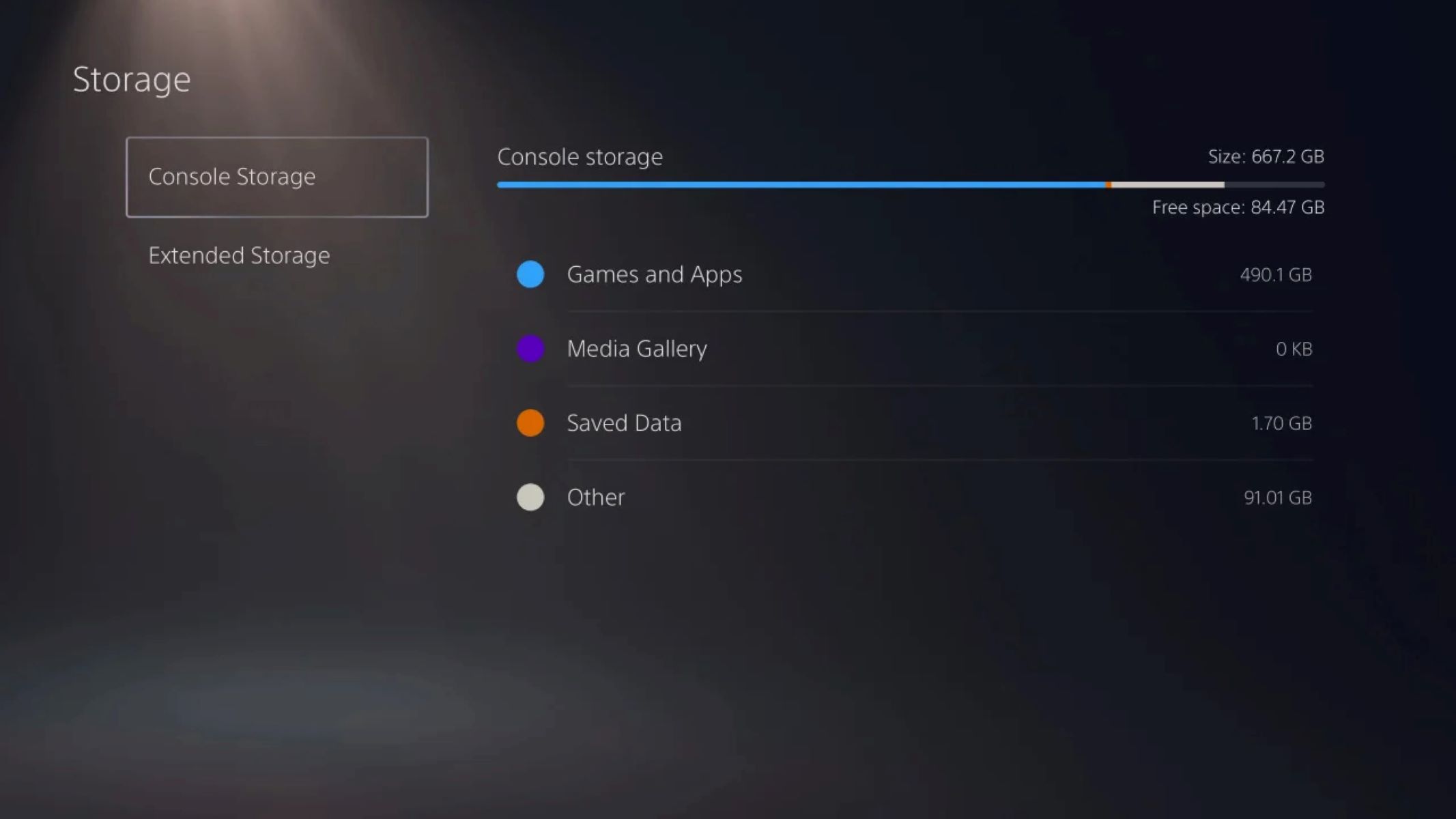
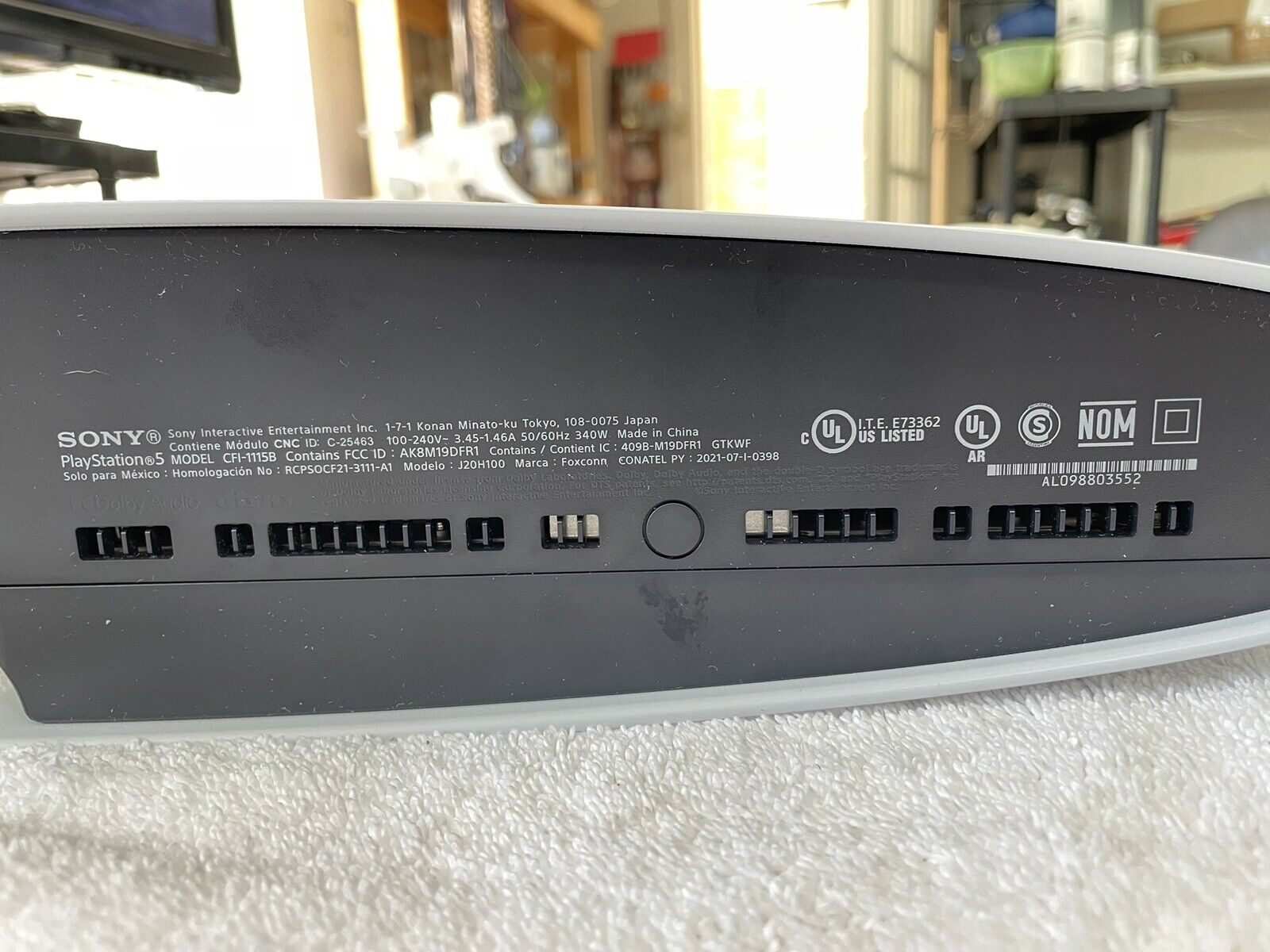
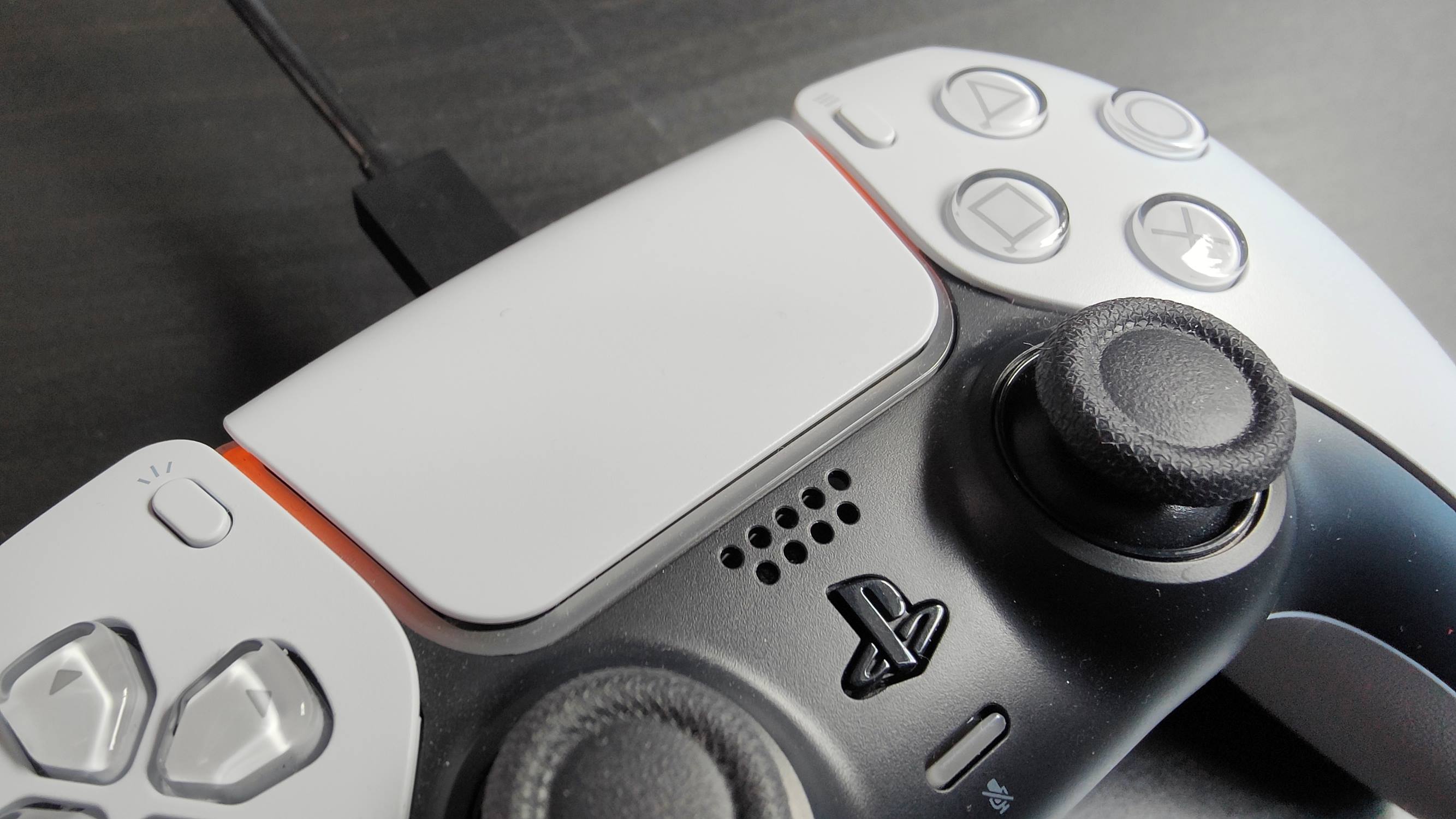


PCs & Laptops is the practical home for anyone who wants to get more out of their everyday computing gear, whether that means a Windows desktop, a MacBook, a Raspberry Pi, or the peripherals you plug into them. The guides here are written for real people in the middle of real tasks: connecting a wireless keyboard to a monitor, checking how much storage your PS5 has, or figuring out what a “DP signal” error on your Dell monitor is actually telling you. If you’ve ever stared at a port, a button, or a settings menu and wondered what it does, this is the place to start.
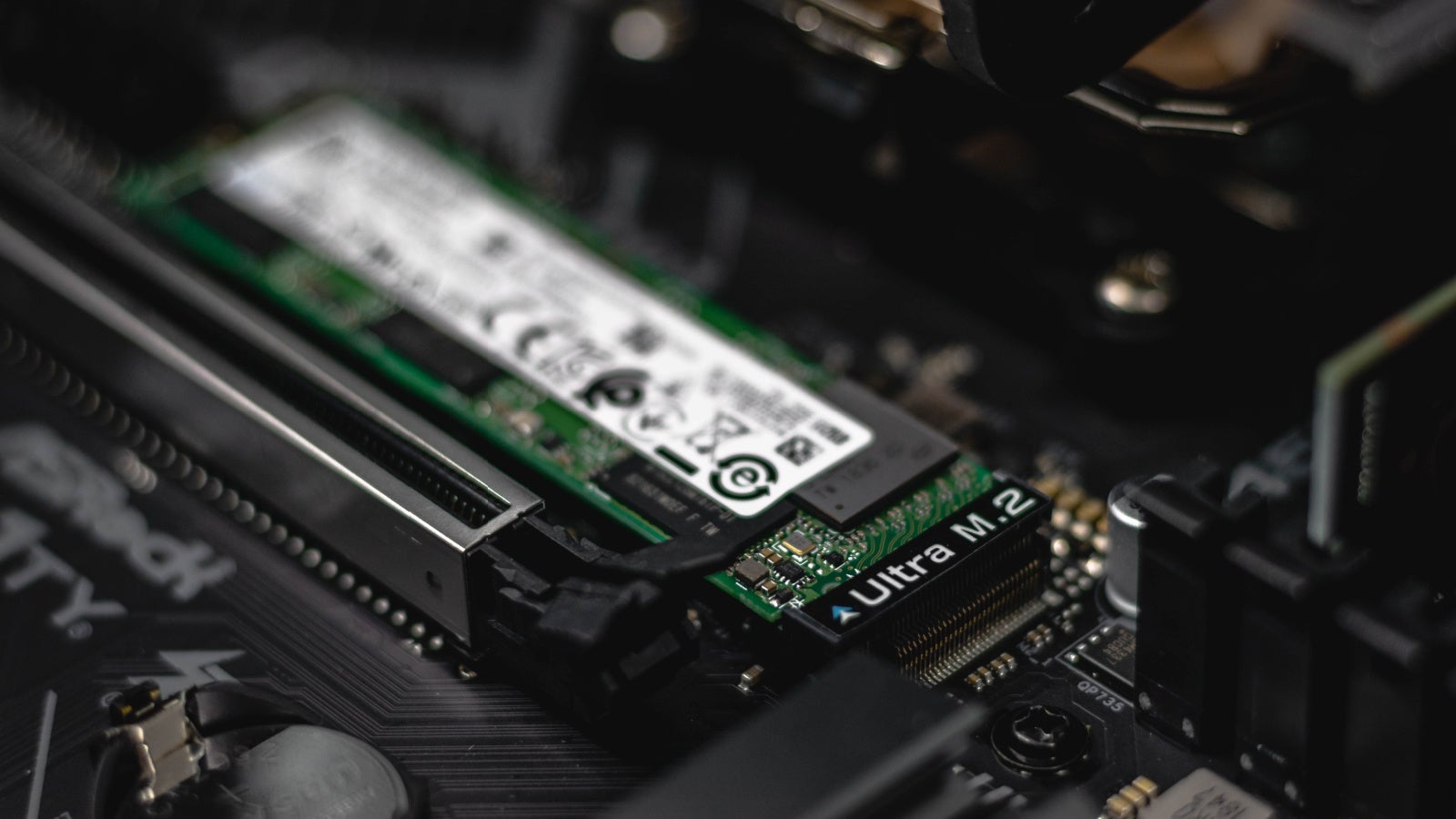
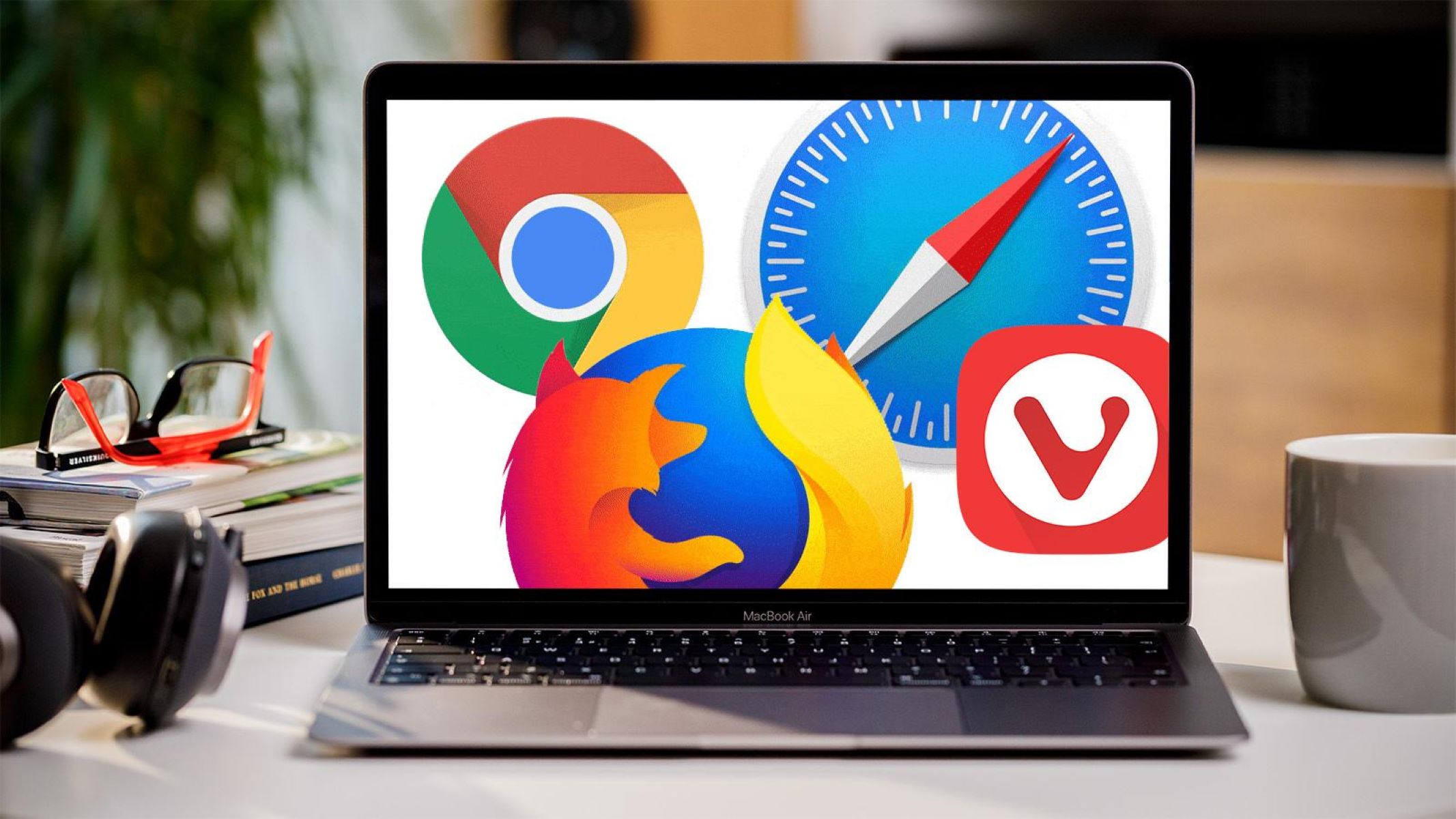
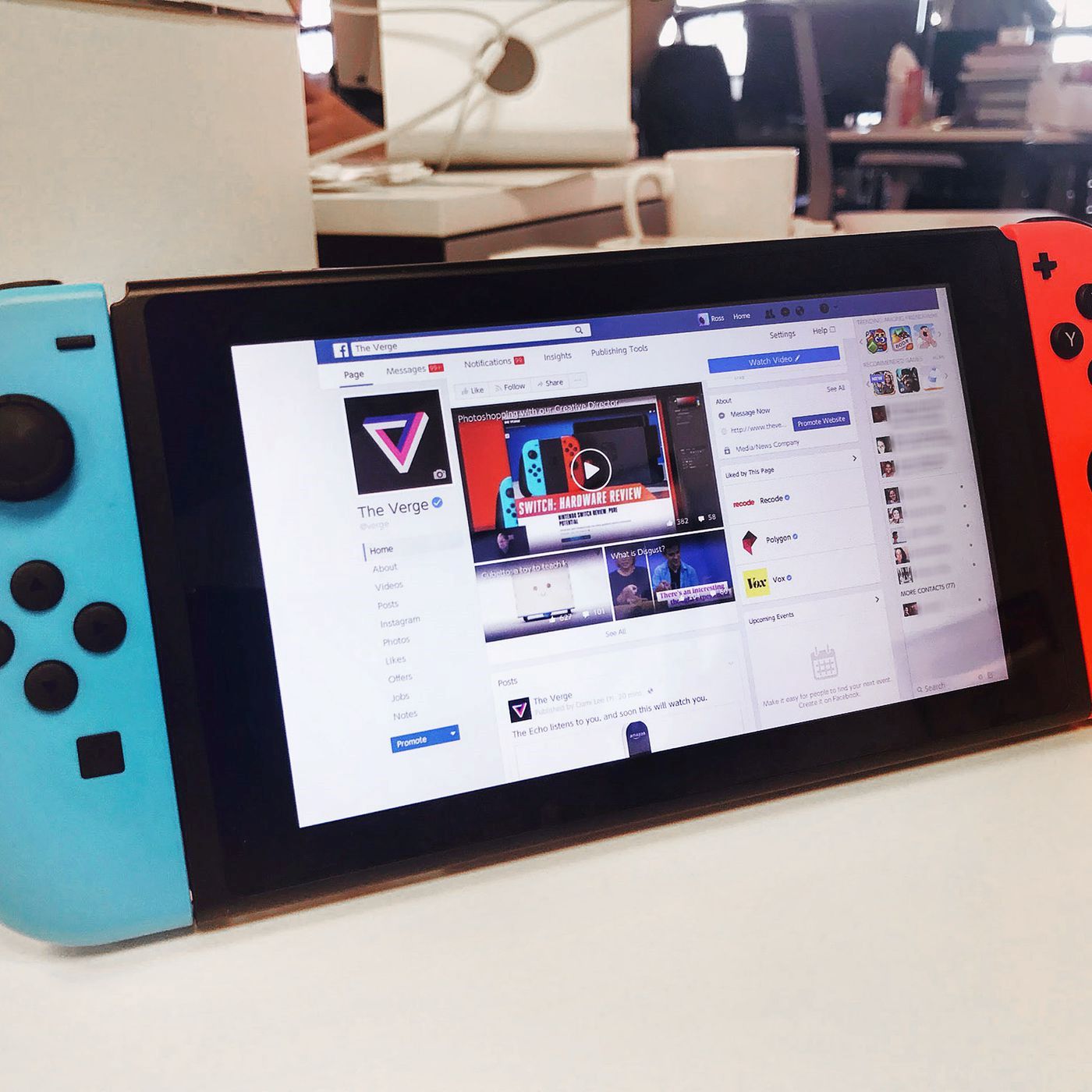
The section is built around two starting points. “How To Get Browser On Switch” walks you through installing a web browser on your Nintendo Switch, while “What Is A Browser?” explains the basics of web software for absolute beginners. From there, the articles group into a few clear themes. One is hardware care and diagnosis: you can learn how to check the health of a Raspberry Pi SD card, find out how many SSD slots your motherboard has, or see whether your Logitech mouse battery is running low. Another theme is connectivity and peripherals, dozens of guides cover pairing wireless keyboards from brands like Ubotie, Omoton, and Seenda, plus making your own devices discoverable and understanding what the Easy Switch button on a Logitech keyboard does.
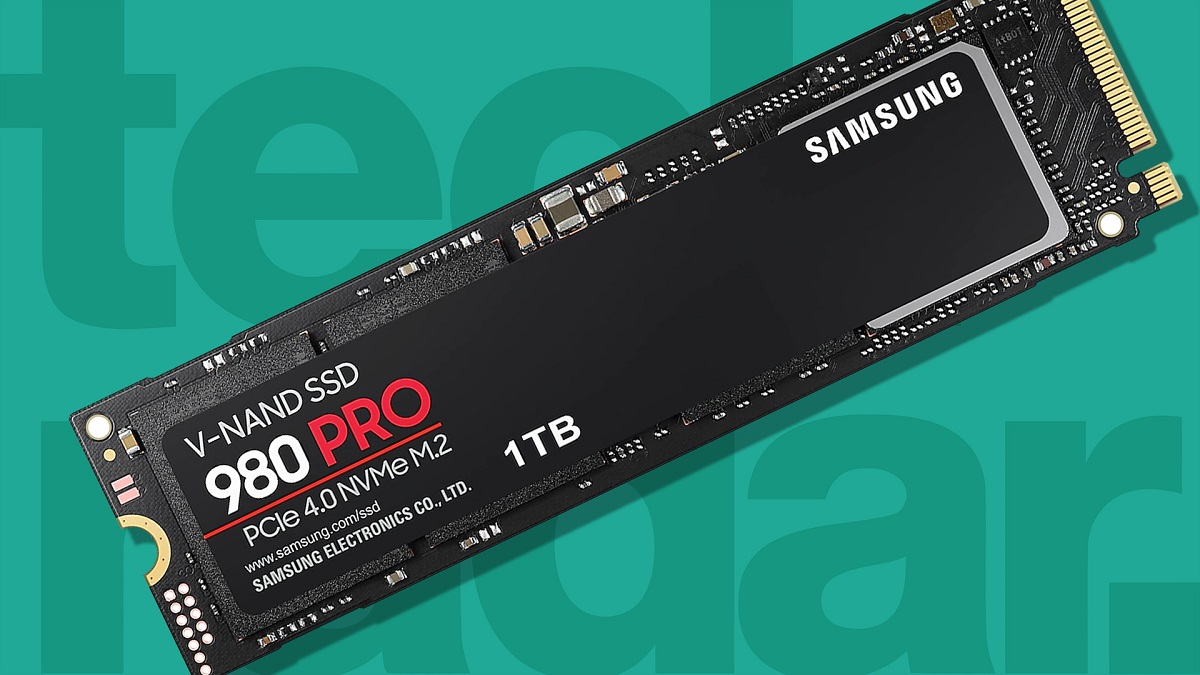
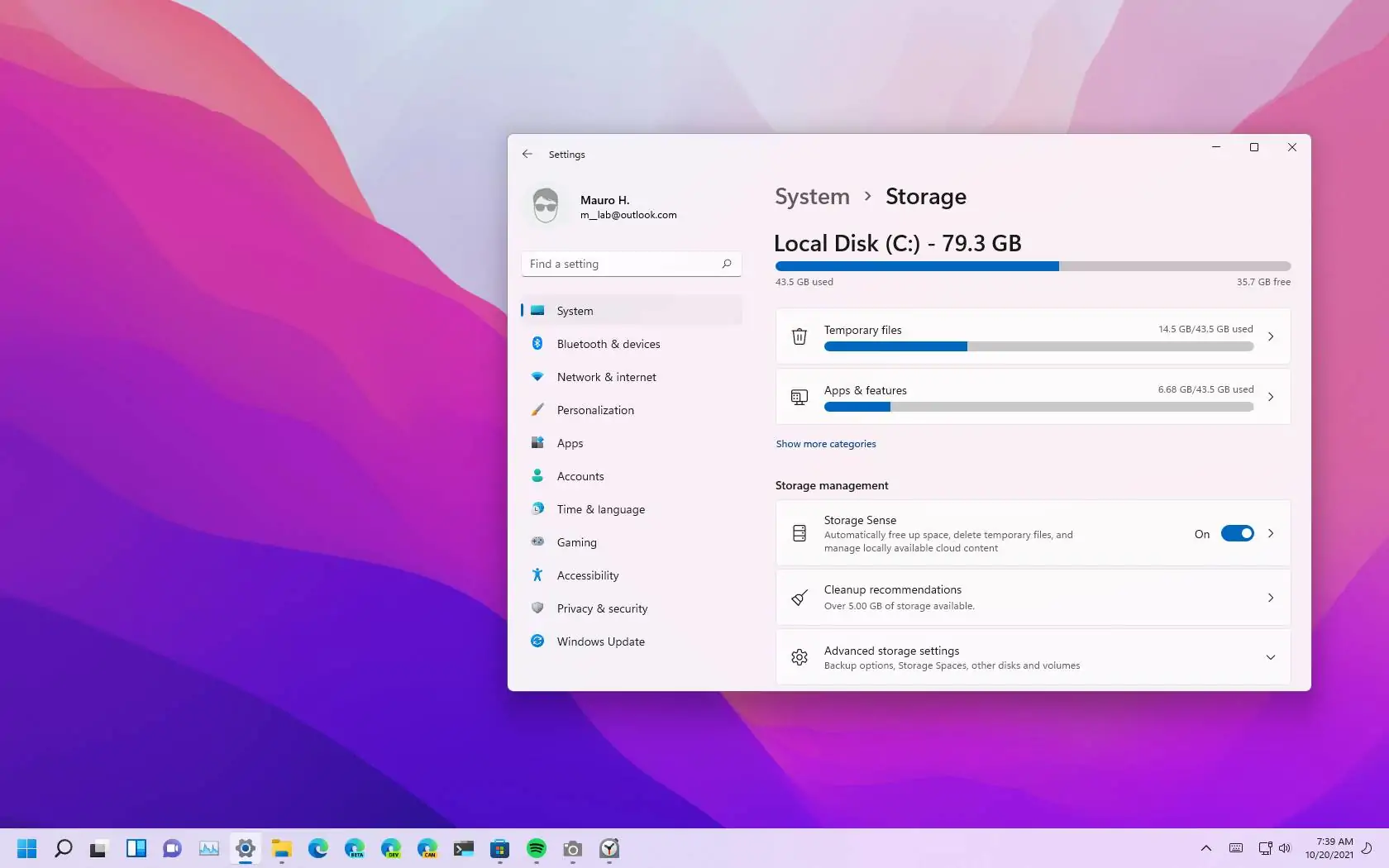
A third thread focuses on storage and system knowledge. You can look up what “1TB SSD” really means, learn how to access files on a Seagate external drive, or find out which programs are using that drive in the background. Console owners aren’t left out: there are clear answers on PS5 storage expansion, controller charging indicators, and how to get more space without losing progress. Across the board, the goal is simple, help you complete the task at hand, understand your gear better, and feel confident clicking around your own devices.
