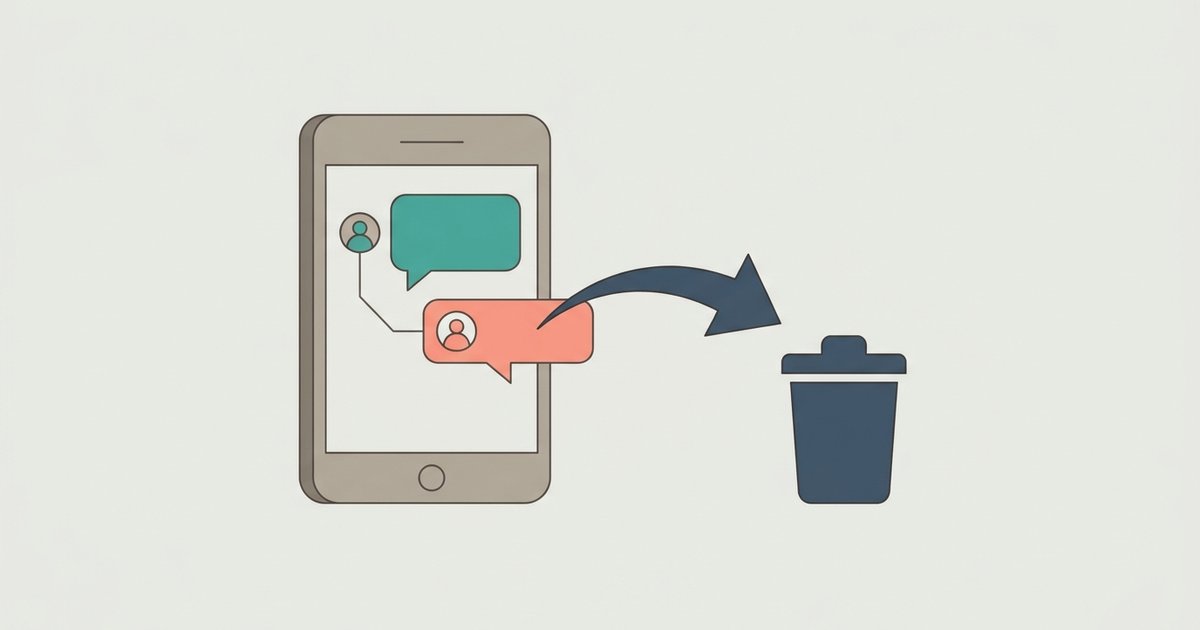
To unsend a message on Messenger, tap and hold it, tap Delete, then choose Delete for everyone. That removes it from the chat for everyone in the conversation. What it cannot do is reach back in time: if someone already read it, saw it in a notification, or reported it, deleting it does not undo that.
Unsend is now called Delete
If you are looking for an Unsend button, it has been renamed. Meta says Unsend for you and Unsend for everyone are now called Delete for you and Delete for everyone. The behavior is the same idea under new labels.
- Delete for you removes the message from your own view. Everyone else in the chat still sees it.
- Delete for everyone removes it for the other people in the chat as well. Meta says they will no longer be able to see it.
Delete for everyone is only offered on messages you sent. For a message you received, the only choice is Delete for you, which tidies your side of the chat and changes nothing for the sender.
Delete a message you sent
- Open the chat that contains the message.
- Tap and hold the message.
- Tap Delete.
- Tap Delete for everyone to unsend it, or Delete for you to hide it only on your side.
These steps are the same on iPhone and Android. In a browser, hover over the message, open the more options menu beside it and look for the same delete choices. The wording and icon placement in the browser version differ a little from the phone apps.
Delete a message you received
- Open the chat and tap and hold the message.
- On iPhone, tap More, then Delete. On Android, tap More, then Remove.
- Confirm, and the message is removed from your view only.
Consider editing instead
If the problem is a typo, a wrong time or a name you got wrong, editing is often better than unsending, because the conversation keeps making sense. Meta's rules for editing:
- You can edit a message you sent for up to 15 minutes after sending it.
- Each message can be edited up to five times.
- The edited version replaces the original in the chat.
- After 15 minutes you can no longer edit, but you can still delete.
To edit, tap and hold the message, tap Edit, change the text and send it. Editing has the same honesty limits as deleting. Meta says others may already have read the original in the chat or in a notification, and if someone reports an edited message, the edit history is included in the report.
What deleting cannot undo
This is the part worth reading before you rely on unsending anything important. Meta lists several limits on its own help page, and a few more follow from how phones work.
They may already have seen it. Meta says so directly: people may have already seen your message before you deleted it. A message read within seconds of arriving is read, whatever you do next.
Notifications travel separately. When a message arrives, the recipient's phone may show its text in a notification on the lock screen, on a smartwatch or on another signed-in device. Meta's editing page acknowledges that people may read a message in a notification before a change. Deleting the message in the chat is not a reliable way to recall a notification that has already been displayed elsewhere.
Screenshots and copies. Nothing in Messenger can remove a screenshot, a copy pasted elsewhere, or a photo of the screen taken with another device.
Reports can still see it. If the person who received a deleted message thinks it broke Meta's Community Standards, they can still report it, and Meta says deleted messages from a reported conversation may be reviewed as part of the report. Meta can review deleted content if it is reported within 14 days of deletion, or within 6 hours in end-to-end encrypted chats. Unsending an abusive message does not make it disappear from a report.
Data downloads show a gap. If you or someone in the chat downloads a copy of their Facebook information, Meta says both of you will be able to see that messages were deleted in the chat, though not what they said.
Forwarded content stays up. If you shared a Facebook post or other content into the chat and then delete it, Meta says only the forwarded message is removed. The original post is untouched.
Others may notice. Removing a message from a live conversation usually leaves a visible gap or note where it was, so the other person may know something was taken back even if they never saw it. The exact appearance varies by app version.
Deleting a whole chat is different
Deleting a conversation is not a bigger version of Delete for everyone. Meta says deleting a chat only removes it from your inbox and does not delete it from other people's inboxes. The other person keeps the full history, including every message you sent. Deleting a chat also deletes the media in it on your side.
If you want to remove what you sent from their side, you have to delete each message individually with Delete for everyone before you delete the chat. Once the chat is gone from your inbox, you can no longer reach those messages to unsend them.
If the goal is just a tidier inbox, archive the chat instead. Meta recommends archiving when you want to hide a chat from your list without deleting it.
A note on channels
Channels follow their own rules. Meta says admins and moderators of a channel can permanently delete any content sent in it, so what you post in someone else's channel is under their control as well as yours.
Disappearing messages as prevention
If you regularly send things you later want gone, a disappearing message timer does the job in advance. In an end-to-end encrypted chat you can set messages to disappear after a set time duration. It carries the same limits as unsending: people can still screenshot or copy a message before it goes. It removes the need to remember to clean up, not the possibility of someone keeping a copy.
Common questions
Is there a time limit on Delete for everyone? Meta's help page does not state one. Editing has a 15 minute limit, but deleting is not described with any deadline. If the option is missing on an old message, update the app and try again.
Will the other person be notified? Meta does not describe a separate alert for deletions. The practical risk is that they saw the original, not that they get told about the deletion.
Can I get a deleted message back? No. Meta says deleting permanently removes messages and you will not be able to see them again.
Before you send anything you might regret, the only real control is the pause before you hit send. After that, delete quickly with Delete for everyone, and assume the other person may have seen it anyway.
\nRelated reading: How to Hide Your Active Status on Messenger and How to Tell if Someone Blocked You on Messenger.