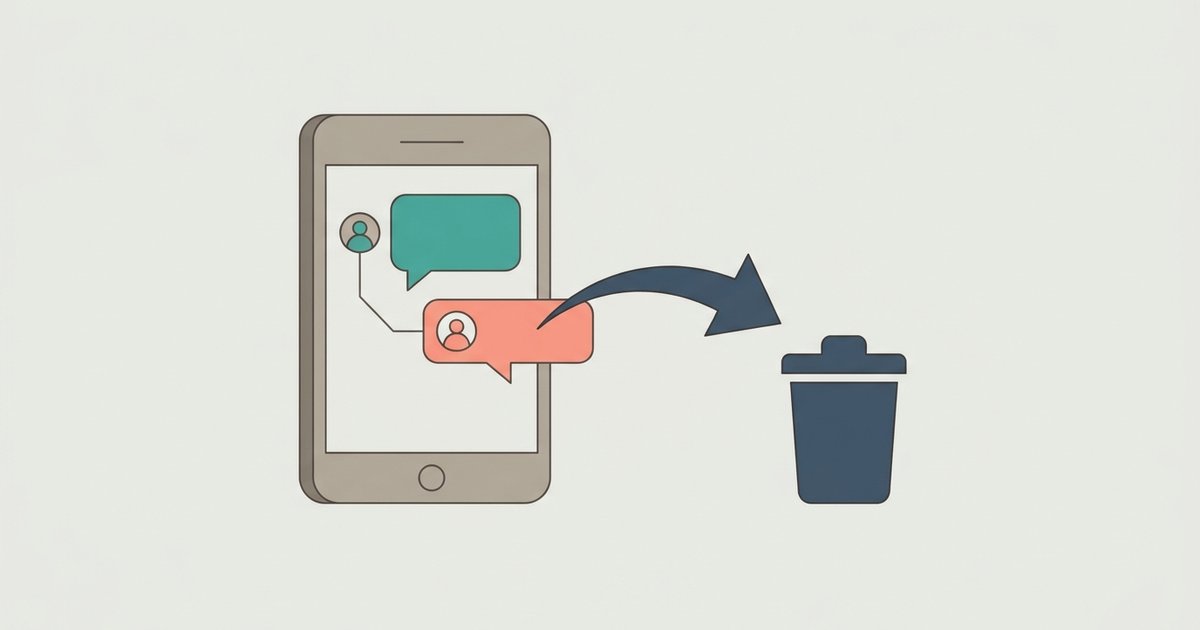
Disappearing messages on Messenger is a timer you set on an end-to-end encrypted chat so that messages delete themselves after they have been seen. It replaced vanish mode, the old swipe-up feature, which is no longer supported. Anyone in the chat can change or switch off the timer, and it only works on the Messenger phone and tablet apps, not in a browser.
How the timer works
Meta describes it this way: you set a timer so that everyone's messages disappear from an end-to-end encrypted chat at a time you choose after they have been seen. Three rules sit around that:
- It applies to everyone's messages. Once the timer is on, what the other person sends disappears too, not just what you send.
- Anyone in the chat can reset it. There is no owner. The other person can shorten it, lengthen it or turn it off.
- Unread messages do not wait forever. Meta says that if you send a message and the other person does not read it within 14 days, it disappears from the chat anyway.
The count starts when a message is seen, not when it is sent. A message sent overnight to someone who is asleep stays in the chat until they open it, then the timer runs.
Meta's own descriptions of the feature have not always matched. An earlier Meta announcement described disappearing messages as lasting 24 hours after being sent, while the current help center describes a timer you pick that runs after a message is seen. The timer options shown in your app are the ones that apply, so check them when you set it.
Turn on disappearing messages
- Update Messenger to the latest version. Meta says the feature needs a current app.
- From Chats, open the end-to-end encrypted conversation.
- At the top of the chat, tap the person's name or the group chat name.
- Tap Disappearing messages.
- Select when you want messages to disappear after they have been seen.
To turn it off, follow the same steps and choose the off option. Meta says messages keep disappearing until one of you turns the setting off or changes the timer.
If you do not see Disappearing messages in the chat's settings, the chat is probably not end-to-end encrypted. Look for the words "End-to-end encrypted" in the same settings screen. Personal chats are encrypted by default, but chats with businesses and some other conversation types are not, and the timer is not offered there.
Not available on a computer
Meta's help page for the computer says plainly that this feature is not available on computers and points to the Android, iPhone and iPad apps instead. You can read an encrypted chat in a browser, but you cannot set or change the disappearing timer there. Plan to do it from your phone.
What happened to vanish mode
Vanish mode was the older version of this idea. You swiped up in a chat to enter it, and messages that had been seen disappeared once you left the chat. Swiping up again took you back to the regular conversation, so it worked more like a side room than a setting.
Vanish mode is no longer supported on Messenger. Its job has passed to the disappearing messages timer, which works differently in two ways that matter:
| Vanish mode (retired) | Disappearing messages | |
|---|---|---|
| How you start it | Swipe up in a chat | Set a timer in the chat's settings |
| When messages go | When you leave the mode | After being seen, on the timer you pick |
| How long it lasts | One session | Until someone turns it off or changes it |
| Where it works | One to one chats between connected people | End-to-end encrypted chats, phone and tablet apps |
The practical difference is persistence. Vanish mode ended when you left it, so you had to choose it each time. The timer stays on for the whole conversation until someone changes it, which is easy to forget. If a chat suddenly seems to be missing messages, check whether a timer was set weeks ago.
Instagram still has its own vanish mode in its messaging. That is a different app with its own rules, and it is not the same as Messenger's timer even though the two services can be linked.
What the timer does not protect against
Meta is unusually direct about the limits and suggests you only use disappearing messages with people you trust. It lists what someone can still do before a message disappears:
- Forward it, or take a screenshot and save it.
- Copy and save content from it.
- Photograph it with a camera or another device.
Meta says that if it detects a screenshot or screen recording in an end-to-end encrypted chat, you and the others in the conversation are notified. It also says it may not be able to detect all screenshots or screen recordings, and that you need an up-to-date app for the alert to work. A photo taken of the screen with a second phone will never be detected.
Reports still work after a message disappears
Disappearing does not make a chat unreportable. Meta says you or anyone else in the encrypted conversation can report it for up to six hours after a message with a timer has disappeared. That window protects people on the receiving end of abuse: someone cannot send something harmful on a short timer and rely on it vanishing before anyone can act.
Disappearing messages in group chats
Meta's steps refer to tapping the person's name or the group chat name, so the timer is available in encrypted group chats as well as one to one chats. The same rules apply, with more people involved. Every member can reset the timer, and every member's phone is a place where someone might take a screenshot. The more people in a chat, the less a timer means.
When a timer makes sense
Short-lived details. A door code, a meeting spot or a one-time address you do not want sitting in a chat history for years.
Keeping a shared phone tidy. On a device other people pick up, a timer keeps a conversation from building up history.
Not for anything you need to keep. Plans, receipts, agreements and anything that might matter later belong in a normal chat. Once a message has disappeared you cannot get it back, and there is no archive to recover it from.
Before you turn a timer on, tell the other person. Because anyone can change it and the setting persists, a quick "I'm setting a timer on this chat" avoids the confusion of someone wondering where last week's messages went. Then check the chat settings once in a while to confirm the timer is still what you chose.
\nRelated reading: How to Delete or Unsend Messages on Messenger and How to Hide Your Active Status on Messenger.