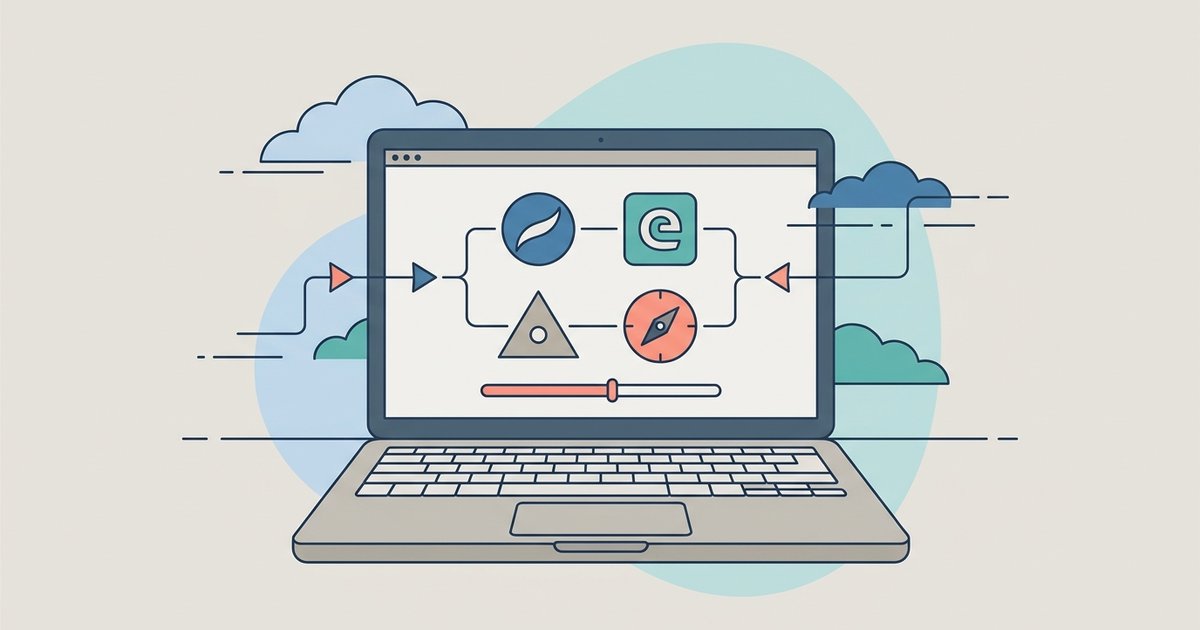
Yes, you can safely install multiple browsers on the same device. They operate independently and will not interfere with each other.
Why multiple browsers installed won't conflict
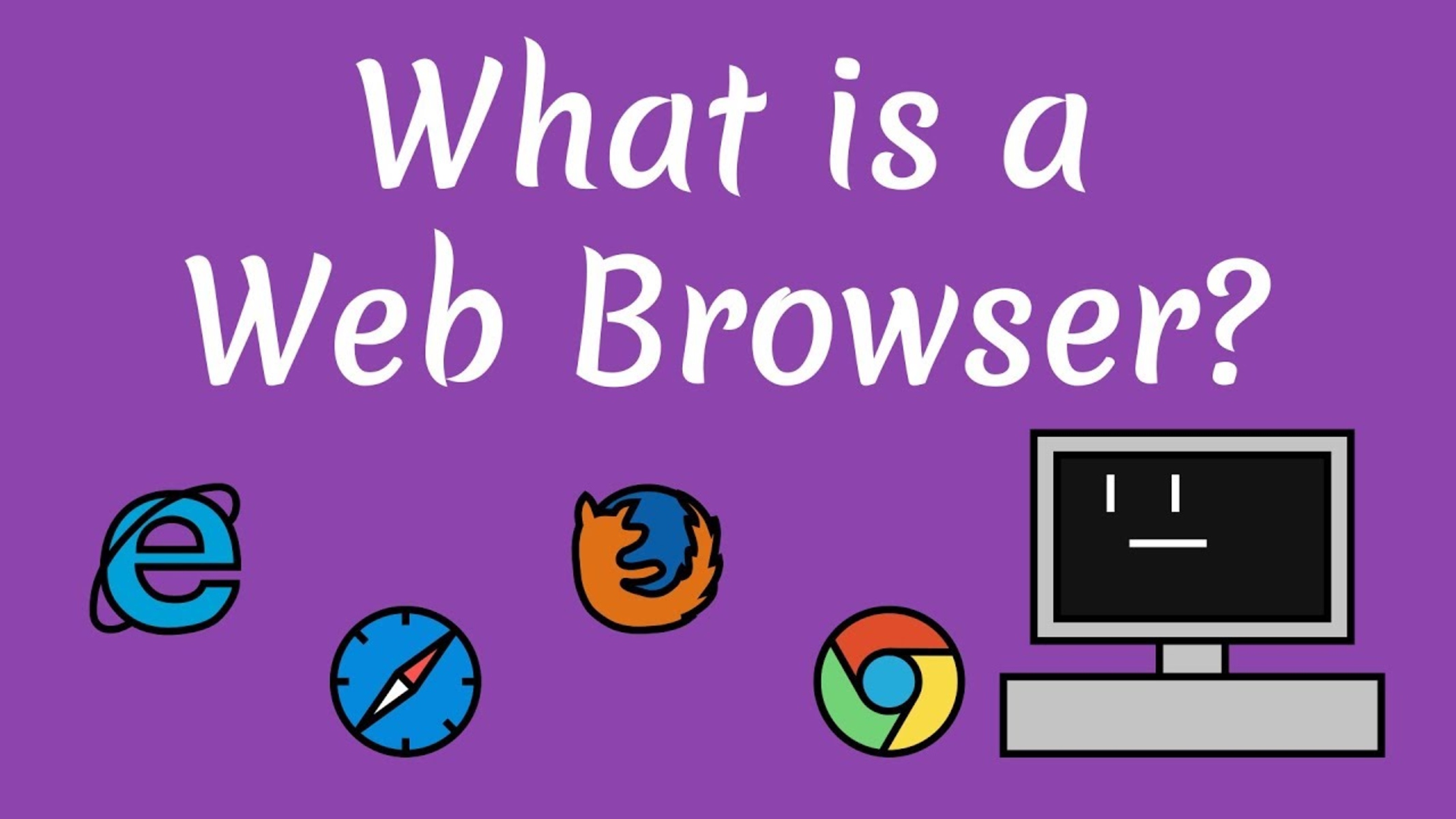
Every browser installs into its own separate folder on your hard drive. For example, Chrome, Edge, and Firefox each install into their own separate folders on your hard drive. These folders never overlap or share critical system files. When you launch a browser, it runs as its own independent process in memory, using its own copy of system libraries. This means that even if one browser crashes completely, the others continue running without any issue. The operating system treats each browser as a distinct program, so there is no risk of one overwriting another’s settings or corrupting its data. Think of it like having multiple calculators on your phone: each works on its own and never messes up the others.
What actually happens when you install another browser
When you install a second browser, the only immediate change you will notice is a prompt: the new browser will ask if you want to set it as your default browser. This is a standard request that appears in Windows, macOS, and Android. You can simply click "No" or "Not now," and your original browser will remain the default for opening links from emails, documents, and other apps. Your bookmarks, passwords, and history in the first browser stay untouched. The new browser will start with a fresh, empty profile, so you can begin using it immediately without affecting your existing setup. If you later change your mind, you can adjust the default browser setting in your system’s settings menu.
The one thing people get wrong
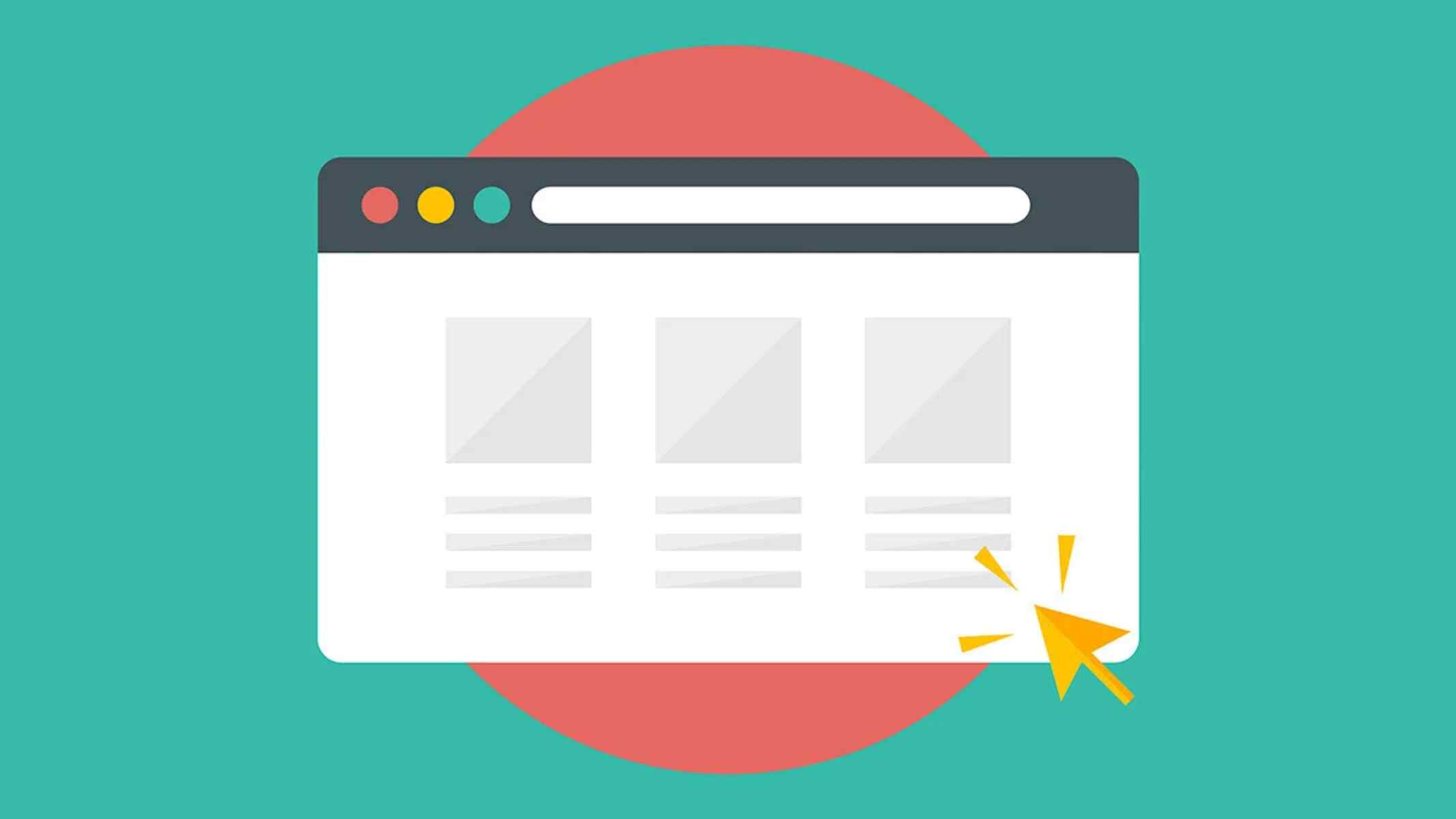
Many beginners worry that having more than one browser installed will slow down their computer. This is a myth. The real culprit behind a sluggish machine is having too many tabs open inside a single browser. Each tab consumes memory and processor resources, regardless of which browser you use. For instance, leaving 30 tabs open in Chrome will strain your RAM far more than simply having Chrome and Firefox both installed but closed. When a browser is not running, it uses zero active resources, only a small amount of disk space for its program files. If you notice your computer slowing down, check how many tabs you have open in a browser. To confirm which program is using the most memory, open your operating system's Task Manager (Ctrl+Shift+Esc on Windows) and sort by "Memory." You will likely see that one browser with many open tabs is the main hog, not the fact that you have multiple browsers installed. Similarly, if you ever wonder where your default browser is located, you can find it in the Start menu or Applications folder, that’s where my web browser lives. When you open a link, it appears in a browser window, which is simply the rectangular area where the webpage displays. And to be precise, a web browser is the software application itself, whether it’s Chrome, Edge, Safari, or Firefox. So go ahead and install a second or third browser; your computer will handle them just fine, and your original browser will remain exactly as you left it.
\nRelated reading: How To Change Which Browser Opens Links.