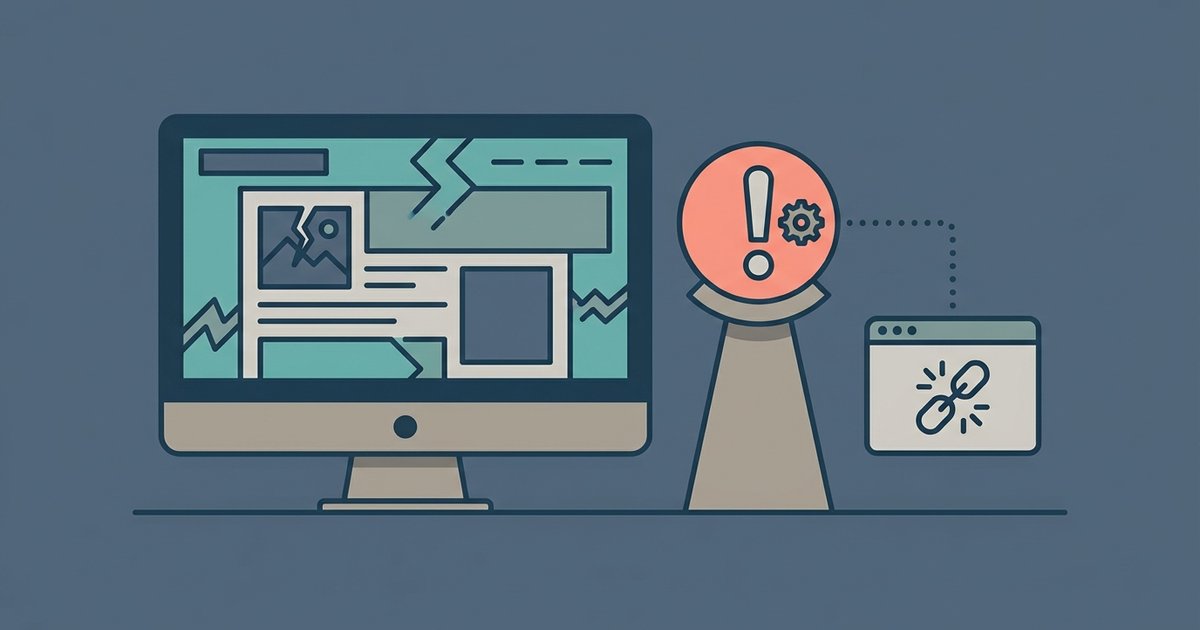
The website is using newer web technology that your older browser doesn't understand, so it either can't display the page correctly or it blocks you to prevent security problems. Updating your browser or switching to a modern one usually fixes this immediately.
Why your browser looks broken: the web has moved on
Every website you visit runs on a collection of code written in languages like HTML, CSS, and JavaScript, and developers constantly adopt new versions to add smoother animations, interactive forms, or responsive layouts. A site might use a CSS grid layout that arranges content into neat columns, but that feature only exists in browsers released after early 2017. If your browser is from 2015, it simply doesn’t know what a CSS grid is. When it encounters that code, it either ignores it or tries to guess, resulting in jumbled text, missing images, or blank spaces where a button should be. The same goes for JavaScript features like modern promises or arrow functions, your old browser sees them as gibberish and refuses to run them. This is why the page looks broken: the web has moved on, but a browser that hasn’t been updated in months is stuck in the past.
The security guard at the door
Some websites don’t just show a broken layout, they actively block you with a message saying “Please update your browser.” This isn’t because your browser is “broken” in a cosmetic sense. It’s a deliberate security measure. Older browsers contain known vulnerabilities that hackers can exploit, such as flaws in how they handle encrypted connections or scripts. The site’s server checks your browser’s version when you connect, and if it sees an outdated one, it refuses to load the page entirely. For example, if your browser lacks support for TLS 1.2 or 1.3 encryption, the connection itself can be intercepted. By blocking you, the website protects your data, like passwords or payment info, from being stolen. Search for Google Chrome to get the latest version directly from its publisher, then install it and return to the site immediately. The site isn’t being rude; it’s acting as a security guard that won’t let an unsafe car into the parking lot.
When updating isn’t the fix
Open your browser’s settings or menu, find your extensions or add-ons page, and temporarily disable them one by one, because an ad blocker or a privacy extension can accidentally block critical parts of a site’s code. Clear a corrupted cache by finding the option to clear browsing data in your settings, selecting cached images and files, and reloading the page. If neither works, test whether the website itself is down by visiting a different site; if it loads fine, the problem is with that specific page. Remember that a web browser is just one tool; if your operating system is very old, even a new browser may not work fully. Search your start menu or applications folder for your web browser to locate its icon and run it fresh, because a clean restart often resolves hidden process conflicts that a simple page refresh cannot touch.
The website is using newer web technology that your older browser doesn’t understand, so it either can’t display the page correctly or it blocks you to prevent security problems. When you keep your browser open for days and click “remind me later” on update prompts, you are essentially running an outdated piece of software that can’t keep up with how the web is built today. Refreshing the page won’t help because your browser still lacks the features the site expects.
\nRelated reading: What Is A Browser Window, What Is Respondus Lockdown Browser, and How To Download Internet Browser On Roku TV.