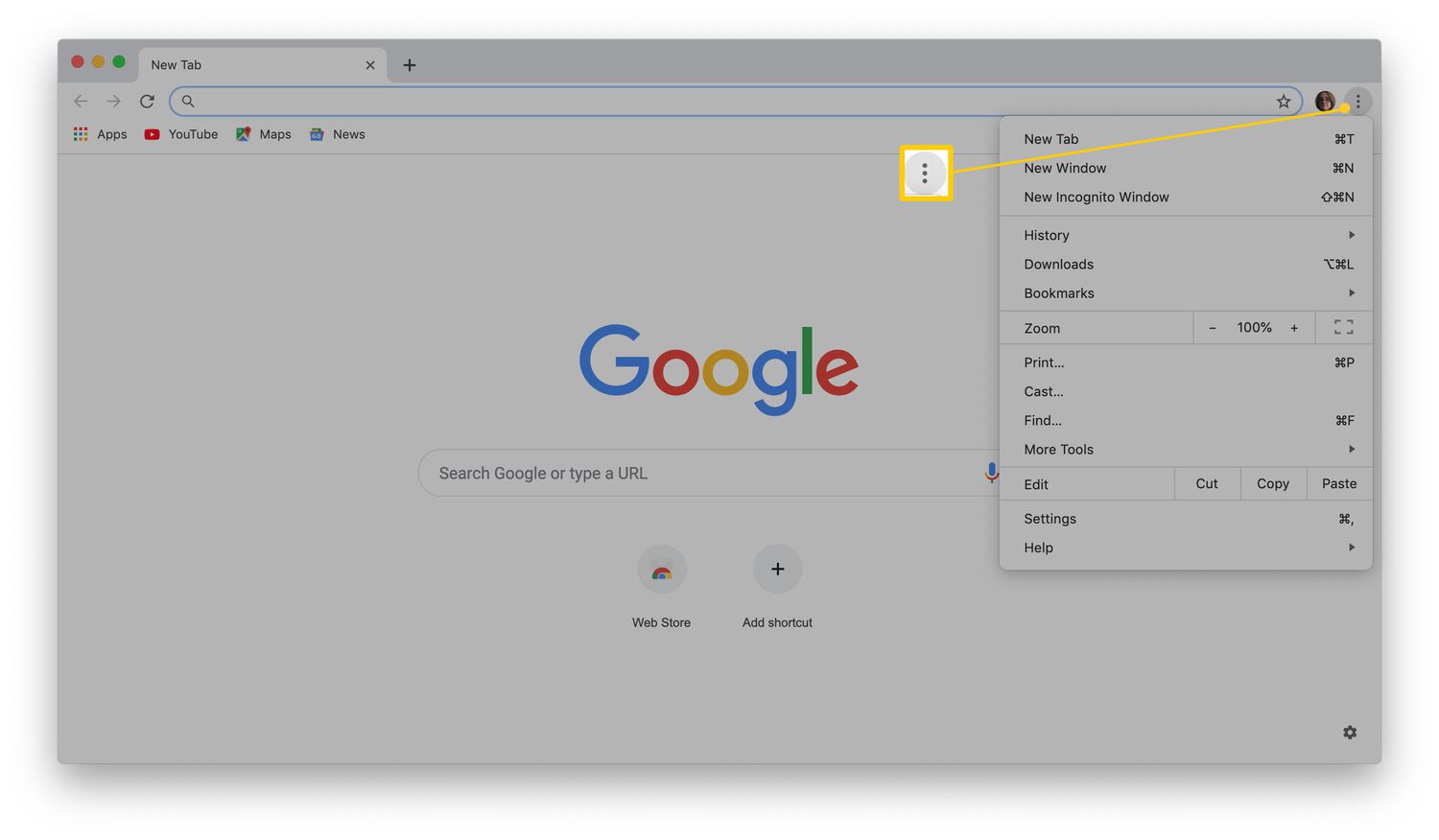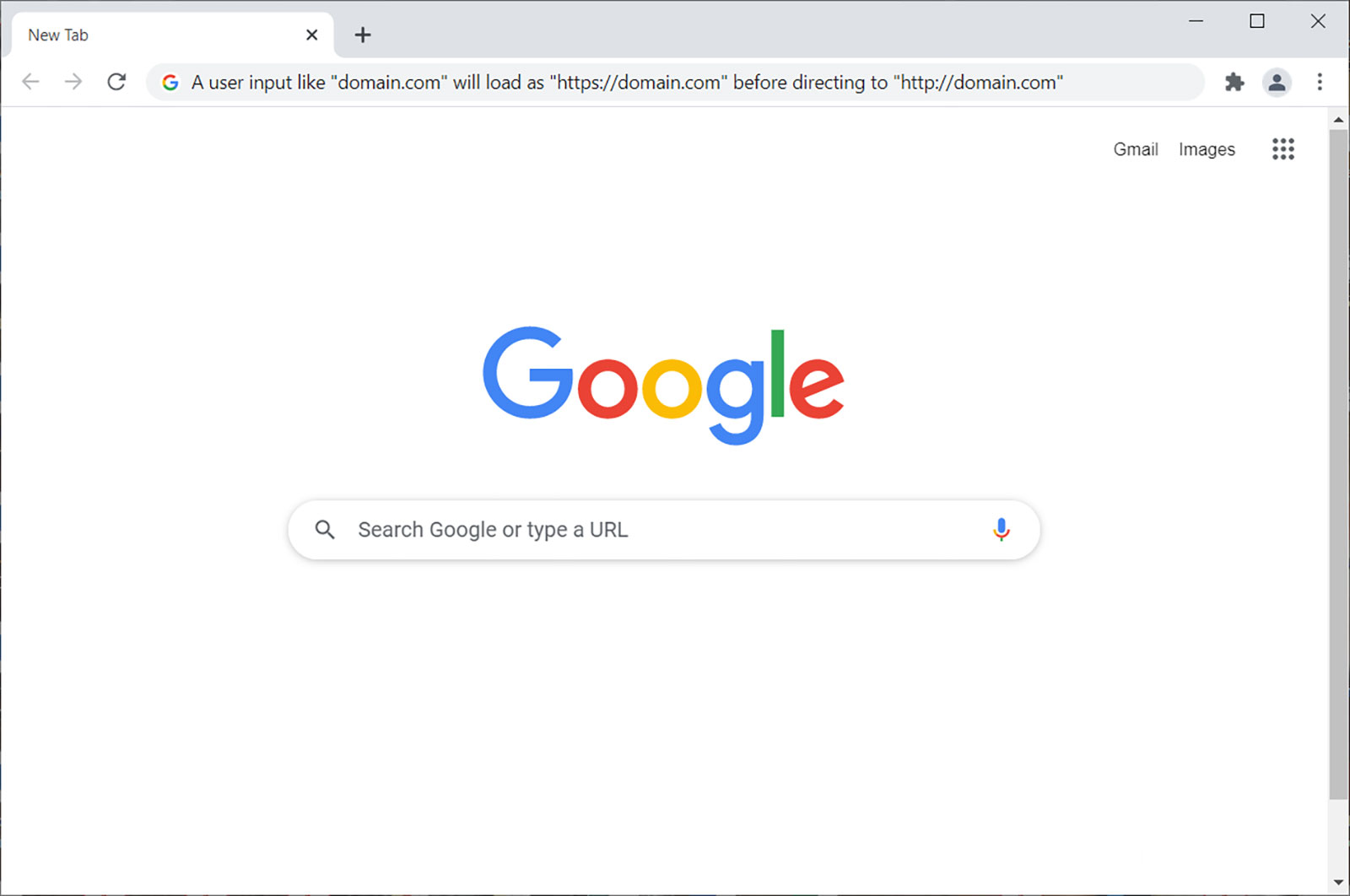
The difference between Google and Chrome is simple: Google is a company and its search engine, while Chrome is a browser. Google is the vast ecosystem of services you use (Search, Gmail, Maps), and Chrome is the specific tool you open to access those services on the web.
What is the difference between Google and Chrome? The simple answer
Think of it this way: Google is the library, and Chrome is the door you walk through to get inside. Google is the technology corporation that built the search engine, email service, maps, and video platform you use daily. Chrome is a cross-platform web browser, available for operating systems including Microsoft Windows, macOS, Linux, Android, and iOS/iPadOS. The confusion happens because when you open Chrome, you often start by typing into the Google search bar. But Chrome is just the vehicle; Google is the destination and the engine that powers the results. If you ever need to access it directly, knowing the URL for Google Chrome can save you a step.
Google is a company, a search engine, and an ecosystem
Google, the company, offers a vast ecosystem of products and services beyond search and Chrome, such as Gmail, Google Maps, Android, YouTube, and Google Drive. When you say "I'll Google it," you're referring to the search engine, the tool that indexes the web and returns results. But Google is far more than that: it's the infrastructure for your email (Gmail), your cloud storage (Drive), your mobile operating system (Android), and your video streaming (YouTube). This ecosystem is designed to be interconnected, so your Gmail can link to your Calendar, your Maps can show your Drive files, and your Photos can back up automatically. Chrome is just one small, albeit important, piece of this massive puzzle.
Chrome is a web browser (and the heart of ChromeOS)
Chrome is a web browser, a software application used to access information on the World Wide Web. When you open Chrome, you can visit any website, from Google to Wikipedia to any blog. It's available on virtually every device you own: your Windows laptop, your Mac, your Linux machine, your Android phone, and your iPhone or iPad. But Chrome's role expands even further on Chromebooks. ChromeOS is an operating system developed by Google that uses the Google Chrome web browser as its principal user interface and is found on Chromebooks. In that context, Chrome isn't just a browser; it's the entire operating system. Everything you do on a Chromebook happens inside the browser window, making Chrome the heart of the device.
How Google and Chrome work together
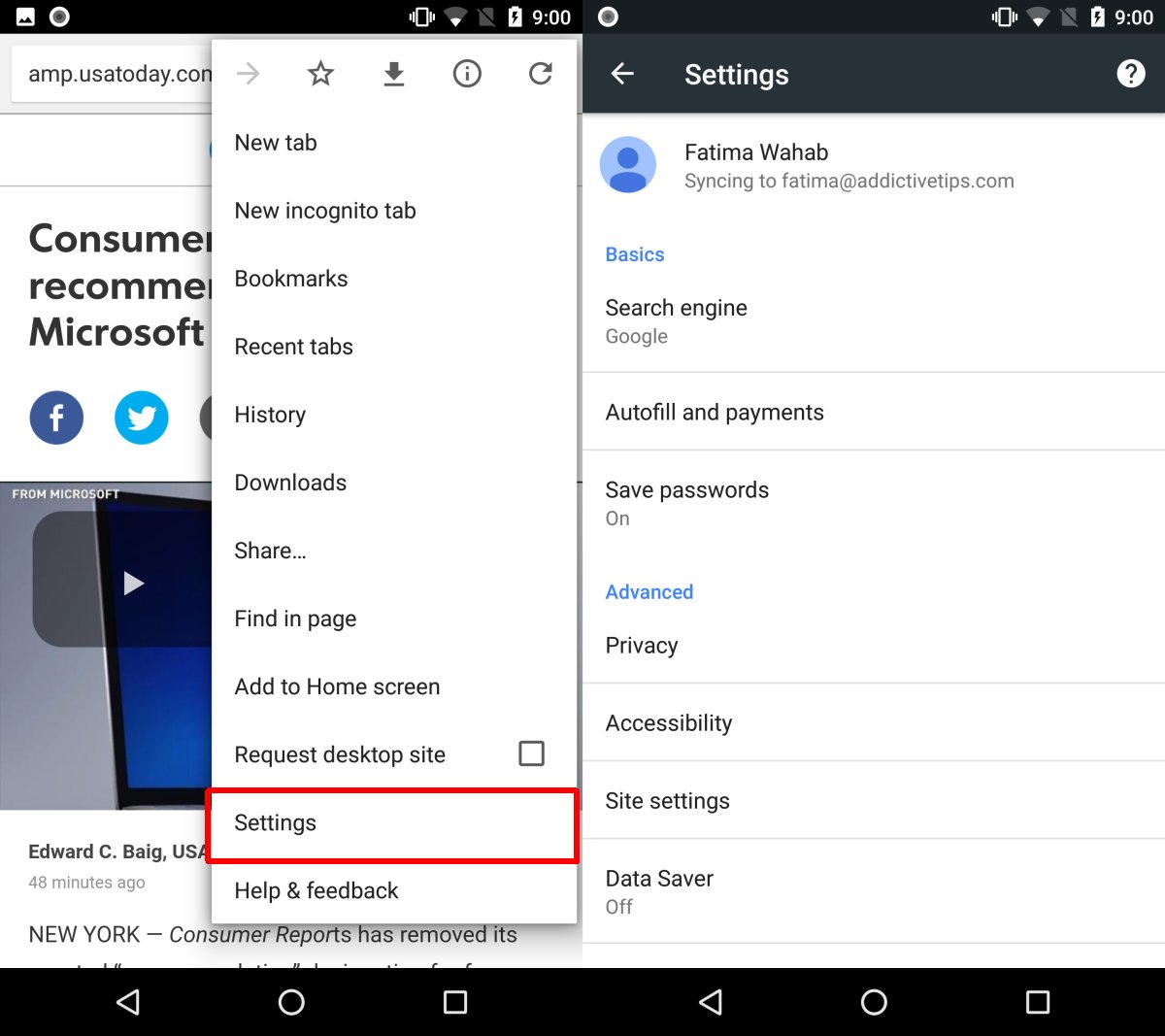
While they are distinct, Google and Chrome are designed to work in perfect harmony. When you sign into Chrome with your Google account, you get a seamless, personalized experience: your bookmarks, history, passwords, and even open tabs sync across all your devices. This synergy means Chrome becomes your gateway to the entire Google ecosystem. You can open a new tab and see your most-visited sites, access your Gmail with one click, or jump straight into a Google Meet call from your browser. This integration is intentional, Google wants you to live inside its ecosystem, and Chrome is the front door.
Key features that set Chrome apart as a browser
Chrome isn't just any browser; it has specific features that make it a powerful tool. Its V8 JavaScript engine is renowned for speed, allowing complex web apps like Google Docs or Figma to run smoothly. Security is another pillar: Chrome uses sandboxing, which isolates each tab and plugin within a confined environment, so if one tab crashes or encounters malware, the rest of your browsing session remains protected. Chrome automatically updates approximately every four weeks to provide new features, security patches, and performance improvements, which means you rarely have to think about maintenance. Cross-device sync is a game-changer for productivity, letting you start a search on your phone and finish it on your laptop. Finally, the extension ecosystem is massive, with thousands of add-ons that can block ads, manage passwords, or enhance your workflow, allowing you to tailor the browser to your exact needs.
A practical example of the difference
To see the difference in action, try this: open Safari or Microsoft Edge on your computer and navigate to Google.com. You've just used a browser (not Chrome) to access the Google search engine. Now, open the Chrome app on your phone or desktop. You're now using a browser (Chrome) to access the same Google services. Both actions involve Google, but only one involves Chrome. The first action shows you that Google is a website you can visit from any browser. The second shows you that Chrome is the specific browser you choose to use. This distinction is why you might say "I'm using Google" when you're actually using Chrome to search, you're conflating the tool with the service it accesses.
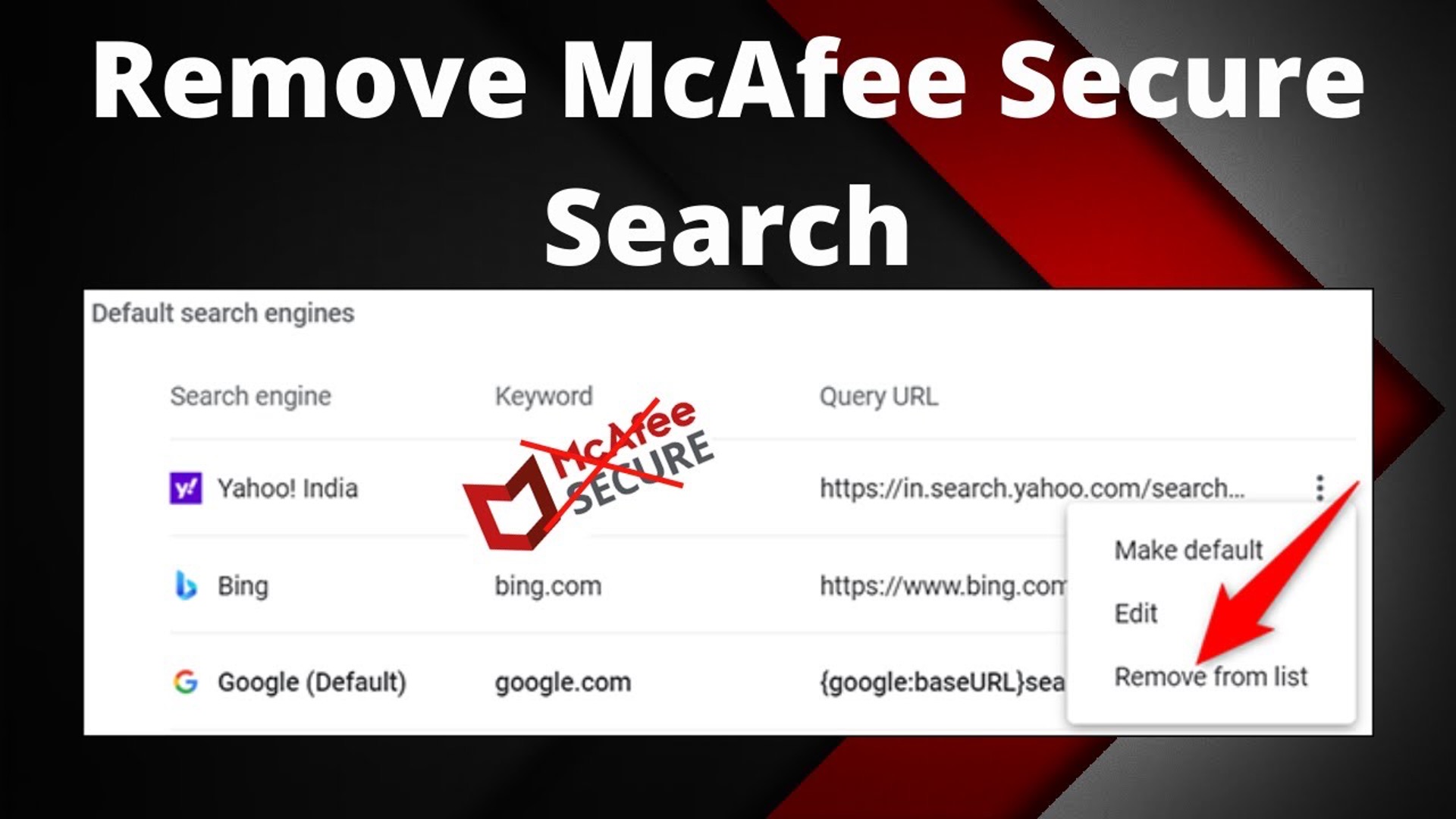
\nRelated reading: How To Make Google The Default Search Engine In Chrome and Why Does Yahoo Keep Opening In Chrome With McAfee?.