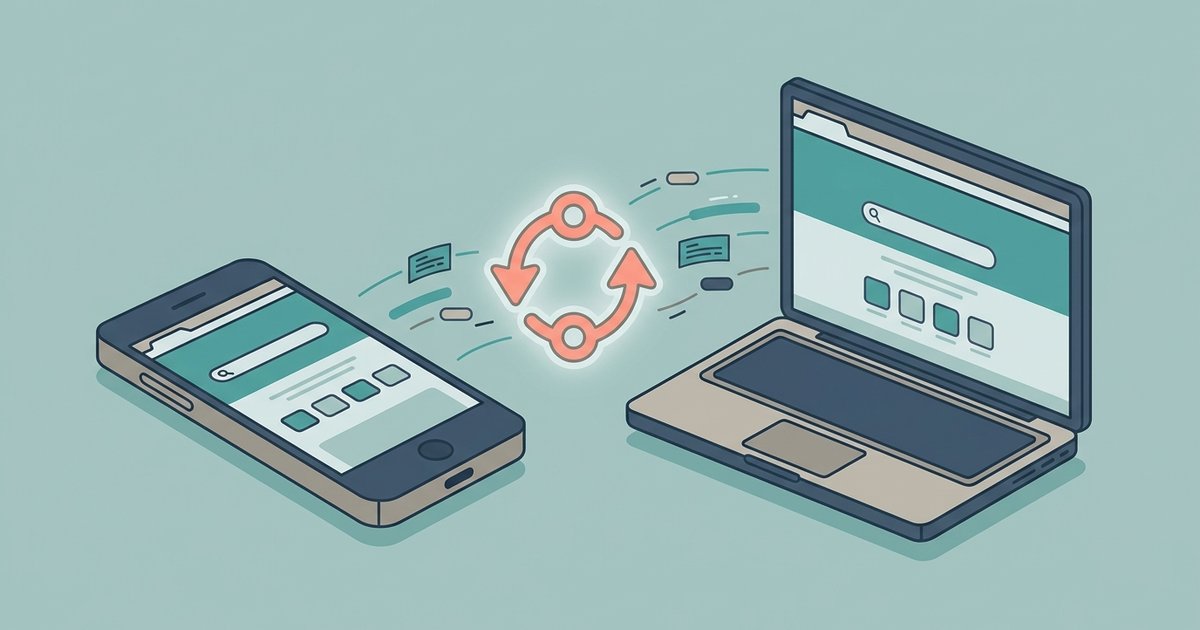
Chrome syncs homepage settings across devices as part of 'Settings and preferences' when sync is enabled, though mobile versions of Chrome may not support a custom homepage URL. The setting only syncs between desktop computers using the same profile.
What syncs with your Chrome homepage
Chrome’s sync engine reliably transfers bookmarks, passwords, open tabs, history, and extensions across devices signed into the same Google account. However, the “Homepage” and “On Startup” URL settings are included in cross-platform sync as part of 'Settings and preferences,' though mobile versions may not support a custom homepage URL. When you choose to make msn my homepage in Google Chrome on one desktop, that action writes a local preference into Chrome’s settings file. The sync server treats it as a synced configuration across devices, though mobile versions may not support it. On a second desktop, Chrome may import the homepage URL if the sync profile is identical.
Setting it up manually on another desktop
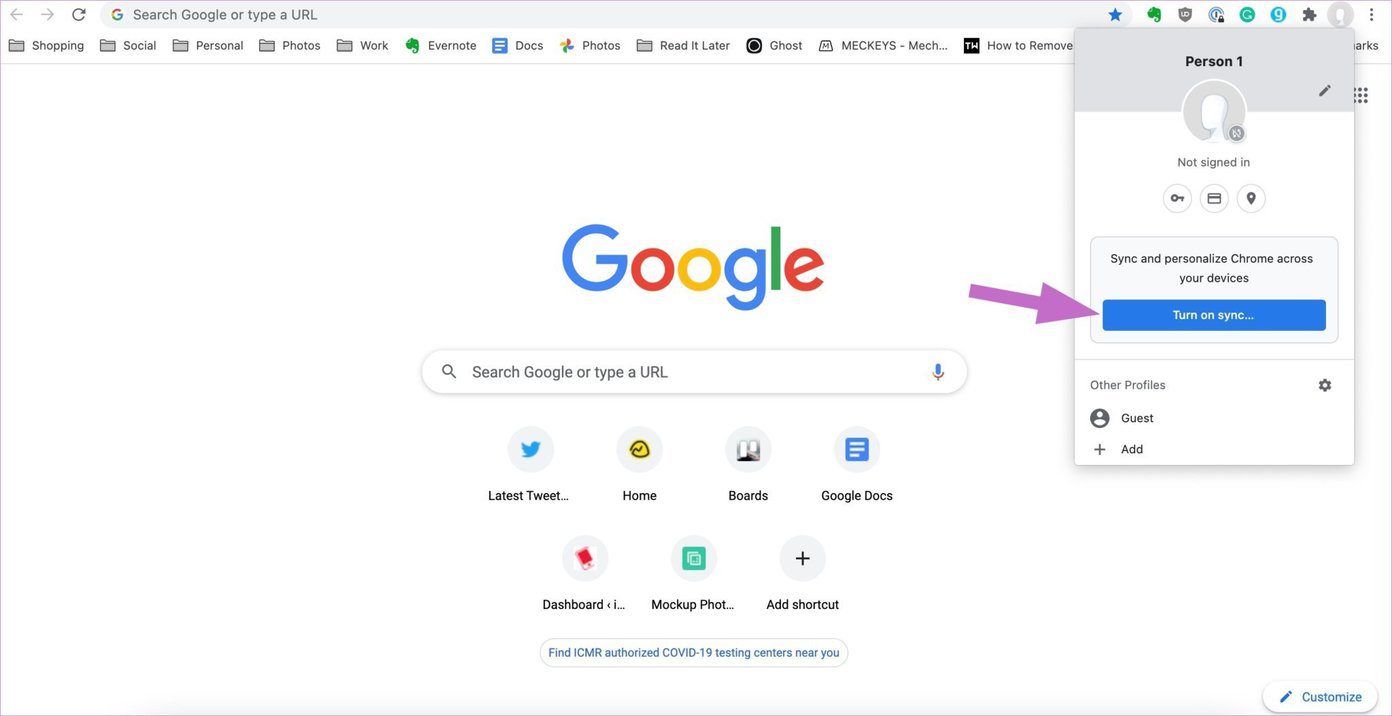
Between two desktop computers, the homepage sync should work when sync is enabled and 'Settings and preferences' is turned on. After signing into the same Google account on a second laptop, go to Chrome’s Settings > Appearance > Show Home Button and ensure the toggle is on. Then click “Enter custom web address” and paste the MSN URL. If the homepage still shows a blank page or a default search page, go to Chrome's Settings > You and Google > Sync and Google services and toggle sync off. Restart the browser, then re-enable sync. This forces Chrome to re-evaluate the local preference. You can also use the related process to add webpages to Google Chrome homepage by manually entering each URL, which works even when sync fails. If a third-party program keeps overriding your preference, you may need to stop a program from changing my Chrome homepage without permission. The site then appears on the New Tab page without needing a homepage setting.
Why your phone ignores the desktop homepage
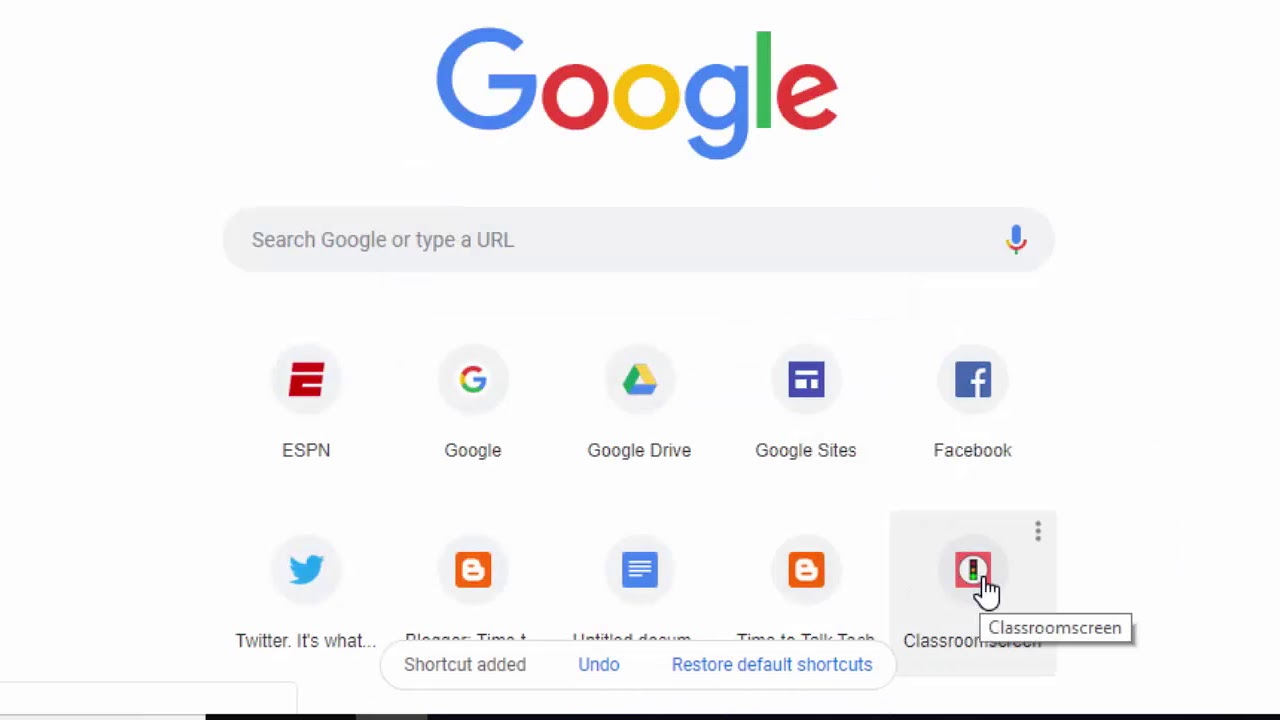
Chrome for Android and Chrome for iOS do not support a custom homepage URL at all. The mobile versions replaced the classic homepage concept with a “New Tab” page that shows the Google search bar and a feed of articles or shortcuts. There is no setting to enter a specific URL like “https://www.msn.com” as a homepage. Even if Chrome’s sync engine attempted to transfer the MSN homepage preference to your phone, the mobile browser would ignore it because the feature simply doesn’t exist. To access MSN on your phone, you must either bookmark the site, pin it to the home screen as a web app, or set it as your default search provider. This last option only affects search queries, not the homepage. The only workaround is to use a third-party browser that supports custom homepages, but Chrome itself offers no such option on mobile.
If you set MSN as your homepage on a Windows PC and expected it to appear on your iPhone or work laptop, the sync feature simply does not carry that preference across platforms.