Practical, step-by-step guides for adjusting the configuration of everyday consumer devices, laptops, tablets, streaming players, smartwatches, and software like QuickBooks. It is written for non-technical users who just want a clear answer to a specific question, whether that means turning on Bluetooth, changing the display language, or stopping a device from talking out loud. The focus is on getting a device to behave the way you want, without jargon or unnecessary background.
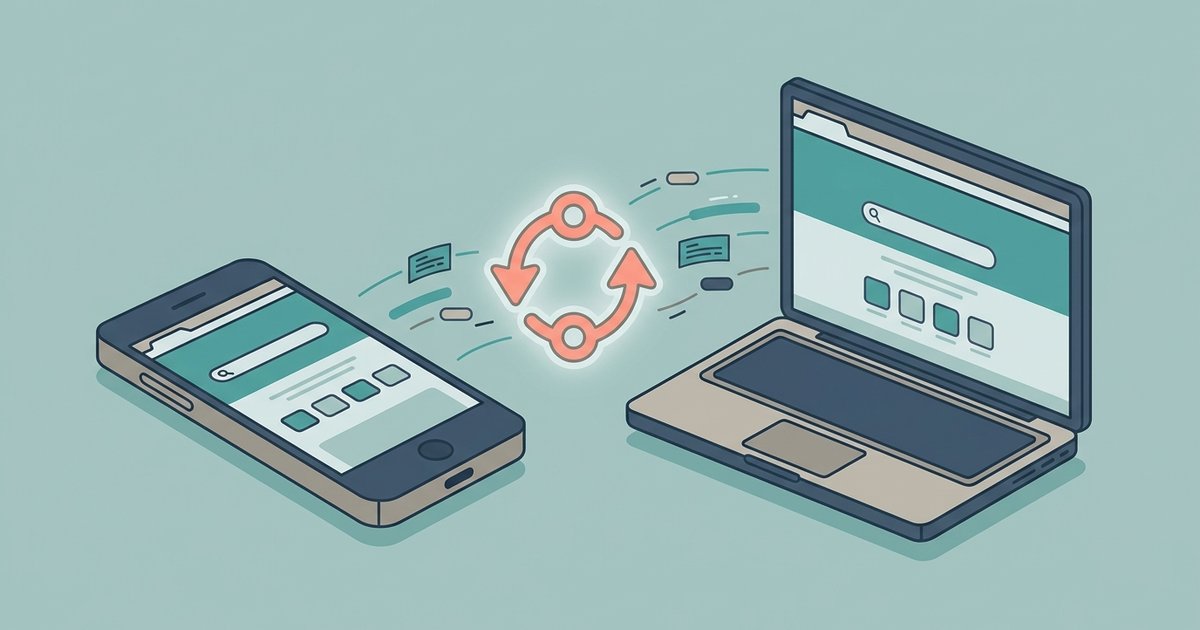
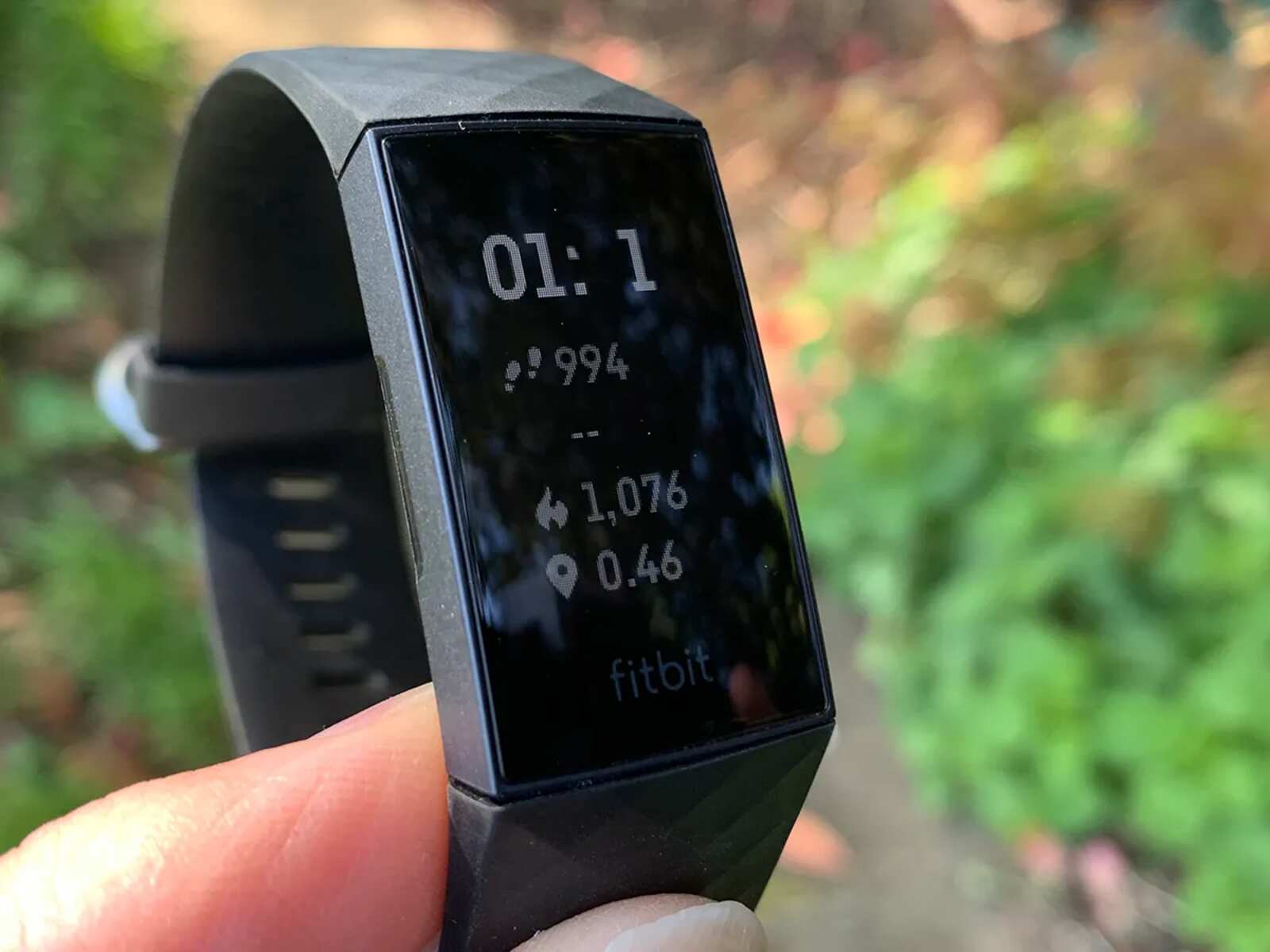
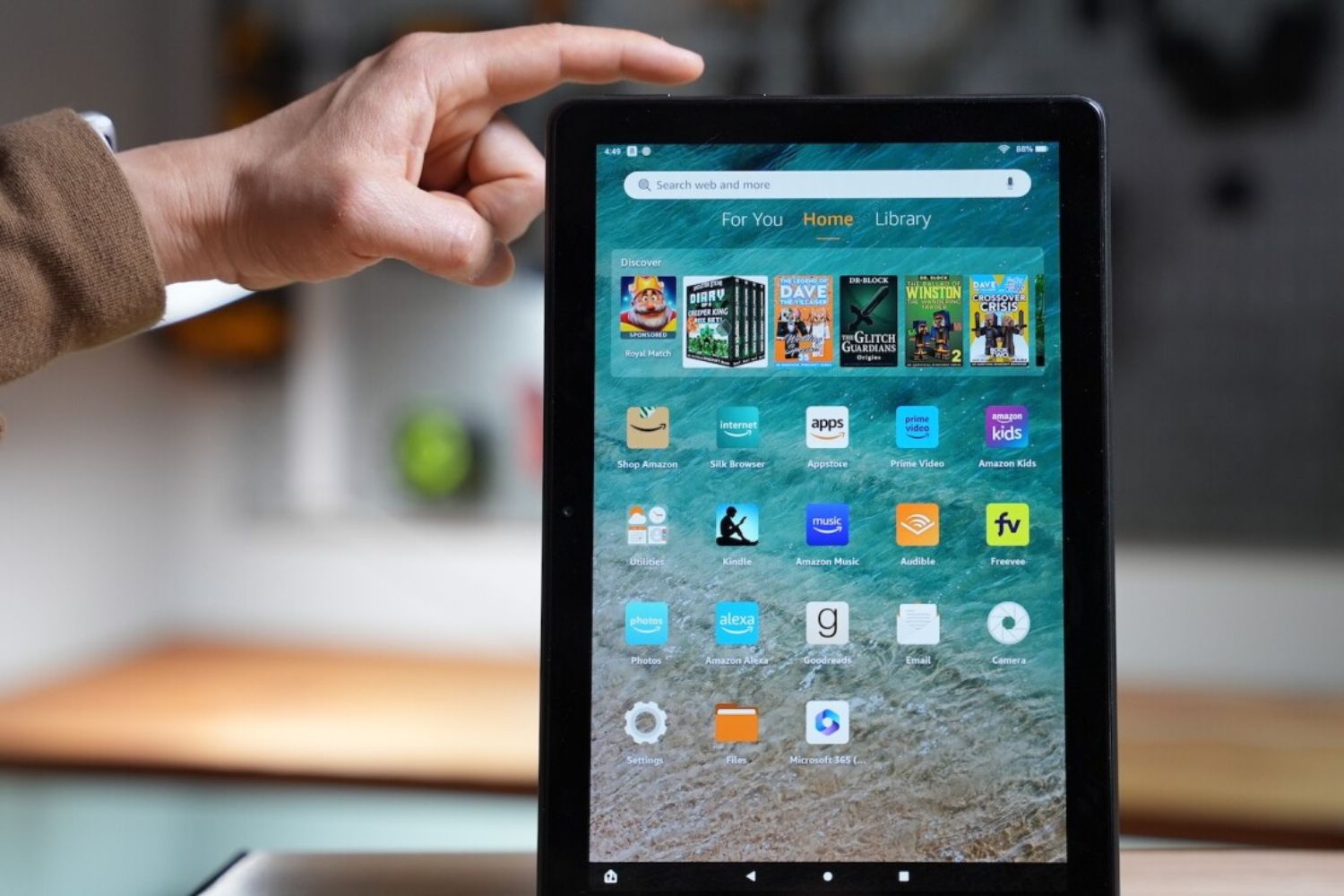
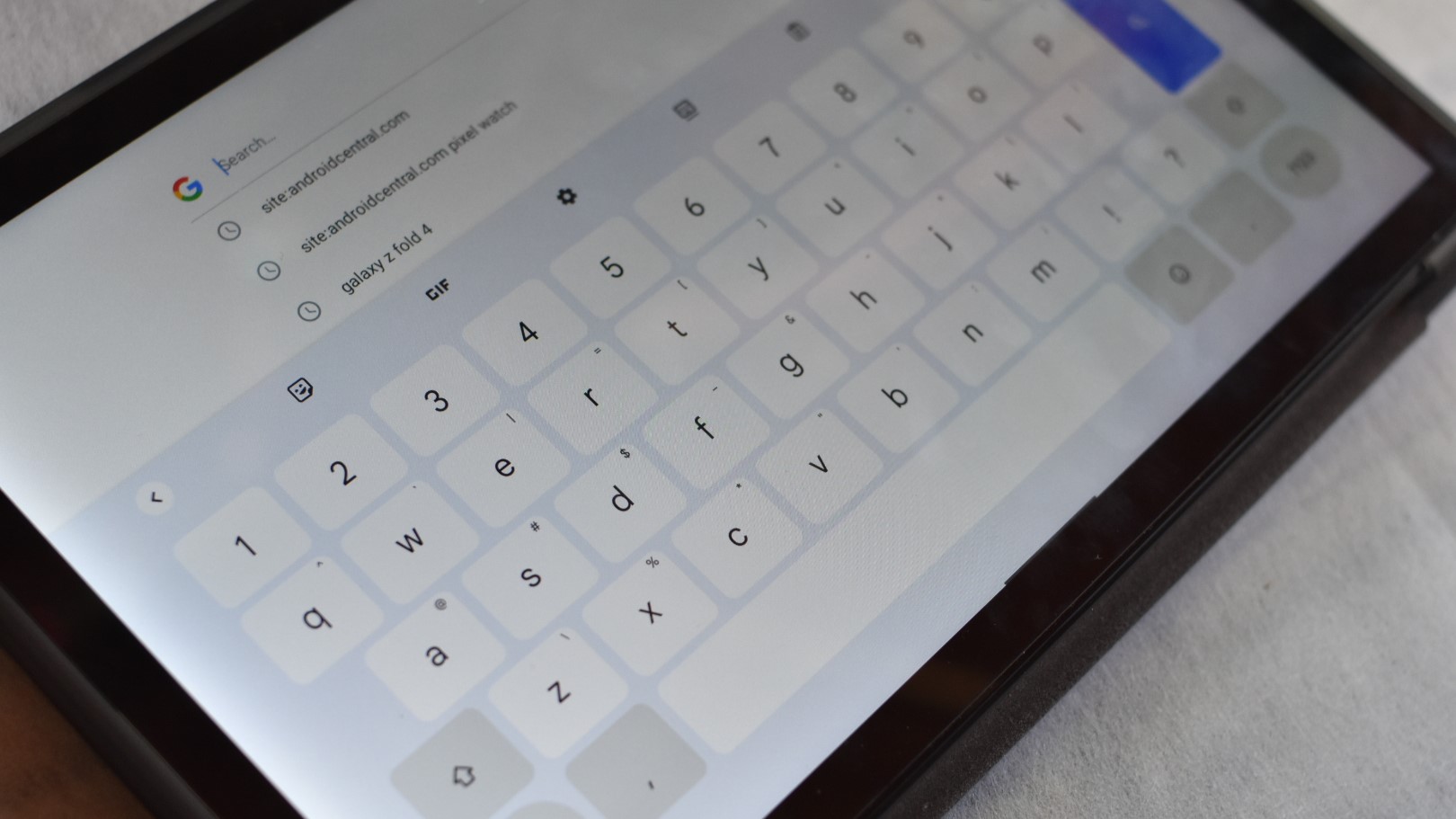
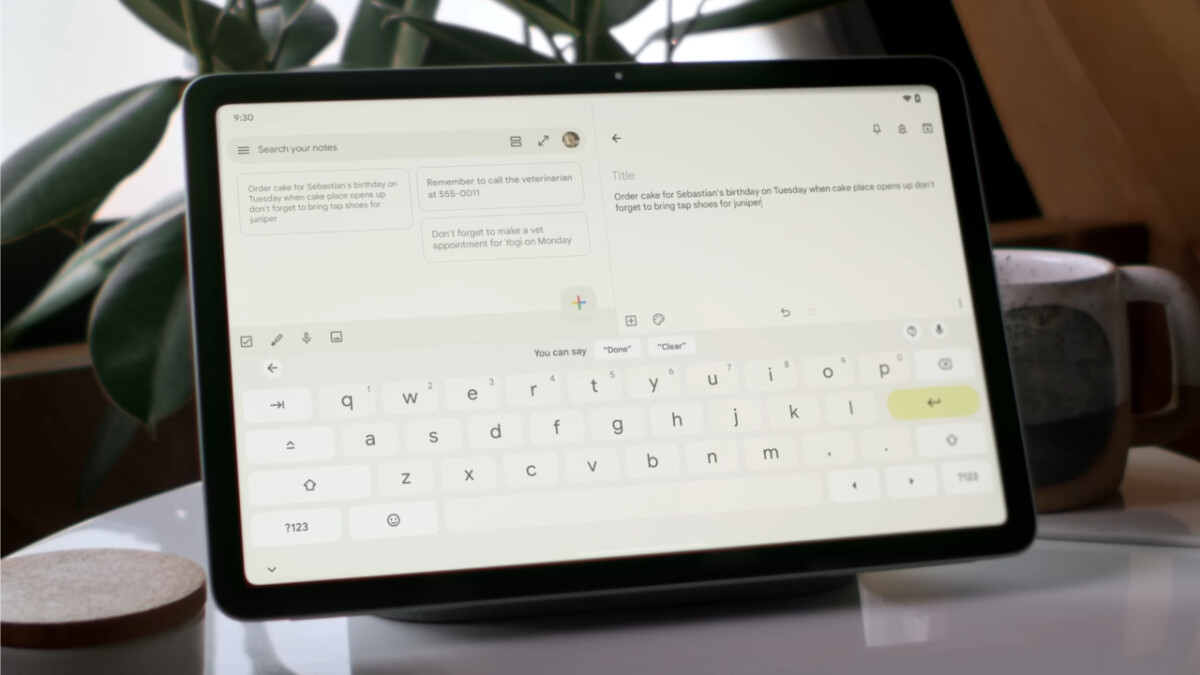
The articles here fall into a few obvious themes. One is personalization and accessibility: changing a Roku background, switching a Fire tablet’s language back to English, or syncing Chrome’s homepage settings across devices are all about making the interface match your preferences. Another theme is connectivity and network behavior, keeping a personal hotspot always on, preventing an iPhone hotspot from dropping, and finding your phone number on a tablet all help you stay linked to the right network at the right time. A third group deals with troubleshooting odd or annoying behavior, such as a split tablet keyboard, a dim Fitbit screen, or a Roku that won’t stop narrating. These guides explain the likely cause and walk you through the fix.
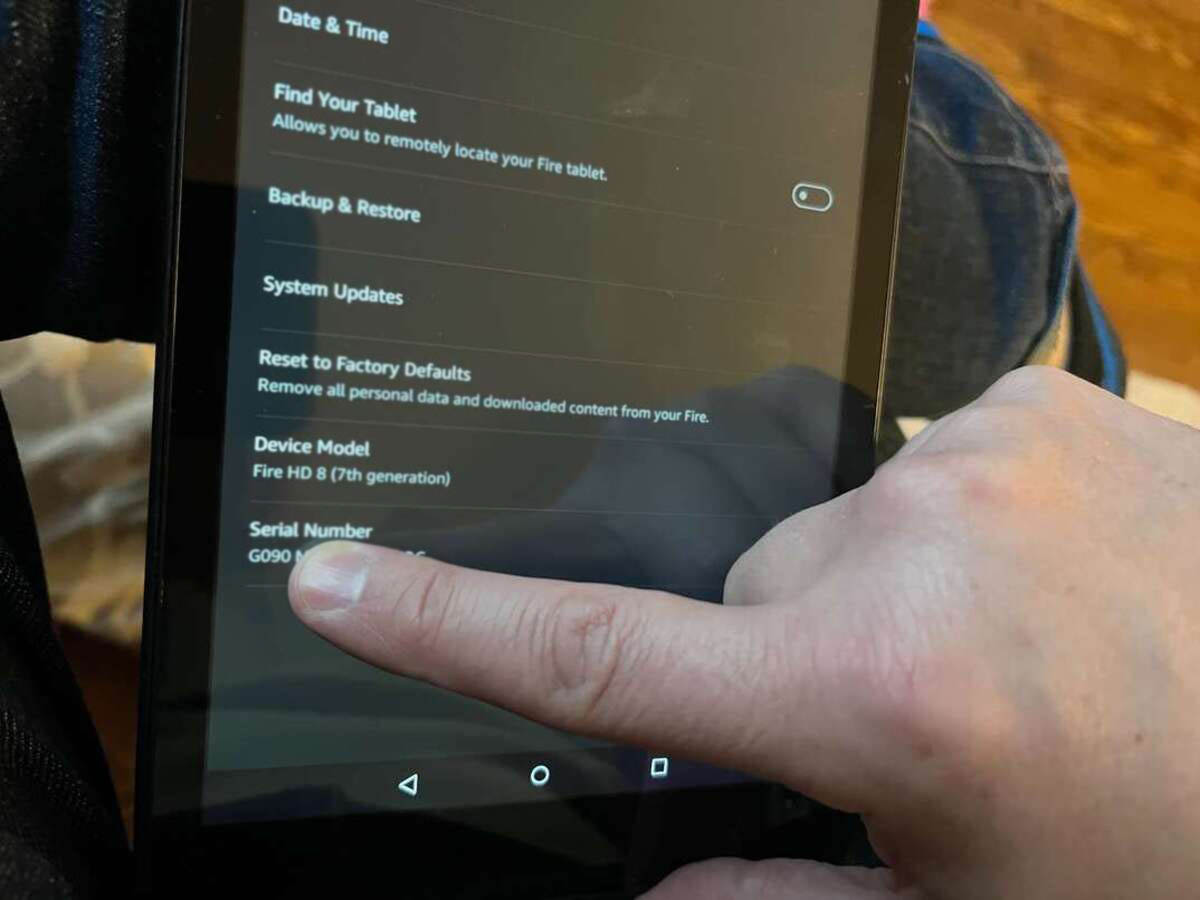
Some entries also cover safer, more responsible angles. For example, the guide to logging out of Among Us on mobile is about protecting your account from unauthorized access, not about bypassing anything. Similarly, finding the serial number on an Amazon Fire tablet is a legitimate way to identify your device for support or warranty claims. The QuickBooks settings article focuses on proper configuration for transactions, not on circumventing the software. In every case, the goal is to help you use your own devices correctly and securely.