This tag collects our straightforward guides to controlling the homepage in the two most widely used browsers, Google Chrome and Firefox. It is written for everyday computer users, not IT specialists, who want their browser to open to a specific page, keep that setting from changing on its own, or carry the same setup across their phone, laptop, and desktop. If you have ever felt frustrated that your browser opens somewhere you did not choose, or that your preferred start page “forgot” itself after a restart, these articles are aimed directly at you.
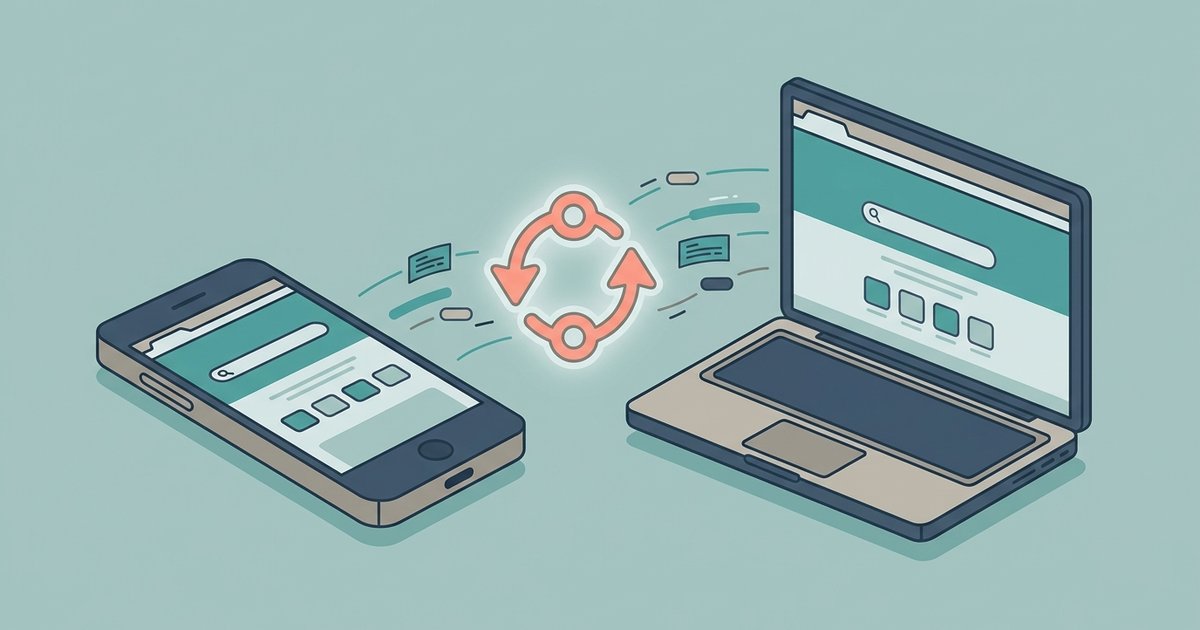
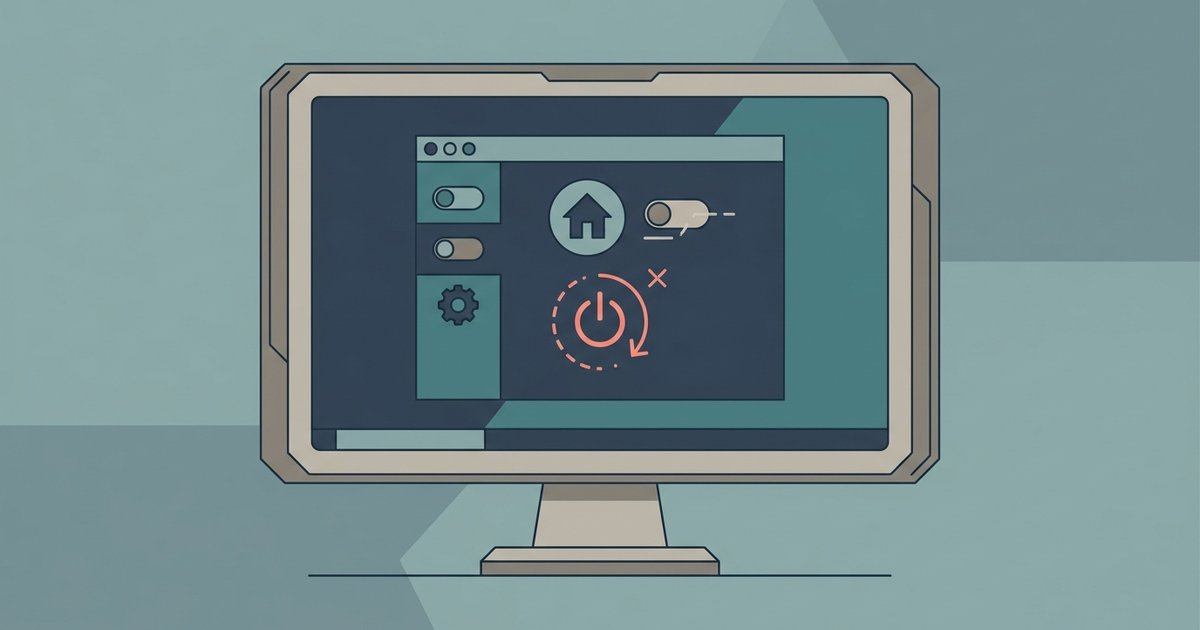
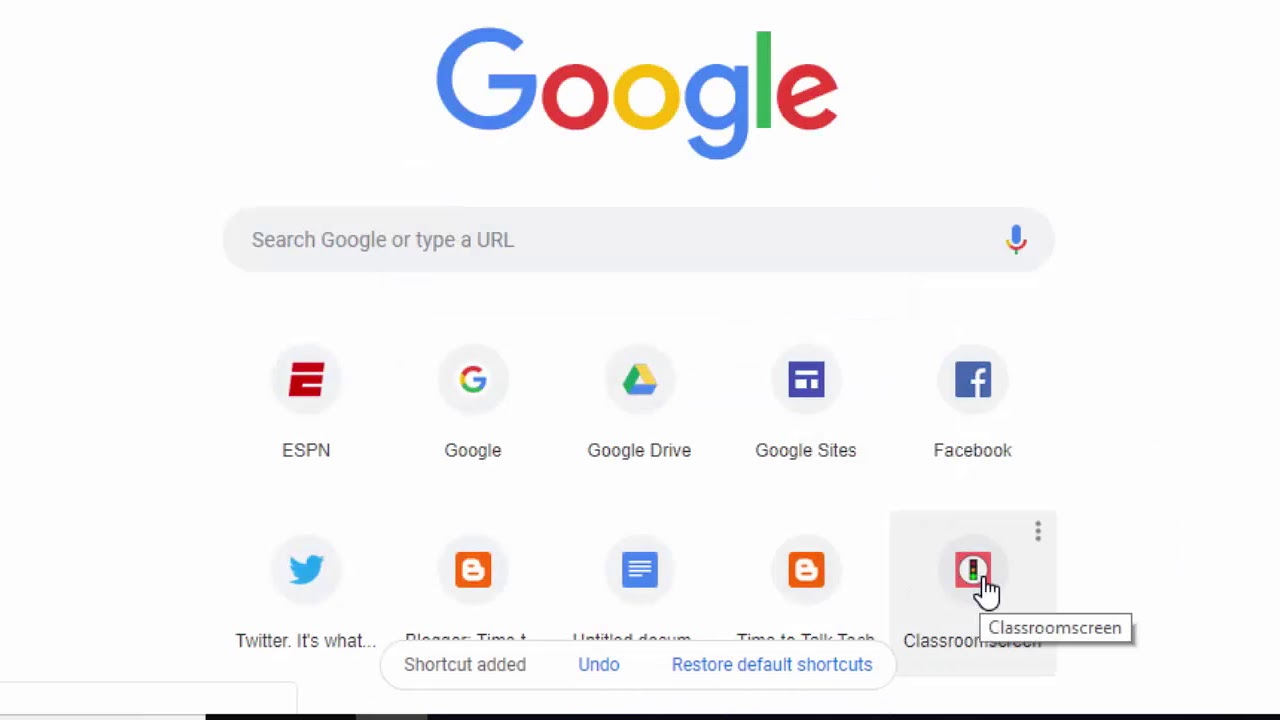
The articles cluster around three practical themes. First, several pieces walk you through the basic act of making MSN your homepage in either Firefox or Chrome, and show how to add extra webpages to Chrome’s home screen. Second, a group of guides focuses on customisation and consistency: you can learn how to rearrange the shortcuts and layout on Chrome’s new-tab page, and how to sync those homepage settings across all your devices so your setup follows you. Third, a set of articles addresses problems and protection, specifically, how to stop a program from hijacking your Chrome homepage without permission, and why your homepage setting might fail to save after a restart. These last two are written from a defensive, troubleshooting angle: they help you understand what causes unwanted changes and how to regain control, not how to circumvent any system or licence.