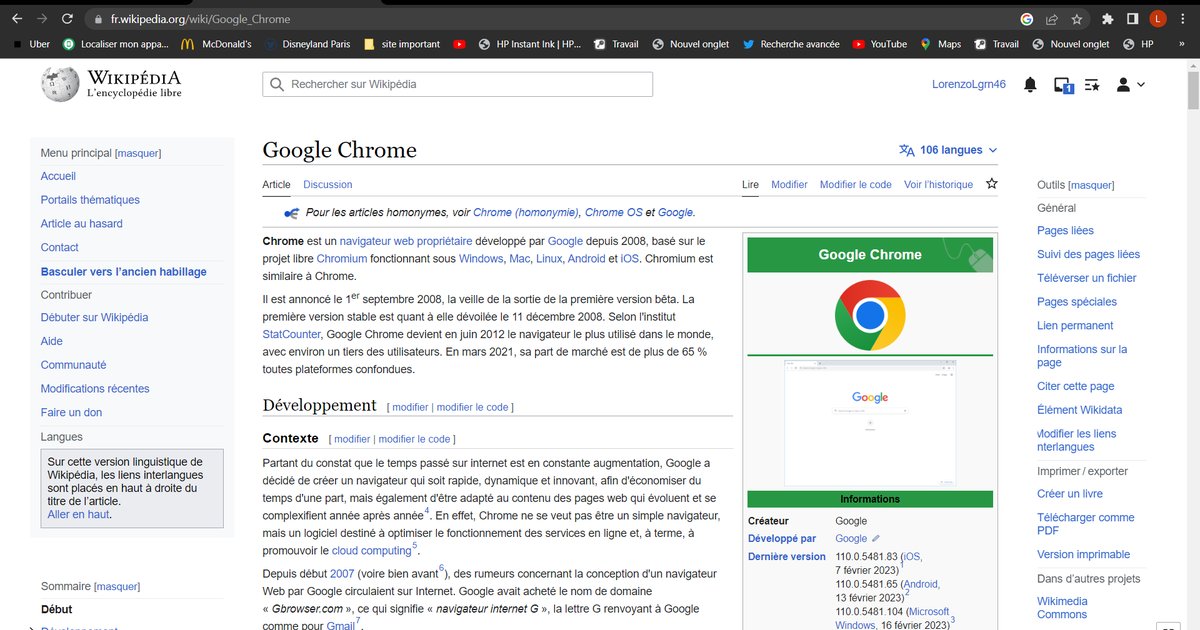
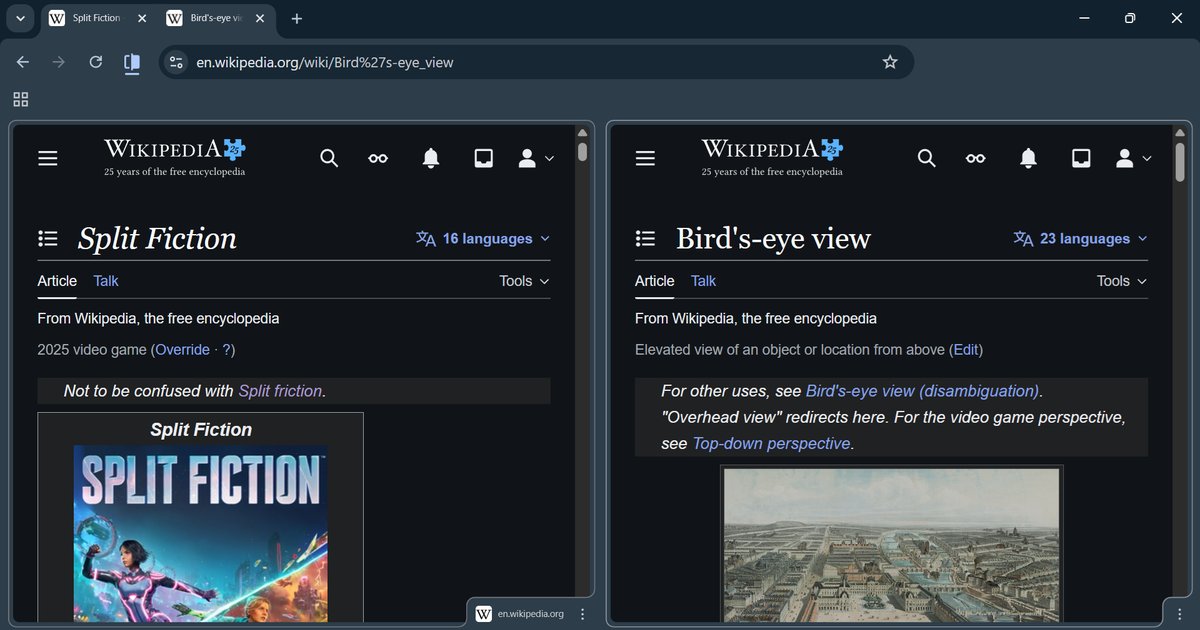


This tag collects the articles on robots.net that deal with the Google Chrome browser, its mobile counterparts, and the broader family of Chromium-based tools like Chromebooks and Edge. It is written for everyday users, not developers or IT pros, who have hit a snag in their daily browsing and want a clear, straightforward fix. The content is for anyone from students to office workers who need to get a specific task done without wading through jargon or risky workarounds.
The articles here cluster around a few practical themes. One major group is configuration and customization: you’ll find help with changing the default search engine, setting your time zone, enabling developer mode, or making tabs open automatically. Another cluster focuses on access and permissions, how to whitelist a site, turn on location permission, or whitelist a page, which is especially useful when a site isn’t behaving. A third theme covers troubleshooting and recovery, such as why Chrome won’t open, how to revert an update, or how to start the browser in safe mode when things go wrong. For mobile and tablet users, there are guides on incognito mode, checking history, and moving favorites from Chrome to Edge.
Several articles also address security and privacy from a responsible angle. For example, the piece on getting Chrome extensions blocked by an admin explains how to understand and work within your organization’s policies, not how to bypass them. Similarly, the guide to disabling CAPTCHA helps with accessibility and annoyance, not with dodging security checks. And the article about Yahoo opening with McAfee walks you through cleaning up an unwanted browser hijack, while the one on playing Roblox in your browser is simply about enabling the right settings to use a legitimate web app. Throughout, the focus is on safe, legal, and practical solutions.