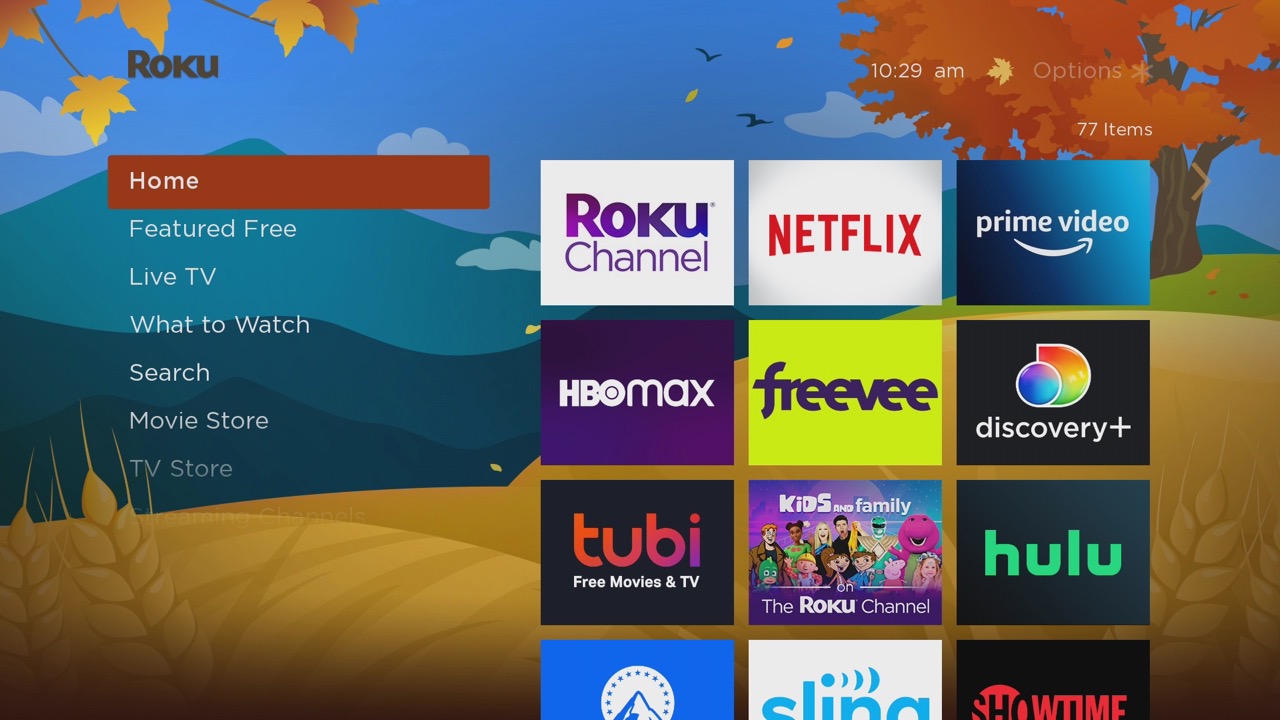
To change Roku background, press the Home button on your remote, then go to Settings and select Theme. From there, you can browse Theme Packs and pick one that changes your entire home screen look, including the wallpaper, screensaver, and navigation sounds.
How to change Roku background from the home screen
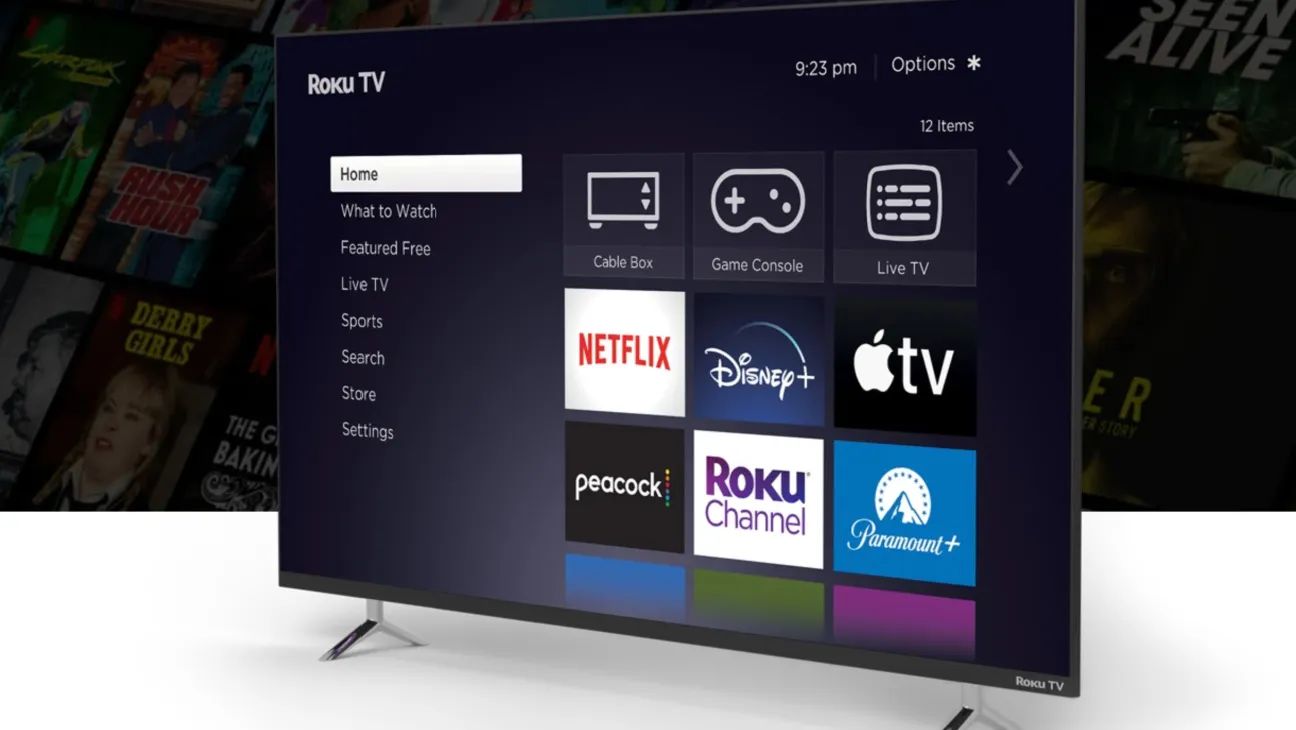
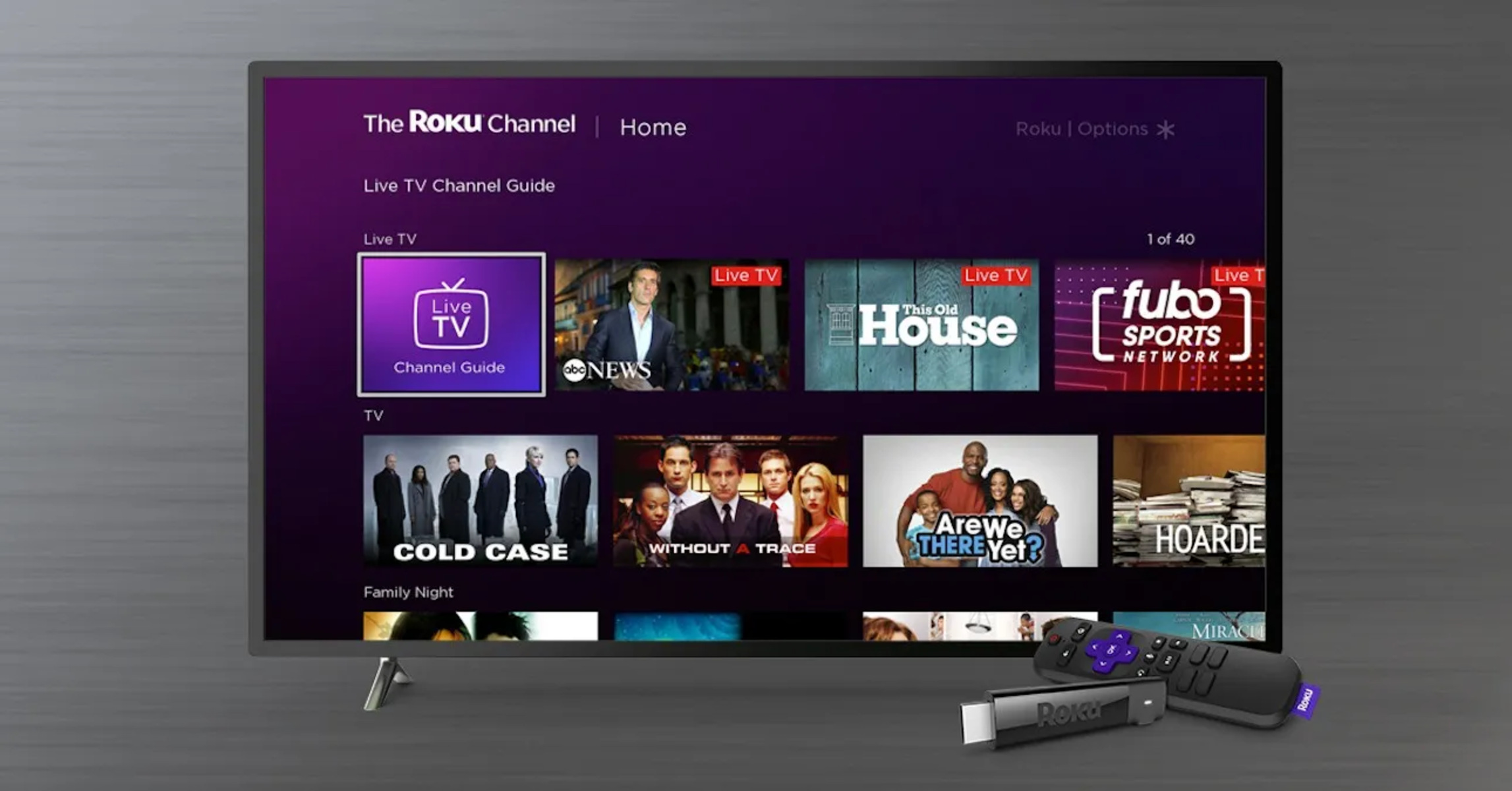
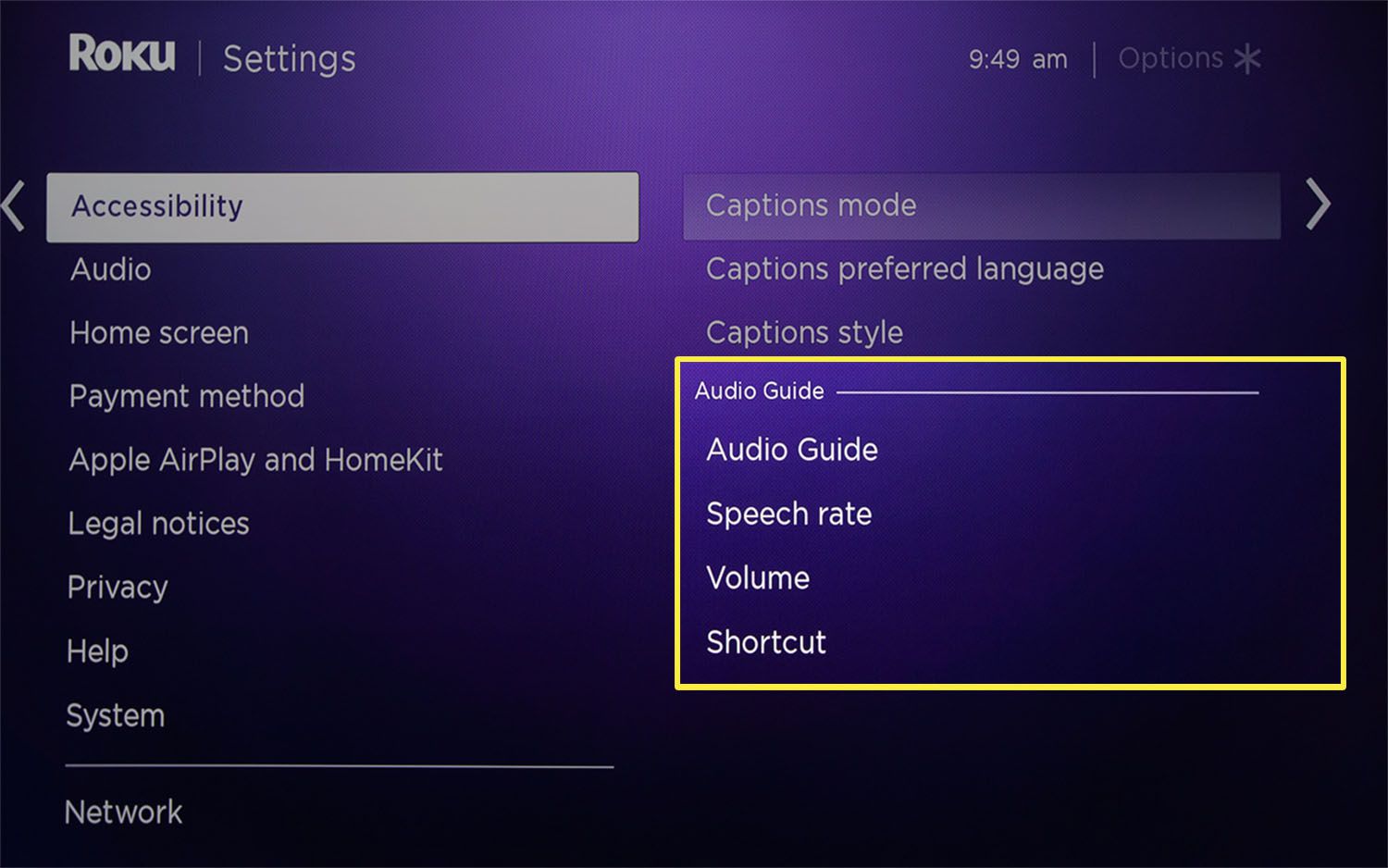
Press the Home button on your Roku remote to return to the main screen. This is your starting point for any personalization. Once you're on the home screen, scroll and select "Settings" from the vertical menu on the left side of the screen.
Navigating to theme settings
Within the Settings menu, select "Theme" to access all personalization features. This is where you control the visual and audio style of your Roku device. Roku devices come pre-loaded with a default theme, but you can change it here.
Selecting a new theme pack
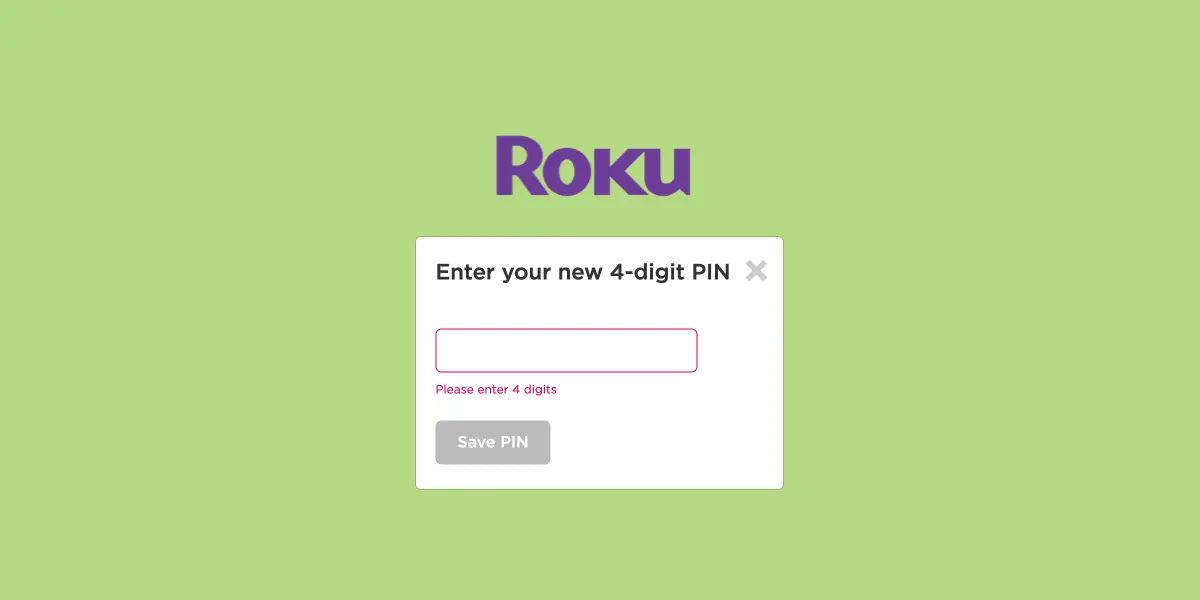
Select "Theme packs" to browse the available options. Highlight a theme pack and press "OK" on your remote to open its description and details. When you find one you like, press OK again to apply it. If you have a Roku account PIN, you will be required to enter it before the change takes effect.
Customizing individual theme elements
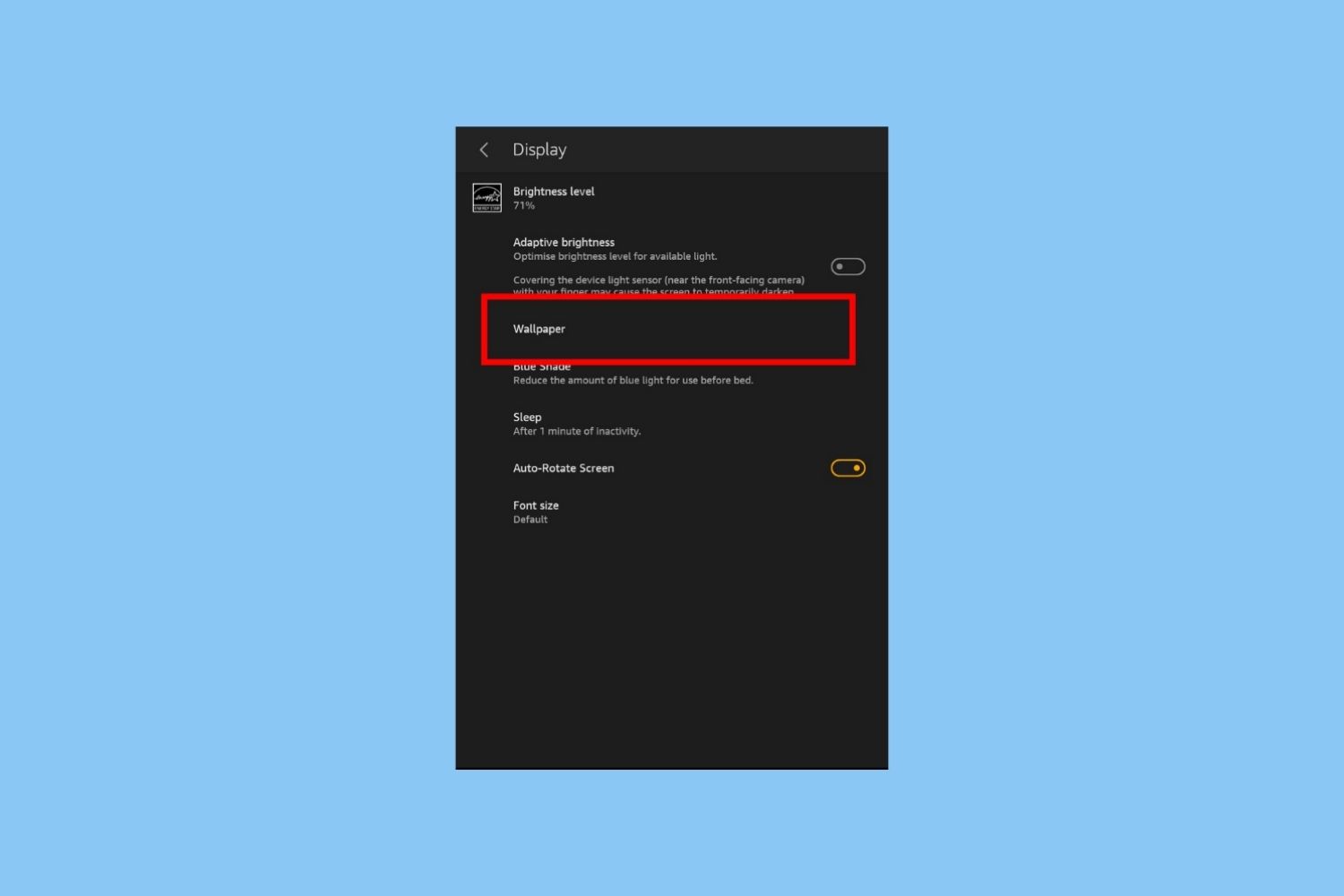
Once you have picked a new theme, you can change individual elements such as wallpaper, screensaver, or navigation sounds. To do this, open the "Theme" menu and then go to "Wallpapers", "Screensavers", or "Navigation sounds" to browse options and make selections. This lets you mix and match, for example, keeping a favorite wallpaper while trying a different screensaver.
Managing seasonal and sponsored wallpapers
You can also change seasonal wallpaper settings by navigating to Home > Settings > Theme > Seasonal wallpapers. To turn off seasonal themes, select "Off" (or "On" to turn them on). Similarly, you can change sponsored wallpaper settings by going to Home > Settings > Theme > Sponsored wallpapers. To turn off sponsored wallpapers, select "Off" (or "On" to turn them on).
Your new background and theme elements apply instantly. Navigate back to the home screen to see the refreshed look, and enjoy your personalized Roku home screen.
\nRelated reading: How To Change Background On PC, How To Change Your Background On A Tablet, and How To Change Roku Email.