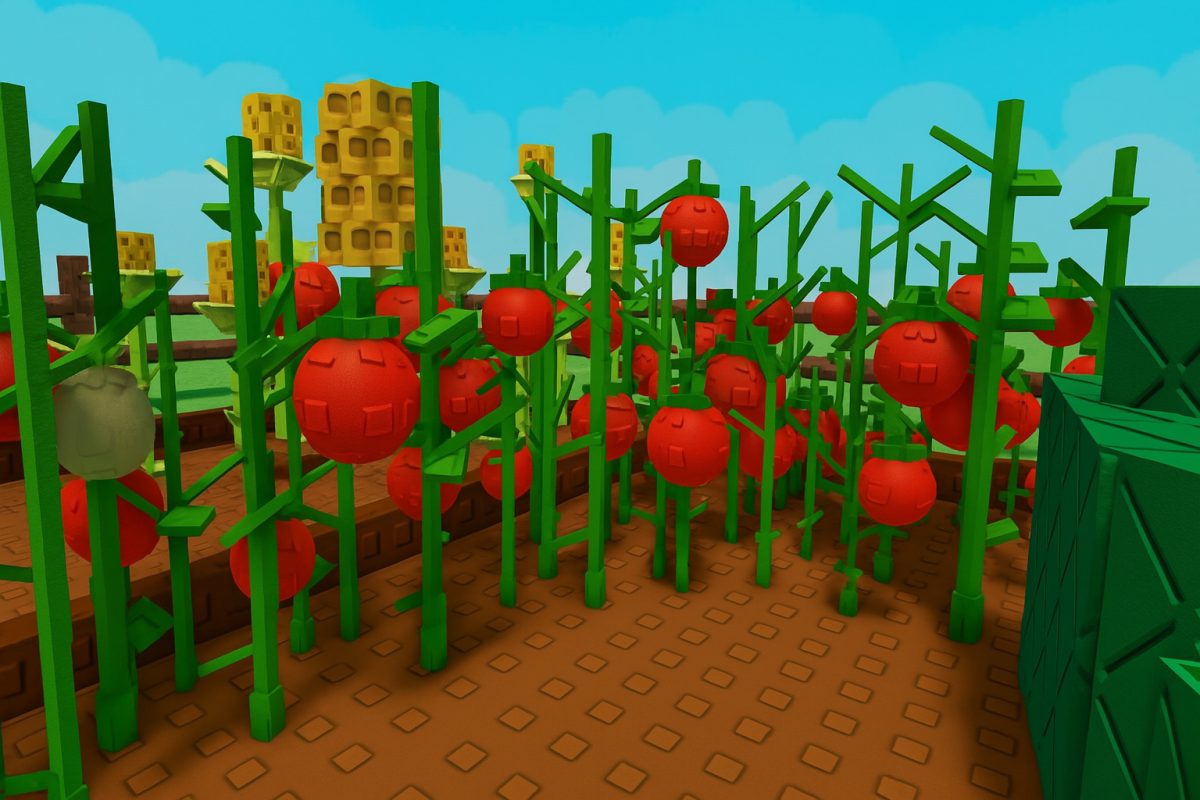
To maximize your farm with this grow a garden Roblox guide, it covers everything from planting your first carrot to trading for a Kitsune. Whether you are a beginner or a seasoned farmer, understanding mutations, pets, and events is the key to earning massive Sheckles and building the ultimate garden.
Getting started in your grow a garden Roblox guide: The core gameplay loop
The core gameplay involves planting seeds, nurturing crops, harvesting them, and selling the produce to earn more Sheckles. New players start with basic plots and a handful of seeds. Your first action should be to plant those seeds, water them, and wait for them to grow. Once harvested, sell the crops at the market to begin building your funds. The seed shop refreshes periodically, so check it often for new varieties.
Early game strategy: Building your first fortune
Focus on fast-growing crops like carrots to build initial funds quickly. Complete daily quests for seed packs that may contain rare plants. As soon as you have enough Sheckles, replace single-harvest crops with multi-harvest varieties like blueberries or tomatoes to accelerate your income. This transition is what separates casual players from those who rapidly expand their garden.
Understanding mutations for massive profits
Mutations are the heart of late-game strategy. Rare variants such as Golden, Wet, Rainbow, or the highly valued Tranquil form during special weather conditions. A mutated crop can multiply profits dramatically, with some variants worth many times their normal value. Timing your harvests to coincide with rain or Zen Aura weather is one of the most rewarding tactics. Wait for these weather events before harvesting your most valuable crops to maximize mutation chances and profit.
Best pets and gear to automate your farm
Pets add layers of automation and bonus effects. Pets like the Black Bunny, Hedgehog, and Dragonfly provide passive bonuses such as extra income or increased market value. The Kitsune, a rare pet from the Zen event, provides special bonuses. Gear like sprinklers and watering cans speed crop production. Using sprinklers on plots can improve crop growth, making them useful for high-value plants.
How the Zen update and events change the game
The Zen Update introduced Zen Aura Weather, which appears periodically and allows crops to mutate into the highly profitable Tranquil variant. Chi and Zen currencies are earned by trading Tranquil crops and leveling up the central Zen Tree. The Zen Shop offers exclusive cosmetics, gear, and pets. Players can hatch new pets from Zen Eggs, including the ultra-rare Kitsune. Exclusive event seeds expand farming options and encourage active participation during timed events.
Trading, social features, and private servers
Community interaction plays a large role in progression. Visiting friends’ gardens, gifting items, and trading rare crops or pets help players advance faster. Discord servers and Roblox groups often share shop rotations, event timers, and trade opportunities. For those preferring a private experience, private servers allow uninterrupted play without the risk of crop theft or competitive interruptions, though you can also find a more relaxed solo harvest among the gardening games for you to play on PC.
Avoiding scams and banned scripts
Roblox's Terms of Service prohibit the use of third-party scripts or executors in any of its games, including Grow a Garden, and doing so can result in account bans. The only safe way to progress is through legitimate gameplay, trading, and participating in official events.
\nRelated reading: How To Download Roblox and How To Download Roblox Studio On Mobile.