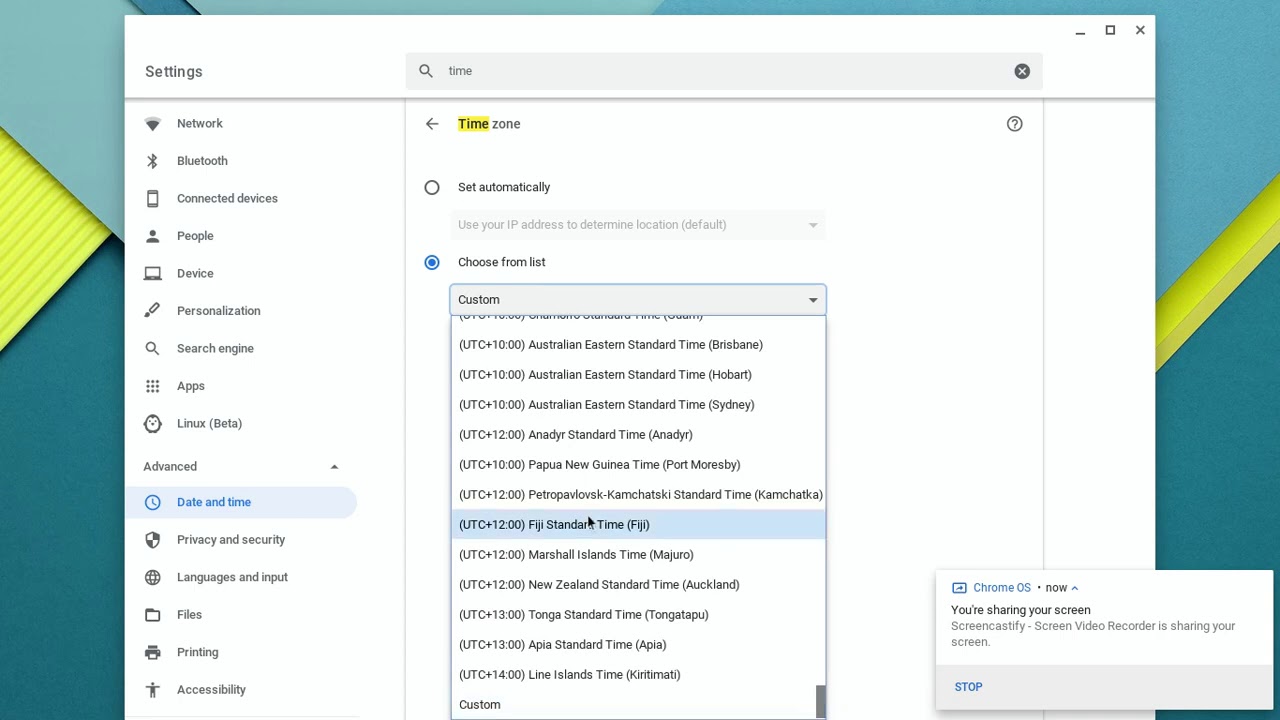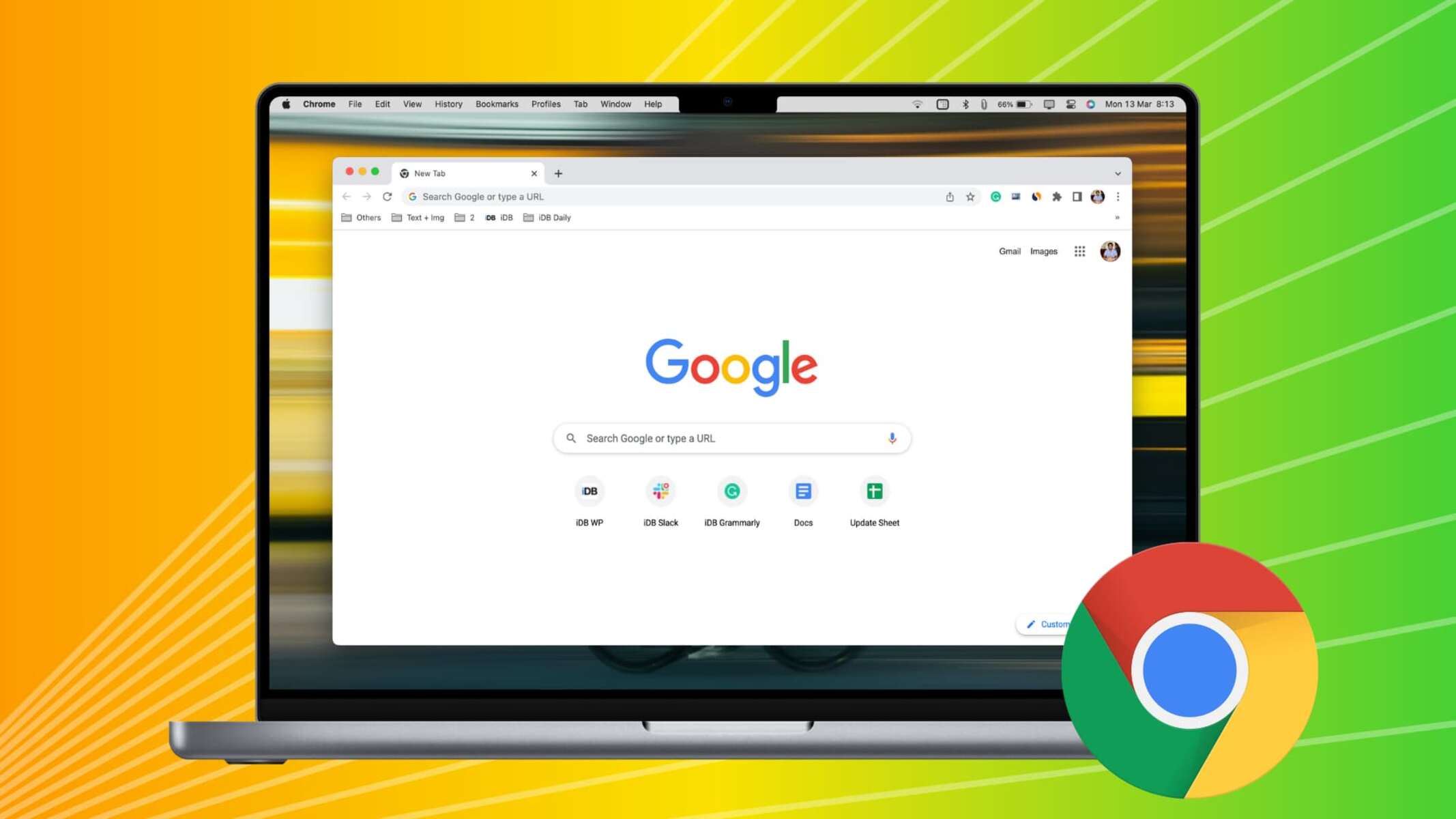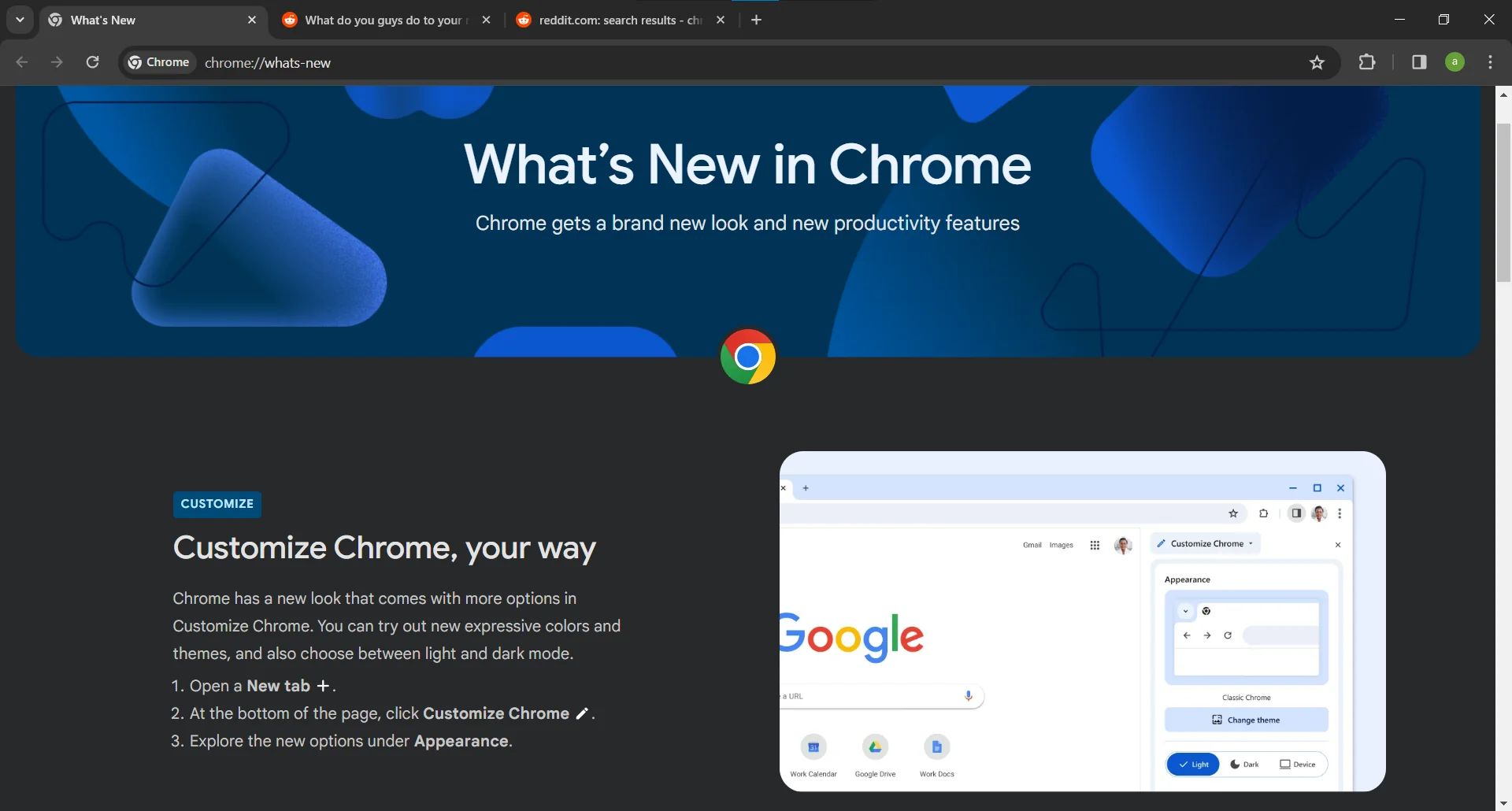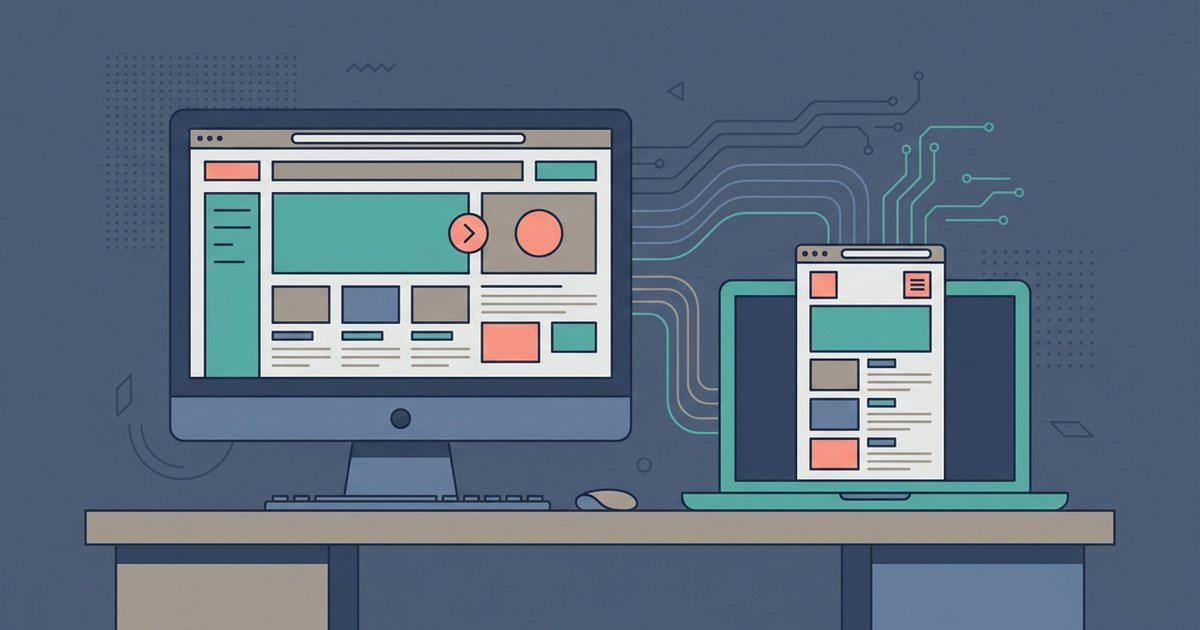
The browser's core engine is the same, but the visible interface changes because of different operating system versions, window sizes, zoom levels, and user-specific settings like bookmarks, extensions, or themes that sync to your profile.
Why your browser looks different but isn't broken
If you open Chrome on a Windows 11 machine after using it on macOS Sonoma, the title bar buttons will be on the right side instead of the left. Minimize, maximize, and close all move. The window frame itself is drawn by the operating system, not by the browser. That includes the rounded corners and the color of the active title bar. On a Mac, right-click in the browser. A native macOS context menu appears with a different font and spacing than the one Windows renders. Even if both computers run the same browser version, one might be on an outdated release. That release may still show the old "hamburger" menu icon instead of the newer profile icon. This is not a broken version. It is the browser adapting its chrome, the window borders and toolbars, to the underlying OS theme and version. A browser is a program that must follow the rules of the operating system it sits on. The visual differences in scrollbars, dialog boxes, and system-level menus are entirely normal.
Your profile didn't load
The most common reason the browser looks "wrong" is that your friend’s computer does not have your profile synced. When you sign into Chrome with your Google account, the URL for Google Chrome is the same for everyone. But the browser loads your personal extensions, pinned tabs, saved passwords, and custom themes. On another computer, do not panic if you are not signed in. The toolbar will show default icons, no password manager, no ad blocker, and no dark theme. The new tab page will display generic shortcuts instead of your bookmarks bar. This absence of your profile is the single biggest source of panic because the interface feels stripped and unfamiliar. To fix this, open the browser’s settings. Find the "Sign in" or "Sync" option. Log in with your own account. Once synced, your extensions will install, your toolbar will rearrange, and your homepage will return to its expected state. Remember, your web browser is not a fixed object. It is a mutable shell that only looks like yours when your personal data is loaded into it.
When the browser really is different
Sometimes the icon looks identical but the software is fundamentally different. A common trap is mistaking Microsoft Edge for Google Chrome. Both use the same Chromium engine. But Edge has its own sidebar, collections panel, and Bing-integrated new tab page. If you open Edge looking for Chrome’s "Extensions" menu, stop. You will find it under a different name and location. More confusingly, a school or company may deploy a managed version of a web browser that locks settings. It can disable incognito mode, force a specific homepage, or hide the extensions toolbar entirely. In that case, the browser looks different because it is a customized deployment, not the standard consumer version. Confirm this now. Open the "About" page in the settings menu. Check if the name says "Google Chrome" or "Microsoft Edge" exactly. Look for a "Managed by your organization" banner. If you see that banner, you are looking at a distinct application. A web browser can wear many masks, but the underlying identity is always visible in the version information panel. An outdated version can also lead to websites looking broken or asking to update.