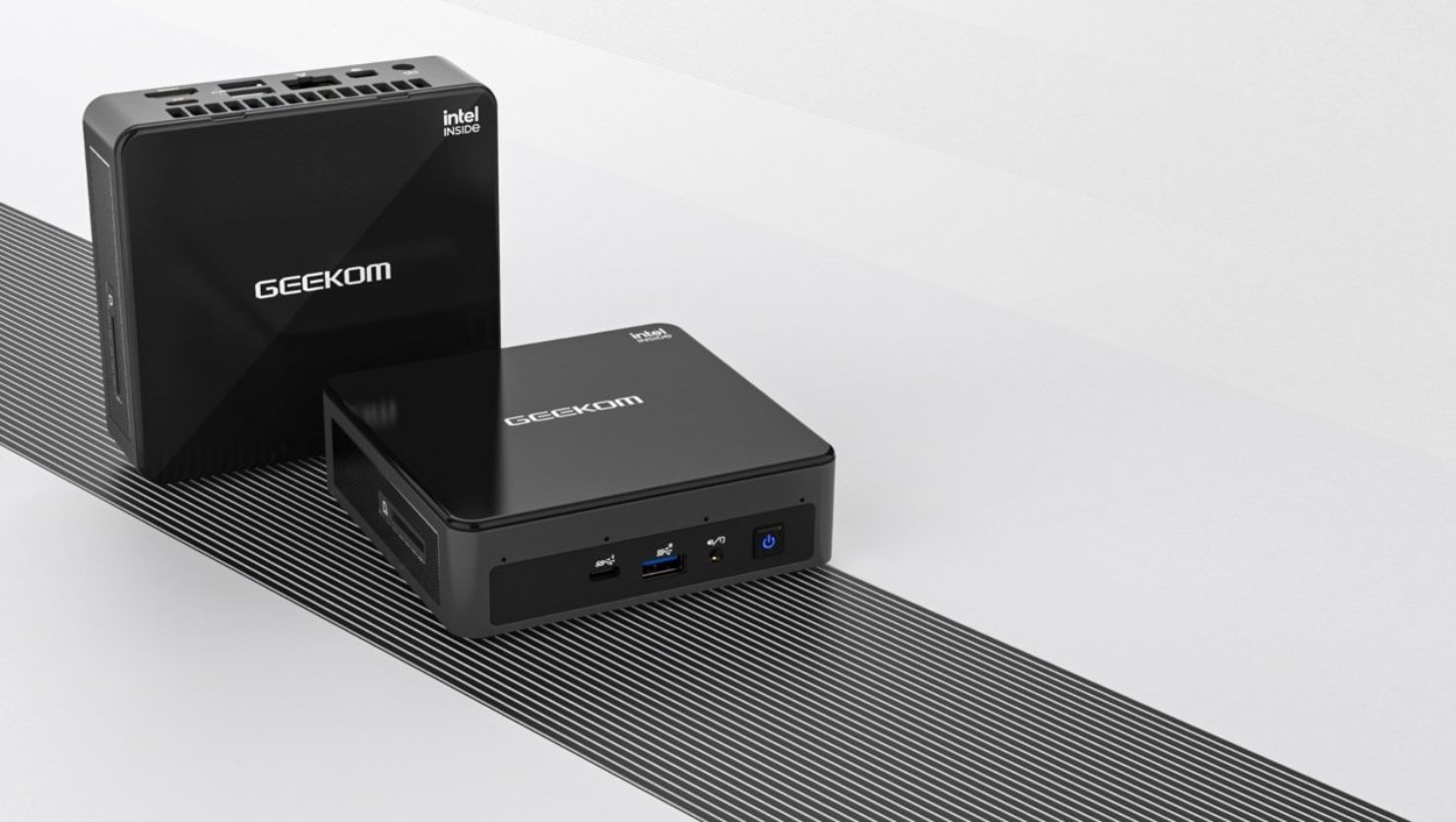

Practical, hands-on guides for people who want to manage the software that runs their computer, whether that is a full desktop OS like Windows or a lightweight environment like MS-DOS. It is written for everyday users, not IT professionals, who need clear, step-by-step instructions for common tasks such as changing the desktop background, resetting a mini PC, or understanding what a factory reset will and will not restore. If you have ever wondered why your browser looks different on another computer or how to change the time zone in Chrome, these articles are meant for you.
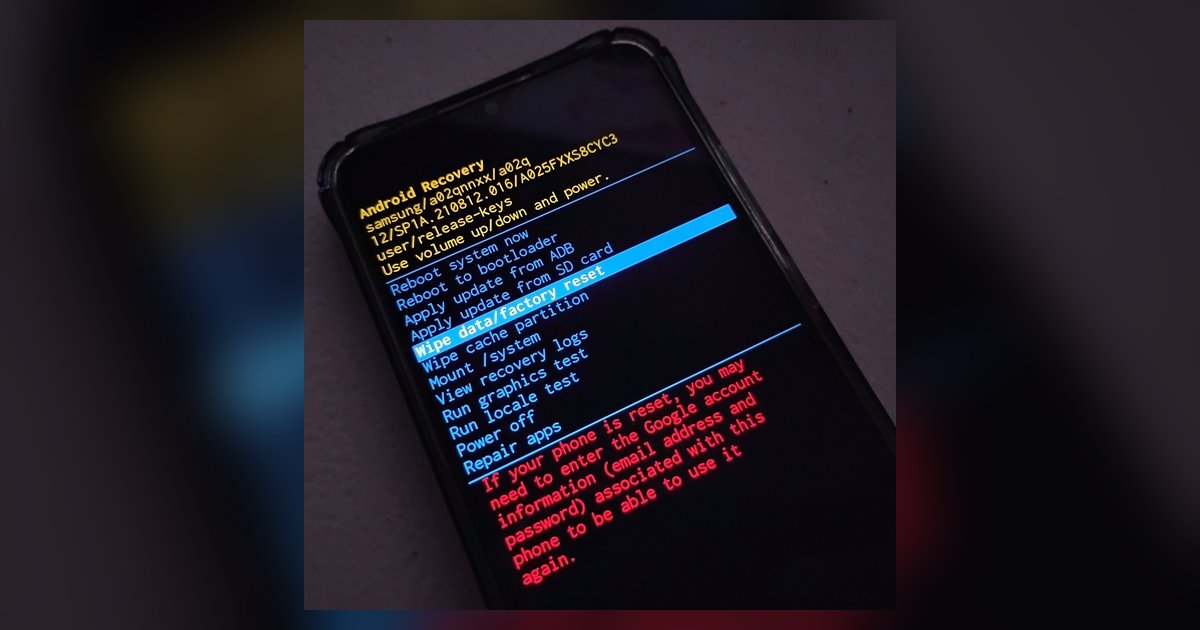
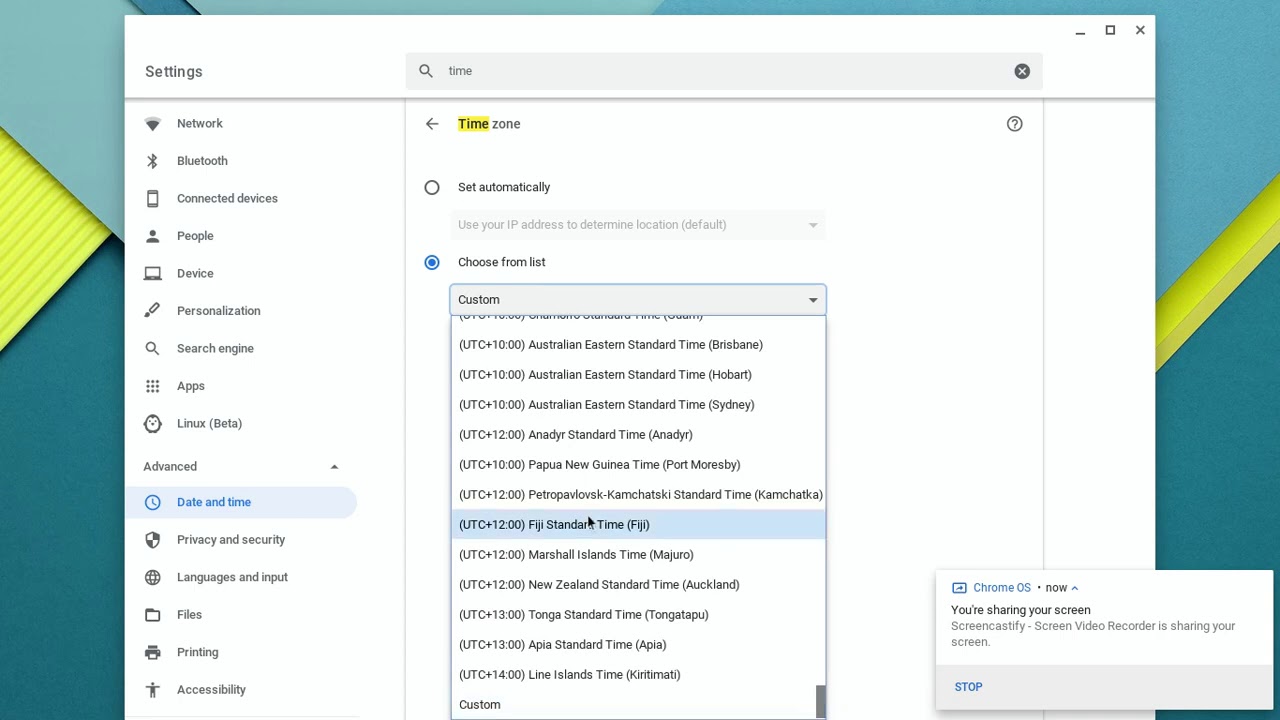
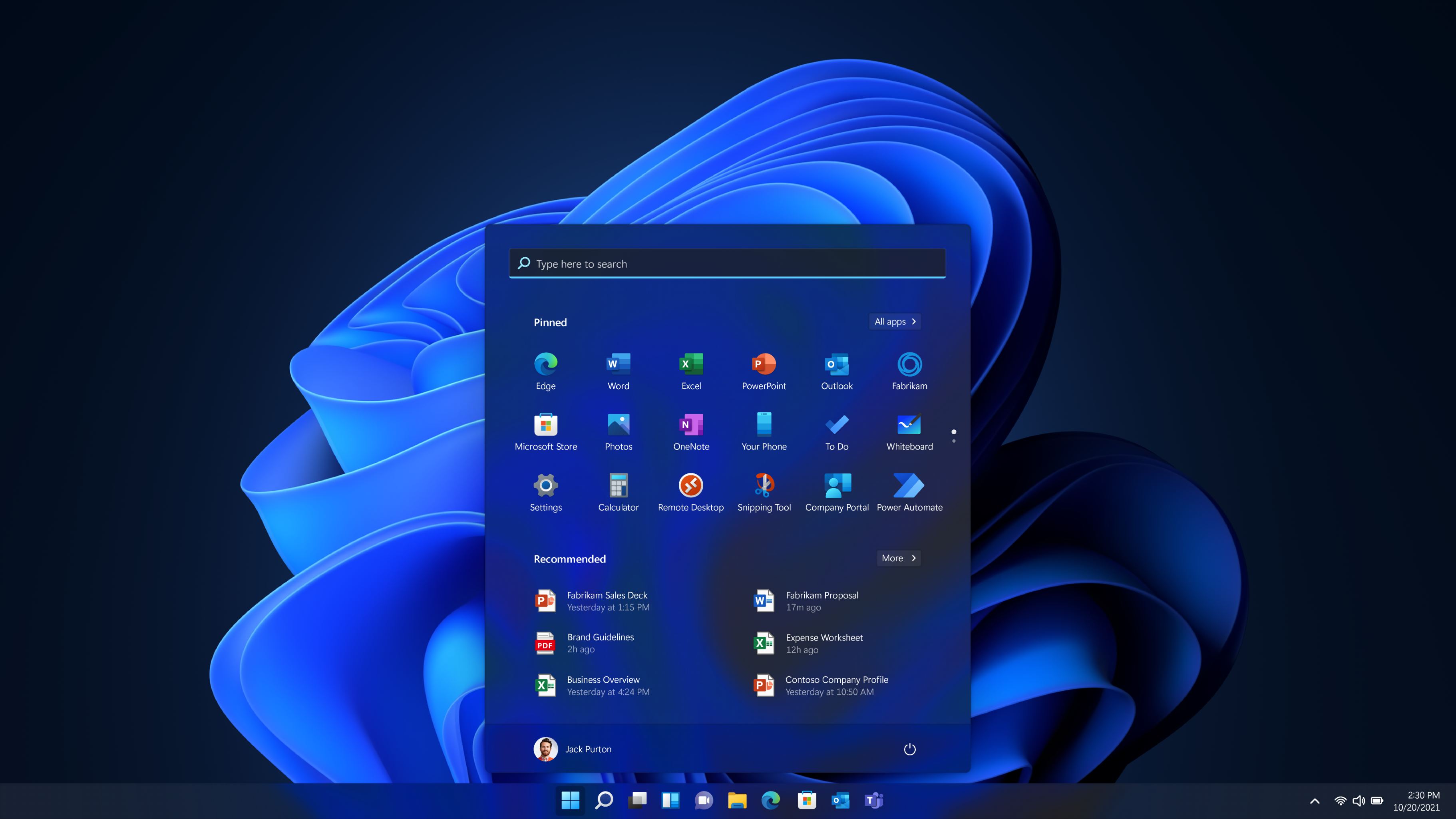
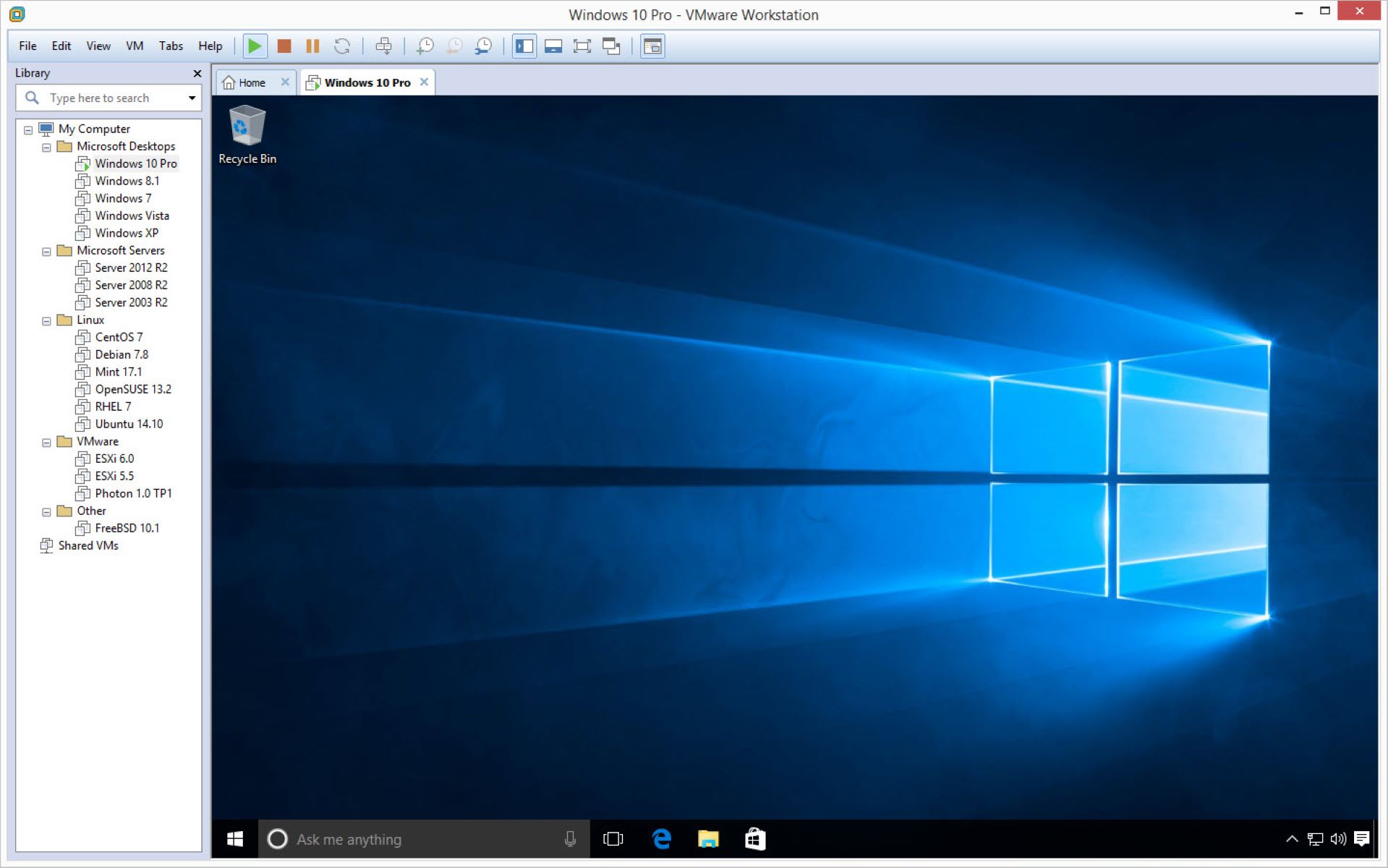
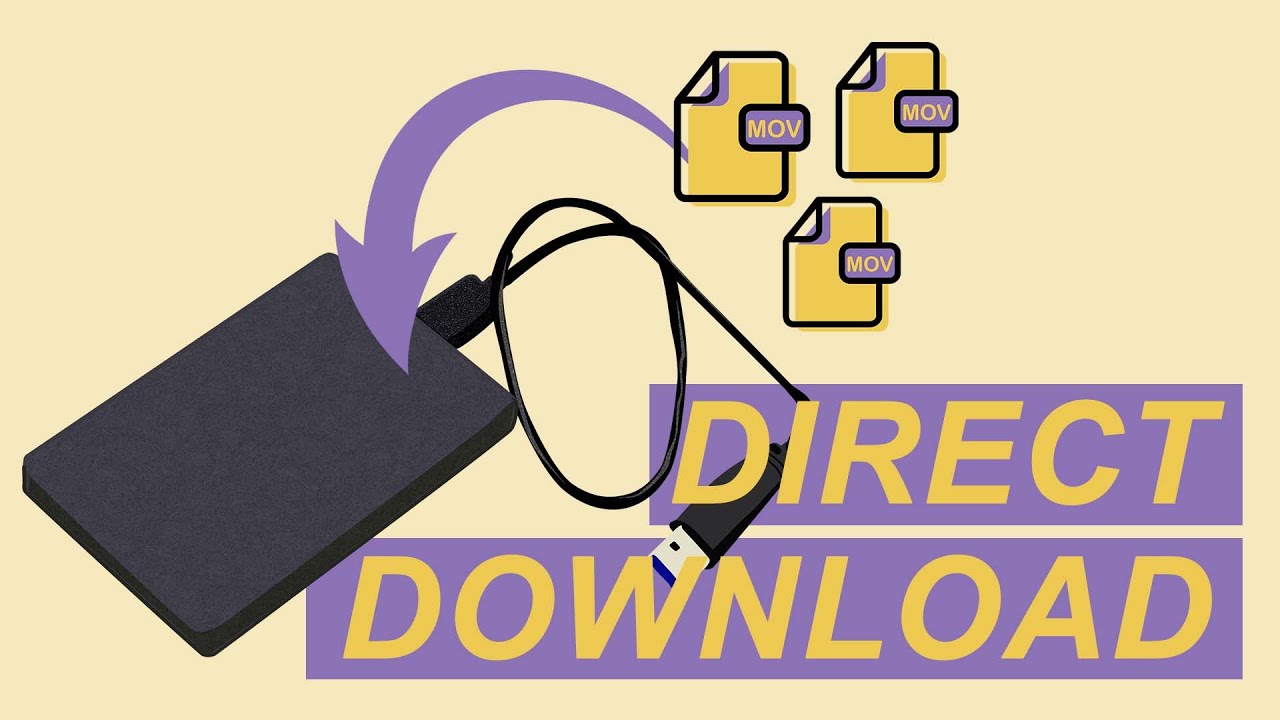
The articles fall into two broad themes. The first is personalization and environment control: you will find guides on changing your PC’s background, adjusting the browser timezone, and downloading files directly to an external hard drive. The second theme is system setup and recovery, covering how to install an operating system on a VMware virtual machine, how to install MS-DOS 6.22 on VMware Workstation, and how to reset a mini PC. A few articles also address device and browser behavior, such as turning on camera permissions or explaining why a browser looks different on another computer.
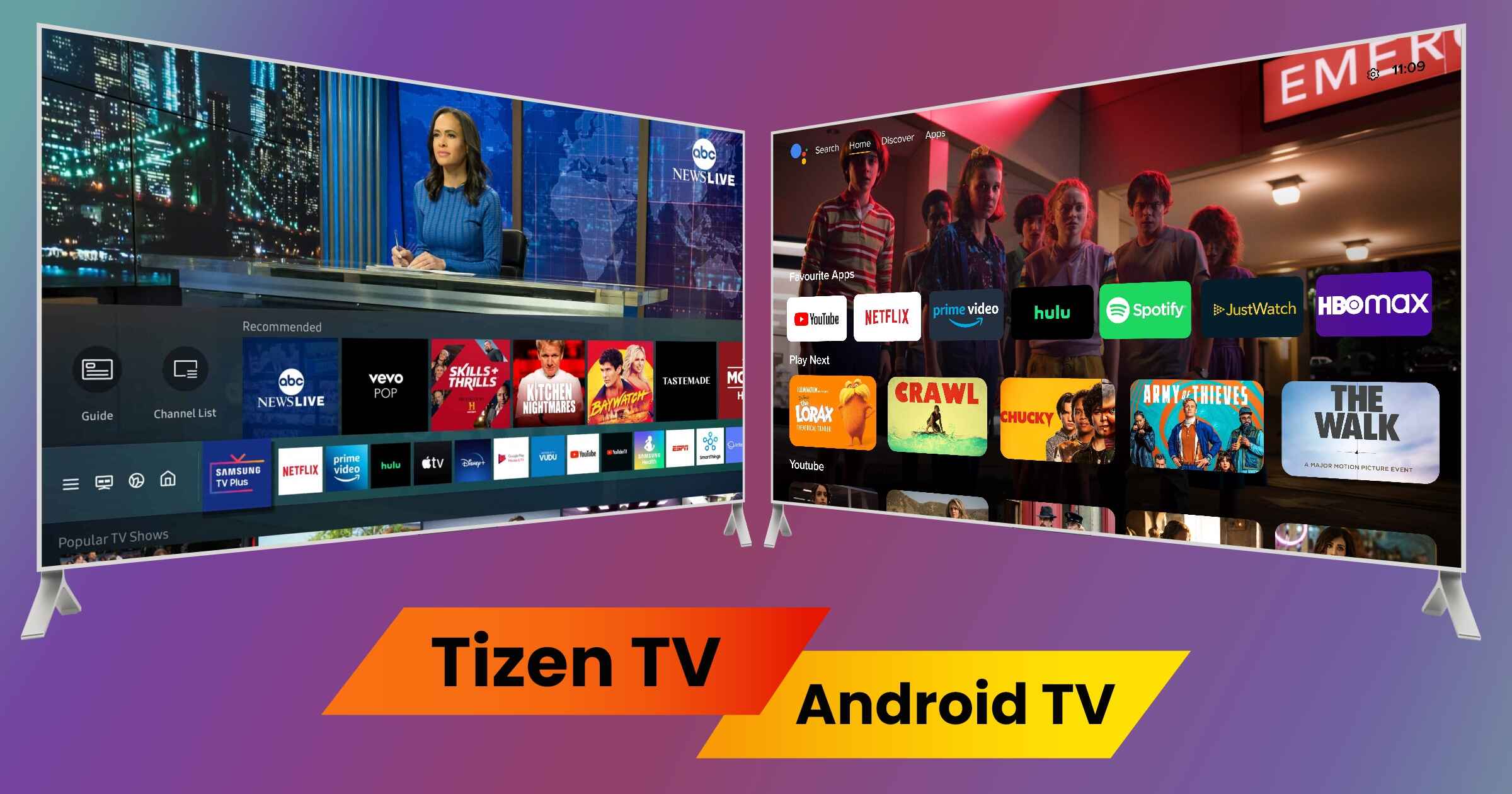
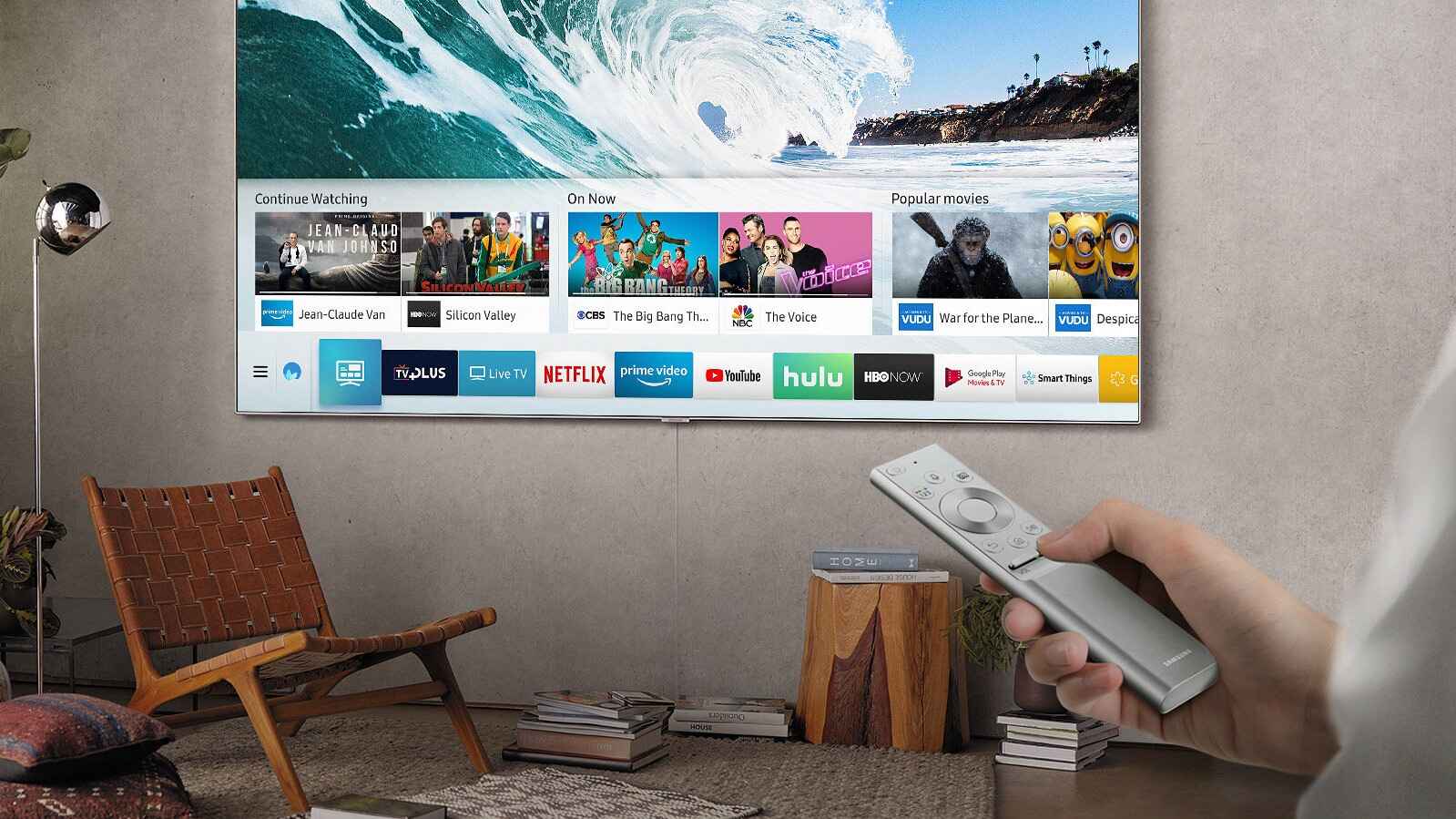
Several pieces take a careful, security-conscious approach rather than offering shortcuts. For instance, the article on activating Windows 10 for free explains legal alternatives and safe practices, not piracy. Similarly, the articles about Smart TV versus Tizen and getting regular TV on a smart TV focus on understanding your device’s capabilities and legitimate options. The keyboard keys explained article is purely educational, helping you understand the hardware you use every day. Together, these guides let you take control of your operating system and its surrounding software without risking your data or breaking the law.