Yes, you can get a virus just by clicking a link on the dark web through drive-by download attacks that exploit browser vulnerabilities to install malware silently, without any prompt or action from you.
The real danger of a single dark web virus click
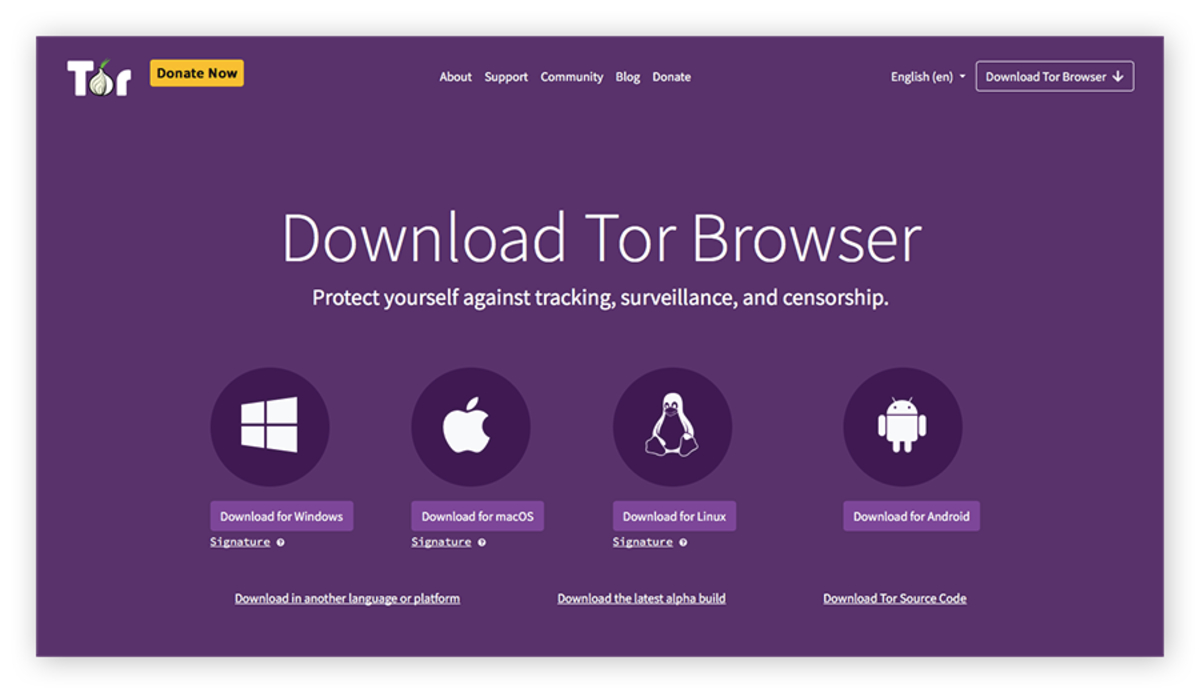
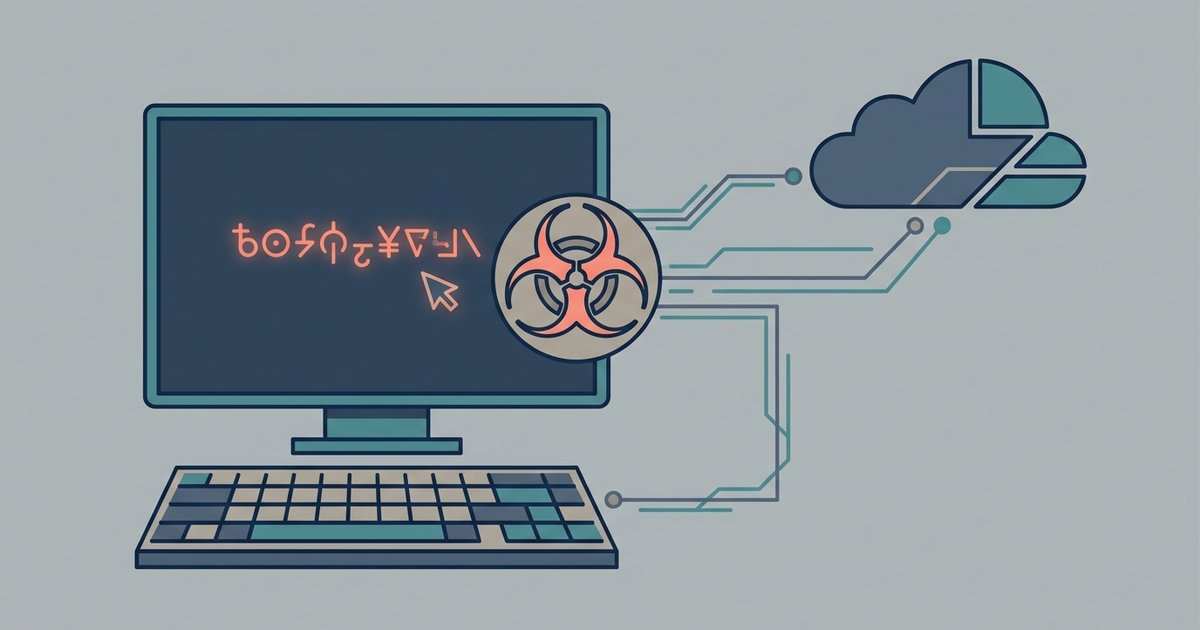
Yes, you can get a virus just by clicking a link on the dark web. It happens through drive-by download attacks that exploit vulnerabilities in your client software to install malware silently. No prompt. No action from you. The moment your software renders a malicious page, code hidden in scripts or plugins executes automatically, targeting weaknesses in the rendering engine, operating system, or installed extensions. Before you even browse, make sure you get on the dark web on tor browser with its security settings set to Safest to block these scripts. Infection begins without a file download, without a pop-up warning, and without any user interaction whatsoever.
How drive-by downloads force malware onto a device
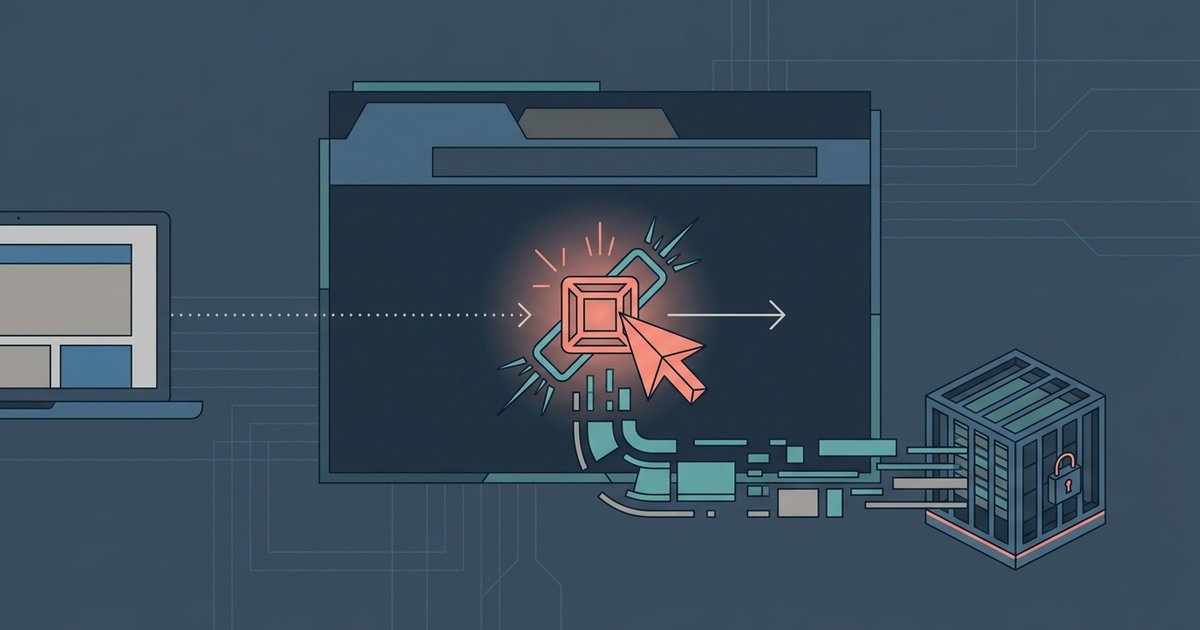
A drive-by download is a technique where a website quietly forces malware onto your device without your knowledge or consent. On the dark web, malicious .onion pages often embed exploit kits, collections of code designed to find and attack unpatched vulnerabilities. These kits scan the client’s version, its plugins like Adobe Flash, Java, or older PDF readers, and JavaScript APIs. An outdated client, an unpatched plugin, a single JavaScript flaw, any of these gives the kit a route to inject payloads directly into system memory. The malware then installs itself silently, often as a trojan, keylogger, or ransomware. This is why even one click on a dark web link can compromise a device, especially without an updated Tor client and disabled unnecessary features.
The false sense of security with Tor
Many users believe the Tor client’s default security settings make them immune to drive-by downloads. This is a dangerous misconception. The client does block most active content by default, JavaScript, WebGL, SVG, but its “Safest” security level is not activated out of the box. The default “Standard” level allows JavaScript on many pages, and a misconfigured security slider set to “Standard” or “Safer” leaves a system exposed. Manually enabling plugins, disabling NoScript, or using an older version of the client creates entry points for exploit kits. Even with “Safest” enabled, a zero-day vulnerability in the client binary itself, unpatched by the Tor Project, can still be exploited. Relying solely on default settings is not enough. You must verify your security level and keep the software updated.
When clicking a link carries minimal risk
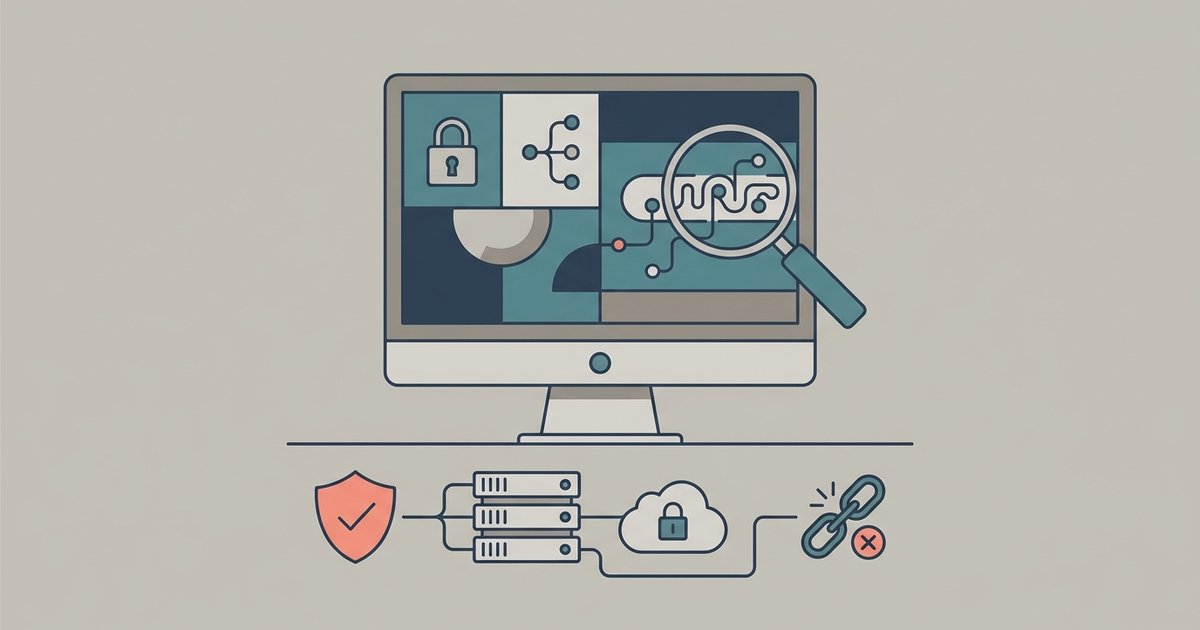
Clicking a dark web link is safe only under very specific conditions. Your system must be fully patched: the operating system, the Tor client, all plugins. JavaScript must be completely disabled, not just partially blocked. NoScript must forbid all scripts by default. You should also use the “Safest” security level, which disables JavaScript entirely, and avoid enabling any plugins like Flash or Java. Even then, safety is not guaranteed if the page exploits a zero-day in the client binary itself. To further reduce risk, use a virtual machine or a dedicated, isolated environment that contains no sensitive data. To find the right resources for safe exploration, you can get to the dark web on DuckDuckGo by searching for verified .onion directories, but first you should verify a dark web link is safe before clicking it to avoid malicious redirects. Under these rigorous conditions, a simple click carries minimal risk, but the margin for error remains razor-thin.
The one truth no other guide will tell you: every dark web page you load is a battlefield where your software is being actively scanned for weaknesses, and the only reliable defense is assuming compromise is inevitable and isolating accordingly.