This tag collects articles about staying safe and making smart choices while using web browsers, with a particular focus on privacy tools, extensions, and the less-visible corners of the internet. It is written for everyday consumers who use Chrome, Tor, or mobile browsers and want practical, no-nonsense guidance without jargon. Whether you are troubleshooting a browser issue or curious about how to protect your login data, these pieces speak to the non-expert who wants clear answers.
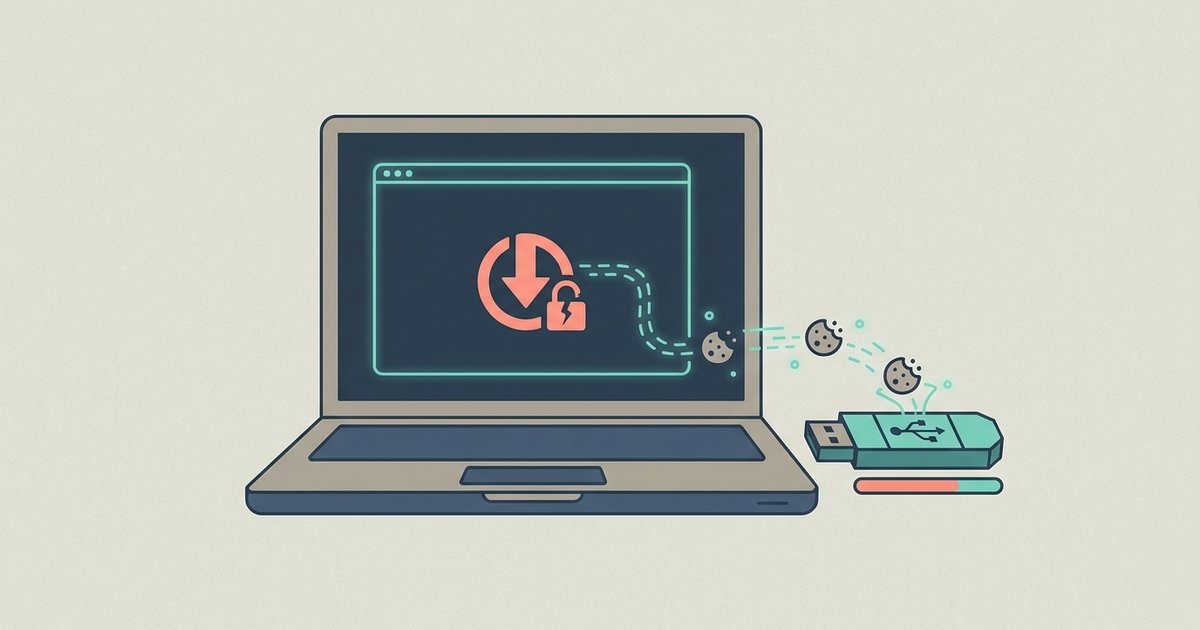
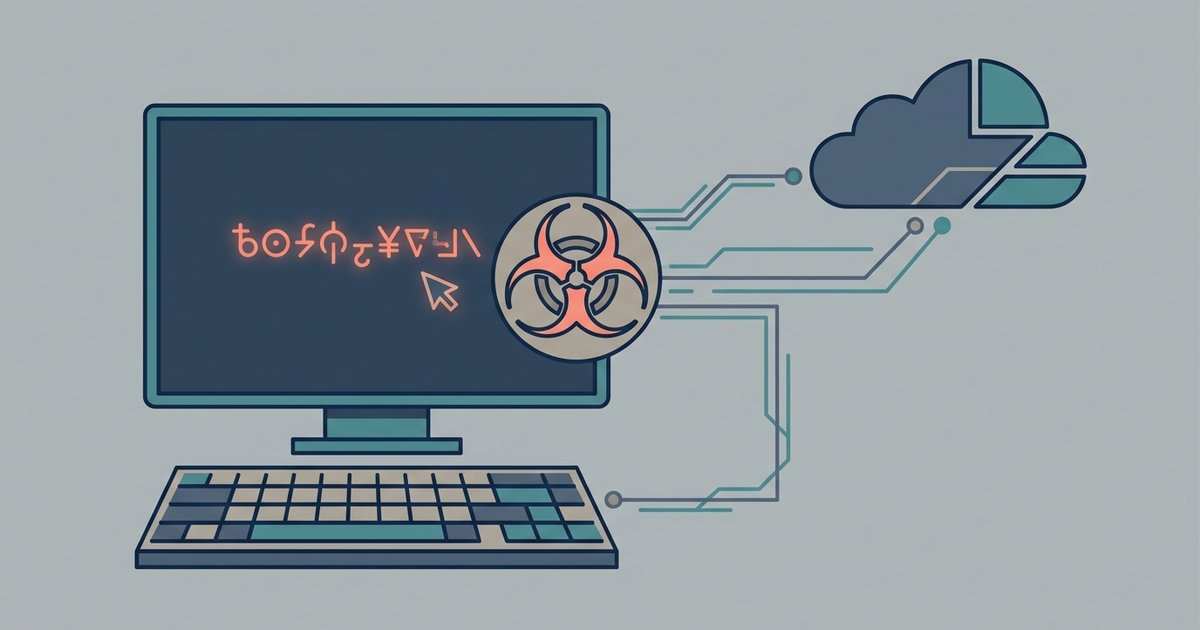
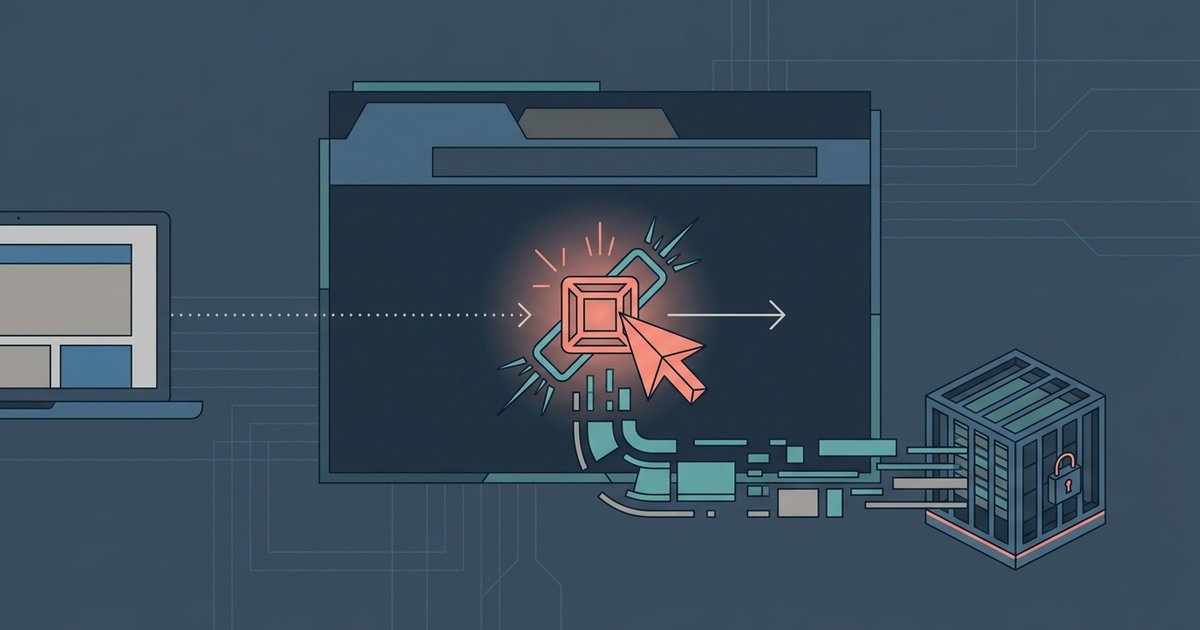
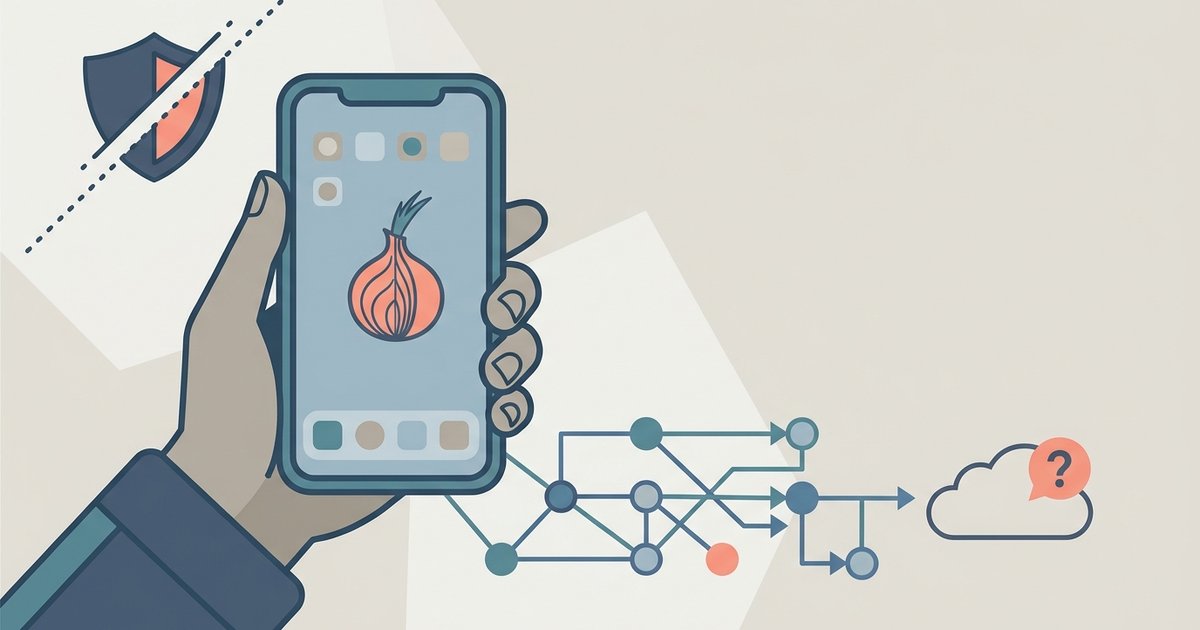
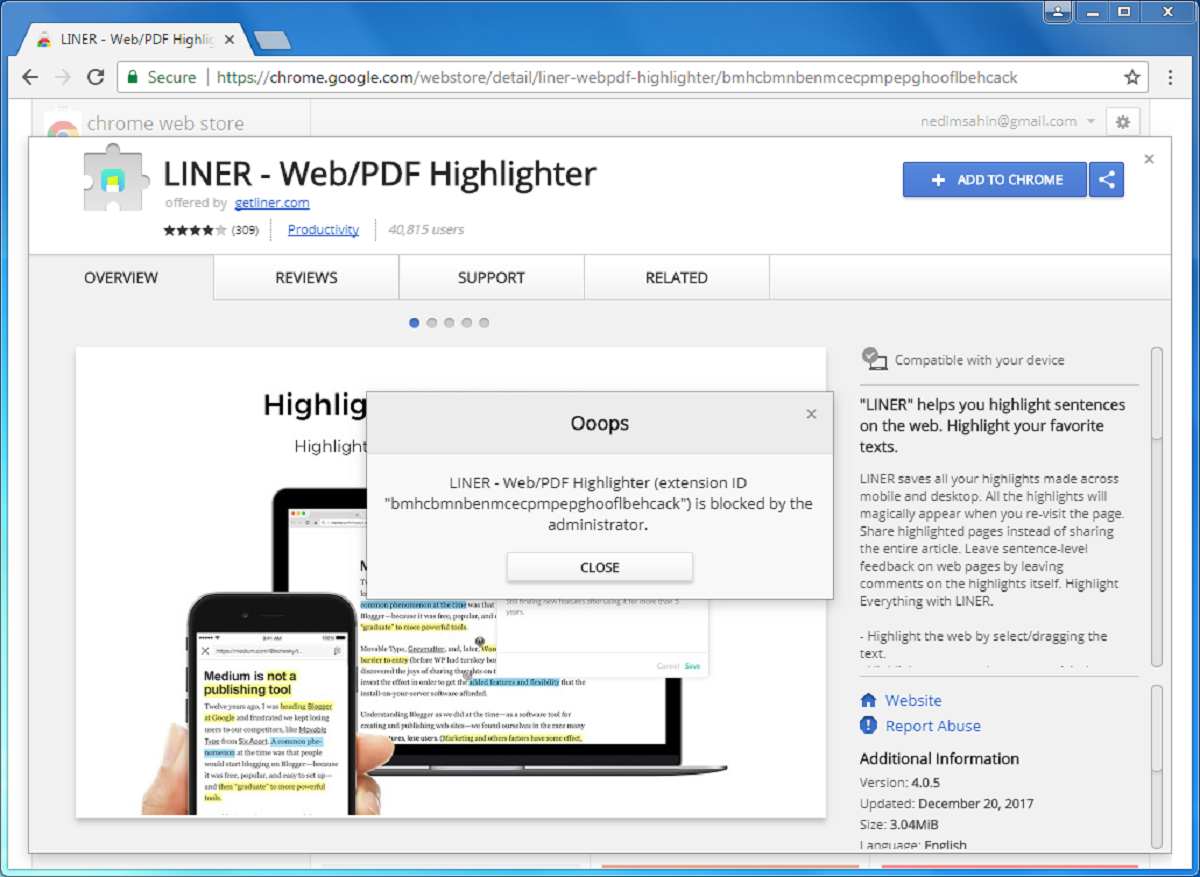
The articles fall into two broad themes. The first is about managing browser extensions and understanding their risks. For example, one piece explains how to tell if a video downloader extension is stealing your login cookies, while another covers the legitimate, admin-approved ways to handle Chrome extensions that have been blocked by a workplace or school policy. The second theme is navigating the dark web and Tor safely. Here, the focus is on understanding what can go wrong, such as whether you can get a virus just by clicking a link there, or what happens if you accidentally hit a honeypot link, rather than encouraging exploration. A separate article addresses whether Tor Browser even works on iPhone or iOS, which is a common practical question for Apple users.
Across these posts, the goal is to help you act with confidence: checking your own browser for suspicious activity, recognizing the limits of your tools, and knowing what to do if you stumble into a risky situation. The emphasis is on awareness and mitigation, not on bypassing controls or seeking out trouble. If you have ever wondered about the safety of your own clicks or the extensions you already use, these articles give you a grounded starting point.