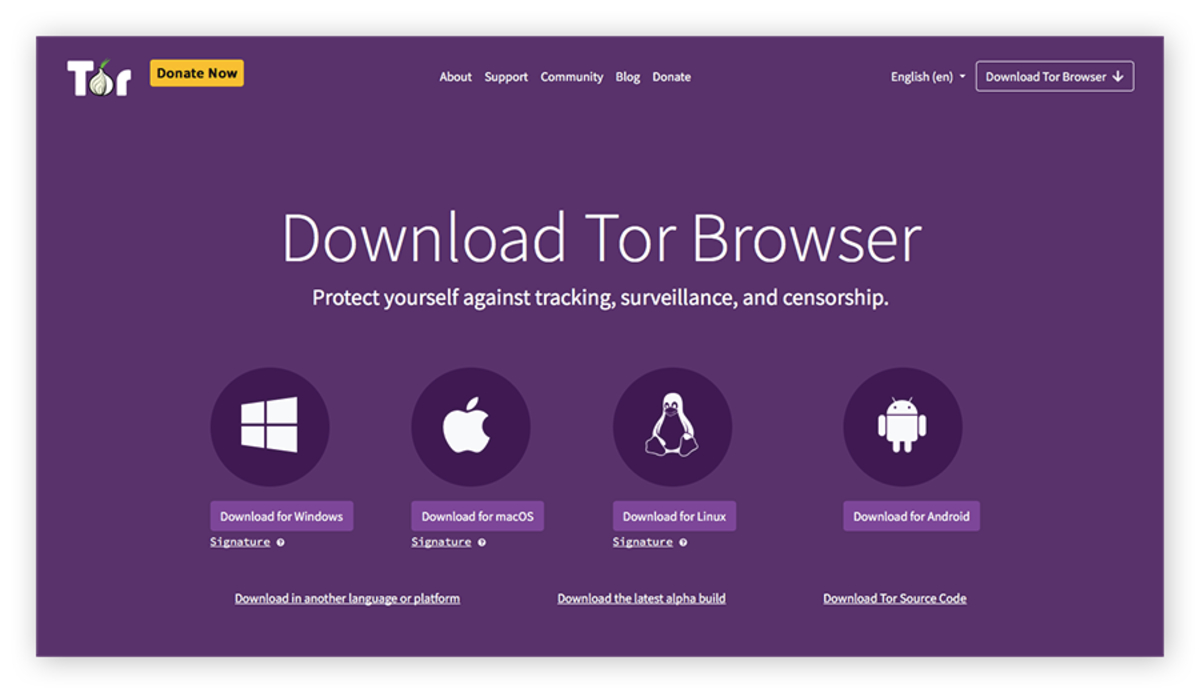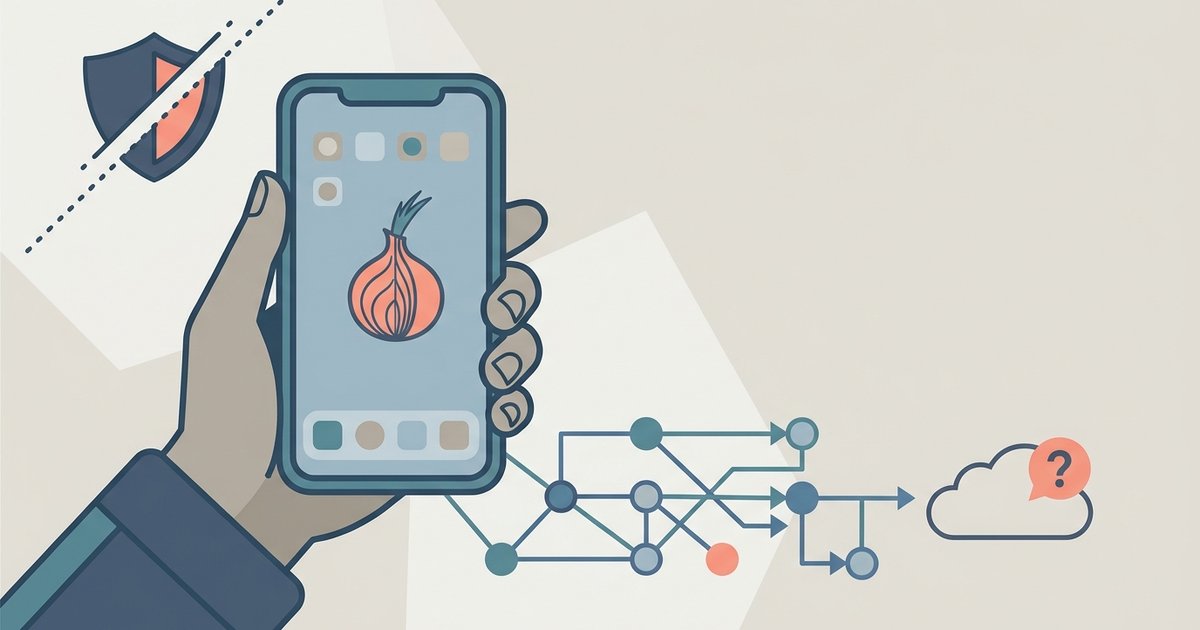
There is no official Tor Browser for iOS that works exactly like the desktop or Android version. The officially endorsed method is the Onion Browser app, which routes your traffic through Tor but has security limitations compared to the standard Tor Browser.
Why the real Tor Browser iOS app isn't on the App Store
Apple requires all browsers on iOS to use its WebKit rendering engine. This restriction prevents Mozilla Firefox from running its own Gecko engine, which is the foundation of the desktop Tor Browser. The Tor Browser codebase is built on Firefox’s engine and includes deep modifications for security. These include isolating cookies per domain and blocking JavaScript fingerprinting. It cannot function on iOS with those full protections intact. Apple’s rule means any browser you download from the App Store is actually a wrapper around Safari’s WebKit. This includes apps claiming to be “Tor Browser.” The Tor Project has stated that it cannot release a true Tor Browser for iOS under these conditions. The underlying engine is outside its control.
The official alternative and its trade-offs
The Tor Project officially endorses the Onion Browser app as the best available iOS option. It explains that the app cannot provide the same fingerprinting protection or security guarantees as the desktop Tor Browser. Onion Browser uses a WebKit-based engine and relies on a VPN-style configuration to route all traffic through the Tor network. Your device’s screen size, installed fonts, and system language are still visible to websites, making you more identifiable. The app cannot enforce the strict “no JavaScript” defaults that the desktop version offers. You must manually disable JavaScript in its settings to reduce tracking risk. The Tor Project’s own iOS documentation indicates that Onion Browser is less secure than Tor Browser on other platforms. It should not be used for high-risk anonymity needs.
What most people get wrong about Tor on iPhone
The most common mistake is downloading fake “Tor Browser” apps from the App Store that are loaded with ads or malware. Scammers regularly publish apps with names like “Tor Browser Pro” or “Dark Web Browser.” These collect your data or charge subscription fees while providing no real anonymity. Another misconception is that using any VPN app with “Tor” in the name gives you the same protection as the real browser. Apps like “Tor VPN” or “Onion VPN” often route your traffic through a single server rather than the multi-hop Tor network. They can also log your activity. A user who follows a guide to get to the dark web on DuckDuckGo might also attempt to download videos using a fake app, only to find it crashes or requires payment. Worse, someone trying to buy credit cards on dark web or searching for cp on the dark web using an iOS device risks exposing their IP address and identity if they rely on an unverified app. Before taking those risks, get on the dark web on tor browser safely by learning the verified setup steps first. Only the Tor Project’s official website provides the endorsed Onion Browser link, and no other source can verify which App Store result is legitimate. Never trust an App Store result that simply says “Tor” without the Tor Project’s explicit recommendation.