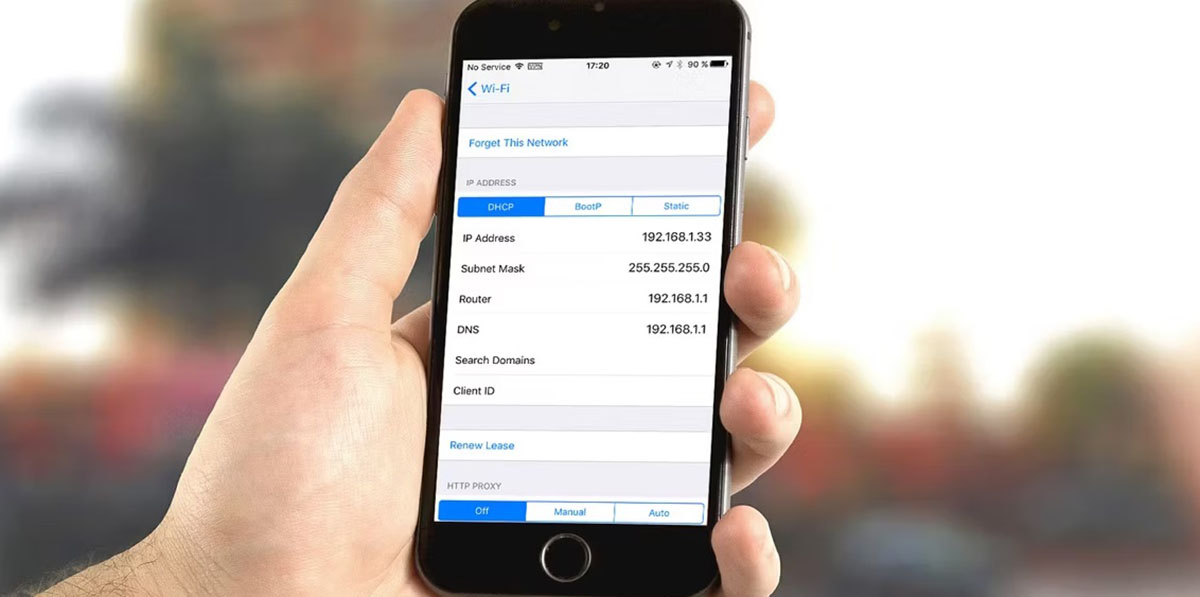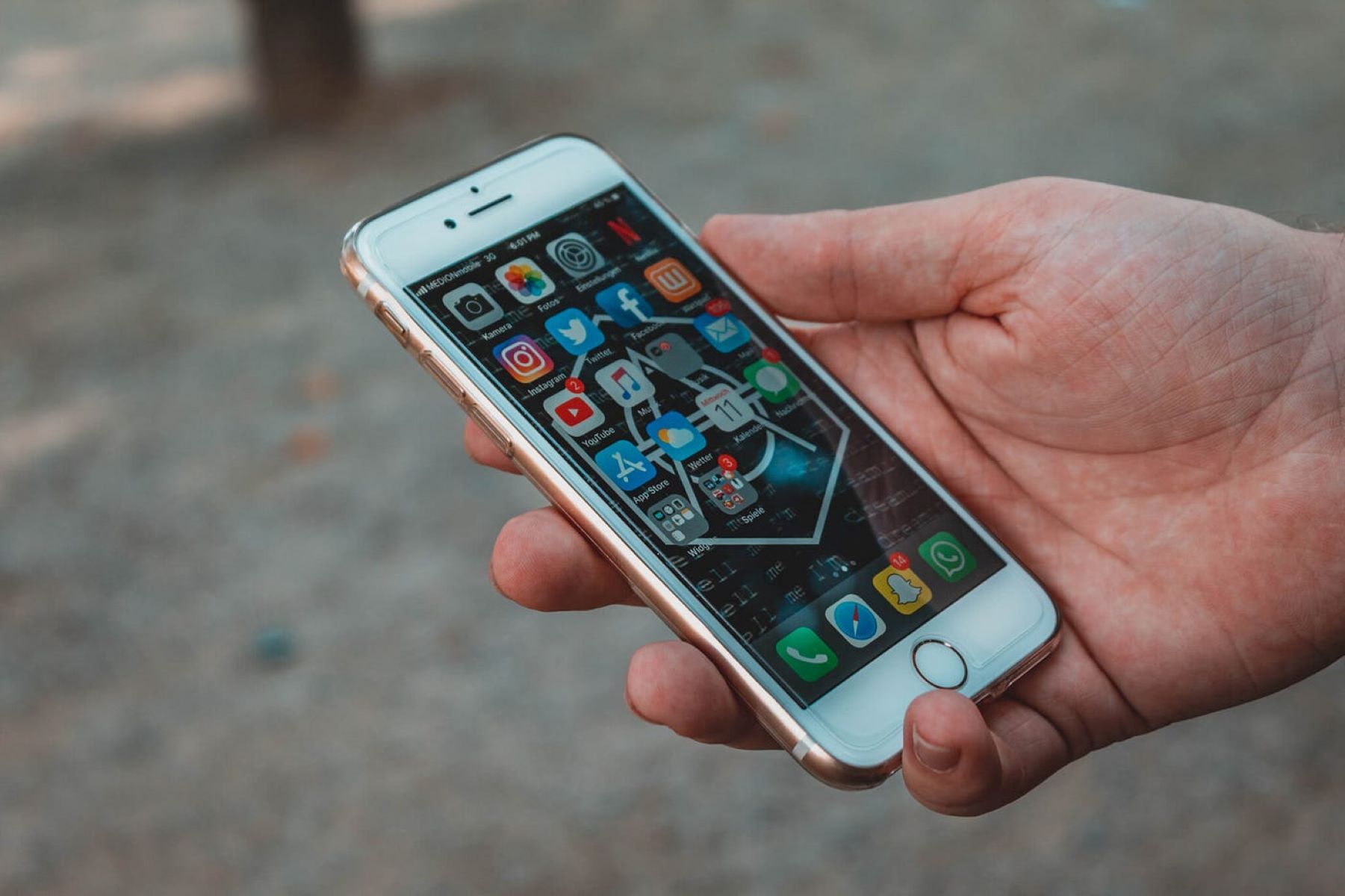
If you suspect someone is monitoring your iPhone, the most direct way to find hidden spy apps on iPhone is to check for unknown configuration profiles and analyze battery/data usage anomalies. While true spyware is rare on non-jailbroken devices due to Apple's sandboxing, these two checks will reveal the most common vectors of compromise.
Can Someone Really Hide a Spy App on Your iPhone?
Apple's iOS is designed with built-in security features to protect against malware and viruses, and the App Store rigorously reviews every app for privacy, security, and safety before it's available for download. This means that a traditional "spy app" that runs invisibly in the background is extremely difficult to install on a standard, non-jailbroken iPhone. Apps are sandboxed, meaning they cannot access data outside their designated areas, and background activity is heavily restricted.
However, the reality is more nuanced. While it's difficult, it's not impossible. The most common way spyware ends up on an iPhone is through jailbreaking, a process that removes Apple's security restrictions. Once a device is jailbroken, a user can install apps from outside the App Store, including powerful spyware like Pegasus or mSpy. Additionally, even without a jailbreak, someone with physical access to your unlocked phone could install a configuration profile that redirects your traffic or logs your keystrokes. So, while rare, the threat is real, especially if you have a suspicious partner or are preparing for a legal dispute.
Signs Your iPhone Might Be Compromised
Spy apps are designed to be stealthy, but they leave traces. Here are the verified signs to watch for:
- Unusual Battery Drain: A sudden, significant drop in battery life, especially when the phone is idle, often indicates background activity from spyware.
- Increased Data Usage: Spy apps constantly upload recorded data (messages, location, photos) to a remote server. Check your cellular data usage for unexplained spikes.
- Overheating: If your iPhone gets hot even during light use, a hidden process may be working overtime.
- Strange Messages or Calls: Look for texts or calls from unknown numbers, or messages that disappear from your sent folder. Some spyware sends control commands via SMS.
- Unfamiliar Apps: Review your home screen for apps you don't remember downloading.
How to Find Hidden Spy Apps on iPhone: 5 Essential Steps
If you've noticed any of the signs above, follow these five steps in order. They are designed to be thorough and actionable, covering both the most likely and the more advanced methods of spyware installation. Do not skip any steps, as a comprehensive check is your best defense.
1. Check for Unknown Configuration Profiles
This is the most critical and often overlooked step. Configuration profiles can alter device behavior, redirect network traffic, or install root certificates that allow someone to intercept your encrypted data. To check, go to Settings > General > VPN & Device Management.
If you find an unfamiliar configuration profile, tap on it and select "Remove Profile", then follow the on-screen instructions and restart your iPhone. This alone can eliminate many types of monitoring software.
2. Analyze Battery and Data Usage for Anomalies
Go to Settings > Battery and review the list of apps and their battery consumption over the last 24 hours or 7 days. Look for apps you rarely use that are consuming a high percentage. Next, go to Settings > Cellular (or Mobile Data) and scroll through the list of apps. Pay special attention to apps with high "Background" data usage. A legitimate app like a podcast player might use data, but a simple game or utility using gigabytes in the background is a red flag. If you find an app with anomalous usage, investigate it further by searching its name online.
3. Look for Signs of Jailbreaking
Jailbreaking removes Apple's security layers, making it far easier to install hidden spy apps. Look for these telltale signs on your device:
- The presence of Cydia, Sileo, or other unofficial app stores on your home screen.
- Unusual system behavior, such as frequent crashes or icons that can't be deleted normally.
- Check Settings > General > Software Update. If your iOS version is outdated and won't update, it may be because the jailbreak is blocking it.
If you find signs of jailbreaking, the safest course of action is to restore your iPhone to factory settings via a computer (Finder or iTunes). This will remove the jailbreak and any spyware that relies on it.
4. Review Background App Refresh and Unknown Processes
Go to Settings > General > Background App Refresh. Here, you'll see a list of every app allowed to run in the background. Look for any app you don't recognize. Some spyware disguises itself as a system process. While you can't see a full process list like on a computer, you can cross-reference this list with your installed apps. Also, check Settings > Privacy > Location Services, a spy app will often request "Always" location access, even for apps that shouldn't need it.
5. Use a Reputable Spyware Detection App (and Manual Review)
While no app can guarantee 100% detection, reputable security tools can help. Search the App Store for trusted names like Malwarebytes or Lookout. These apps scan for known spyware signatures and suspicious behaviors. Additionally, manually review your Settings > Privacy sections (Microphone, Camera, Photos) to see which apps have access. If an app you don't use has access to your microphone or camera, that's a major red flag. If you find something, delete the app immediately.
What to Do If You Find a Spy App
If your investigation confirms the presence of a spy app, take these immediate actions:
- Delete the app: Press and hold the app icon and tap "Remove App" to delete it completely.
- Remove any suspicious profiles: Go back to Settings > General > VPN & Device Management and remove any profiles you didn't install.
- Change your Apple ID password: Do this immediately on another device. Also, enable Two-Factor Authentication if you haven't already.
- Change all other passwords: Change passwords for email, banking, and social media accounts, as these may have been compromised.
- Factory reset (last resort): If you cannot identify the spyware, or if the phone is jailbroken, back up your important data (photos, contacts) and then go to Settings > General > Transfer or Reset iPhone > Erase All Content and Settings. This removes everything, including hidden spyware.
After taking these steps, you may also want to learn how to download apps on iPhone without app store, but only for legitimate purposes like using enterprise apps from your employer. Remember, installing apps from outside the App Store is exactly what makes a device vulnerable to spyware in the first place, so avoid it unless absolutely necessary.
Final Thoughts on Protecting Your Privacy
Finding hidden spy apps on iPhone requires vigilance, but it's a manageable process. The key is to combine the technical checks above with a healthy dose of skepticism. If you suspect someone is monitoring you, don't ignore the signs. Also, be aware that if your Apple ID has been compromised, Apple will notify you of unrecognized account activity or unrequested two-factor authentication codes. Trust those alerts.
If you have strong suspicions but can't find anything, or if this is related to a legal dispute, seek professional help from a cybersecurity expert or law enforcement. They have tools that can detect more sophisticated spyware. Remember, your privacy is worth protecting, and taking proactive steps is the best way to ensure your iPhone remains your own.
\nRelated reading: How To Turn Off Hide My Email and What Happens When You Block Someone On iMessage.