What Doxxing Is and Why It Matters on Discord
The single most effective way to protect yourself from doxxing on Discord is to understand what doxxing is, how your information becomes visible, and what controls you already have, then use them before a threat emerges.
Doxxing is defined as sharing another person's Personally Identifiable Information (PII) without their permission and with the intention to cause harm. PII includes information such as a name, home address, social security number, banking information, driver's license number, and other sensitive data. On Discord, doxxing typically starts with smaller pieces of information, a username, a profile picture, a shared server, a voice chat accent, or a link you clicked, and then cross-references those details with public records, data breaches, or social media profiles to build a fuller picture of who you are offline.
Doxxing is not a prank or a “clapback.” It is a deliberate act of harassment that can lead to stalking, identity theft, physical threats, or swatting. It is illegal in many jurisdictions, and Discord’s Terms of Service prohibit it. If someone does this to you, they can be reported, banned, and prosecuted. If you are considering doing this to someone else, stop: it is a crime, and you will face consequences.
This article explains how doxxing works in general terms, enough for you to recognize the pattern and defend against it, but it will not provide any procedure, tool, or command that could be used to carry out an attack. The goal is your safety, not a playbook.
How Doxxing Works on Discord (General Pattern Only)
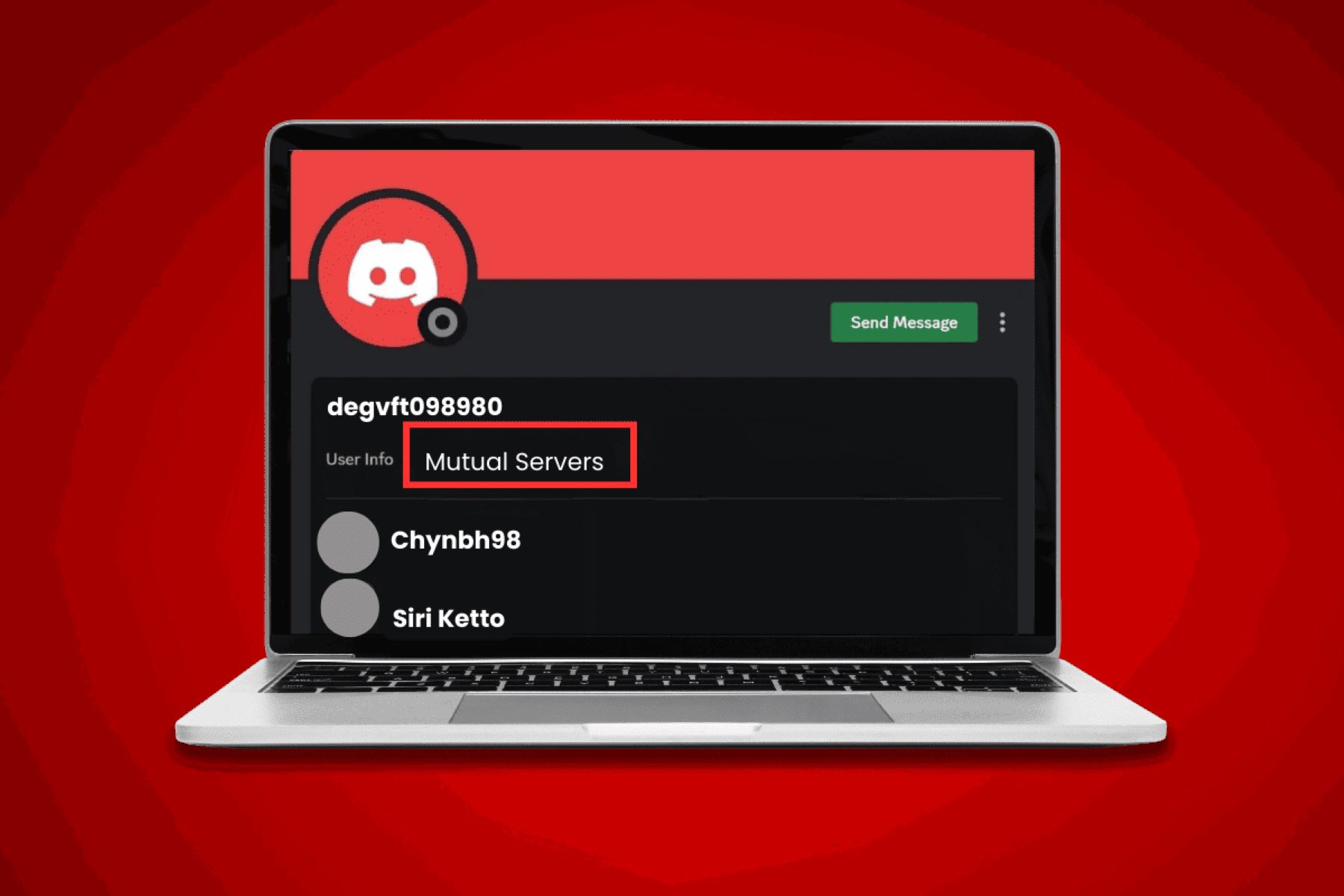
Attackers rarely start with your home address. They start with what you voluntarily expose. On Discord, your username, display name, account age, and mutual server information remain visible regardless of your privacy settings, that is a permanent part of your profile. From there, an attacker may look at your profile picture, your bio, your connected accounts (like Spotify or Steam), your activity status, or your custom status. Each of these is a small clue.
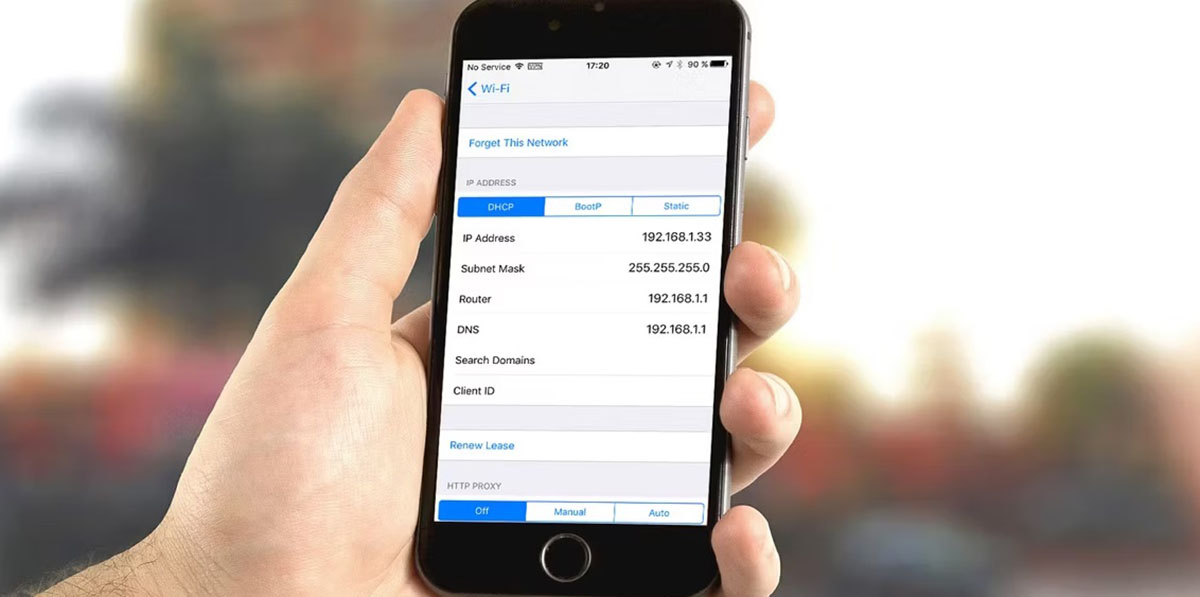
Next, they may engage with you directly, asking seemingly innocent questions like “where are you from?” or “what time zone are you in?”, or they may observe your messages across servers. Voice chat can reveal accents, background noises, or even your real name if you say it. They might also send you a link that appears harmless but logs your IP address when you click it. That IP address can reveal your general geographic region, though not your exact street address.
Once they have a few pieces, they cross-reference. Your Discord username might match your Twitter, Instagram, or LinkedIn handle. Your profile picture might be used elsewhere. A data breach from an old gaming forum might link your email to your real name. Public records, property tax rolls, voter registration, business listings, can then connect that name to an address. The attacker is assembling a mosaic from fragments you left behind.
This is why the defense is not about hiding one thing, it is about reducing the total number of fragments and making the ones that remain useless.
Warning Signs That You Are Being Targeted
Doxxing rarely happens without warning. Look for these signs, and take them seriously:
• Someone you don’t know suddenly asks detailed personal questions, your city, your school, your workplace, your family, your birthday, especially if they frame it as “getting to know you.”
• A user repeatedly checks your profile, mentions your old messages, or references things you said in a different server.
• You receive a suspicious link from someone you just met, especially one that claims to show a “funny video,” “game clip,” or “free reward.” Clicking it may reveal your IP address.
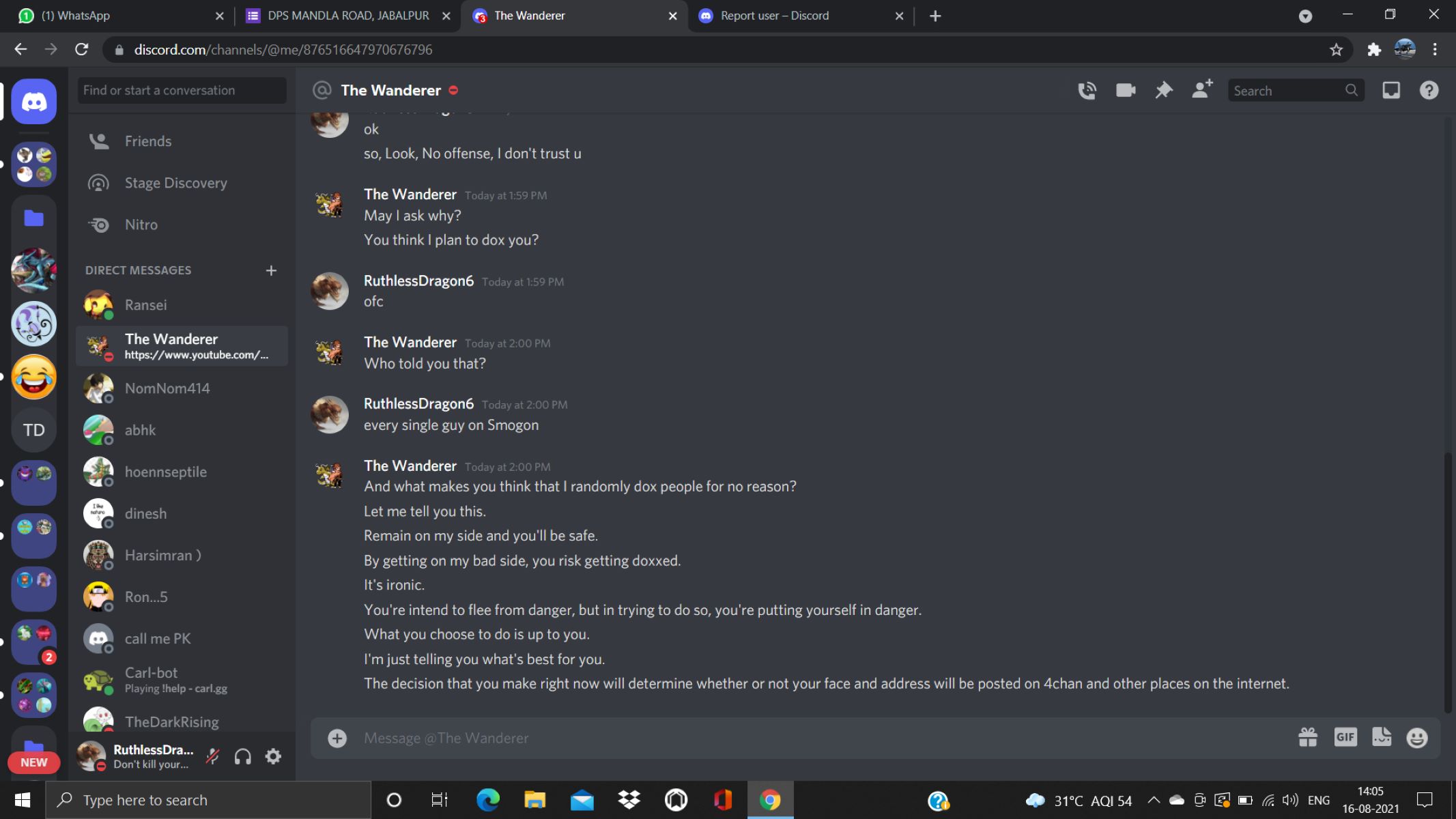
• Someone threatens to “find out who you really are” or says they “already know your address” but won’t prove it, this is often a bluff, but it is also a warning.
• You notice your connected accounts (Spotify, Steam, GitHub, etc.) are being viewed or followed by unknown accounts.
• A stranger sends you a friend request, then immediately asks about your location or your “real name.”
• You see your username or profile picture mentioned in a public server along with negative or probing comments.
• Someone sends you a screenshot of your own profile with details circled, asking for confirmation.
If you notice any of these, do not engage further. Do not answer questions. Do not click links. Do not argue. Instead, use the protective steps below immediately.
How to Protect Yourself from Doxxing on Discord: Immediate Settings
Discord gives you several built-in controls. Use them all. These are not difficult, and they take less than five minutes.
First, navigate to User Settings (the gear icon next to your username) then Privacy & Safety. Here, you can adjust what data Discord processes and who can contact you. This is your first line of defense.
Second, prevent unwanted direct messages. Go to User Settings > Content & Social > Social permissions. Toggle off “Allow direct messages from server members.” You can apply this to all existing servers at once, or customize it per server. If you only want DMs from people you already know, turn this off globally. This stops strangers from sliding into your DMs to probe you.
Third, control who can send you friend requests. In User Settings > Content & Social > Friend Requests, set it to “Friends of Friends” or “Server Members” instead of “Everyone.” Better yet, set it to “Friends of Friends” only. This reduces the pool of people who can initiate contact.
Fourth, use Profile Privacy. Go to User Settings > Data & Privacy > Profile Privacy. This setting controls who sees your full profile details, including Custom Status, Pronouns, Badges, Activity, Connected accounts, Bio, Widgets, and Wishlists. You have three options: “Friends & All Servers,” “Friends & Small Server Only,” or “Friends Only.” Choose “Friends Only” if you are concerned. This hides your connected accounts, your activity, and your bio from strangers. Remember: your username, display name, account age, and mutual server information remain visible regardless of this setting, so do not put sensitive information in those fields.
Fifth, secure your account itself. Use a strong, unique password that you do not use anywhere else. Enable Two-Factor Authentication (2FA) using an authenticator app like Google Authenticator or Authy. Do not use SMS-based 2FA if you can avoid it. This prevents an attacker from taking over your account, which is a common first step in doxxing, they change your password, lock you out, and then read your private messages for more PII.
Finally, review your connected accounts. Go to User Settings > Connections. Remove any that you do not actively use. If you keep Spotify or Steam, set those profiles to private where possible. An attacker can use a connected account to find your real name or email.
What to Do If You Are Doxxed: Immediate Recovery Steps
If you discover that your personal information has been shared without your permission, act quickly and calmly.
First, if you or another user is in immediate danger, meaning you fear physical harm, stalking, or a swatting attempt, contact law enforcement right away. Call your local police non-emergency number, or 911 if you are in immediate danger. Do not wait. Doxxing can escalate, and law enforcement is equipped to handle it.
Second, document everything. Take screenshots of the messages, the server, the user who posted your information, and the timestamp. Save them to a secure location (not just on Discord). This evidence is essential for reporting and for law enforcement.
Third, report the incident to Discord. Go to the message, right-click (or long-press on mobile), and select “Report.” Choose the option that applies, harassment, sharing personal information, or threatening behavior. Discord’s Trust & Safety department reviews reports and may remove content, temporarily suspend, or permanently ban violative accounts and servers. You can also submit a detailed report at Discord’s support page, including your documentation.
Fourth, lock down your account further. Change your password immediately. Enable 2FA if you have not already. Change your username and display name to something that does not match your other online handles. Remove your profile picture or replace it with a generic image. Set Profile Privacy to “Friends Only.” Turn off DMs from server members. Remove all connected accounts.
Fifth, check your other online presence. Search for your own username, email, and real name on search engines. If you find your information posted on a public website, contact that site’s abuse team. If your email or phone number appears in a data breach, change those passwords and enable 2FA on those accounts as well.
Sixth, consider a temporary break from Discord. A few days or weeks away can give the situation time to cool down. You are not obligated to remain in a hostile environment.
Finally, talk to someone you trust. Doxxing is frightening and violating. You do not have to handle it alone. Reach out to a friend, a family member, or a mental health professional.
Long-Term Habits That Reduce Your Risk
Protection is not a one-time action. Make these habits permanent:
• Never share your real name, city, school, workplace, or birthday in any Discord server, even private ones.
• Do not use the same username across multiple platforms. Use a unique handle for Discord.
• Do not use your real photo as your profile picture.
• Do not click links from strangers, especially shortened URLs or links that ask you to “verify” something.
• Be wary of voice chat. If you are concerned, use a voice changer or simply avoid voice chat with strangers.
• Regularly review your Privacy & Safety and Profile Privacy settings, as Discord updates its features.
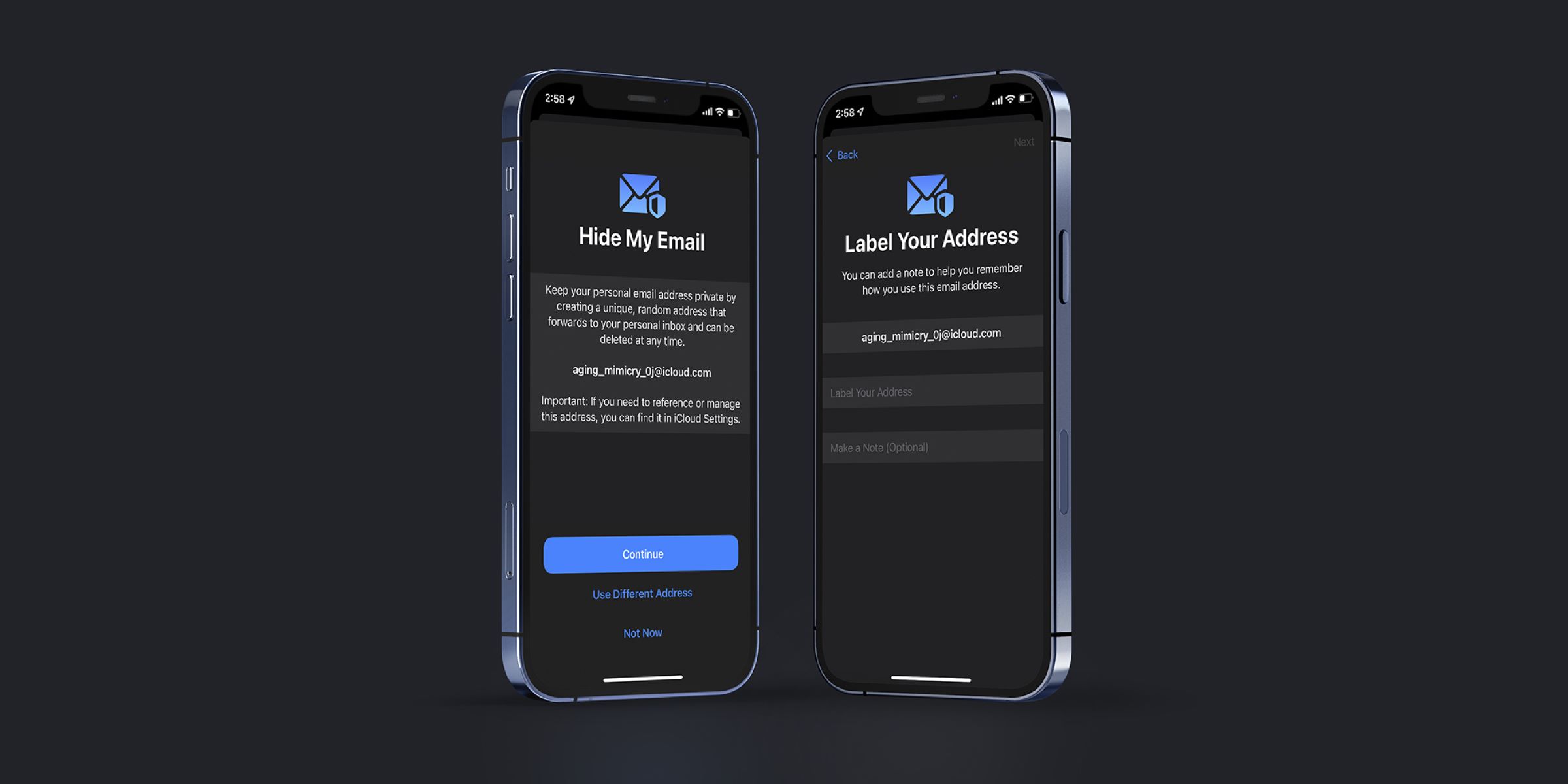
• Use a separate email address for Discord that does not contain your real name.
• Never share your phone number, even in a DM with someone you think you trust.
Doxxing is a serious crime, and you have the right to protect yourself. By understanding the pattern, locking down your settings, and acting quickly if it happens, you can significantly reduce your risk and recover if you are targeted. Stay safe, stay vigilant, and remember: your real life is private, and you get to choose who knows it.
\nRelated reading: How To Turn Off Hide My Email, How To Find Hidden Spy Apps On iPhone, and How To Clear Your Browser History.