In most cases, nothing immediately catastrophic happens—honeypot links typically just log your IP address and browser fingerprint to prove you visited, but you should immediately disconnect from the Tor network, close the browser, and run a malware scan to be safe.
The immediate reality of a honeypot link click
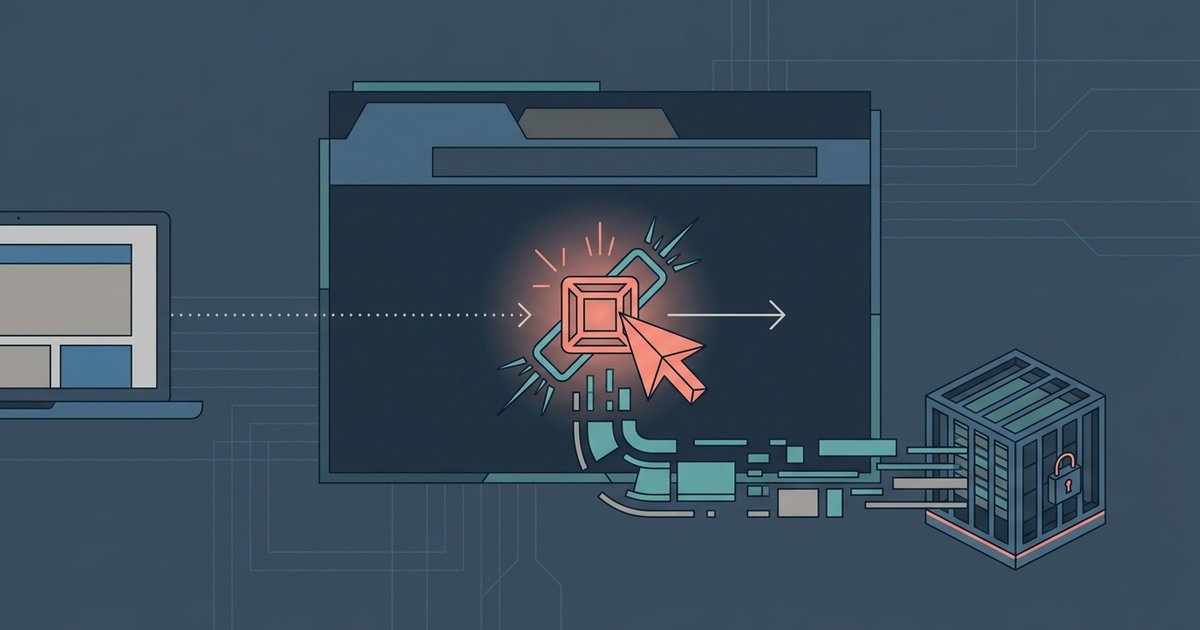
When you click a honeypot link, the server captures your Tor exit node’s IP address. It also grabs your browser fingerprint, including screen resolution, installed fonts, timezone, and your user agent string. A precise timestamp of the visit is recorded too. This data is stored for surveillance and mapping purposes. Operators want to know who is visiting which .onion sites, not to instantly infect every visitor. The rare exception is a drive-by exploit, which requires a specific vulnerability in your Tor Browser version. If you are using the latest version of Tor Browser, the risk of an automatic infection is extremely low. Most honeypots are passive collection points, not active attack vectors.
What people get wrong about police and hackers
Many users fear that clicking a honeypot will trigger an immediate police raid or a hacker’s remote takeover. Law enforcement honeypots are designed for long-term intelligence gathering on major players, operators of illegal markets or distributors of child abuse material, not individual accidental visitors. The realistic legal risk for a single, accidental click is near zero. This changes only if you immediately proceed to buy credit cards on dark web marketplaces or engage in transactions. Similarly, hackers running honeypots are rarely interested in panicking a single visitor. They want to map the network and identify Tor hidden services. The phrase "cp on the dark web" refers to illegal content that law enforcement actively monitors. Merely clicking a link labeled with that term does not constitute possession or intent, but you could still get a virus just by clicking a link on the dark web that exploits your browser. To avoid such risky misclicks entirely, you should verify a dark web link is safe before clicking it.
Your first 5 minutes after the click
Your immediate steps should be mechanical and deliberate. First, disconnect from the Tor network by closing the Tor Browser window entirely. Do not click any other links, even to close tabs. Second, physically disconnect your internet by unplugging the Ethernet cable or turning off Wi-Fi on your computer for at least 30 seconds. Third, do not revisit the link, screenshot it, or try to "see what happens." This only increases your exposure. If you followed a guide to get to the dark web on DuckDuckGo, you likely used a bridge or a specific search query. Do not repeat that search now. Finally, if you had any intention to download videos on tor or access media files, abort that plan entirely until your system is verified clean.
In most cases, nothing immediately catastrophic happens. The panic you feel is understandable. The vast majority of accidental clicks result in no direct harm. The real danger lies in how you react next, not in the click itself.
Checking for lasting damage
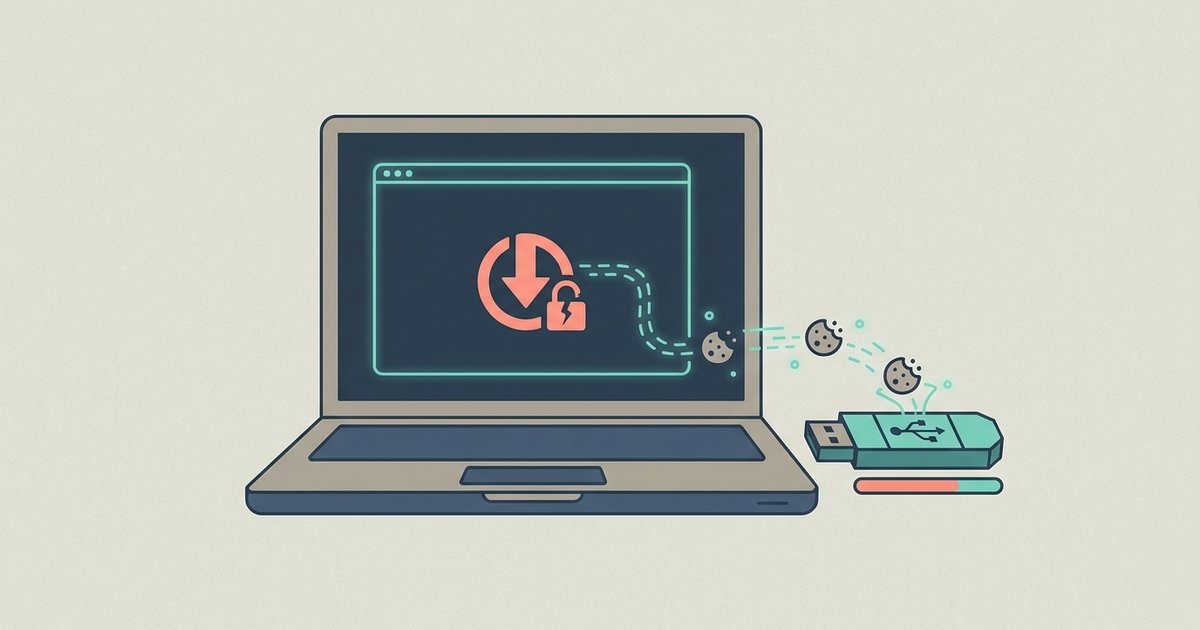
After reconnecting to the internet, run a malware scan focused on JavaScript-based exploits. Use a reputable tool like Malwarebytes or Windows Defender offline scan, which can detect scripts that may have executed without a full download. Check your Downloads folder for any unexpected files. Honeypots sometimes drop a small text file or a harmless HTML page to test browser behavior. Clear your Tor Browser’s cache, cookies, and history completely from the browser’s settings menu under "Privacy & Security." A full OS reinstall is only warranted if your scan finds a confirmed exploit or if you notice unusual network activity, such as unexplained outbound connections. For a simple accidental click with no follow-up actions, a thorough scan and browser reset are sufficient. Unnecessary paranoia can lead to risky behavior like wiping evidence that was never dangerous.