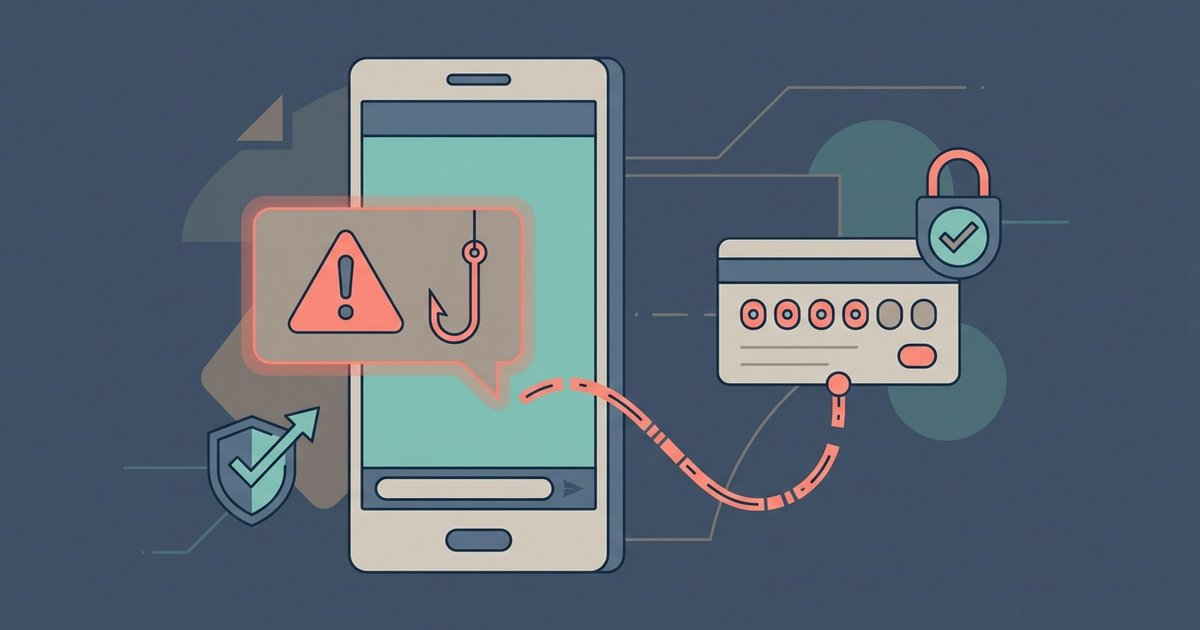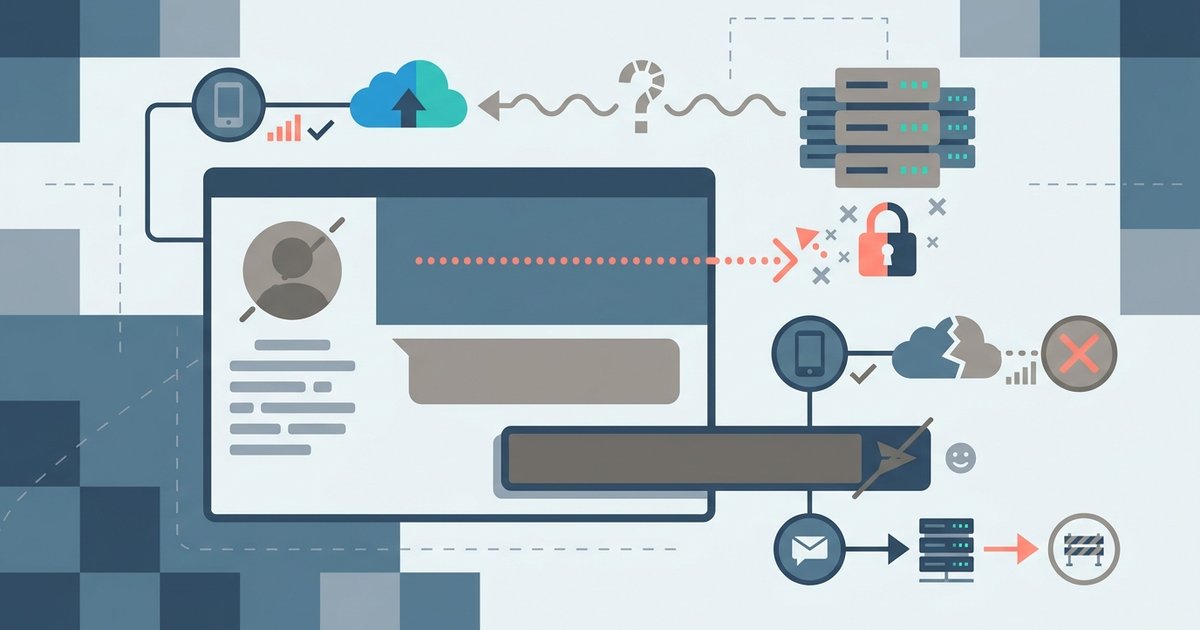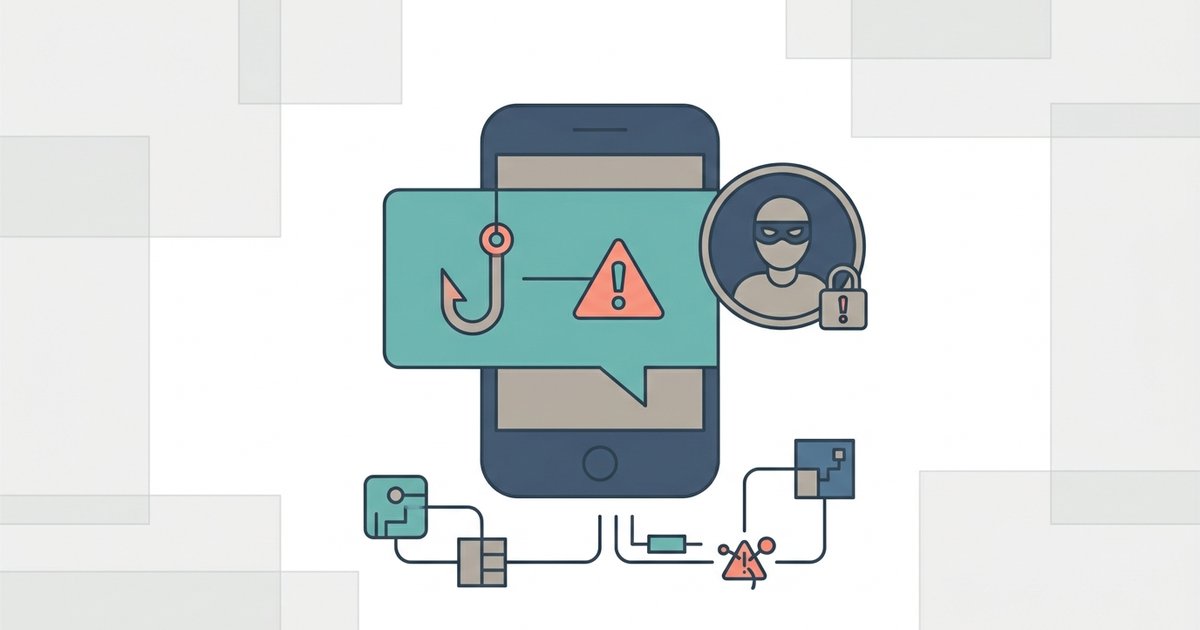
Most Messenger scams follow one of two scripts: a stranger with an offer that needs money or personal details, or a message from a friend's hacked account asking for something urgent. The tells are consistent: pressure to act fast, a link or a login request, a request for money, gift cards or codes, and a push to continue the conversation somewhere else. When a friend's message feels off, check with them another way before you click or pay.
The hacked friend message
This is the scam that works best, because it arrives from someone you trust. Meta says scammers compromise existing accounts as well as creating fake ones, and its help center warns that friends or family may unknowingly send malicious attachments if their account has already been compromised. Meta lists two common causes of a compromised account: malicious software, and login details stolen through phishing.
Typical versions look like this:
- A short message with a link and something like "is this you?" or "look what I found", written to make you curious or worried.
- A friend who is suddenly stuck somewhere, has lost a wallet, or needs money sent today.
- A request to forward a code that has just been texted to you, supposedly sent to your number by mistake.
- An investment or cryptocurrency success story, with an offer to show you how.
- A vote for a friend's child in a contest, which takes you to a page that asks you to log in.
Meta's own list of red flags names people claiming to be a friend or relative in an emergency, and messages asking you to log in with your social media, email or bank account to read an important message. Both are hallmarks of the hacked friend script.
How to check a suspicious message from a friend
- Stop before clicking anything. Do not open the link or attachment, and do not reply with codes, passwords or payment details.
- Contact them outside Messenger. Call or text them on a number you already had. If the account is compromised, asking questions in the same chat just puts you in conversation with the scammer.
- Ask something only they would know if you cannot reach them another way.
- Tell them. If their account has been taken, they may not know yet, and it is probably sending the same message to everyone they know.
- Report the message from inside the chat so Meta can act on the account.
Red flags Meta lists
Meta's scam guidance gives a set of warning signs for messages and friend requests. The ones that show up most in Messenger:
- People you do not know, or famous people, asking for money.
- Requests for an advance fee to receive a loan, prize or other winnings.
- People asking you to move the conversation off Facebook.
- Someone looking for a romantic connection very quickly, then asking for money.
- Poor spelling and grammar.
- Urgent messages saying something is wrong with your account.
- Accounts with no friends, no profile photo or no real-looking activity.
Meta sums up its advice as three rules: slow down, because scammers create urgency; spot check, because the details often do not add up; and do not send, because no reputable organization demands payment on the spot.
Scams that arrive from strangers
These usually come in through message requests, which is useful: Meta says links in a request cannot be opened until you reply or copy the link into a browser yourself. The main types Meta describes:
Investment scams. Promises to turn a small amount into a much larger one, including cash flipping and get rich quick schemes. Meta notes the scammer typically disappears with the payment.
Romance scams. Someone who presents as divorced, widowed or unhappily married, builds trust over weeks or months, then needs money for a flight, a visa or an emergency.
Job scams. Offers that sound too good to be true, or that ask you to pay something before your application is considered.
Lottery and prize scams. Messages from accounts posing as someone you know or as a legitimate organization, saying you have won something and need to pay a fee to collect it.
Messages that claim to be from Meta
A common variation says your account will be disabled, you broke a rule, or your Page is under review, and gives you a link to fix it. Meta says it will never ask for your password in an email or send you a password as an attachment. If a message claims to come from Facebook, do not use its links. Check your account's settings directly instead; Facebook keeps a record of recent emails it has sent you in your settings, so you can compare a suspicious one against the real list. Meta also accepts reports of phishing messages at phish@fb.com.
Scam warnings inside Messenger
Meta has been rolling out scam detection on Messenger. According to Meta, when a chat with a new contact shows patterns of common scams, such as suspicious job offers, Messenger warns you and asks whether you want to share recent messages for an AI scam review. If a scam is likely, you get information about common scams and suggested actions such as blocking or reporting. Meta has described this as rolling out country by country, so you may not have it yet, and it only looks at chats with new contacts. A hacked friend's account will not trigger it.
Report and block
To report someone pretending to be a person you know, a public figure or you:
- Open the conversation and tap the person's name at the top.
- Scroll down and tap Report.
- Choose Pretending to be someone.
- Select who they are pretending to be and tap Submit report.
For other scams, use Report from the same screen and pick the closest category, then block the account. Blocking alone stops the messages but does not tell Meta about the account.
If you clicked, or your own account is sending the messages
Act quickly and in this order:
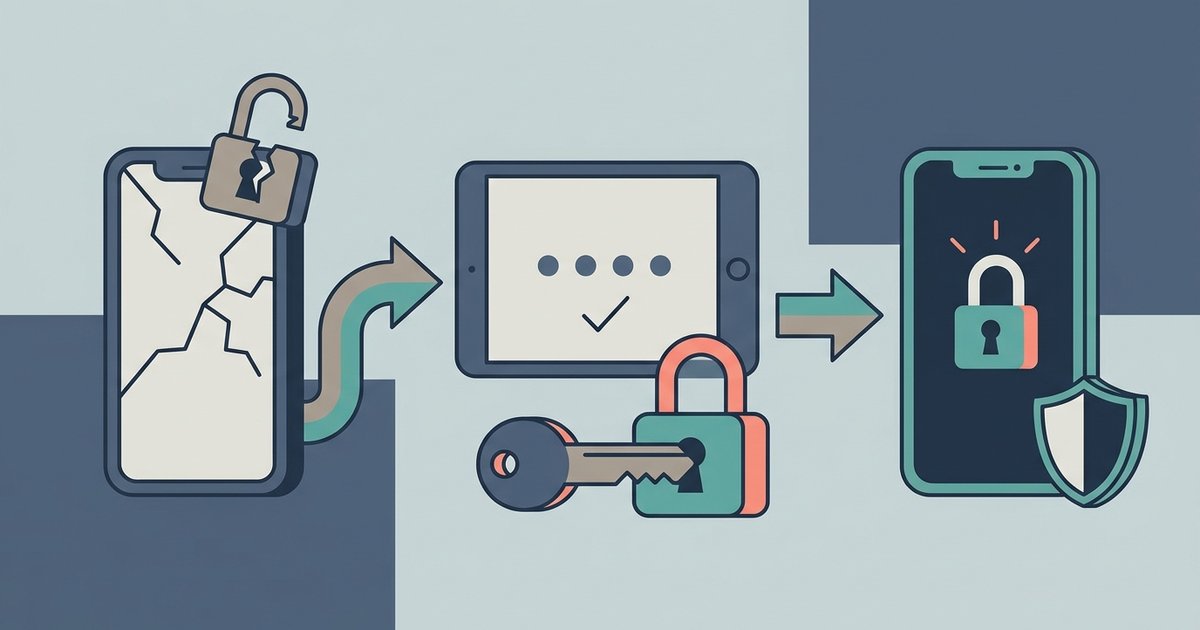
- Change your password if you can still log in, and do not reuse one from another site.
- If you cannot log in, go to facebook.com/hacked on a device you have used to log in before. That is Meta's recovery route for hacked accounts.
- Check where you are logged in. Meta recommends reviewing your login history and previous sessions for devices you do not recognize.
- Turn on two-factor authentication and login alerts. Meta calls two-factor authentication one of the most effective tools against account takeover.
- Clean up. Check your activity log and delete posts, messages, Pages, groups or events you did not create.
- Warn your contacts that anything sent from your account in that period was not you.
If you entered card details or sent money, contact your bank or card provider straight away. Report the account in Messenger as well, so it can be stopped from reaching others.
The single habit that stops almost all of this is verifying through a second channel. Any message that asks for money, a code or a login deserves a phone call to the person it claims to be from, however familiar the name in the chat.
\nRelated reading: WhatsApp Scams: How to Spot and Stop Them and How to Recover a Hacked WhatsApp Account.