Downloading videos on Tor is only safe when you follow strict privacy procedures before, during, and after the download.
Before you download videos on Tor: critical safety warnings
Downloading videos on Tor carries serious risks that you must understand before starting. Opening downloaded files outside of Tor Browser can reveal your real IP address, as external applications may download resources outside the Tor network. Tor Browser will issue a warning before automatically opening documents with external applications; this warning should not be ignored. Installing additional browser plugins or add-ons for video downloading is not recommended, as they may bypass Tor's protections or compromise anonymity. Tor Browser blocks certain browser plugins like Flash, RealPlayer, and Quicktime because they can be manipulated to reveal your IP address. Torrenting (P2P file-sharing) over Tor is unsafe and strongly discouraged because torrent applications often ignore proxy settings, exposing your real IP address and slowing the network. Large downloads also place a significant strain on the volunteer-run Tor network, impacting other users. These risks are compounded on mobile devices, so confirm Tor Browser working on iPhone or iOS before attempting any downloads.
What is Tor and how does it work?
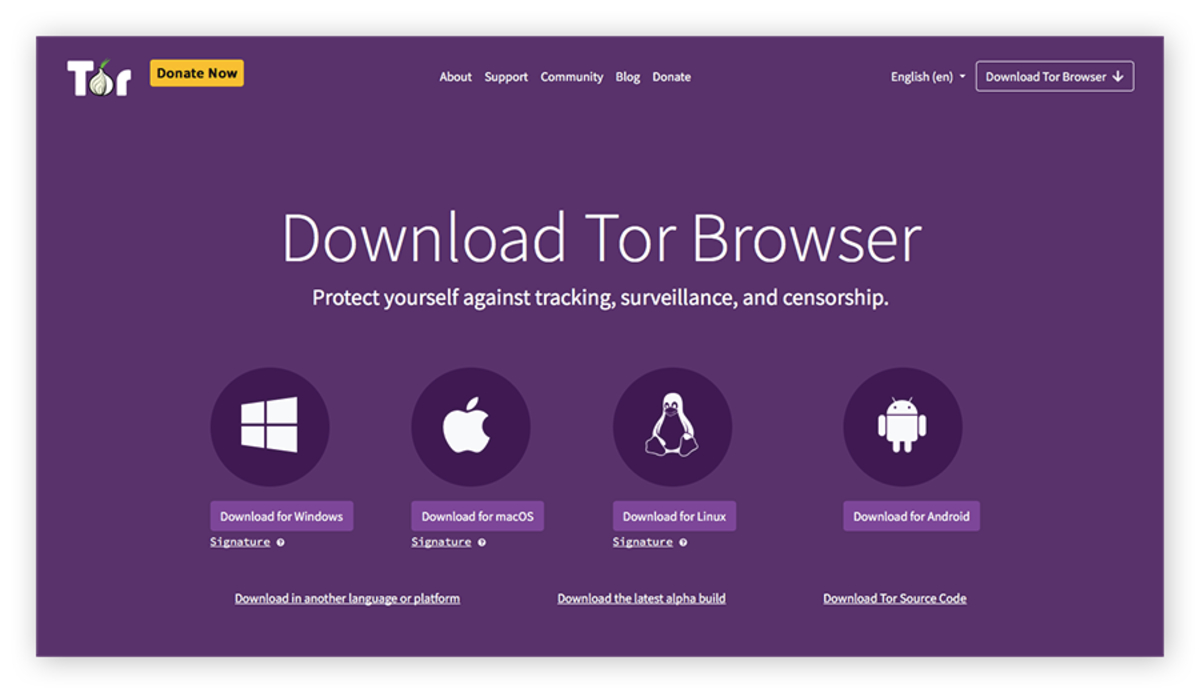
Tor, short for The Onion Router, is an anonymity network that routes your internet traffic through a series of volunteer-operated relays. Each relay encrypts and passes on the data, making it difficult to trace the origin and destination of the communication. The layered encryption ensures no single relay knows both the original source and the final destination, maintaining your anonymity while you browse and download.
Why download videos through Tor?
Users download videos on Tor primarily to protect their privacy by hiding their IP address from third parties. Tor also allows users to bypass censorship and geo-restrictions, accessing content blocked in their region. For secure research, journalists and activists use Tor to download sensitive video materials without leaving a digital footprint. If you want to get to the dark web on DuckDuckGo, Tor is the essential tool for accessing those hidden services anonymously, and you can start by learning how to get on the dark web on tor browser.
Is it legal to download videos on Tor?
Tor is a tool; legality depends entirely on the video's copyright status and your jurisdiction. Downloading videos that are in the public domain or authorized for free distribution is generally legal. Downloading copyrighted videos without permission is illegal and a violation of intellectual property rights, regardless of whether you use Tor. This article does not promote or encourage any illegal activities, including downloading copyrighted or illegal content.
How to safely download videos on Tor: the only recommended method
Follow these steps:
- Launch Tor Browser and connect to the Tor network.
- Navigate to a website that offers direct links to video files (e.g., a direct MP4 or WebM file).
- Choose a save location. The default download directory for Tor Browser is typically within the Tor Browser installation folder or your system's Downloads/Desktop folder.
- Wait for the download to complete.
Do not use third-party websites, online video downloaders, or browser add-ons to download videos. These tools can bypass Tor's protections and compromise your anonymity. Only download videos that are legally available for download.
How to open downloaded files without revealing your identity
After downloading, never open the video file directly from within Tor Browser. Heed Tor Browser's external application warning if it appears. For maximum anonymity when handling downloaded files, it is strongly recommended to open them on a disconnected computer or use tools like dangerzone to create safe PDF files. Opening a downloaded file on your main computer while connected to the internet can leak your real IP address through external applications that fetch resources outside the Tor network.
Frequently asked questions about downloading videos on Tor
Why are download speeds so slow on Tor?
Using Tor results in slower internet speeds due to routing traffic through multiple relays.
Can I download videos on Tor using a mobile device?
Yes, Tor Browser is available for Android. You can follow the same 'Save Link As...' method on a mobile device, but the same safety warnings apply.
Is it possible to safely download streaming videos on Tor?
Streaming videos protected by Digital Rights Management (DRM) cannot be safely downloaded on Tor without breaking anonymity. Any tool that captures DRM-protected streaming content requires plugins or software that bypass Tor's protections, compromising your IP address.