You don't. A real movie file will never be an .exe. Delete it immediately and only open files with video extensions like .mp4, .mkv, or .avi.
Why your downloaded movie file is an .exe
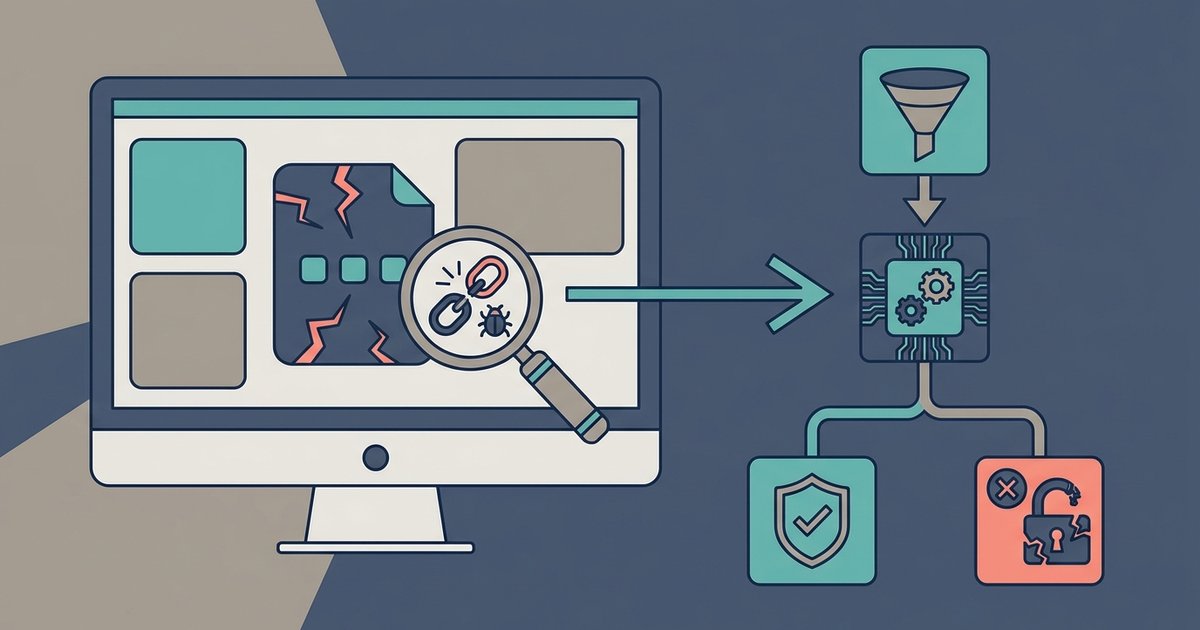
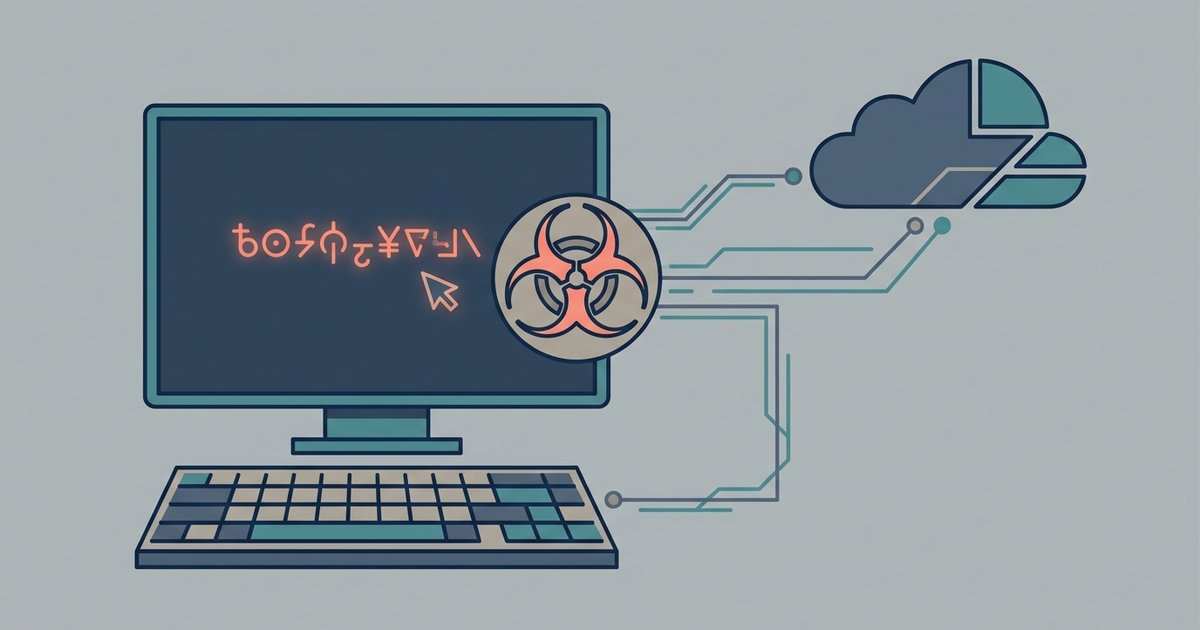
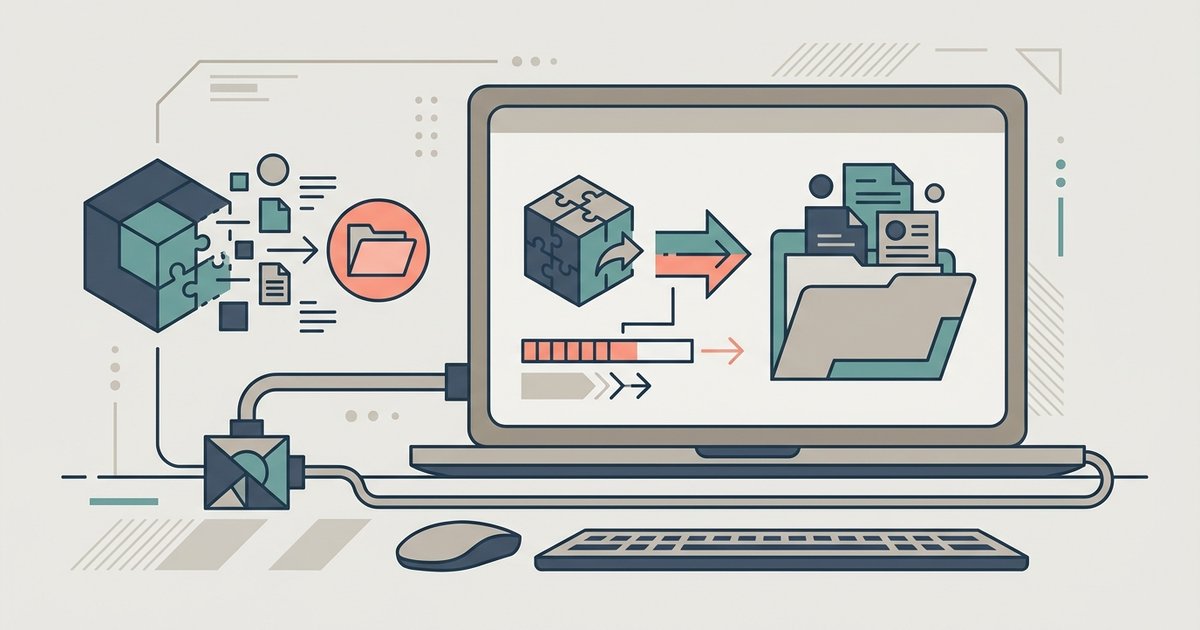
You don’t. If you followed a guide on how to download from The Pirate Bay and ended up with an executable, the uploader tricked you, the file is malware, not a film. Do not double-click it, do not rename it to .mp4, and do not try to run it in a sandbox unless you know exactly what you are doing. Scammers exploit Windows’ default setting to hide known file extensions. A file named “Avengers.Endgame.2024.1080p.exe” appears to the average user as simply “Avengers.Endgame.2024.1080p” because Windows hides the last three letters. The uploader relies on this trick: you see a familiar title and assume it is a video, but the real extension is .exe. When you double-click it, the executable runs a script that installs ransomware, steals credentials, or enrolls your computer in a botnet. This is why every guide to using 1337x proxy and mirror sites warns you to check “View > Show > File name extensions” in File Explorer before opening anything. If you see .exe, .scr, .bat, or .msi after a movie name, it is not a movie, it is a trap.
The one safe way to preview a suspicious file
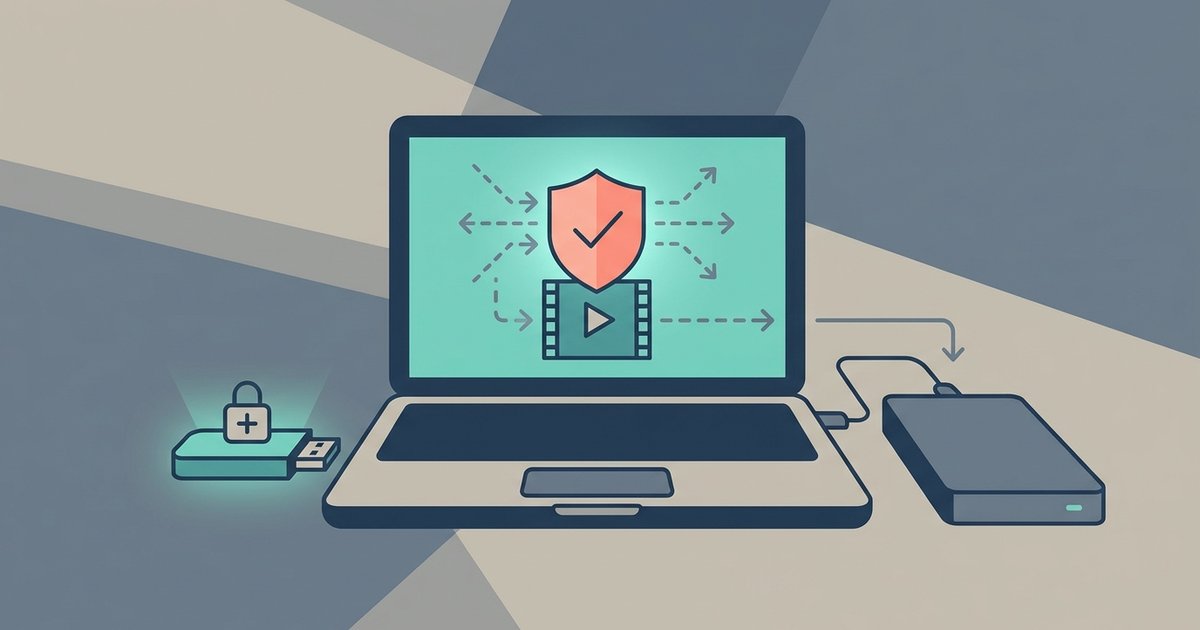
If you absolutely must check a file you already downloaded, perhaps because you are a security researcher or you accidentally left it in your Downloads folder, upload it to VirusTotal.com. This service runs the file through more than 70 antivirus engines without ever executing it on your machine. Drag the .exe onto the VirusTotal page and wait for the scan. If even one engine flags it (and most will), delete the file immediately. This is the only method that does not risk infecting your computer: running it in a virtual machine, opening it in a sandbox, or renaming it to .mp4 are all dangerous because the malware can still escape those environments. For reference, the pirate bay proxy sites list of 2020 included many mirrors that hosted these exact fake files, and users who scanned first avoided infection. If you still need to find safer download sources, the best rarbg proxy and mirror sites can help you locate verified torrents instead of random executables. VirusTotal also has a 650 MB file size limit, so if your “movie” is smaller than that, it is almost certainly not a real video.
When a video file is still dangerous
Even a genuine .mp4, .mkv, or .avi can contain malware through embedded scripts or exploits in the media player. Some malicious videos include subtitles that trigger buffer overflows in VLC or Windows Media Player, granting the attacker remote access. Others use “puzzle” files that require a codec pack, downloading that pack is what actually infects you. To stay safe, disable auto-play in your media player (VLC: Tools > Preferences > “Play and pause” > uncheck “Auto start”). Keep your player updated; VLC 3.0.20 and later patched several known exploit vectors. Do not download codec packs from third-party sites; use the built-in codecs or the official VLC installer. And if a video file asks you to “install a missing codec” when you open it, close the player immediately, that is the scam. Working Extratorrent proxy sites also host these poisoned files, so treat every download, even with the correct extension, as suspect until you have scanned it with VirusTotal and confirmed the player is up to date.