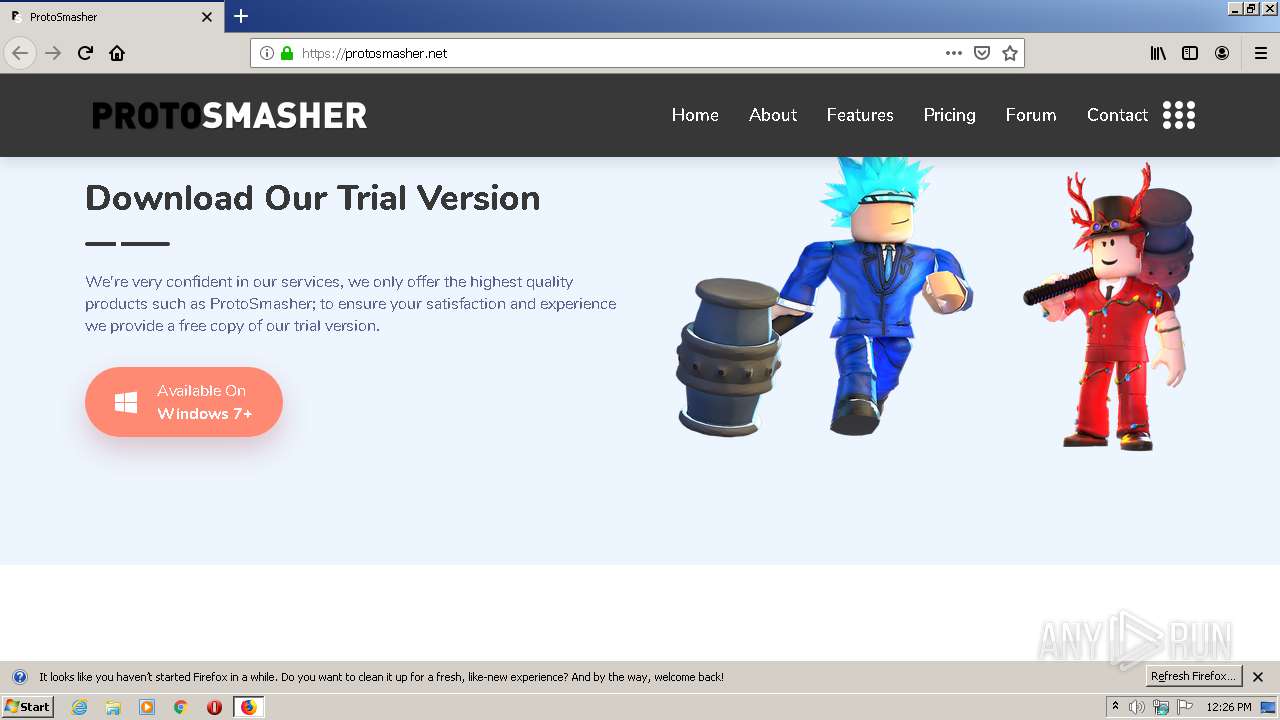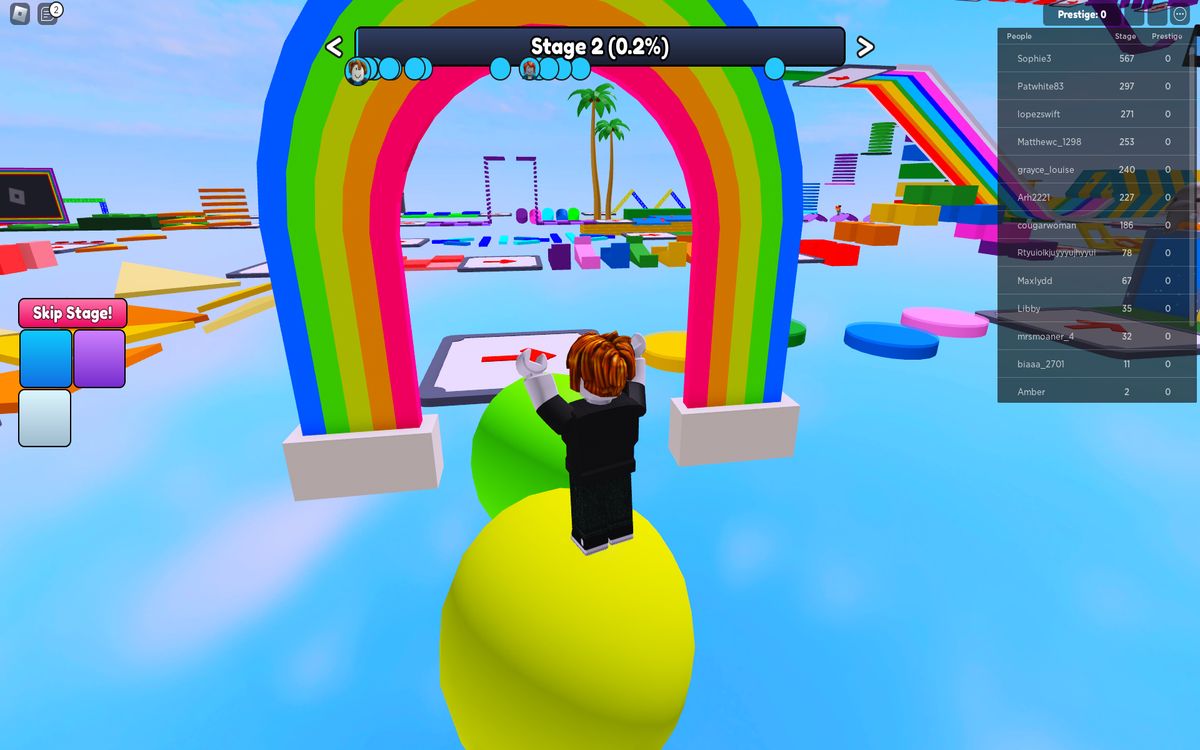
If you are searching for how to download Roblox hacks, the direct answer is that doing so is unsafe, against Roblox’s Terms of Service, and likely to result in malware infections or permanent account loss, and this article explains the full Roblox cheat risks and safety picture so you can protect yourself and others.
Understanding the Real Roblox Cheat Risks and Safety Landscape
Roblox is a massively popular online platform where users create and play games built by other users. Because of its scale and the value of virtual items and accounts, some players seek shortcuts through “hacks,” “exploits,” or “cheat scripts.” These tools promise free Robux, auto-aim, infinite health, or other unfair advantages. However, the reality is that almost every “free hack” download is a trap. The primary danger is not just a broken game, it is the security of your device and personal data.
Many exploit tools are scams designed to install malware, such as keyloggers or phishing programs, to steal personal information and Roblox passwords. A keylogger records every keystroke you type, including email addresses, passwords for other sites, and even banking details if you type them. Phishing programs may redirect you to fake login pages that look identical to Roblox, capturing your credentials the moment you enter them. Once a malicious program is on your computer, it can also spread to other files, slow down your system, or give remote access to a stranger. You are not just risking your Roblox account, you are risking your entire digital identity.
Even if a particular exploit file is not malware, the act of using it violates Roblox’s Terms of Service. Roblox explicitly prohibits “cheating, exploiting, or using unauthorized third-party programs.” This is not a gray area; it is a clear rule. When you agree to Roblox’s Terms of Service upon creating an account, you agree not to use any software that modifies the game, automates actions, or grants unfair advantages. Violating this rule has real consequences, which are described in detail below.
Why Cheat Tools Break the Game for Everyone
Beyond personal risk, exploits harm the entire Roblox community. When a player uses a cheat to gain infinite health, teleport across maps, or spawn items, it ruins the experience for other players in that same game. Imagine playing a competitive obby or a team-based shooter, only to have someone fly through walls and win every round without effort. That is not fun, it is frustrating and unfair. Many game developers on Roblox spend hundreds of hours designing balanced experiences. Exploits undermine their work and can force them to shut down their games entirely.
Exploits also cause technical problems. Some cheat scripts are poorly coded and can crash servers, corrupt game data, or cause lag for everyone in the session. In severe cases, an exploit can trigger a “rollback” where the entire server resets, and all players lose their progress from that session. This is why Roblox’s moderation team actively scans for unusual behavior and responds to reports. They do not just ban the cheater, they may also remove the exploited content or reset affected game instances. The damage is not limited to the cheater; it spreads to innocent players who did nothing wrong.
Permanent Account Bans and Other Official Penalties
Roblox takes cheating seriously, and the consequences are severe. Roblox's moderation team investigates reports and takes appropriate action, which can include warnings, temporary bans, or permanent account deletion, and content removal. A permanent ban means you lose all of your Robux, your avatar items, your friends, your created games, and your entire history on the platform. There is no appeal for most permanent bans related to exploiting. Even a temporary ban can be a major setback, especially if you have invested time or money into your account.
Additionally, Roblox can remove any content that was created using or associated with exploits. If you upload a game that contains a hidden cheat script, that game will be taken down, and your account may be flagged. If you share a cheat tool with another player, you are also violating the Terms of Service and can be banned for distribution. The idea that “it’s just a game” does not protect you, Roblox treats exploiting as a serious breach of trust, and their enforcement is automated and manual.
How to Play Fairly and Keep Your Account Safe
The best way to enjoy Roblox is to play fairly. Fair play is not just about following rules; it is about respecting other players and the developers who create the experiences you love. Here are practical steps to stay safe and positive:
Never download “hack” files or scripts. If a website, video, or stranger offers you free Robux or a cheat tool, ignore it. Roblox does not offer free Robux through third parties, and any such offer is a scam. The only safe way to get Robux is through legitimate purchase or through official Roblox events and rewards.
Use strong passwords and two-factor authentication. Even if you never download a hack, phishing attempts can still target you. Enable two-factor authentication on your Roblox account and use a unique password that you do not use on other websites. This makes it much harder for anyone to steal your account, even if they trick you into entering your credentials on a fake page.
Report cheaters instead of joining them. When you see a player exploiting, do not try to copy them or confront them in chat. Instead, use Roblox’s official reporting system. To report a user inside an experience, open the menu, find the player’s name, and select the report option. Choose "Person" or "Experience," select the specific user or experience, choose the "Reason for Abuse" (e.g., Exploiting, Cheating, Scamming), add a "Short Description," and "Submit." Be specific in your description, mention what they did, when, and in which game. This helps moderators act quickly.
Report outside an experience if needed. If the cheating happens outside a game, such as in chat or on a profile, you can still report. To report a user outside an experience, navigate to their profile, click the three dots next to the chat button, select "Report," choose a subject, provide a description, and submit. This is useful for reporting scammers who send phishing links or people who advertise hacks in their bio.
Why You Should Never False Report
Reporting is a powerful tool, but it must be used honestly. False reporting or encouraging others to do so is against Roblox's Terms of Service and may result in punishments. If you report a player simply because you lost a game, or because you do not like them, you are abusing the system. This not only wastes moderator time but also can lead to innocent players being temporarily banned. Roblox tracks report patterns, and users who repeatedly file false reports may lose their own reporting privileges or face account penalties.
If you are unsure whether something is actually an exploit, take a moment to think. A player who is simply better at the game is not cheating. A player who uses a glitch that is already in the game might be reported, but it is better to report only clear cases of third-party tools or obvious rule-breaking. When in doubt, err on the side of caution and do not report. You can also use the “Block” function to avoid playing with someone you find annoying, that does not require a report.
Staying Safe Beyond Roblox: General Online Hygiene
The same malware risks that apply to Roblox hacks apply to almost any “free cheat” for any game. Cybercriminals know that gamers are willing to take risks for an advantage, and they exploit that trust. Always download software only from official sources, keep your antivirus updated, and never run a program that promises in-game benefits. If a file ends in .exe and claims to be a Roblox hack, it is almost certainly malicious. Even if it does not steal your password immediately, it could be a “trojan” that waits for you to log into other services.
If you ever suspect that your Roblox account has been compromised, change your password immediately, log out of all devices, and contact Roblox support. If you have entered your password on a phishing site, do not wait, act right away. Also, check your computer for malware using a trusted security tool. The sooner you respond, the less damage can be done.
The Positive Alternative: Skill, Creativity, and Community
Roblox is designed for creativity and fun. Instead of trying to cheat, invest your time in learning game mechanics, building your own worlds, or collaborating with friends. Many of the most successful Roblox developers started as players who learned to code and design. There are official Roblox tutorials, developer forums, and community events that help you improve legitimately. Earning achievements, collecting items, and winning fair matches gives you a sense of accomplishment that no hack can provide.
Remember that every time you choose to play fairly, you help keep Roblox safe for millions of other users. You also protect your own account and your personal information. The next time you see a video or a website promising “unlimited Robux” or “invisible hacks,” close the tab. You are not missing out on anything, you are avoiding a trap.
Final Reminder on Roblox Cheat Risks and Safety
To summarize, the Roblox cheat risks and safety issues are clear: downloading hacks exposes you to malware, phishing, and keyloggers that can steal your passwords and personal data. Using exploits violates Roblox’s Terms of Service and leads to warnings, temporary bans, or permanent account deletion. Cheating also ruins the game for others and can crash servers or corrupt data. The only safe and responsible path is to play fairly, use the official reporting tools to flag cheaters, and never engage with or share hack tools. Report honestly, protect your account with strong security measures, and enjoy Roblox for what it is meant to be, a fun, creative, and fair community for everyone.
\nRelated reading: How To Download Hacks In Roblox, How To Download RC7 Roblox, and How To Download Roblox.