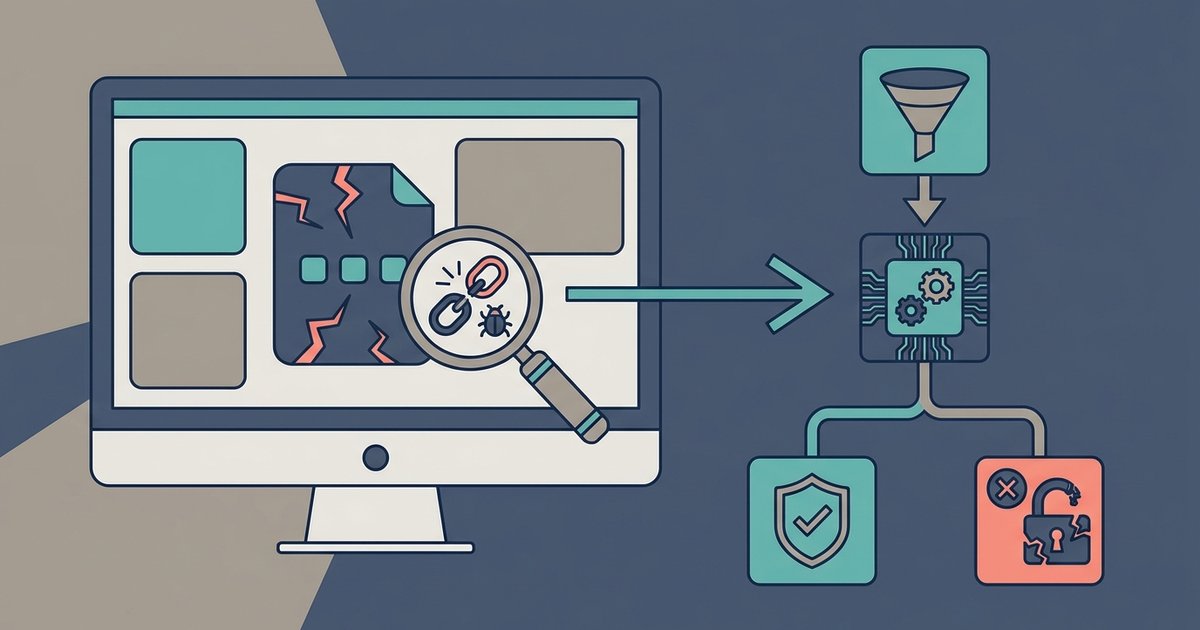
You can't get a definitive yes/no from a single scan, but you can inspect the app's entitlements, scan its binaries with VirusTotal, and check for suspicious URL endpoints in its code to make an informed judgment.
What most people get wrong about sideloaded IPA malware
Most sideloaders upload an IPA to a random online scanner and breathe a sigh of relief when it shows "clean." That false confidence is dangerous because those scanners often only check the file's hash against known malware databases, not the actual behavior inside the app. Relying on the file extension is equally useless, malware authors can name an IPA "Calculator.ipa" and pack it with spyware. Even a clean VirusTotal result means nothing if the malware is brand new or uses obfuscation techniques that static engines miss. The distinctive claim is that a single scan is a snapshot, not a guarantee, and no legitimate security assessment would ever suggest otherwise.
Extract and inspect entitlements
Start by renaming the IPA file from ".ipa" to ".zip" and extracting it with any archive tool. Inside, you'll find a folder named "Payload" containing the app bundle. Look for a file called embedded.mobileprovision, this is the provisioning profile that declares what the app is allowed to do. Open it in a text editor (it's XML) and search for Entitlements. Dangerous entitlements include com.apple.security.files.user-selected.read-write (grants arbitrary file access), com.apple.security.network.client (allows unrestricted network connections), and com.apple.security.cs.disable-library-validation (turns off code signing checks for loaded libraries). Legitimate apps rarely request increased memory limits or disable sandbox protections. If you see get-task-allow set to true, that's a debug entitlement that a normal sideloaded app should never have. This is also where you might find references to "download the app store" in the profile's metadata, a red flag if the app claims to be a utility but points to an installer for a store.
Scan the binary and check its endpoints
Inside the Payload folder, find the main executable (usually the same name as the app, with no extension). Submit this Mach-O binary to VirusTotal, not the whole IPA, because the binary is what executes. While VirusTotal runs, use the strings command on the binary in Terminal: strings /path/to/binary | grep -E "https?://". Look for hardcoded URLs that point to suspicious domains, especially those ending in .ru, .cn, .top, or .xyz. A legitimate calculator or game doesn't need to phone home to a server named "malware-c2.example.com." Also grep for IP addresses in private ranges (10.x.x.x, 192.168.x.x) that might indicate a local command-and-control server. If you see endpoints like /api/upload or /collect, that's a strong indicator the app exfiltrates data. Some malware authors hide these strings in encrypted sections, but many still leave plaintext URLs. For example, a sideloaded app claiming to help you "download Android apps without Google account" should never have a hardcoded endpoint that sends your contacts to a remote server.
When the answer is still no
Sophisticated malware can evade static analysis entirely by decrypting its payload at runtime, using reflection to load code from remote servers, or employing packers that scramble the binary until execution. Even after inspecting entitlements and scanning the binary, a clean result doesn't mean the app is safe. The only definitive protection is to not install the app at all if you have any doubt. This is especially true for IPAs that claim to offer features like "Xiaomi Google play store installation" or "download apps on iPhone without app store", these are often Trojan horses that promise convenience but deliver backdoors. If the app's source is untrusted, the developer is unknown, or the functionality seems too good to be true, treat the file as malicious. Static analysis is a filter, not a firewall.