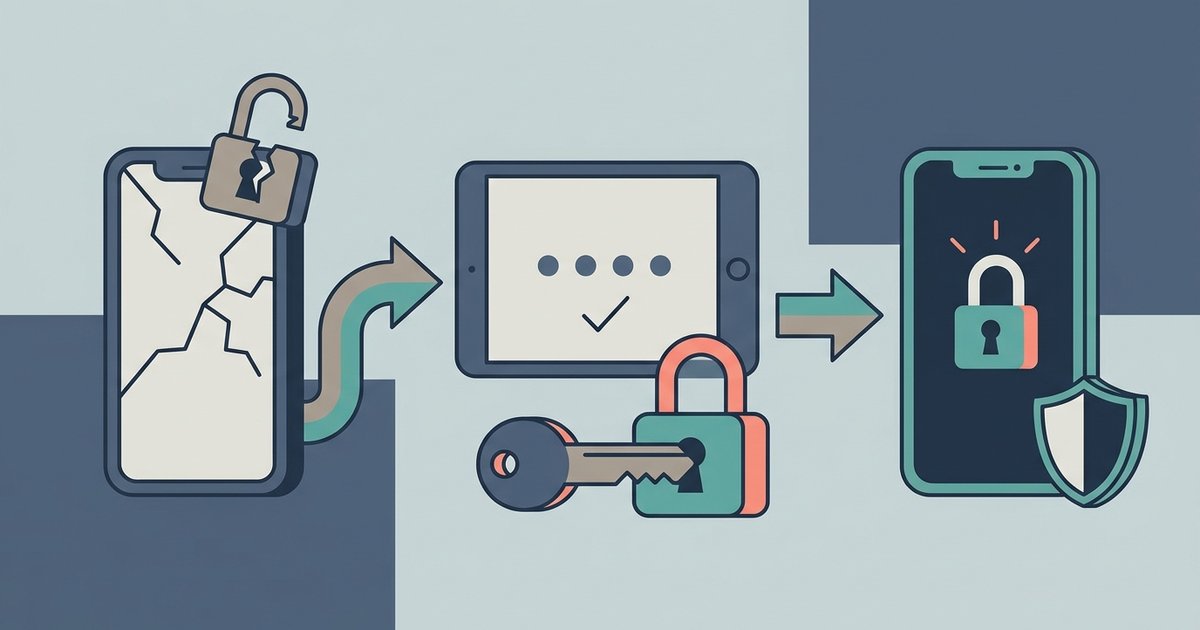
To recover a hacked WhatsApp account, open WhatsApp on your own phone with your SIM card in it, register your phone number again, and enter the six-digit code WhatsApp sends you by SMS or call. Re-registering automatically logs out every other device using the account, including the attacker's. Changing a password or turning on security settings will not remove someone who is already in, so the code is the step that matters.
After that, you lock the door behind you: two-step verification, a check of linked devices, and a warning to your contacts. Here is the full sequence.
Signs your account has been taken over
- WhatsApp shows the message "Your phone number was registered with WhatsApp on a new device" and you are logged out.
- Friends tell you they are getting strange messages from you, often asking for money or for a code.
- You see a device in Linked devices that you do not recognize.
- You receive a registration code by SMS or email that you did not request. This does not mean you have been hacked yet, but it does mean someone is trying.
Step 1: Register your number again
WhatsApp's recovery steps are short:
- Open WhatsApp on your phone. If you see the "registered on a new device" message, tap Log back in, then Continue.
- If prompted, enter your full international phone number and tap Next, then Ok.
- Enter the six-digit code you receive by SMS or phone call.
When you re-register with that code, every device logged into your account is signed out. Do not share this code with anyone, including friends or family, and do not forward it to anyone who claims to be helping you. Sharing it is usually how the account was lost in the first place.
You need the SIM card for your number in the phone to receive the code. WhatsApp states that it is not possible to recover an account without a SIM card with the same phone number. If your SIM was stolen, swapped or is not working, contact your mobile provider first and get a replacement SIM on the same number.
Step 2: If WhatsApp asks for a PIN you did not set
Sometimes the attacker turns on two-step verification after taking over, so when you re-register, WhatsApp asks for a PIN or password you have never seen. WhatsApp's guidance is to wait seven days and try again if you do not have it and no email address was linked to Two-Step Verification. The important point is that the attacker is already logged out once you enter the six-digit SMS code, whether or not you can get past the two-step prompt. They cannot use the account while you wait.
If you set two-step verification yourself and forgot the PIN or password, you may be able to reset it through the email address you added to the account. Without an email address, the waiting period applies.
Step 3: Do not report your own account first
It seems logical to report the account as hacked, but WhatsApp warns against it. If you report the compromised account you are trying to recover, it may be banned for violating the Terms of Service, and you could lose access to it and its data. Recover it first, then decide whether a report is needed.
Step 4: Warn your contacts
While someone else controlled the account, they could message your contacts and groups as you. WhatsApp recommends telling family and friends, using another channel if you can, so they ignore anything strange that came from your number. The usual follow-up from an attacker is to ask your contacts for their own codes, which spreads the takeover.
What the attacker could and could not see
WhatsApp messages are end-to-end encrypted and stored on your device, so according to WhatsApp, someone who re-registers your account on a new phone cannot read your past conversations. They would see new messages sent to you while they were in control, along with your groups and contacts as they appear to any account holder.
Linked devices are a different matter. If an attacker linked WhatsApp Web or a desktop app to your account, that device receives a copy of recent message history. That is why reviewing linked devices is part of recovery, not an optional extra.
WhatsApp also says it cannot tell you who accessed your account, or when and where it was accessed.
Step 5: Turn on two-step verification
Two-step verification adds a second secret that is needed whenever your number is registered on a phone. With it on, stealing a text message code is no longer enough. On Android:
- Tap the menu (three dots), then Settings, Account and Two-step verification.
- Tap Enable or Turn on.
- Create a strong password and confirm it.
- Enter an email address you can access and tap Next, or tap Skip.
- Choose Trust this device or Skip.
The path on iPhone runs through the same Account and Two-step verification screens in Settings. WhatsApp is moving two-step verification from a six-digit PIN to a password, so depending on your version you may be asked for either. Add the email address: it is what lets you reset the PIN or password later without waiting a week.
Step 6: Review linked devices
Tap the menu, then Linked devices, and look at every entry. To remove one you do not recognize, tap it and choose Log out. Re-registering already signs out other sessions, but checking costs nothing and catches anything that was linked afterwards.
Step 7: Close the other doors
WhatsApp's security tips list several more protections, and a few of them address common takeover routes directly:
- Voicemail password. WhatsApp can deliver the registration code by voice call. If that call goes to voicemail with a default or guessable PIN, someone can listen to it. Set a voicemail password that is hard to guess.
- Passkey. Links your account to your phone's fingerprint, face or screen lock for faster, safer sign-in.
- App lock and chat lock. These protect the app and specific chats on the phone itself, which helps if someone gets physical access.
- Accounts Center. If you added WhatsApp to your Meta Accounts Center, someone who takes over your Facebook or Instagram account could reach it too. WhatsApp suggests contacting that service's support if that happened, and you can remove WhatsApp from Accounts Center until everything is secure.
If you changed numbers
If you started using a new SIM card but never moved WhatsApp over with the change number feature, your account is still tied to the old number. If that old number is reassigned to someone else, you can lose the account permanently. Moving the account to your current number is part of keeping it safe.
Recovery usually takes minutes if you still have your SIM. Do the steps in order, starting with re-registration, and set up two-step verification before you do anything else, because nothing stops the same person from trying the same trick again tomorrow.
\nRelated reading: WhatsApp Scams: How to Spot and Stop Them.