Card Games You Can Play Online Without Installing an App
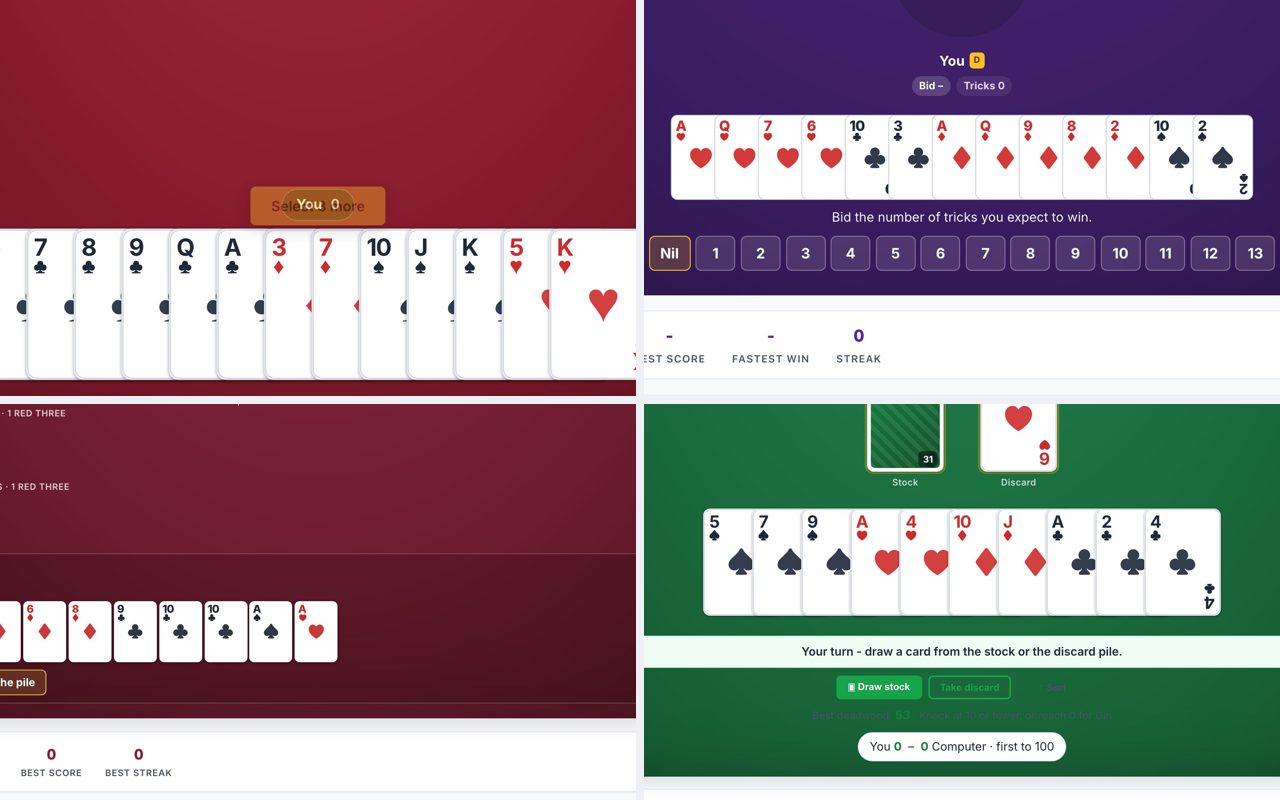
If you want the same card games you play at a kitchen table, no app store, no account, no daily coin timer, you can open a browser tab and play Hearts.now, Spades.now, Canasta.now, Rummy.now, or Ginrummy.now right now. Each site loads instantly, works with a mouse and keyboard, and lets you close the tab when you are done. No downloads, no signups, no waiting for a timer to refill.
Hearts
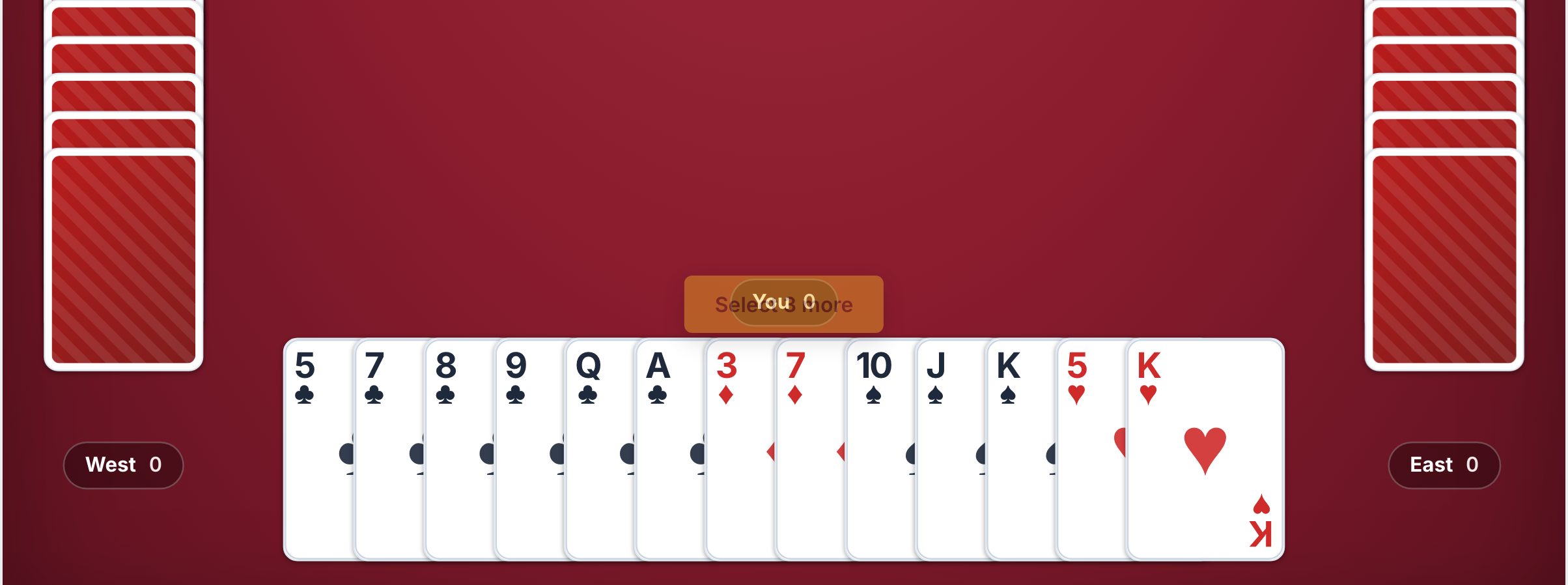
Hearts is the game for a quick round between other activities. A typical hand takes five to ten minutes, and the AI opponents play at a steady pace. You use the mouse to click a card and drag it to the center of the table, or just click once to select and click again to play. The site offers Pass and Play mode (where you pass three cards left, right, or across) and a No Passing variant if you want a faster start. There is also a daily challenge if you want a fresh puzzle each day. What to watch out for: the game is turn-based, so you can step away between tricks, but if you are sharing a screen with someone else, make sure you both agree on who clicks the cards. The AI is smart enough to punish a bad lead, so do not expect to win every hand on your first try.
Spades
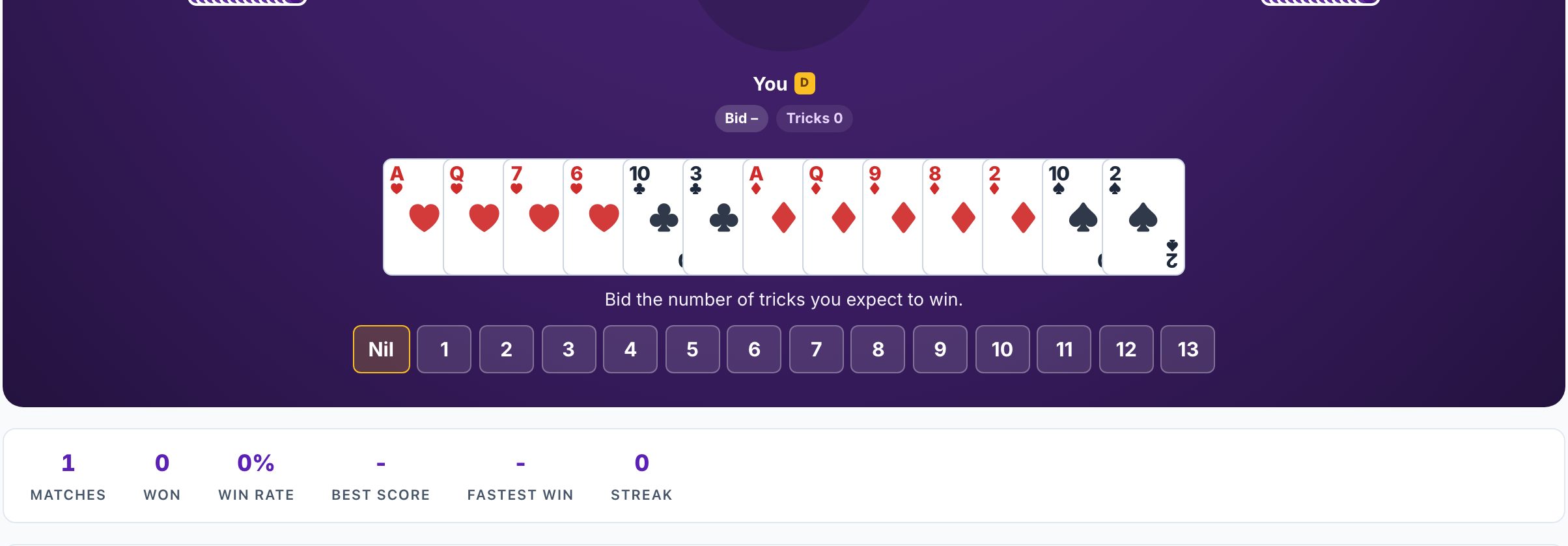
Spades works best when you have a little more time, fifteen to twenty minutes for a full game. The site supports Partnership Spades (the classic four-player team version), Solo Spades, and Whiz. Bidding is done by clicking a number, and you play cards the same way as Hearts. The AI partner in Partnership mode bids and plays reasonably well, so you do not need to worry about a teammate who does not understand nil bids or bags. There is a daily deal for a single hand, and leaderboards if you want to compare scores. What to watch out for: Spades requires attention to the bidding round, which happens before each hand. If you are playing on a shared computer, make sure the person whose turn it is to bid is the one looking at the screen. The game does not have a timer, so you can take your time, but the AI will wait.
Canasta
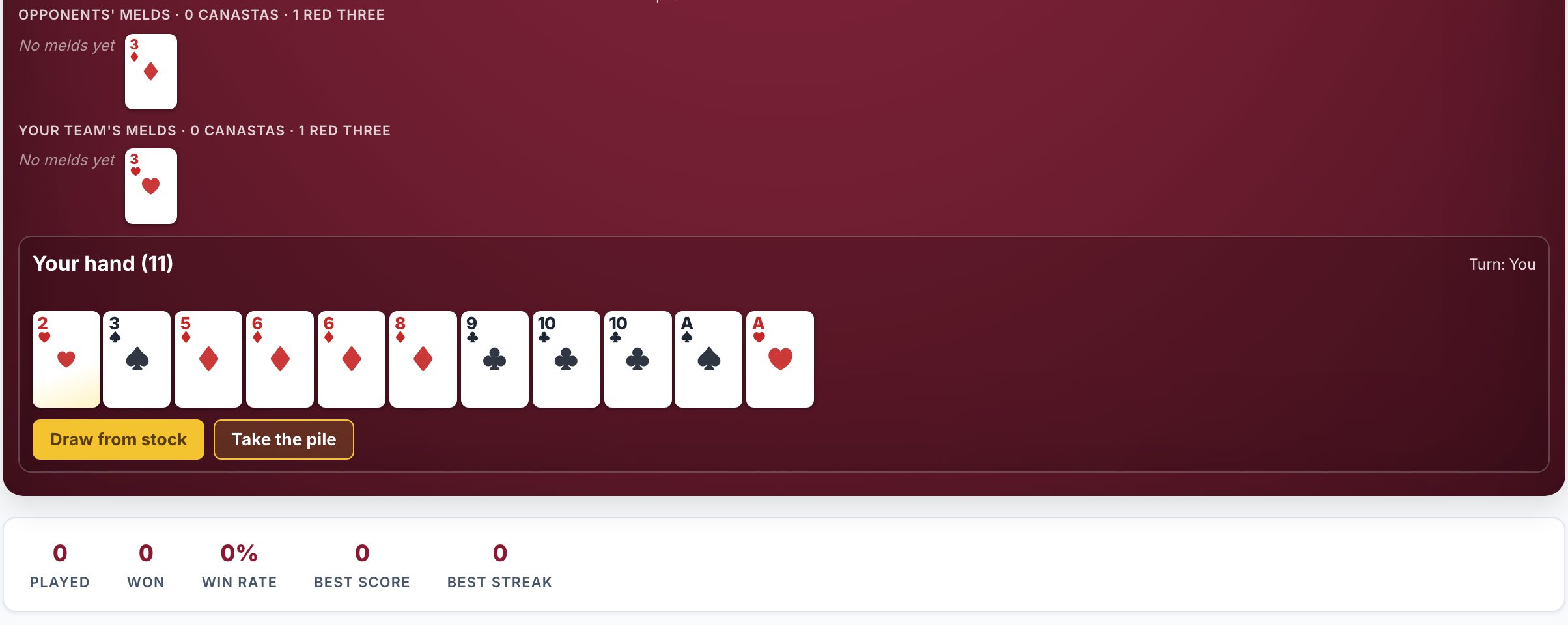
Canasta is the longest game here, a full session can run thirty to forty minutes. It is a good fit when you want to settle in with a cup of coffee. The site offers Classic Canasta in partnership mode (four players, two teams) or two-player mode. You meld cards by dragging them to the table, and wild cards and red threes are handled automatically. The AI opponents are patient and will not rush you. There is a daily deal for a shorter experience. What to watch out for: the game has a lot of rules (melds, going out, frozen discard piles), so if you are teaching someone, you might want to play a practice hand first. The mouse controls work fine, but you will be dragging cards frequently, so a mouse is more comfortable than a trackpad for long sessions.
Rummy
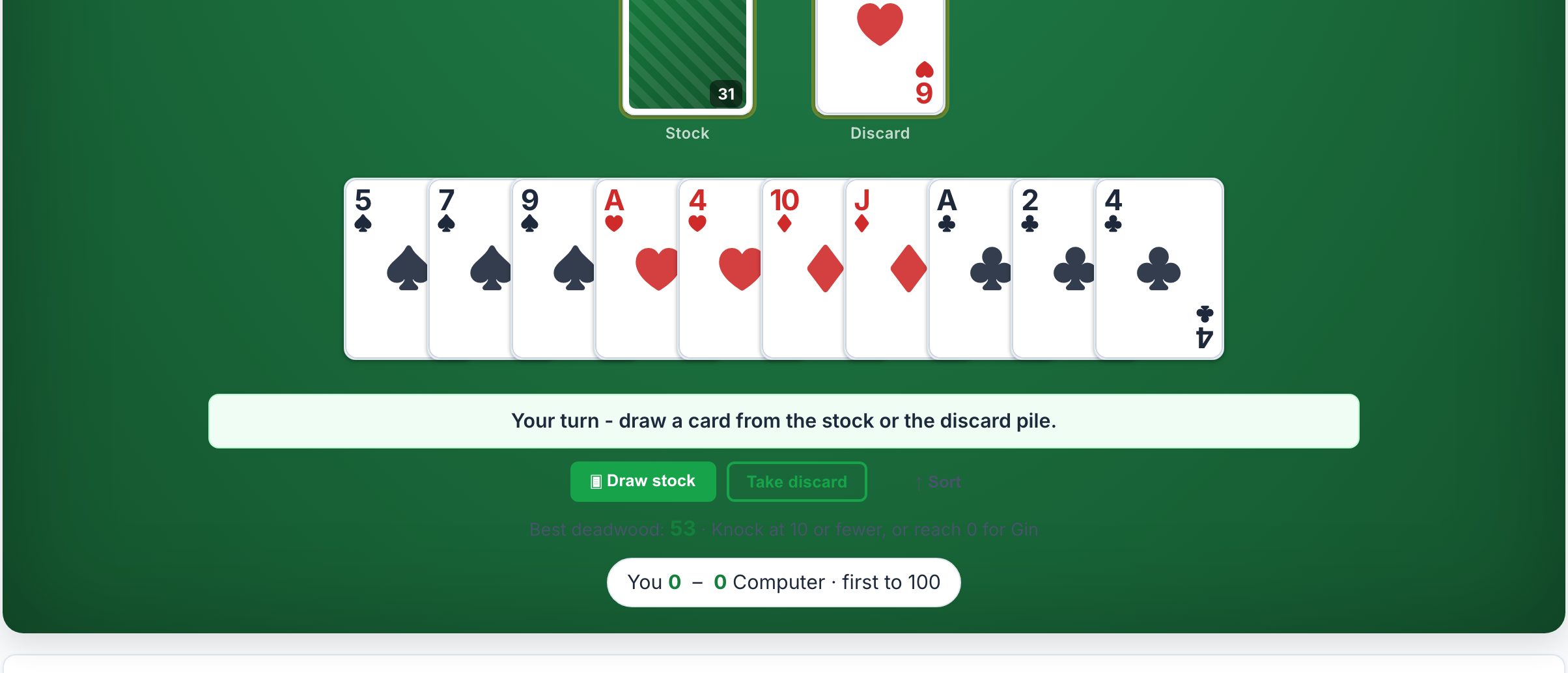
Rummy (Gin Rummy) is the fastest game in the group. A single hand can end in two to three minutes, and a match of several hands takes about ten minutes. You click to draw from the deck or the discard pile, then click to discard. The site offers undo and hints, which is helpful if you are learning or if you want to double-check a play. There are daily challenges and online multiplayer against friends if you share a link. What to watch out for: the AI plays quickly, so you need to be ready to make your move. If you are playing on a browser tab while on a voice call, the game works fine because there is no sound or animation that demands your full attention. The hints feature can spoil the strategy if you use it too often, so treat it like asking for advice at the kitchen table.
Gin Rummy
Gin Rummy is essentially the same game as Rummy above, but with a focus on the standard two-player version. It is ideal for a one-on-one match against the computer or a friend. The controls are identical: click to draw, click to discard. The site includes a daily deal, leaderboards, and online multiplayer. What to watch out for: the AI is good at knocking early and going gin, so you cannot afford to hold deadwood for too long. If you are used to playing with house rules (like no knocking until after ten cards), the site uses standard Gin Rummy rules, so read the rules section before you start. The game is short enough that you can play a few hands during a break.
Practical Advice for the Kitchen Table Experience in a Browser
To recreate the feel of playing at a kitchen table, share the link with the people you would normally play with. You can all open the same game on your own devices and play multiplayer if the site supports it (Hearts, Spades, Canasta, Rummy, and Gin Rummy all offer real-time multiplayer). If you are in the same room, you can take turns on one computer: pass the mouse or keyboard to the next player when it is their turn. The AI opponents will fill in any empty seats, so you do not need a full group. For a more social experience, put the browser on a shared screen (like a TV or monitor) and have everyone sit around it, with one person controlling the mouse and the group discussing each move. The sites do not require an account, so you can close the tab at any point and start a new game later without losing progress, just remember that the game state is not saved between sessions. If you want to play the same hand again, you cannot; each game is fresh.
Frequently Asked Questions
Can I play these games on my phone or tablet?
The sites are designed for a computer browser with a mouse and keyboard. They may work on a tablet with a touchscreen, but the controls are not optimized for tapping small cards on a phone. For the best experience, use a laptop or desktop.
Do I need to create an account or give my email?
No. None of the sites require any signup, login, or email address. You open the page and start playing immediately.
Are there ads or timers that make me wait for coins?
No. The sites do not have daily coin timers, energy bars, or pay-to-play mechanics. There are no ads that interrupt the game. You play as many hands as you want, back to back.
Can I play against my friends instead of the computer?
Yes. Each site supports real-time multiplayer. You can share a link with a friend, and they join your game without signing up. The AI fills any empty seats if you have fewer than four players.
What if I close the tab by accident?
The game is not saved. You will need to start a new game when you return. Because there is no account, there is no way to resume a previous session. This is the same as picking up a fresh deck of cards at the kitchen table.
More like this: Where to Play Classic Games Online Free · Free Classic Games You Can Play in Your Browser: The Directory