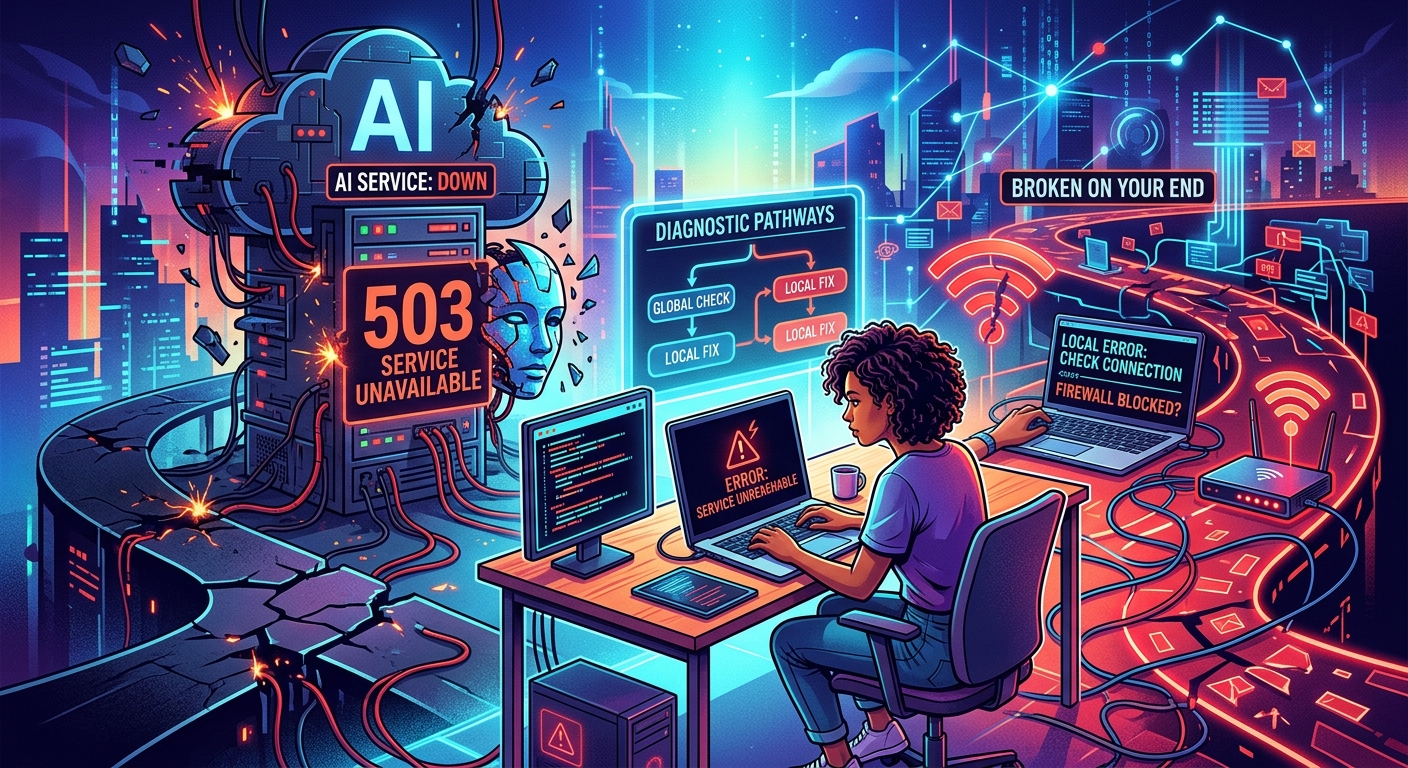
Your AI assistant just stopped responding. You hit refresh. Nothing. You close the tab, open a new one, and try again. Still nothing. Before you reset your router or reinstall your browser, take a moment. What you're experiencing might have nothing to do with your setup at all. Major AI platforms like ChatGPT, Claude, and Midjourney field millions of requests every day. They go down. It happens more than their developers would like to admit. The key is knowing how to find out in two minutes whether the problem sits on your side of the screen or theirs.
- Test your own internet connection on an unrelated site before assuming the AI service is at fault.
- Error codes in the 5xx range almost always mean the server is the problem, not your device.
- A live status aggregator can confirm a platform-wide outage within seconds.
- Most major AI services publish their own status pages with real-time incident updates.
- Having one or two backup AI tools bookmarked means a long outage never leaves you stuck.
When AI Tools Go Dark Without Warning
The frustration of a silent AI tool is real. One moment it's summarizing emails and drafting code. The next, it's just gone. A spinner that never stops, a blank response field, or a vague error message that tells you almost nothing. This experience is more common than most users realize, and it almost always falls into one of two categories: something broke on your end, or something broke on theirs.
The two scenarios look identical from your browser window. That's what makes this tricky. A dropped Wi-Fi connection and a full server outage both produce the same frustrating silence. Treating one like the other wastes your time. The goal here is a fast, logical process that gets you to the right answer without unnecessary steps.
Start With Your Own Connection Before Anything Else
The most common culprit behind a broken AI session is surprisingly ordinary: your internet connection. Before assuming the service itself is broken, load a completely unrelated website in a new tab. A news site or a search engine works perfectly. If that loads fine, your connection is probably not the issue. If it doesn't load either, the problem is between your device and your router.
A router restart takes about 60 seconds and fixes a surprising number of issues. Unplug it, count to 30, plug it back in, and try again. If you're on a mobile device, toggle airplane mode off and on to force a fresh connection. If you're on a VPN, try disabling it temporarily. VPNs occasionally route traffic through overloaded nodes that can cause timeouts specifically with high-bandwidth AI services.
Once you've confirmed your connection works on other sites, check your browser too. AI platforms sometimes break on outdated browsers or when an extension interferes. Opening a private or incognito window is the fastest way to rule this out. If the AI tool works in incognito but not in your normal browser window, an extension is likely causing the conflict. Disabling extensions one at a time will narrow it down fast.
How to Confirm a Platform-Wide Outage in Seconds
This is the step most people skip, and it's the one that saves the most time. Once you've confirmed your connection is fine, head to a live status aggregator before touching any other setting on your device. Aggregators pull real-time data from thousands of users reporting problems and give you a clear picture of whether a service is down globally or just acting up in one region.
Checking AI sites down? takes about ten seconds and can immediately confirm whether ChatGPT, Midjourney, Claude, or another major AI platform is experiencing widespread issues. If hundreds or thousands of reports are flooding in at the same moment you're having trouble, the problem is definitively not on your end. You can stop troubleshooting your device entirely and simply wait for the platform to recover.
This step is worth making a habit of. It belongs second in your checklist, right after confirming your own connection works. Skipping it leads to wasted time restarting systems that were never broken in the first place.
Decoding the Error Messages AI Services Actually Show
When an AI service does show an error, the message itself often hints at where the problem lives. HTTP status codes are the short numeric codes your browser or the platform receives when something goes wrong. According to the HTTP semantics standard maintained by the IETF, codes in the 5xx range indicate a problem on the server's side, while codes in the 4xx range typically indicate something went wrong with the request itself.
A 503 error means the service is temporarily unavailable, usually because servers are overloaded or undergoing maintenance. A 502 error means the server received an invalid response from an upstream source, which often happens during backend infrastructure failures. Both of these tell you the problem is on the platform's end, not yours. A 429 error, on the other hand, means you've sent too many requests in too short a time and the service has throttled you temporarily. That one will resolve on its own within a few minutes if you stop sending requests.
Some AI platforms show friendlier plain-text messages instead of raw codes. ChatGPT might display "at capacity right now." Midjourney's bot may go quiet on Discord. Claude might return an unusually slow response followed by a timeout. These softer signals still point to server-side load, and a status aggregator will usually confirm the picture immediately.
Official Status Pages Worth Knowing Before the Next Disruption
Every major AI service maintains an official status page. These pages show real-time and historical information about platform health, including ongoing incidents, scheduled maintenance windows, and how long past outages lasted. They're run by the companies themselves, so they're sometimes slower to update than third-party aggregators. Still, once an incident is acknowledged, the status page becomes the best source for official timelines and estimated resolution updates.
OpenAI publishes status information for ChatGPT and its API at status.openai.com. Anthropic maintains a similar page for Claude at status.anthropic.com. Midjourney's status page lives at status.midjourney.com. Google's AI tools, including Gemini, fall under the broader Google Workspace status dashboard. Each of these pages uses a simple system: green means operational, yellow means degraded performance, and red signals a full outage or major incident in progress.
A Side-by-Side Look at Major AI Service Status Pages
| AI Service | Status Page | What to Check First |
|---|---|---|
| ChatGPT (OpenAI) | status.openai.com | ChatGPT and API component rows |
| Claude (Anthropic) | status.anthropic.com | Claude.ai and API availability |
| Midjourney | status.midjourney.com | Image generation service status |
| Gemini (Google) | workspace.google.com/status | Gemini for Workspace row |
| Perplexity AI | status.perplexity.ai | Search and answer availability |
Bookmarking these pages costs you nothing and can save a real amount of frustration during the next disruption. The difference between spending twenty minutes troubleshooting a perfectly healthy device and immediately knowing the platform is at fault can genuinely change the shape of your day.
Backup AI Tools Worth Keeping in Your Browser for a Long Outage
Knowing an outage is on the platform's end doesn't help much if you have work to finish and the service is down for hours. Having a few reliable alternatives ready to go in a browser bookmark folder means you never have to stop entirely.
If ChatGPT is unavailable, Claude handles general writing, reasoning, and coding tasks with comparable depth. If Claude is down, Gemini Advanced from Google covers similar ground and integrates well with Google Docs and Gmail. Perplexity AI leans toward research and citation-backed answers, making it a useful fallback when you need sourced information rather than freeform text. For image generation, if Midjourney goes offline, Adobe Firefly and Ideogram both offer browser-based image creation without requiring a Discord account or any complex setup.
The goal isn't to switch services permanently. It's to have options within arm's reach so that a platform outage becomes a minor inconvenience rather than a full stop on your workflow. Most of these tools offer free tiers that are more than enough for light use during a gap.
It's also worth noting that outage windows don't always align with what the company initially estimates. A "30-minute maintenance window" can stretch to three hours. Building the habit of having a backup already open means you're not scrambling to remember alternatives while the clock ticks.
The Two-Minute Habit That Ends the Guessing Game
Putting this all together, the process moves fast once you've done it a couple of times. Load a non-AI website to confirm your connection is working. Check a live status aggregator to see if others are reporting the same problem. If an outage is confirmed, look at whether the platform's own status page shows an active incident. Read the error code if one appeared, since 5xx codes almost always mean the server is the source of the problem. Then open a backup tool and keep moving.
That whole chain takes about two minutes. Compare that to the twenty minutes most people spend restarting devices, clearing caches, and reinstalling apps before they even think to check whether the platform itself is the problem. The information is freely available and takes seconds to access. Using it is simply a matter of building the habit.
AI tools have become genuinely useful parts of how a lot of people work and create. When they go down without explanation, it's disorienting precisely because they've become woven into everyday tasks. Having a clear mental model of why that happens, and a short checklist for confirming it, means the disruption stays small. A broken AI session doesn't have to become a broken afternoon.
\nRelated reading: How To Tell If Your HDMI Cable Is Bad, How To Force Shut Down Dell Laptop, and How Can You Tell If SCCM Client Is Installed On A Workstation.