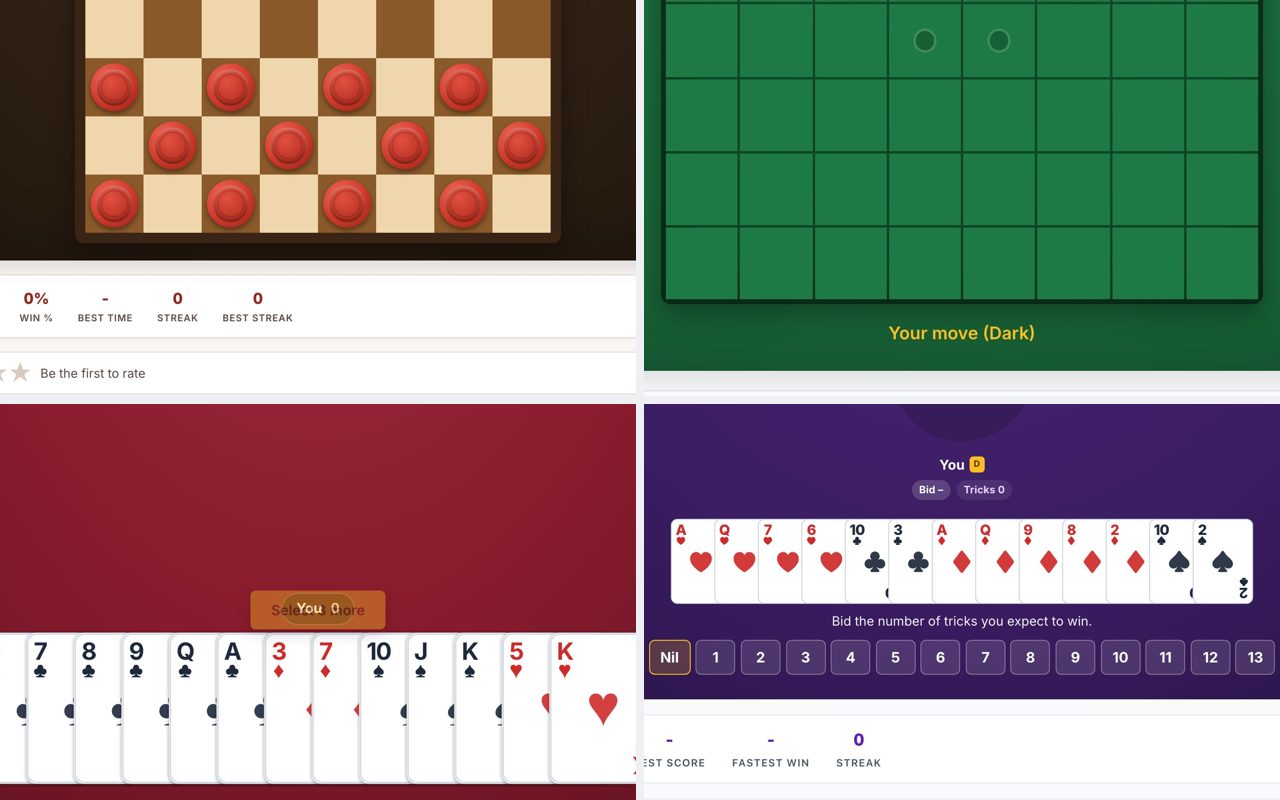
Two-Player Games You Can Play With a Friend Over a Link
You and a friend, in different places, can play a real-time game right now by sending a single link. No accounts, no apps, no downloads, just open the link in a browser tab, and you are playing. The games below all support direct multiplayer via a shareable link, so you can be playing in under a minute.
Checkers
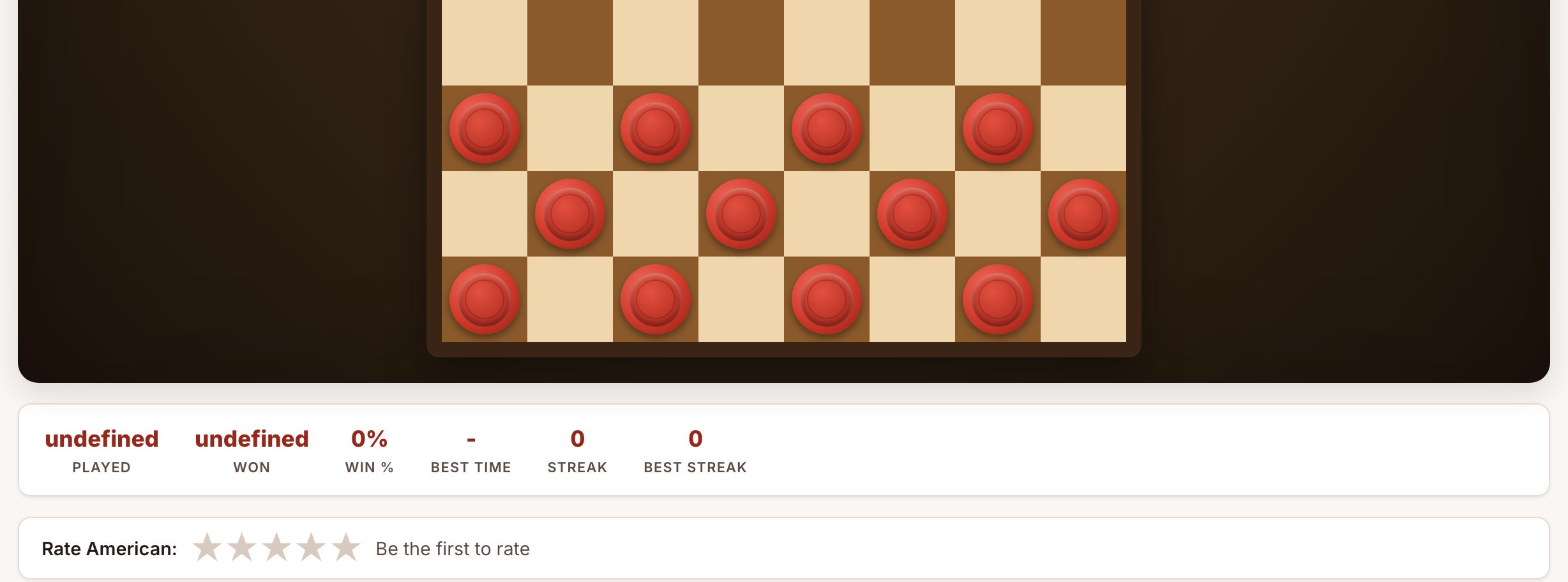
Checkers.now is the fastest way to start a game with a remote friend. Open the site, click "Play with a friend," and you get a unique link to send. Your friend opens it, and the board appears for both of you simultaneously. The game uses mouse clicks to move pieces, no keyboard required, so it works well whether you are on a laptop or a desktop with a separate mouse. Turns are asynchronous in the sense that you wait for the other person's move, but the game updates instantly in both browsers. Watch out for the default variant: it is American checkers (8x8, mandatory captures, king promotion). If you want a different rule set, you can change the variant before generating the link. The game is short enough for a coffee break but deep enough for a serious match.
Reversi
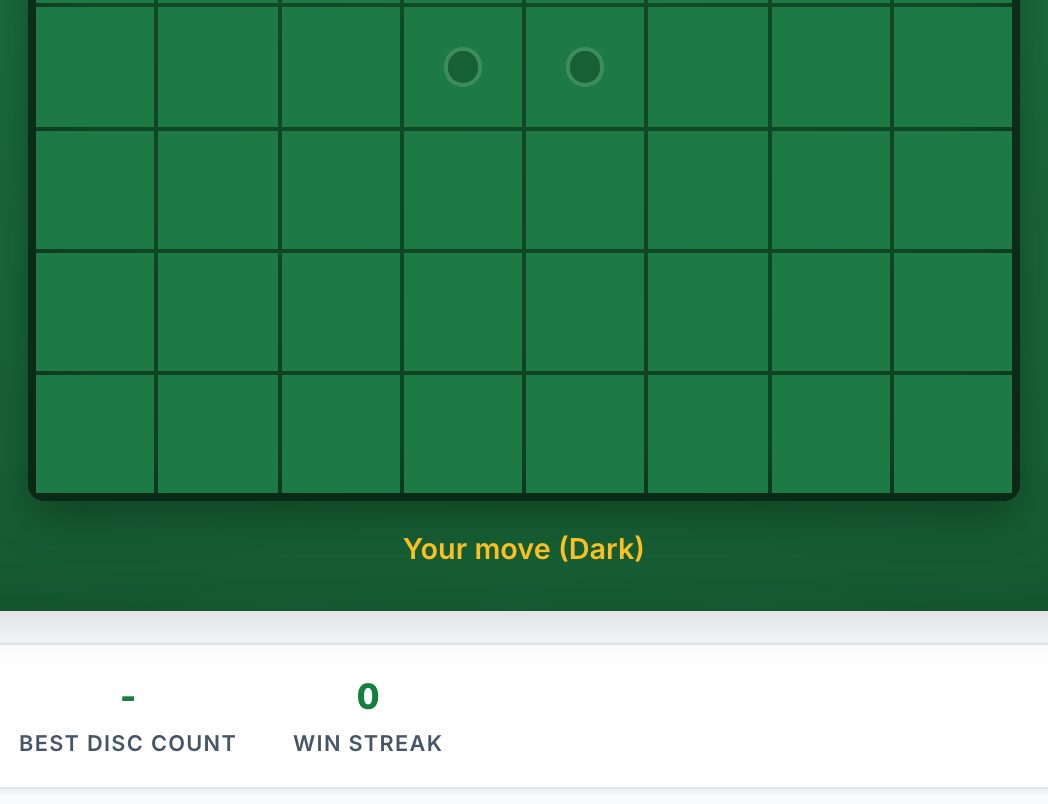
Reversi.now is ideal for a quick, tactical duel. Like Checkers, you click "Play with a friend" to get a shareable link. The board is an 8x8 grid, and you place discs by clicking empty squares. The game highlights legal moves, so even a first-timer can play without reading rules. This is a good fit for a phone call or voice chat because there is no typing or complex input, just click where you want to place your disc. The default is classic Reversi (most discs at the end wins), but you can switch to Othello rules (the same game, different starting position) or Anti-Reversi (fewest discs wins). One thing to watch: the game does not enforce a timer, so a long pause can stall the match. Agree on a pace beforehand, or use the built-in computer opponent if your friend drops off.
Hearts
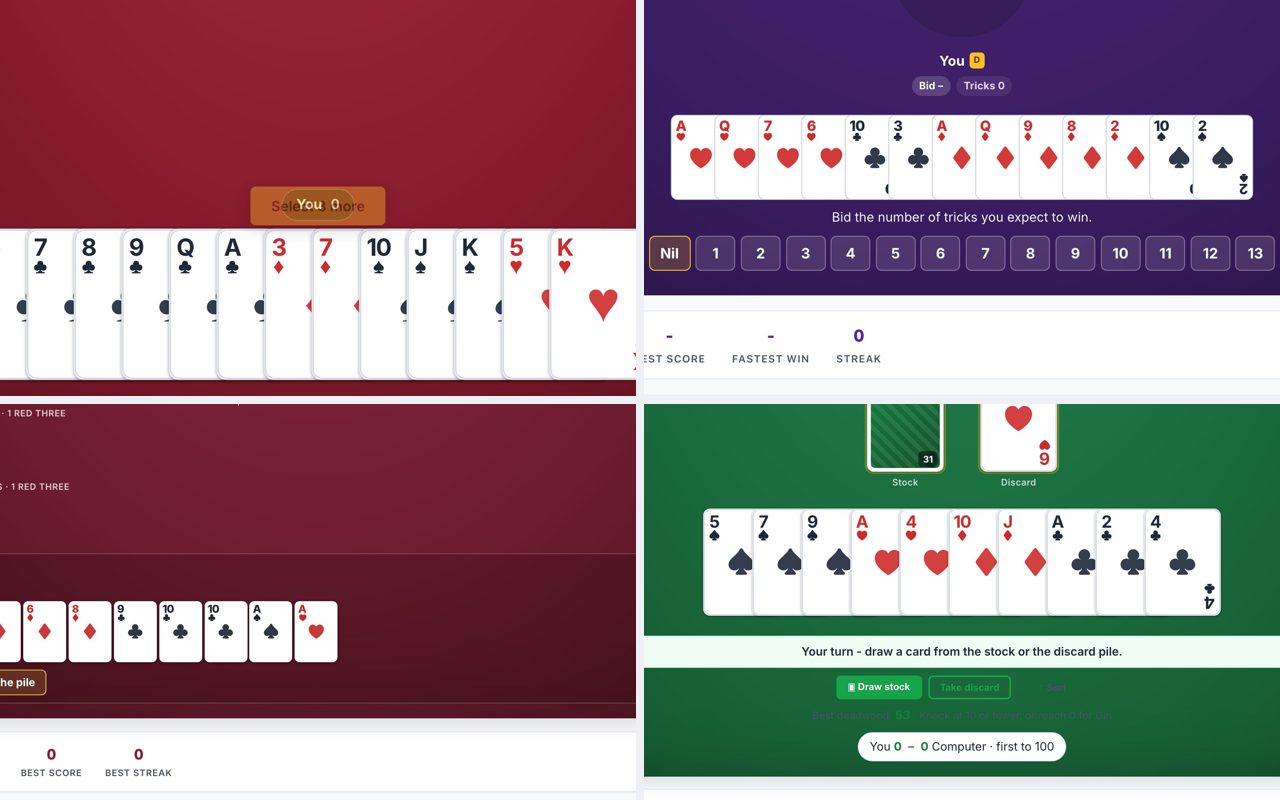
Hearts.now is a trick-taking card game for exactly four players, but you and a friend can fill two seats and let the computer fill the other two. Open the site, choose "Play with friends," and generate a link. Send it to your friend; both of you join the same table, and the AI takes the remaining seats. The game handles passing cards, scoring, and shooting the moon automatically. This works well when you want a longer session (a full game of Hearts takes 20-30 minutes) and you both have time to focus. The interface is mouse-driven: click a card to select it, then click again to play it. Watch out for the "Pass & Play" mode, that is for local hot-seat, not online. Make sure you both select "Play with friends" and join the same table. The AI opponents are competent but not unbeatable, so the game stays fun without being frustrating.
Spades
Spades.now is the best choice if you want a partnership game. You and your friend can be partners against two AI opponents, or you can play solo against three AIs. Open the site, click "Play with friends," and share the link. Your friend joins, and the game starts with bidding, nil declarations, and bag tracking. Spades is a longer commitment, a full game to 500 points can take 30-45 minutes, so plan accordingly. The controls are all mouse-based: click to bid, click to play a card. One thing to watch: the default mode is Partnership Spades, which means you and your friend are on the same team. If you want to play against each other, choose "Solo" mode instead. The site also offers Whiz (a variant with predetermined bids) and other options, but stick to classic Partnership for the standard experience.
Chess clock
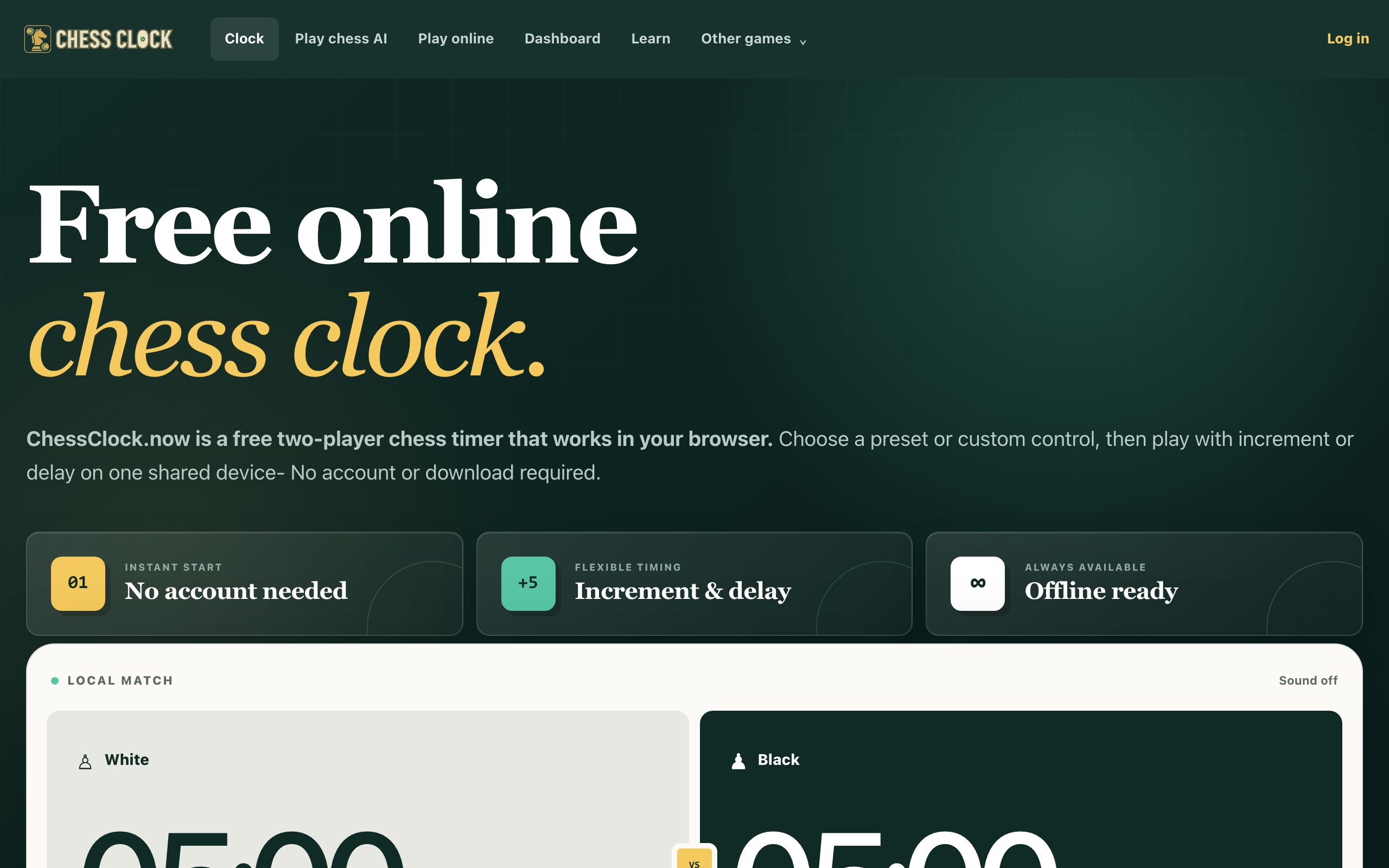
Chessclock.now is not a game itself, but a tool that makes any turn-based game playable across a link. If you and a friend want to play a physical board game (like chess, checkers, or backgammon) while on a video call, you can use this clock to enforce time limits. Open the site, set the time control (presets like 5+0, 3+2, or custom increment and delay), and share the link. Each player presses their side of the clock after their move. The clock runs in the browser and works offline too, so a shaky connection won't ruin the timing. This is useful for games that do not have built-in timers, or for adding pressure to a casual match. Watch out: this is a clock only, you still need a way to show the board to each other (webcam or a shared digital board). It works best with a mouse click to switch turns, not a keyboard.
Practical advice for playing over a link
All the games above work by generating a unique URL. Here is how to get started quickly:
- Generate the link first. One person opens the site, clicks "Play with a friend" (or the equivalent), and copies the URL. Send it via text, email, or chat.
- Both open the same link. The link takes both browsers to the same game room. If the link does not work, try refreshing, sometimes the room needs a moment to initialize.
- Use voice or text chat. The games have no built-in chat, so use a separate call, Discord, or even a phone call to coordinate. This is especially important for Hearts and Spades, where you might want to discuss strategy (if you are partners) or just banter.
- Close other tabs. These games run in the browser and use a persistent connection. If your computer is low on memory, close other tabs to avoid lag or disconnects.
- Agree on time limits. None of the games enforce a timer by default (except the chess clock, which is optional). If you want a fast game, set a timer on your phone or use the chess clock tool. For a relaxed game, just take turns at your own pace.
- Screen sharing is an alternative. If one person cannot interact with the link (e.g., they are on a device that does not support the game), the other can share their screen and play for both. This works best for simple games like Checkers or Reversi, where moves are easy to describe.
Frequently Asked Questions
Do I need to create an account to play?
No. None of the sites listed require any signup or account. You open the link and play immediately. The game room exists only as long as both players are connected.
Can I play on my phone?
Yes, but with caveats. Checkers, Reversi, Hearts, and Spades are designed for mouse input, so a phone screen may feel cramped. The chess clock works fine on a phone. For the best experience, use a computer with a mouse or a trackpad.
What happens if one player loses the internet connection?
The game will pause. When the disconnected player reopens the same link, they should rejoin the game in its current state. If the room expires (usually after a few minutes of inactivity), you may need to generate a new link and start over.
Can I play against the computer instead of a friend?
Yes. All the game sites offer single-player modes against AI opponents. Checkers, Reversi, Hearts, and Spades all have computer opponents with adjustable difficulty. The chess clock is for timing only, not for playing against an AI.
How do I know which variant to choose?
Each site lists the available variants on its page. For a first game, stick with the default (American checkers, classic Reversi, standard Hearts, partnership Spades). You can experiment with other variants once you are comfortable with the basic rules.
More like this: Where to Play Classic Games Online Free · Free Classic Games You Can Play in Your Browser: The Directory