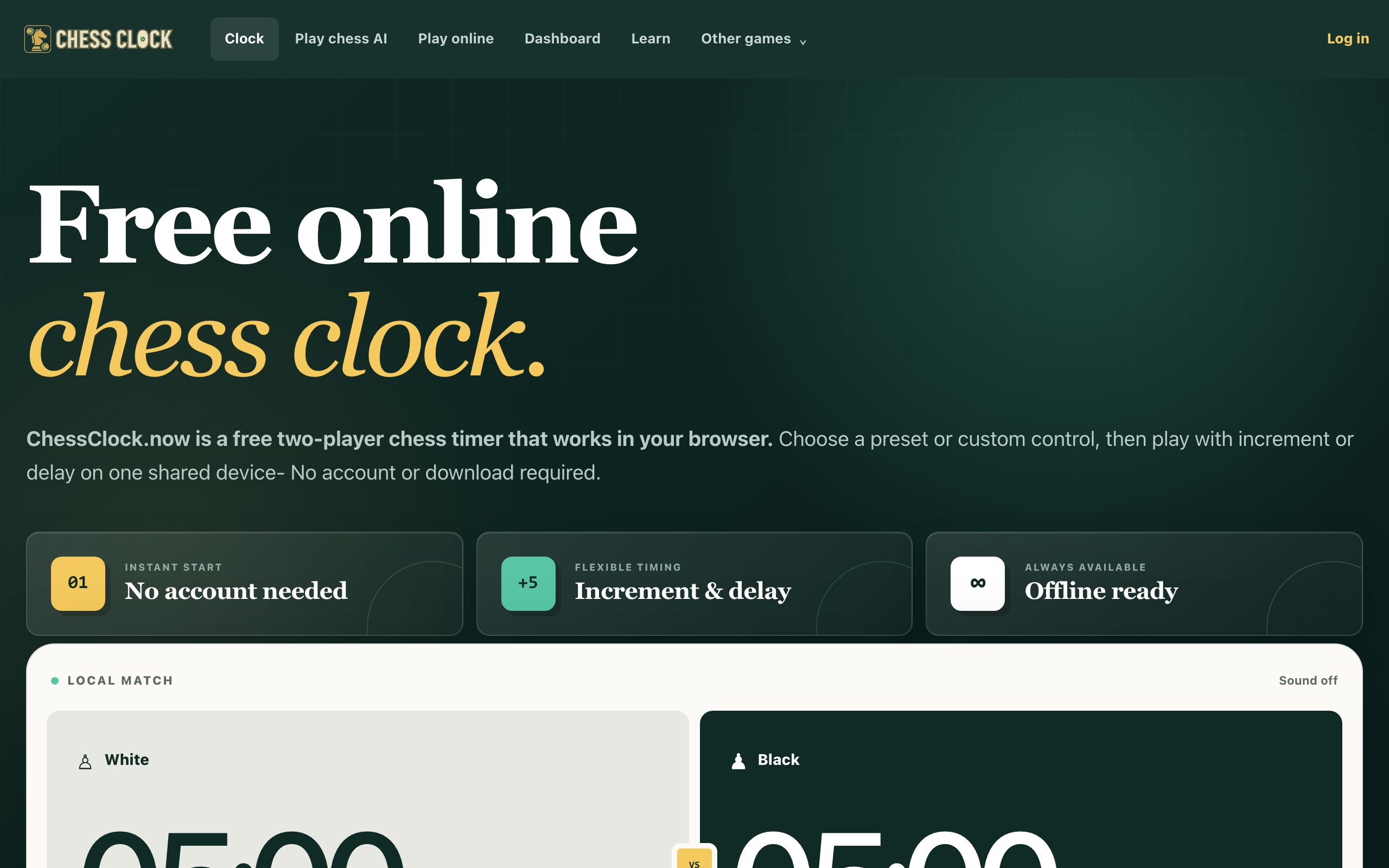
You can play Chess With a Free Online Clock immediately by opening Chessclock.now in a new browser tab on your desktop or laptop. No download, no account, no sign-up, just click, set the time, and start moving pieces. The page loads fast and works with a mouse or keyboard, so you can be in a game within seconds of reading this sentence.

How the Game Actually Works (If You Haven’t Played in Years)
Chess is a two-player strategy game played on an 8x8 board with 16 pieces per side. The goal is to checkmate your opponent’s king, that is, put it in a position where it is under attack and cannot escape capture. If you remember the basics, you already know enough to play a real game. The clock adds a layer of pressure: each player has a limited amount of time to make all their moves, and if your time runs out, you lose (unless your opponent has no legal moves, in which case it’s a draw).
On ChessClock.now, you don’t need to remember complex rules about castling or en passant to start. The site gives you a clean board and a clock. You choose the pace, from blitz (fast, often 3-5 minutes per player) to longer games (15 minutes or more). The clock counts down only while it’s your turn, so you can think without wasting your opponent’s time. When you make a move, you press the clock (or click it) to switch turns. That’s the entire loop: move, press, think, move, press.
For a returning player, the biggest difference from casual play is that the clock forces you to decide when to think and when to act. You can’t stare at the board for ten minutes on move five if you only have three minutes total. The site’s presets help you jump in without fiddling with settings, but you can also set a custom time, add an increment (extra seconds added per move), or a delay (a fixed wait before your clock starts counting down). These options are listed on the page, so you can tailor the experience to your comfort level.
What Separates a Good Player from a Bad One (Beyond Opening Knowledge)
Most beginners lose not because they don’t know the moves, but because they ignore the clock. A good player manages two resources: pieces and time. You can have a winning position on the board, but if you blunder away your clock, you lose. Here are the decisions that matter most:
- When to think vs. when to move. In the opening, you should play quickly and develop your pieces (knights and bishops toward the center). Save your deep thinking for middle and endgame positions where a single tactic can decide the game.
- When to trade pieces. If you are ahead in material (you have more pieces), trading queens or rooks often simplifies the position and makes it easier to win. If you are behind, avoid trades and create chaos.
- How to use increment. With an increment (e.g., +5 seconds per move), you can afford to play faster in the opening because you know you’ll get a few seconds back each move. Without increment, you must be more conservative with your time.
- How to handle time pressure. When you have 10 seconds left and your opponent has 30, your goal is not to find the best move, it’s to make a move that doesn’t lose immediately. Play solid, avoid hanging pieces, and force your opponent to find precise moves under their own clock.
The site’s “Train chess time management, not just speed” section hints at this: it’s not about playing fast; it’s about playing efficiently. A good player knows when to spend 30 seconds on a critical move and when to play instantly in a forced sequence. A bad player treats every move equally, wasting time on trivial positions and then blundering in time trouble.
What to Look for in a Place to Play Chess Online
Not all chess websites are equal, especially if you want to play right now without friction. Here’s what matters, and what ChessClock.now already provides:
- No install, no account. You should be able to open a tab and play. The moment a site asks for an email or a download, you’ve lost the “right now” battle.
- A reliable clock. The clock must be precise. A laggy or inaccurate clock ruins the game. ChessClock.now lists “precise” as a core feature, and it works offline too, which is rare.
- Flexible time controls. Presets are fine for a quick game, but you also want increment and delay options to practice tournament-style play. The site lists all three.
- Clear end-of-game handling. When the clock runs out, you need to know who won. The “How did it end?” section on the page suggests the site helps you resolve draws, checkmates, and time forfeits without ambiguity.
- No social pressure. You don’t want to be paired with strangers who chat or leave mid-game. A local game against a friend, or even against yourself (for practice), is often more useful. The site supports “local games” and “friend invites,” so you control who you play.
For a desktop or laptop user, the keyboard is your friend. You can click to move pieces and click the clock to switch turns. There’s no need for a touchscreen or a mobile app. The page is designed to be used in a browser tab, so you can alt-tab to a work document and back without losing your game.
Variants and Modes Worth Knowing
ChessClock.now focuses on the classic game, but it also lists “Other games” on the page. This likely refers to different time-control formats rather than chess variants like Fischer Random or Bughouse. The key variants to know are:
- Blitz (3-5 minutes per player). Fast, chaotic, and great for practicing quick decision-making. You’ll blunder, but you’ll also learn to trust your instincts.
- Rapid (10-15 minutes). The sweet spot for most players. Enough time to think, but not so much that you can afford to be lazy.
- Classic (30+ minutes). Rarely played online unless you’re in a tournament, but useful for deep study. The site’s presets likely cover this range.
- Increment vs. delay. Increment adds seconds per move (e.g., 5+5 means 5 minutes plus 5 seconds per move). Delay adds a fixed countdown before your clock starts (e.g., 5-second delay means you always have 5 seconds to move, even if your main time is low). The site lists both, so you can experiment.
If you’re new to time controls, start with a 10-minute game with a 5-second increment. That gives you a buffer for every move and prevents instant time losses in the opening. As you get comfortable, try blitz to sharpen your reflexes.
Frequently Asked Questions
Do I need to create an account to play?
No. The site explicitly states “No download or login.” You can open the page and start a local game or invite a friend without providing any personal information. Your browser tab is your only requirement.
Can I play against the computer?
The site mentions “AI pacing,” which suggests you can set a clock to pace an AI opponent, but it does not claim to have a built-in chess engine. For a real game against a computer, you would need a separate chess program. On ChessClock.now, the focus is on the clock itself, you can use it to time your moves in a game against a physical board or a friend in the same room.
What happens if my time runs out but my opponent has no legal moves?
In standard chess rules, if you run out of time but your opponent has insufficient material to checkmate (e.g., only a king), the game is a draw. If your opponent has a legal move and you run out of time, you lose. The site’s “How did it end?” section likely helps you resolve these edge cases, but the underlying rule is standard chess.
Can I play with a friend remotely?
The site lists “friend invites,” so you can likely share a link or code to play with someone over the internet. However, the core design is for local games, two players at the same computer or using a physical board with the clock on screen. For remote play, you’d both need to see the same board, which is not explicitly promised.
Is the clock accurate enough for tournament play?
The site claims a “precise” clock and includes increment and delay options, which are the same features used in official tournaments. However, for a rated tournament, you would need a certified digital clock. For casual or club play, this online clock is more than sufficient, just don’t rely on it for a FIDE-rated event.
Open Chessclock.now now, pick a time control, and make your first move. You have nothing to lose but your time.
More like this: Where to Play Classic Games Online Free · Free Classic Games You Can Play in Your Browser: The Directory
\nRelated reading: Where to Play Checkers Online Free (No Download).