If you're on a video call with family and want something everyone can play together without asking anyone to install software or create an account, you have five excellent options: Ludo.now, Yahtzee.now, Dominoes.now, Tictactoe.now, and Checkers.now. Each runs entirely in a browser tab, works with a mouse or keyboard, and requires no signup or download. You can share a link in the chat, and everyone joins instantly.
Ludo
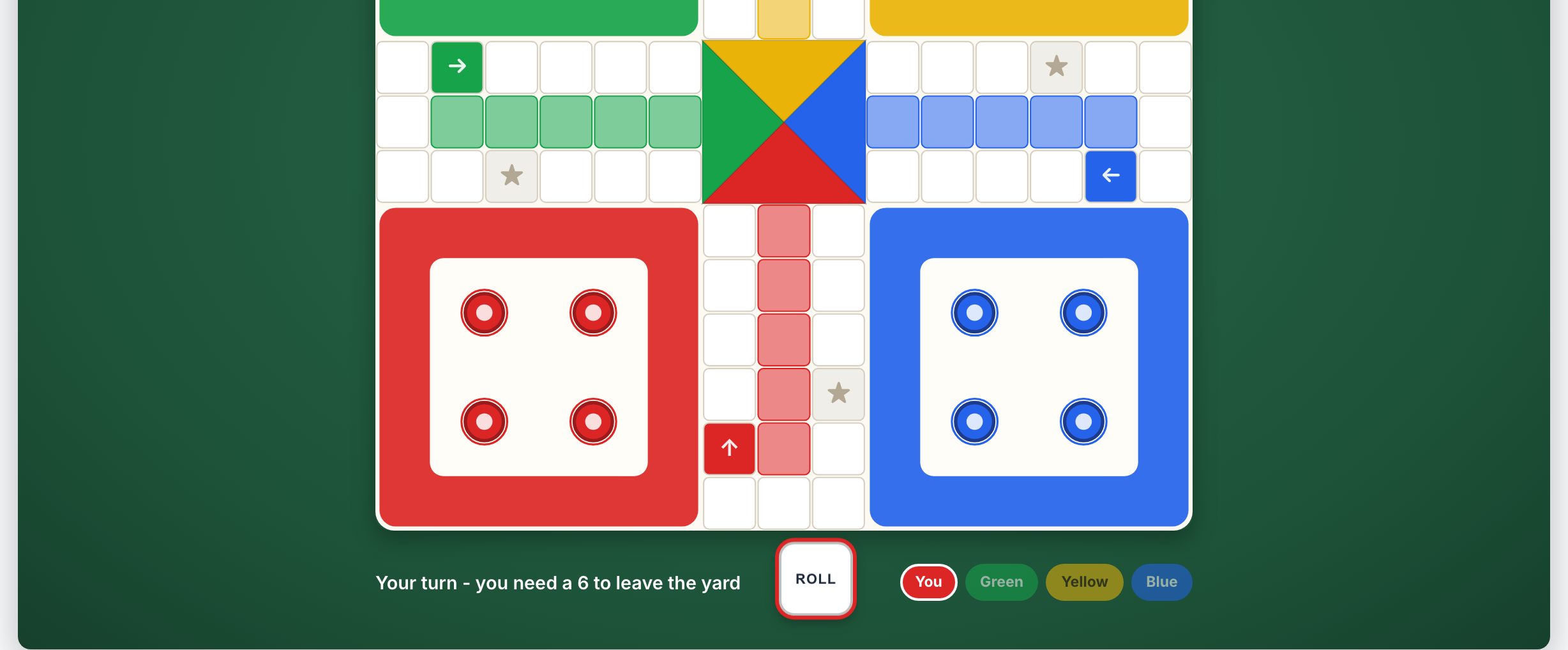
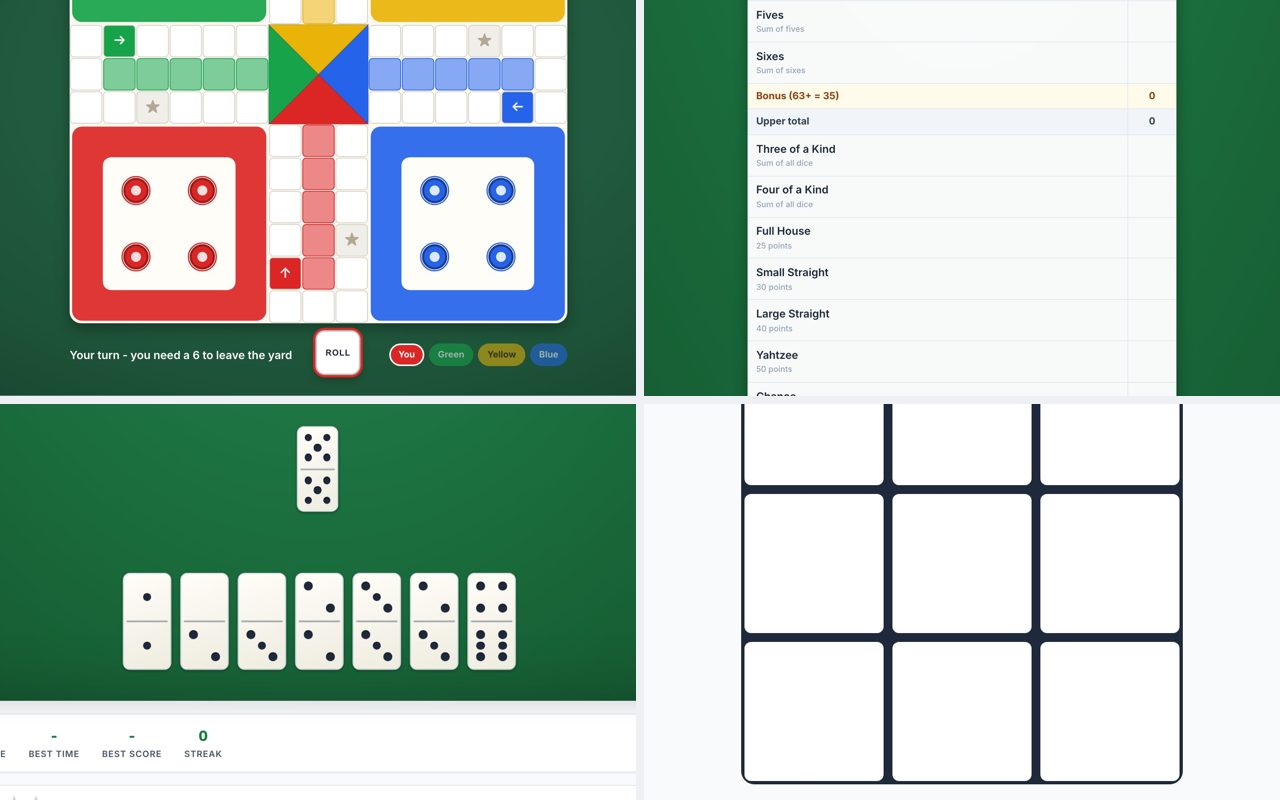
Ludo is a natural fit for a family call because it supports up to four players, and the pace is relaxed enough for conversation. Each player rolls a die and moves tokens around the board, trying to reach the center. The game includes hints and daily challenges, and you can play against the computer or with friends in online multiplayer races. Because turns are sequential, you can chat while waiting for your turn. Watch out for the game length: a full four-player match can take 20-30 minutes, so it works best when you have a longer call planned. The controls are simple clicks on the die and your tokens, so a mouse or trackpad is all you need.
Yahtzee
Yahtzee is ideal for a group that wants a mix of luck and light strategy. You roll five dice up to three times per turn, then choose a category to score (like three of a kind, a full house, or a large straight). The game provides hints and statistics, and you can play against friends in online multiplayer. Each round is short, about 15-20 minutes for a full game, and you can easily pause between turns. The biggest thing to watch for is that players need to click the dice they want to keep and then click "Roll" again. On a video call, you can screen share your board while everyone discusses which category to aim for. No keyboard required, just mouse clicks.
Dominoes
Dominoes (the All Fives or Muggins variant) is a great choice for families who enjoy a classic tile game with a scoring twist. You match domino ends and try to make the open ends total a multiple of five. The game supports multiplayer with friends and offers hints and daily challenges. A typical game to 100 points takes about 20 minutes. The main thing to watch for is that the rules of All Fives are slightly different from standard block dominoes, the scoring is based on the sum of open ends. Make sure everyone understands that before starting. Controls are simple clicks on the domino you want to play, and you can play against the computer while waiting for others to finish their turns.
Tic Tac Toe
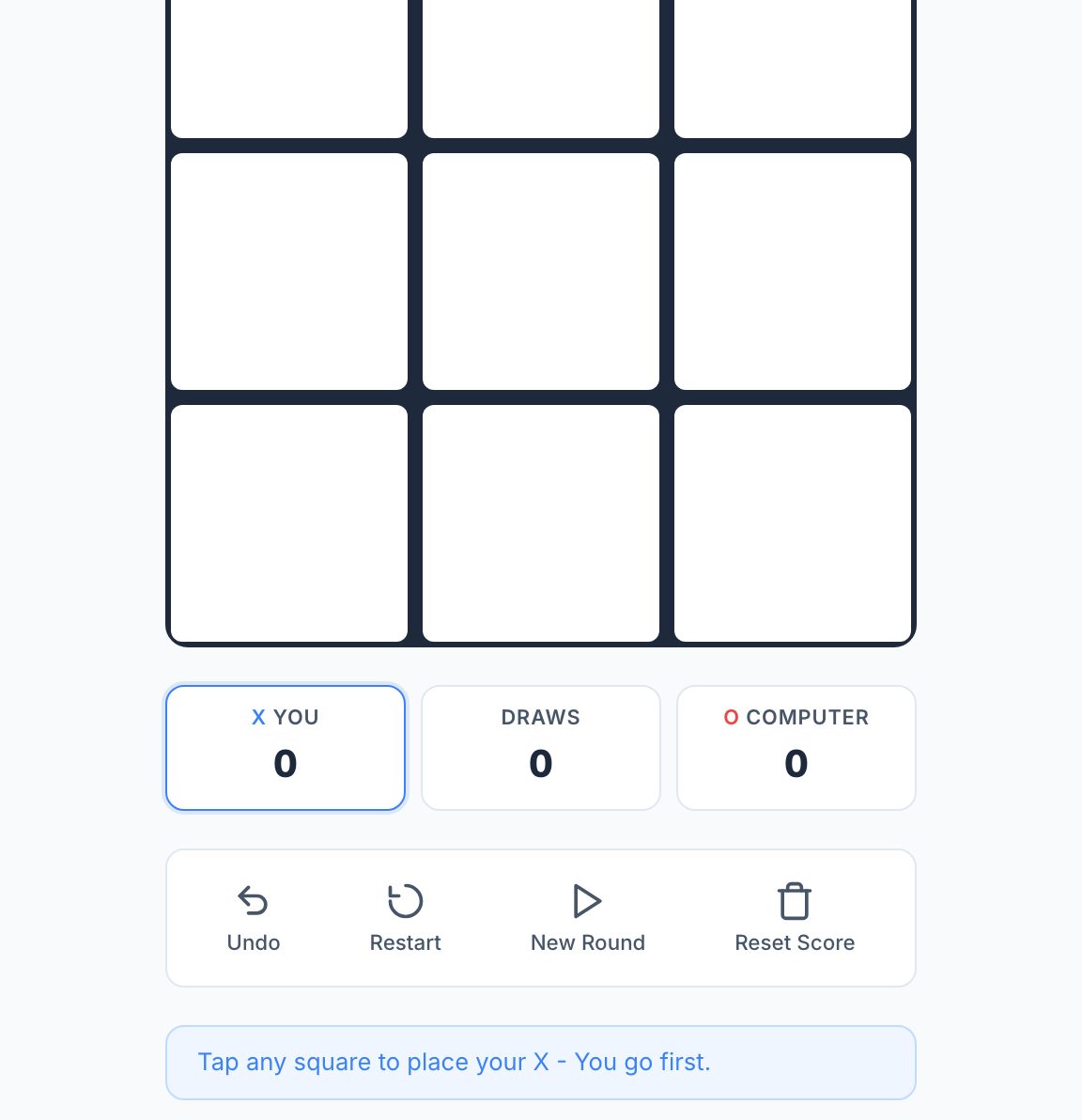
Tic Tac Toe is the quickest option on this list, perfect for a short break or for younger family members. You can play on the classic 3x3 board or try the 5x5 board for a longer challenge. The game offers Easy, Medium, and unbeatable Hard computer opponents, plus a 2-player mode for playing a friend. A single game on the 3x3 board lasts under a minute, so you can play several rounds in a row. The only thing to watch for is that the 5x5 board can take 5-10 minutes, which is still short but requires more attention. Controls are simple clicks on the grid. Because it's so fast, you can take turns screen sharing and let everyone suggest moves.
Checkers
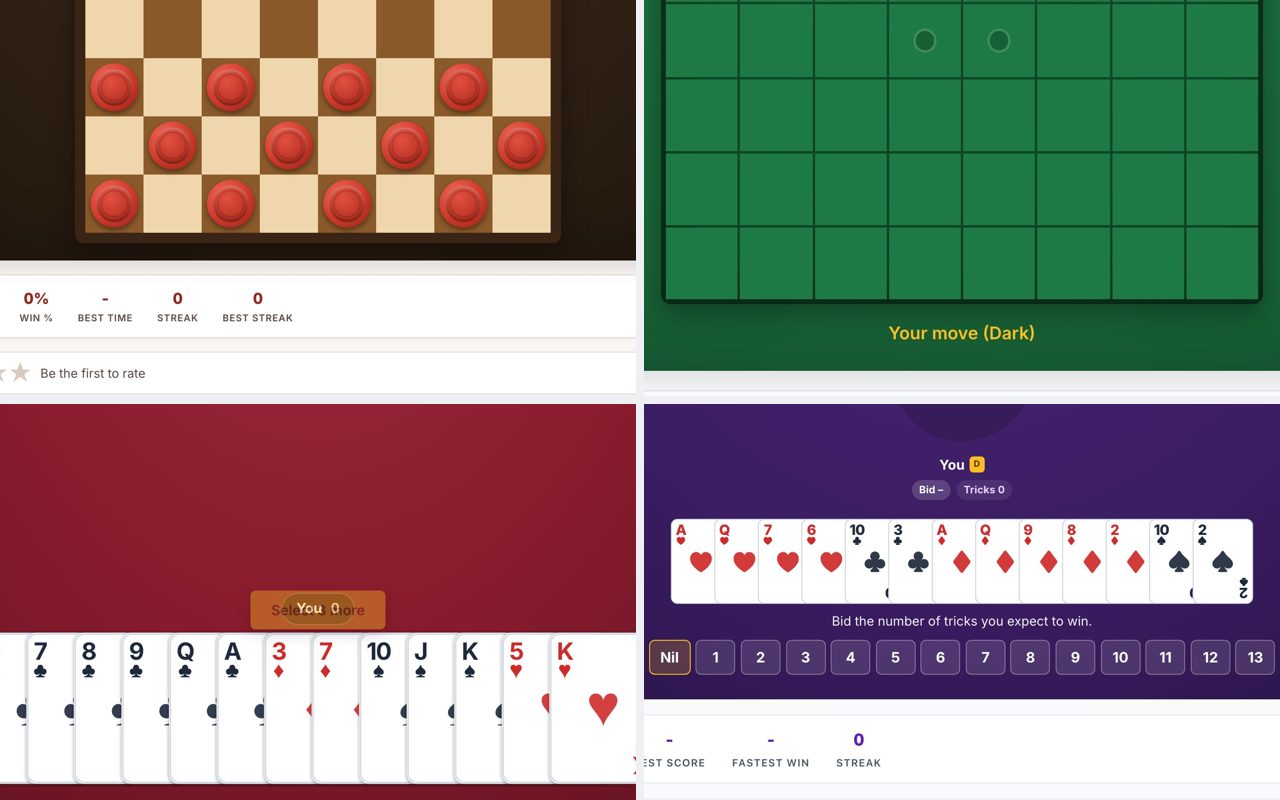
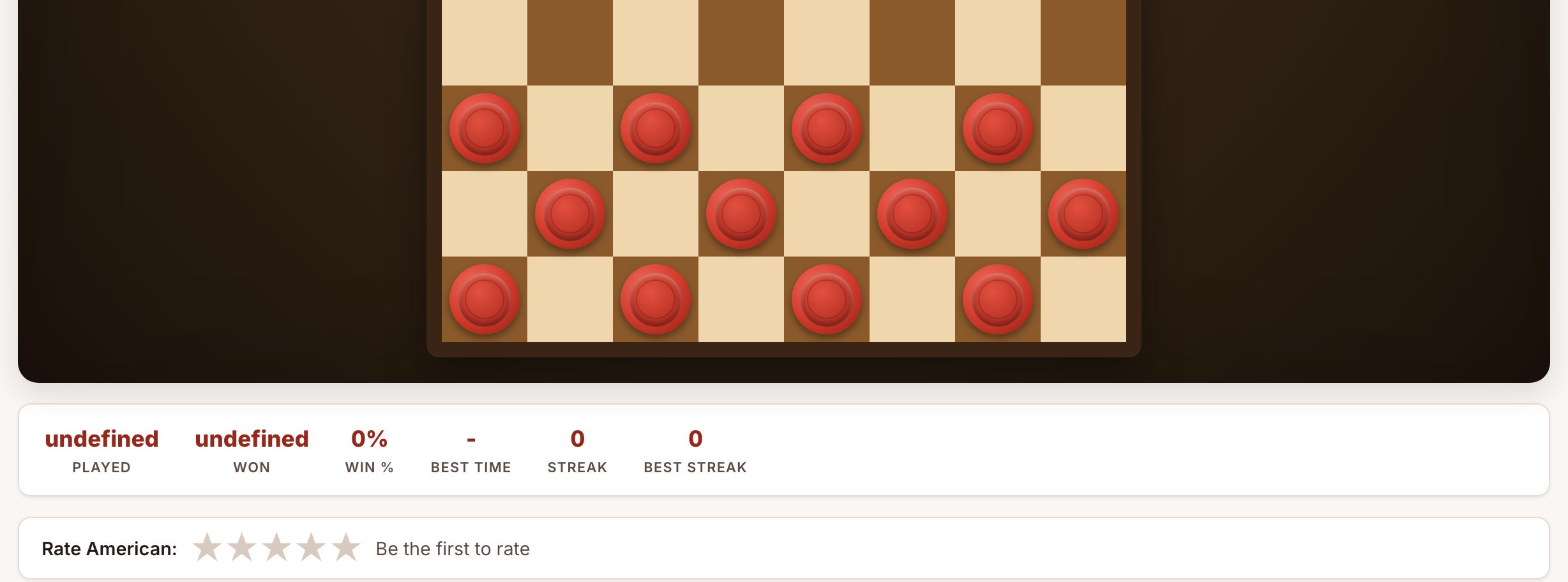
Checkers is a solid pick for families who want a strategic game with clear rules. The site supports American, International, Russian, Pool, Italian, and nine more draughts variants, plus a daily challenge and live multiplayer. A standard game of American checkers takes 15-30 minutes depending on skill level. The key thing to watch for is that different variants have different rules, for example, International checkers uses an 10x10 board and flying kings. Stick with American checkers (8x8 board) for the most familiar experience. Controls are mouse clicks: click a piece, then click a destination square. You can play against the computer or a friend, and the game highlights legal moves, which helps anyone who hasn't played in a while.
Practical Advice for the Video Call
Here's how to make the session run smoothly:
- Share the link in the chat. Copy the URL from your browser and paste it into the video call chat. Everyone clicks it, and the game loads instantly. No one needs to type a long address.
- Use screen sharing for turn-based games. In Ludo, Yahtzee, Dominoes, or Checkers, one person can share their screen and control the game while everyone discusses moves. This works especially well if some relatives are less comfortable clicking on their own.
- Take turns screen sharing. For Tic Tac Toe, you can play several rounds and let different people share their screen each round. This keeps everyone involved.
- Keep an eye on game length. If you only have 10 minutes, pick Tic Tac Toe or a quick Yahtzee round. For a longer call, Ludo or Checkers works better.
- Use the "Play against computer" option for solo practice. If someone joins late, they can play against the computer while waiting for the next multiplayer game to start.
Frequently Asked Questions
Do I need to create an account to play?
No. None of these sites require any signup or account creation. You click the link and start playing immediately.
Can I play on my phone?
Yes, the sites work in a mobile browser, but some games (like Ludo and Checkers) are easier with a mouse on a computer. If you're on a phone, Tic Tac Toe and Yahtzee are the most touch-friendly options.
How do I play with more than one family member?
For Ludo, Yahtzee, Dominoes, and Checkers, you can use the online multiplayer mode to invite friends. For Tic Tac Toe, you can screen share and take turns making moves. Alternatively, one person can screen share and control the game while everyone discusses the next move.
What if someone doesn't know the rules?
Each site has a "How to Play" section that explains the rules in plain language. You can also screen share and walk through a practice round together before starting a real game.
Can I play against the computer while waiting for others?
Yes. All five sites offer a computer opponent. You can play a quick game against the AI while waiting for family members to join the multiplayer session.
More like this: Where to Play Classic Games Online Free · Free Classic Games You Can Play in Your Browser: The Directory