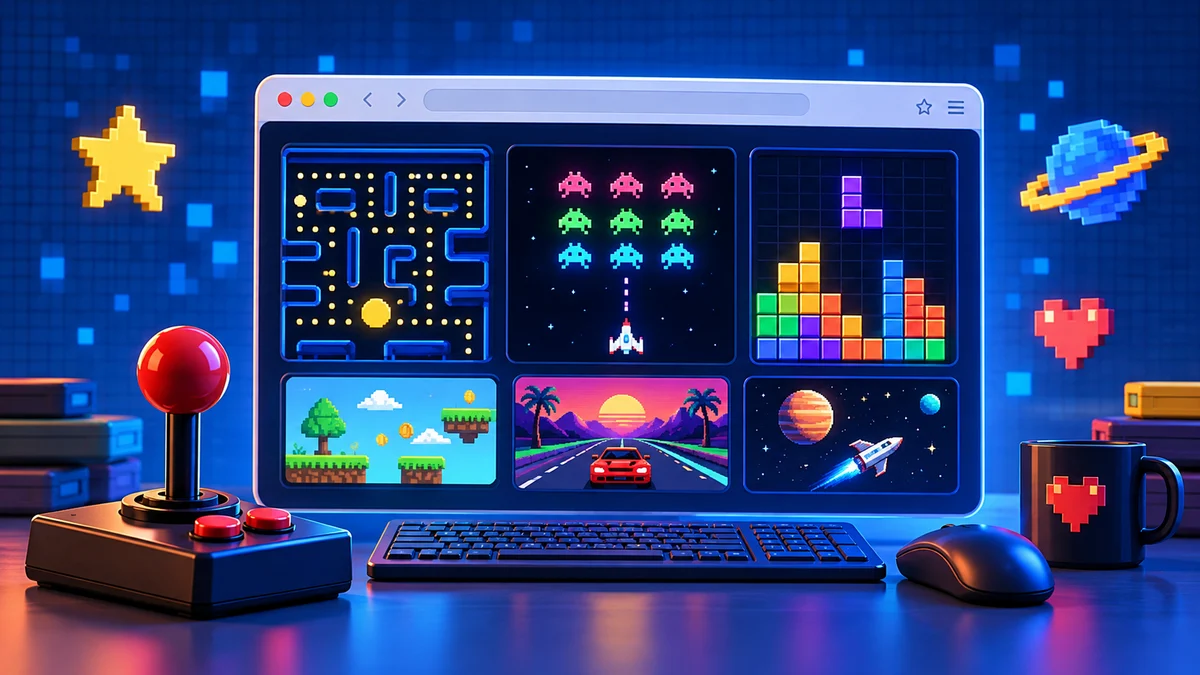
This page is for anyone who wants to open a browser tab and start playing a classic game right now, no downloads, no accounts, no waiting. You’ll find a hand-picked set of timeless card, board, puzzle, tile, dice, and arcade games, each one playable instantly on a desktop or laptop with just a mouse and keyboard. Whether you have five minutes or an hour, you can click, play, and close the tab when you’re done. Every game below is free, runs in your browser, and respects your time and privacy.
Card Games
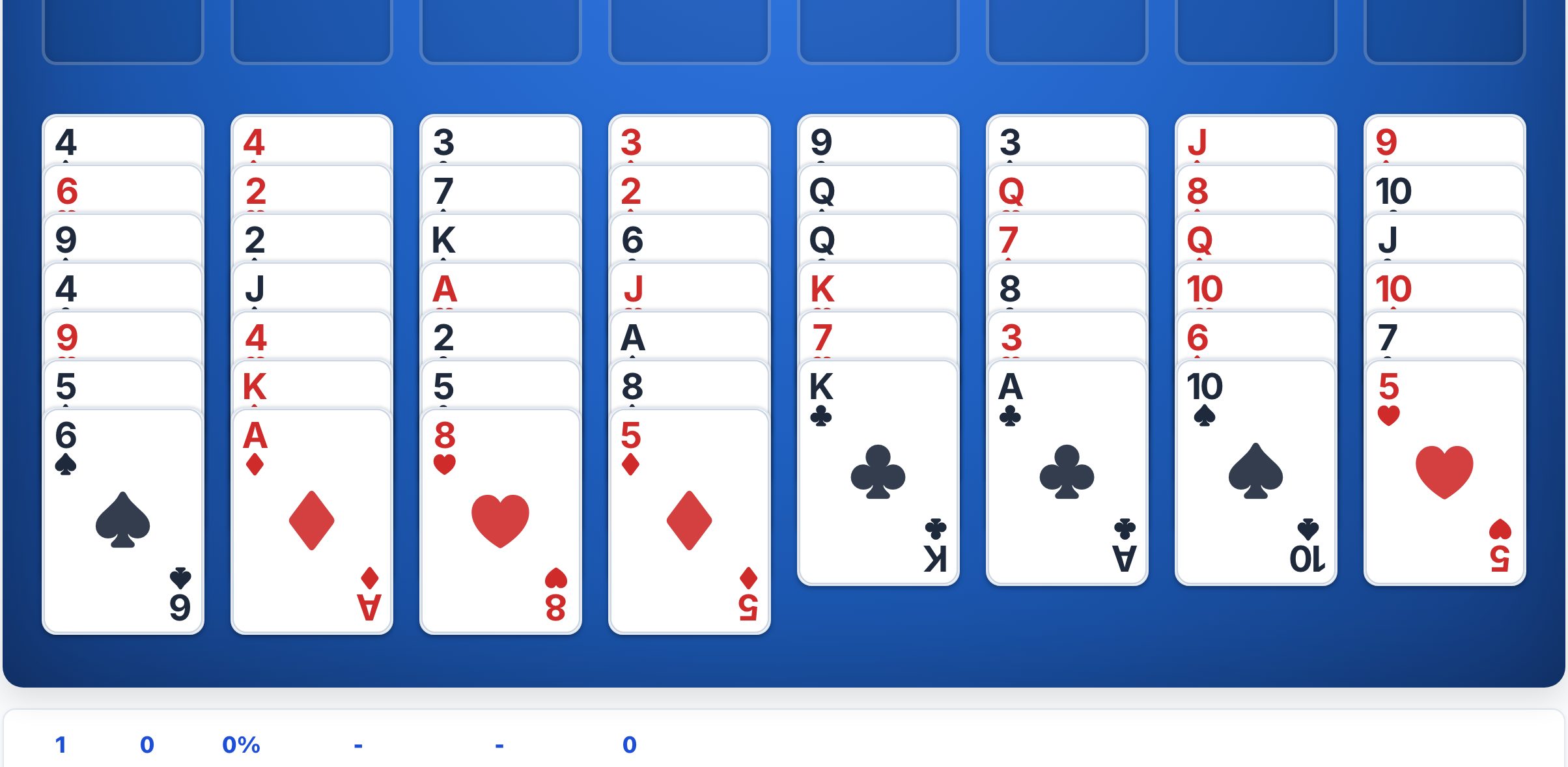
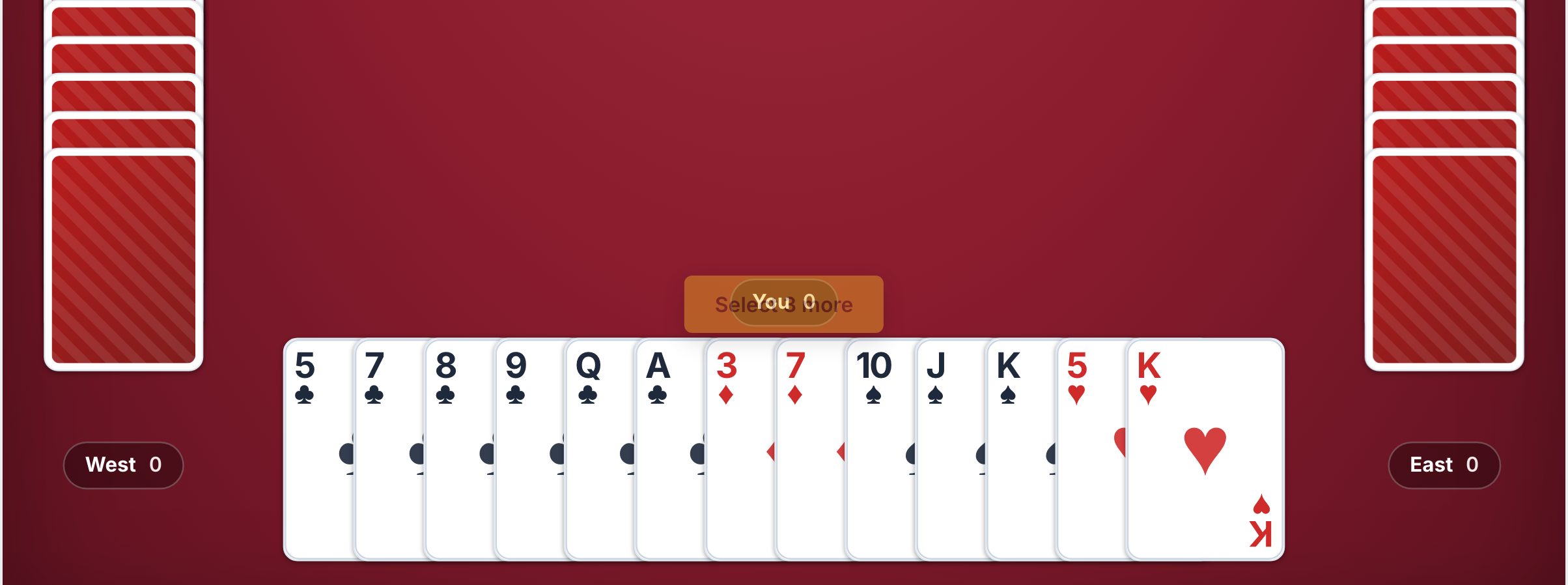
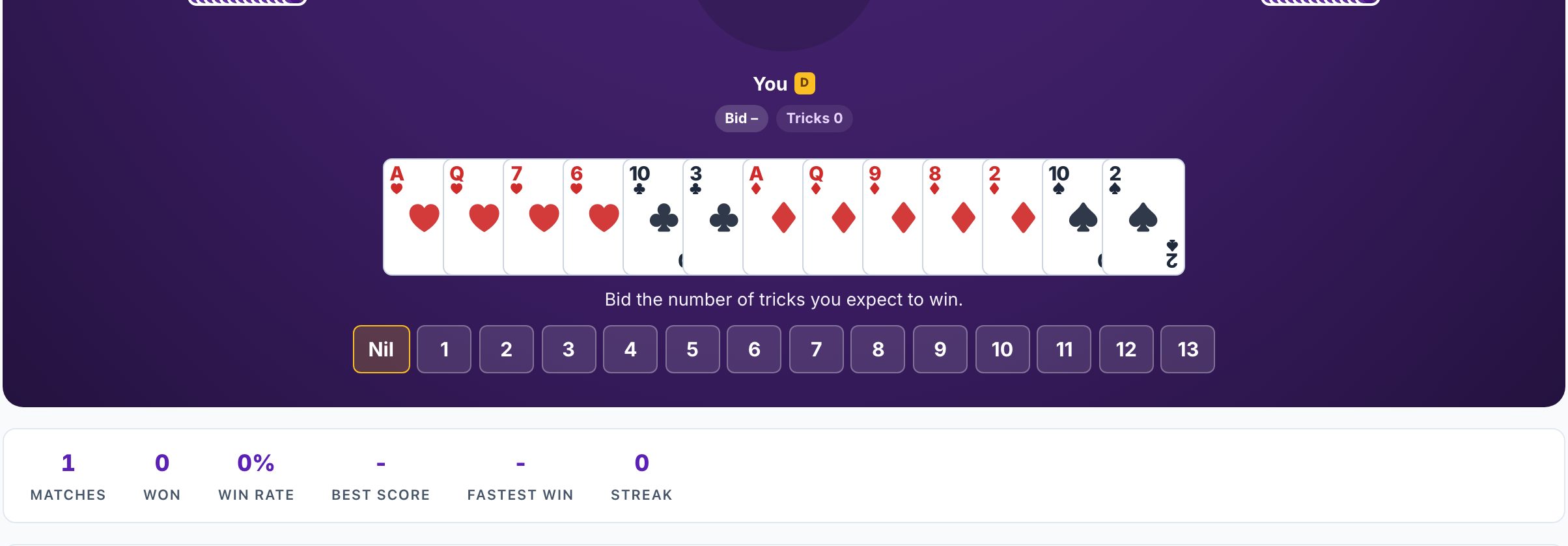
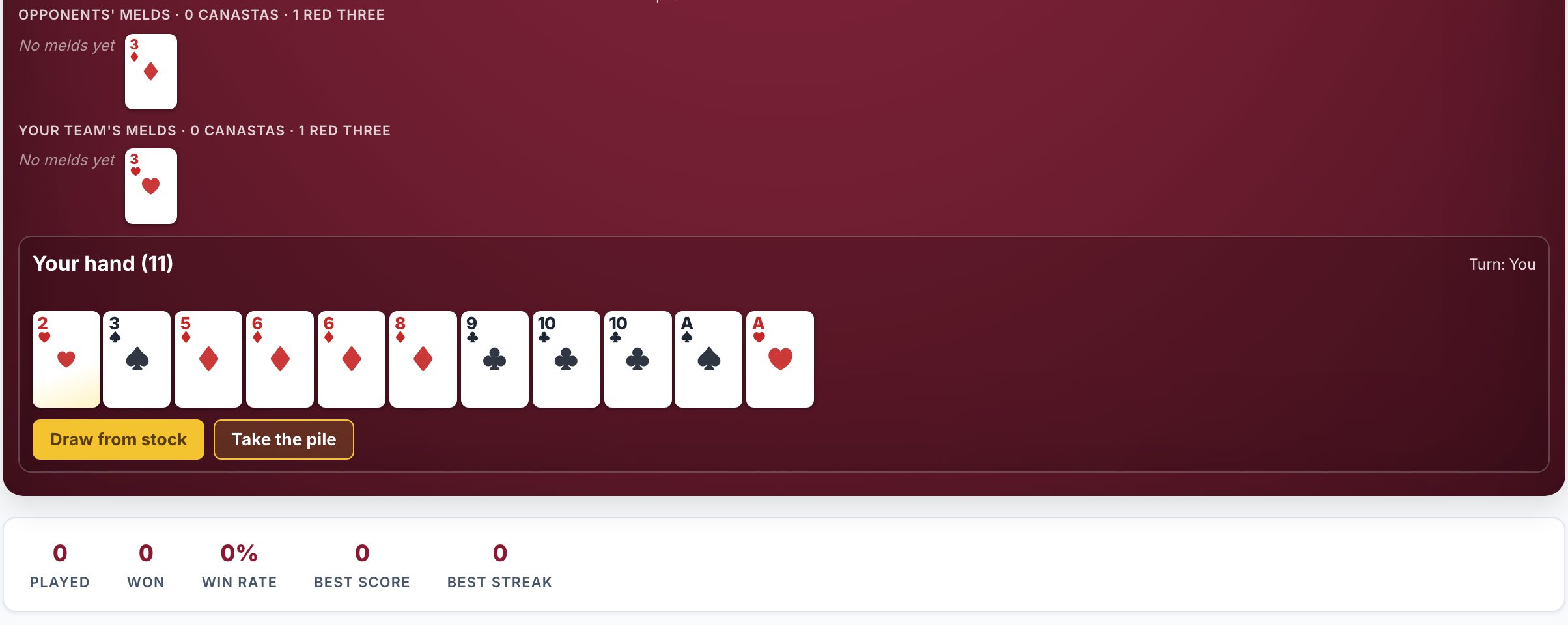
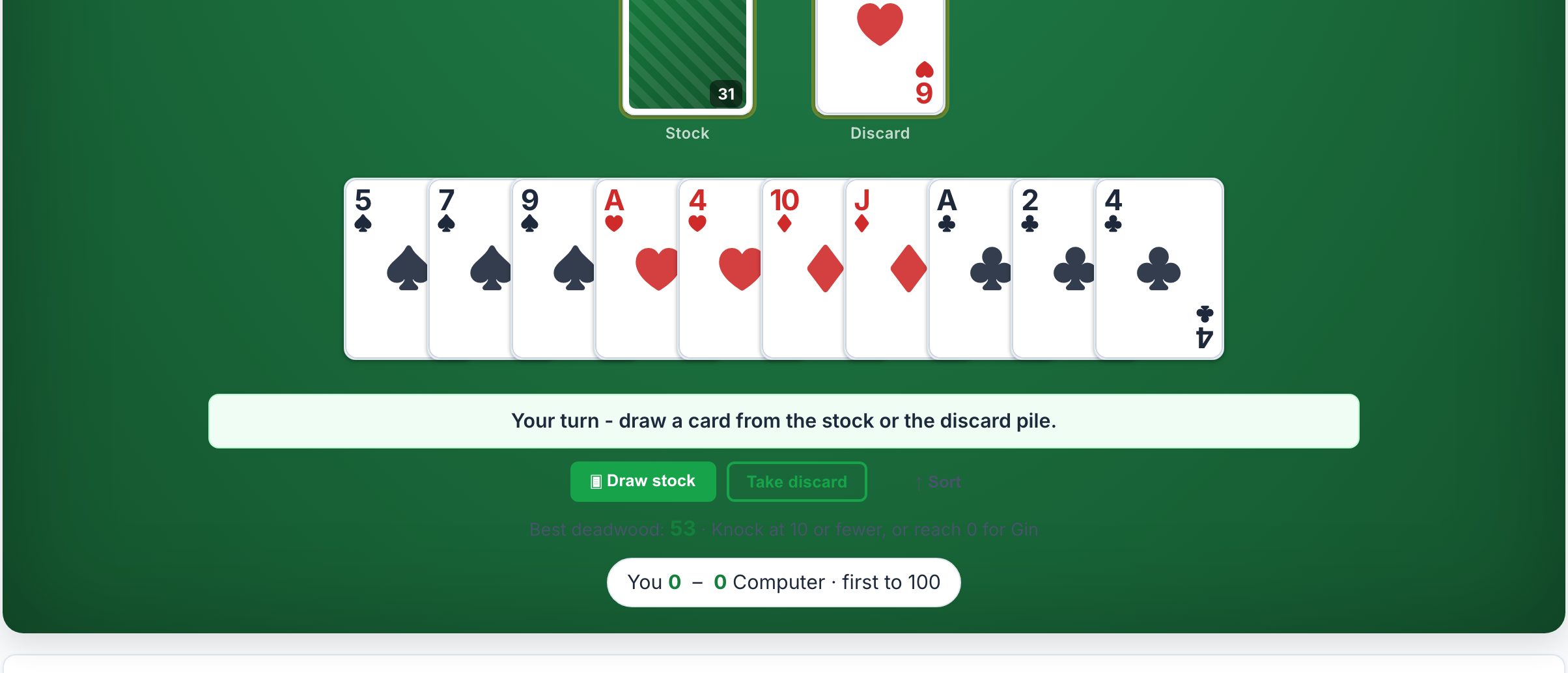
Card games are the perfect quick break, easy to learn, hard to put down, and endlessly replayable. In a browser, a good card game should respond instantly to clicks and drags, with clear card faces and a clean layout that doesn’t strain your eyes. Klondike Solitaire is the classic starting point: one deck, a single player, and a satisfying mix of luck and strategy. If you prefer a faster, more tactical challenge, try FreeCell, it’s winnable with the right moves, and the open layout rewards planning. For a social twist, Hearts and Spades are great against computer opponents, while Canasta, Rummy, and Gin Rummy offer deeper melding and matching. Blackjack is a quick push-your-luck card game against the dealer, perfect for when you want a fast decision loop. Start with Klondike if you’re new, or jump to FreeCell if you want to think ahead.
Board Games
Board games in a browser bring the feel of a physical tabletop without the setup or cleanup. A good browser version should have crisp, high-contrast pieces, smooth drag-and-drop or click-to-move controls, and an option to play against a computer or a friend on the same screen. Checkers is the ideal entry point, simple rules, deep tactics, and a game that finishes in ten minutes. Reversi (often called Othello) is another great choice, where you flip pieces and control the board with a few clever moves. Ludo is a light, dice-driven race that’s fun for a casual session, while Tic Tac Toe is the ultimate quick filler, though it’s best for teaching kids or testing a new mouse. For a solo challenge, start with Checkers against a decent AI; for a relaxed time, try Ludo.
Puzzle Games
Puzzle games are the most direct “play right now” genre, no opponents, no pressure, just a clean grid and a logical goal. In a browser, the best puzzles are responsive to clicks and keyboard shortcuts, with undo buttons and clear feedback when you make a mistake. Sudoku is the king of logical deduction, perfect for a coffee-break brain teaser. Minesweeper is a classic of deduction and risk, click to reveal, right-click to flag, and avoid the hidden mines. 2048 is a fast, sliding number game that’s easy to learn but tricky to master, and it works beautifully with arrow keys. Slide puzzles test your spatial reasoning, while Nonograms (also called Picross) blend logic with picture-revealing satisfaction. Lights Out is a simple toggle puzzle that’s great for a few minutes of mental stretching. Start with Sudoku for a calm challenge, or Minesweeper if you want a bit of tension.
Tile Games
Tile games are all about pattern recognition and matching, and they work exceptionally well in a browser because they’re visual and tactile. A good tile game should have crisp, distinct tile faces, smooth dragging, and a board that’s easy to scan. Dominoes is a classic of matching numbers and counting points, ideal for a relaxed solo game against the computer. Mahjong Solitaire is the more famous tile game, a beautiful, meditative puzzle where you match pairs of tiles to clear the board. It’s perfect for a browser because you can play a single layout in a few minutes, and the game’s zen-like focus is a great stress reliever. Start with Mahjong Solitaire if you want a visually rich, calming puzzle; choose Dominoes if you prefer a more traditional, number-based challenge.
Dice Games
Dice games are pure chance and quick fun, making them ideal for a browser tab you can pick up and put down. A good dice game should have clear, animated dice rolls and simple click-to-keep mechanics. Yahtzee is the classic, roll five dice, choose which to keep, and try to score the best combinations across three rolls. It’s easy to learn, satisfying to play, and works great with a mouse. Craps is a faster, more chaotic dice game, but in a browser it’s usually simplified to a single-player roll-and-win format. For most people, Yahtzee is the best starting point because it combines luck with a little bit of strategy in which category to fill. It’s a great game to play while watching something else or waiting for a download.
Arcade Classics
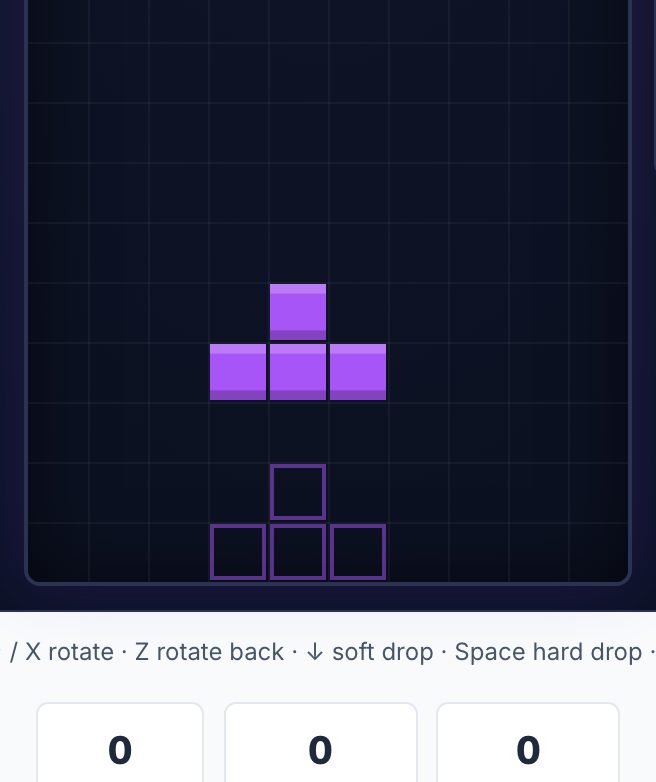
Arcade classics are the most action-oriented games on this list, and they’re perfect for a quick burst of reflex-based fun. In a browser, they should run at a smooth frame rate, respond to keyboard arrows or mouse clicks without lag, and have simple, clear graphics that don’t distract. Tetris is the ultimate arcade puzzle, stack falling blocks, clear lines, and try to survive as the speed increases. It’s timeless, and a good browser version lets you use the arrow keys to rotate and move pieces. Pac-Man is the other icon, eat dots, avoid ghosts, and chase power pellets. Both are excellent for short sessions, but Tetris is the better starting point because it’s easier to play in quick bursts and has a clearer sense of progress. If you only have two minutes, Tetris is your best bet.
For Over-the-Board Play
If you want a deeper, more strategic game, chess is the classic choice, and in a browser it’s best played with a free online clock. A good browser chess game should have a clean board, easy piece dragging, and a visible clock that lets you set your own time limit, whether that’s a blitz game of five minutes or a more relaxed fifteen. Chess with a free online clock is perfect for players who want to improve their game without any pressure. You can play against the computer or a friend, and the clock adds a real-time element that makes every move matter. Start with a longer time control, like ten minutes per side, to get used to the feel. It’s the most intellectually rewarding game on this list, and the browser is the perfect place to play it, no board to set up, no pieces to lose, just you and the position.
Card games: every guide
- Where to Play Klondike Solitaire Online Free (No Download)
- Where to Play FreeCell Online Free (No Download)
- Where to Play Hearts Online Free (No Download)
- Where to Play Spades Online Free (No Download)
- Where to Play Canasta Online Free (No Download)
- Where to Play Rummy and Gin Rummy Online Free
- Where to Play Blackjack Online Free (No Download)
Board games: every guide
- Where to Play Checkers Online Free (No Download)
- Where to Play Reversi and Othello Online Free
- Where to Play Ludo Online Free (No Download)
- Where to Play Tic Tac Toe Online Free (No Download)
Puzzle games: every guide
- Where to Play Sudoku Online Free (No Download)
- Where to Play Minesweeper Online Free (No Download)
- Where to Play 2048 Online Free (No Download)
- Where to Play Slide Puzzles, Nonograms and Lights Out Free
Tile games: every guide
- Where to Play Dominoes Online Free (No Download)
- Where to Play Mahjong Solitaire Online Free (No Download)
Dice games: every guide
Arcade classics: every guide
For over-the-board play: every guide
Every game in one table: Free Classic Games You Can Play in Your Browser: The Directory.
Frequently asked questions
Can I play these classic games on my phone?
The games are selected for desktop and laptop browsers using a mouse and keyboard. The article focuses on click-and-drag or keyboard controls that may not work well on a phone screen.
Do I need to create an account to save my progress?
No. Every game runs instantly in your browser with no accounts required. You simply open a tab, play, and close it when you are done. There is no progress saving between sessions.
Can I play these games with a friend online?
The board games offer an option to play against a computer or a friend on the same screen. The article does not describe online multiplayer with someone in a different location.
What is the easiest game to start with if I only have a few minutes?
Tetris is the best starting point for a quick burst. It is easy to play in short sessions, has a clear sense of progress, and works perfectly if you only have two minutes.
By the occasion, not the game
Sometimes the question is not which game but what fits the moment. There are 6 of these
written for the occasion instead: games to play with family over a video call, two-player games over a shared link when it is just the two of you,
games that work on a locked-down laptop where installers are blocked, quick games for a ten-minute break between meetings, card games you can play online without an app for the games you
learned at a kitchen table, and brain games with no sign-up for a daily puzzle habit.