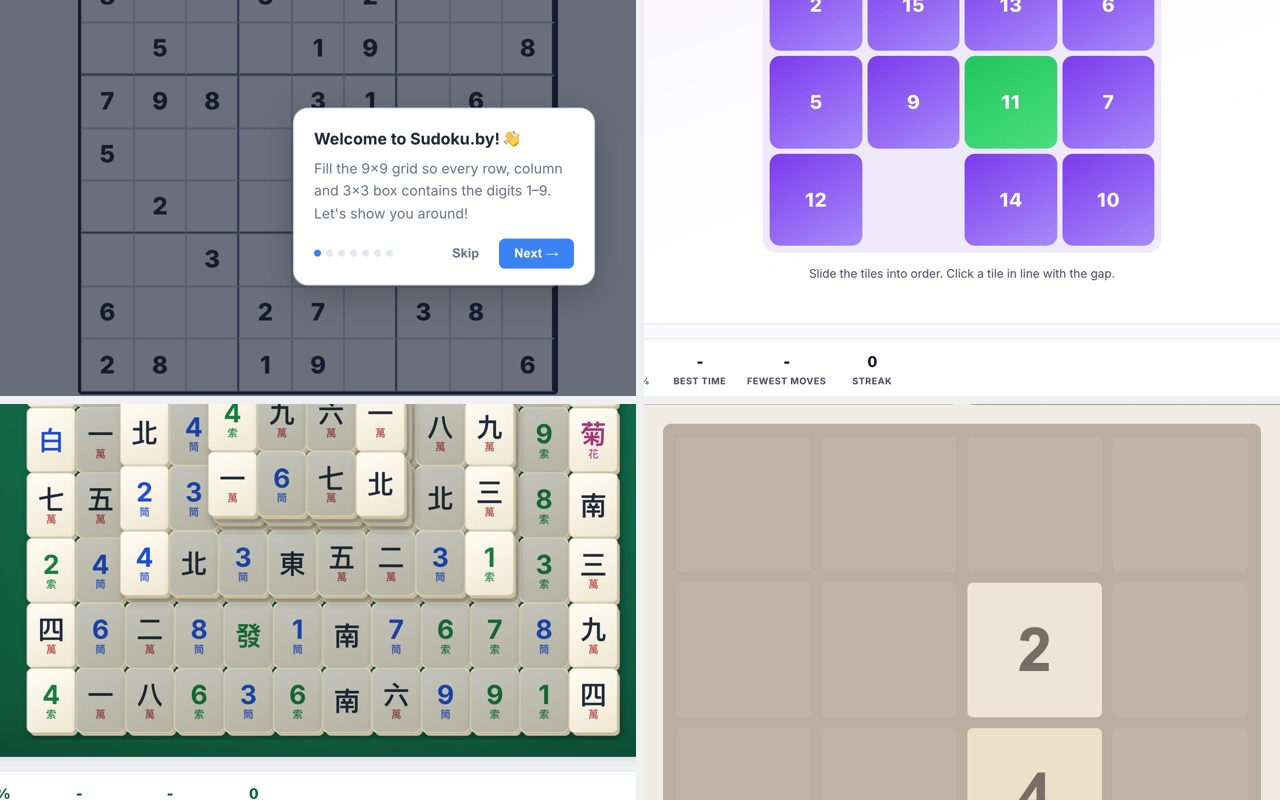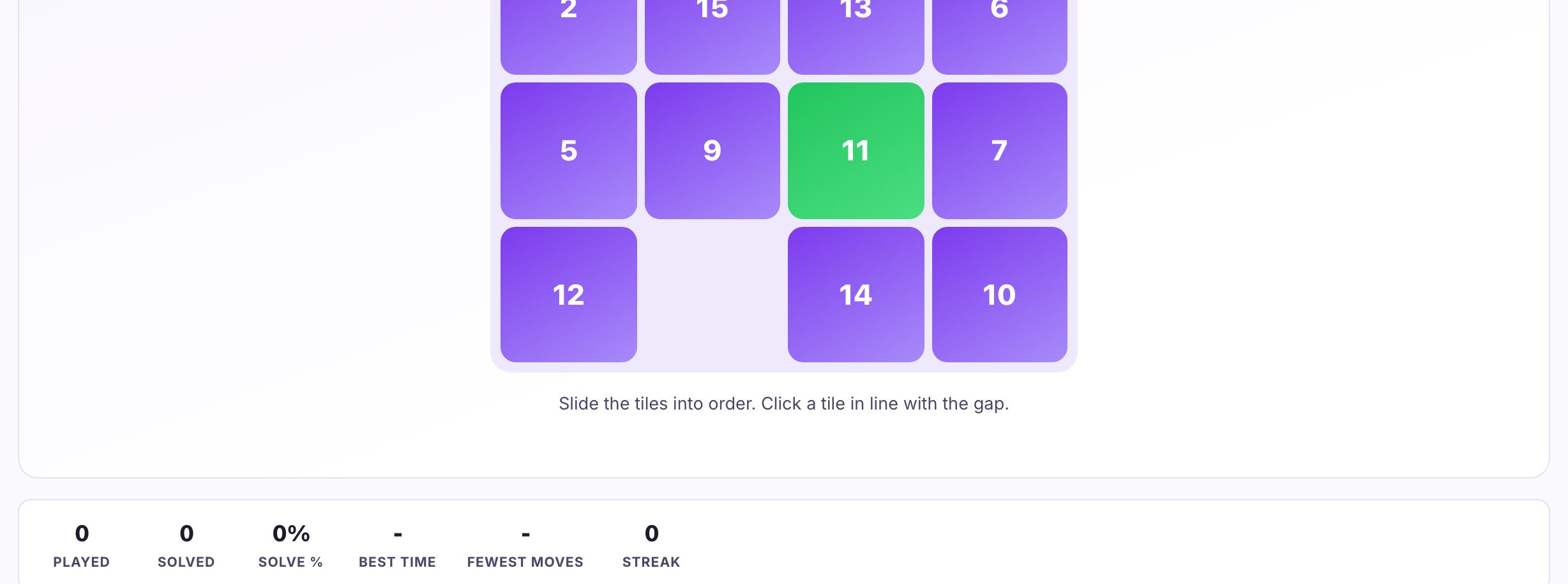
You can play Slide Puzzles, Nonograms, and Lights Out right now in your browser tab at Puzzle.now, no install, no account, just click and play. The site also hosts 2048, Memory Match, a daily challenge, and live multiplayer, all from the same page. It’s the fastest way to get from “I have two minutes” to “I just solved a 4×4 slide puzzle” without leaving your desktop.

How the Slide Puzzle Actually Works (If You Haven’t Played in Years)
The classic slide puzzle is a square grid with one empty space. Every other tile holds a number or part of an image. You can only move a tile into that empty spot, which shifts the gap around the board. The goal is to arrange all tiles in ascending order (or complete the image) by sliding, not lifting.
For a 3×3 board, that’s 8 tiles and one blank. For 4×4, it’s 15 tiles. The difficulty jumps because the number of possible states explodes, but the solving logic stays the same. You solve it in layers: first row, then second, then the bottom two rows as a combined block.
If you’re rusty, start with 3×3. It’s a five-minute solve once you learn the two key moves: the “row-by-row” method and the “last two tiles” trick. On a 4×4, the final two tiles in the bottom row require a specific sequence, you can’t just push them into place. You have to position them in the two rightmost columns, then rotate them into place as a pair.
The biggest mistake beginners make is trying to solve the bottom rows first. That breaks the top rows. Always solve top-to-bottom, left-to-right within each row.
The Decisions That Separate a Good Player from a Bad One
In slide puzzles, the difference isn’t speed of moving tiles, it’s planning. A good player looks at the board and identifies which tiles are already in their correct row, then works to bring the rest of that row together without disturbing the completed part. A bad player just starts pushing tiles randomly, hoping the gap moves in their favor.
For Nonograms (also called Picross or Hanjie), the core decision is whether to start with a row or a column. Good players scan for the row or column with the fewest possible placements, usually the one with the largest single number clue, because that forces a solid block. Bad players start with the easiest-looking row, which often has multiple solutions and leads to guessing.
In Lights Out, every press toggles a light and its four orthogonal neighbors. The key decision is whether to press a button twice (which is the same as not pressing it at all, since the puzzle is modulo 2). A good player solves the top row, then uses the second row to turn off the first row’s lights, and so on down. The final row is the only tricky part, you may need to “chase the lights” back up using a known pattern. Bad players press randomly, which resets progress.
Across all three games, the common thread is patience. The best players don’t rush. They look at the board, form a plan, and execute. The worst players click or tap as fast as possible, which works for the first few moves but fails on the last few.
What to Look for in a Place to Play
When you’re playing in a browser, the most important thing is that it loads instantly and doesn’t nag you to sign up. Puzzle.now does that, you click a tile and you’re in. No “create an account to save your score” pop-up, no “download our app” banner.
Second, check the controls. On a desktop, you want mouse click or keyboard arrow support. Slide puzzles should respond to a single click on a tile adjacent to the blank. Nonograms should let you left-click to fill and right-click to mark an X. Lights Out should toggle on a single click. If a site makes you drag tiles or use a slider, it’s not built for speed.
Third, look for a “new game” or “shuffle” button that actually works. Some sites let you get stuck in an unsolvable state (usually because they generate a random board without checking parity). A good site either generates a solvable board or lets you reset. Puzzle.now offers a daily challenge, which is a good sign, that means the board is generated fresh each day, and it’s usually solvable by design.
Fourth, consider the timer. If you’re playing for fun, a timer can be motivating or stressful. If you’re playing to improve, you want a site that shows your move count and time. But don’t let a timer make you rush, accuracy beats speed in all three games.
Variants and Modes Worth Knowing
Slide puzzles come in two main flavors: numbered tiles and image tiles. Image tiles are harder because you can’t rely on numeric order, you have to recognize edges and corners. Some sites offer a “sliding block” variant where you have a 2×2 block and a 2×1 block, and you have to move a specific block to a target. That’s a different beast entirely.
Nonograms have a few common variants. The most popular is black-and-white, where you fill cells to reveal a picture. But there’s also color nonograms, where each number is a specific color, and you have to fill cells in that color. The logic is the same, but the color adds an extra constraint, you can’t just fill a block; you have to match the color sequence. Some sites also offer “mega” nonograms with a 30×30 grid, which takes a long time but is more satisfying.
Lights Out has a few known variants. The classic is 5×5, but some sites offer 3×3 (trivial) or 7×7 (brutal). There’s also a “lit-only” variant where you can only press a button if its light is on, which changes the strategy completely. And there’s a “chase” mode where the lights turn off one by one, and you have to keep up.
On Puzzle.now specifically, you get the daily challenge, that’s a fresh puzzle every 24 hours, which is a great way to build a habit. And the live multiplayer mode means you can race someone else in real time, which adds a pressure element that single-player doesn’t have. If you’re competitive, that’s the mode to try.
Frequently Asked Questions
Can I play these games with a keyboard instead of a mouse?
Yes, on most browser-based puzzle sites, including Puzzle.now, you can use arrow keys to move the blank in slide puzzles, and the mouse for nonograms and Lights Out. Keyboard controls are usually faster for slide puzzles because you don’t have to aim. Check the site’s help or just try pressing arrow keys, most sites support it by default.
What happens if I get stuck in a slide puzzle, is it always solvable?
No, not always. A random shuffle can produce an unsolvable board about half the time. The rule is that the parity of the number of inversions (plus the row number of the blank) must be even. If you get stuck, look for a “reset” or “new game” button. On Puzzle.now, the daily challenge is always solvable, but the free-play mode might not be, if you suspect it’s unsolvable, just restart.
Is there a strategy for Nonograms, or is it just guessing?
It’s pure logic, no guessing required. The key is to use the “overlap” technique. If a row has a clue of 5 in a 10-cell row, the middle 5 cells must be filled because the block has to fit somewhere. Mark those, then use the column clues to narrow down further. Once you get the hang of it, you’ll never guess again.
How long does a typical Lights Out puzzle take to solve?
On a 5×5 grid, a beginner might take 2-3 minutes. An experienced player can do it in under 30 seconds. The trick is to solve the top row, then use each subsequent row to turn off the row above. The last row is the only hard part, you’ll need to know the “chase the lights” pattern, which you can learn in a minute. Once you know it, every puzzle is the same.
Can I play these games on a phone or tablet?
Yes, but the site is designed for desktop. On a phone, the touch controls work fine for slide puzzles and Lights Out, but nonograms can be finicky because you need to right-click to mark an X. If you’re on a phone, use a browser that supports long-press for right-click, or stick to the slide puzzle and Lights Out. For the full experience, a desktop with a mouse is best.
More like this: Where to Play Classic Games Online Free · Free Classic Games You Can Play in Your Browser: The Directory
\nRelated reading: Where to Play Sudoku Online Free (No Download).