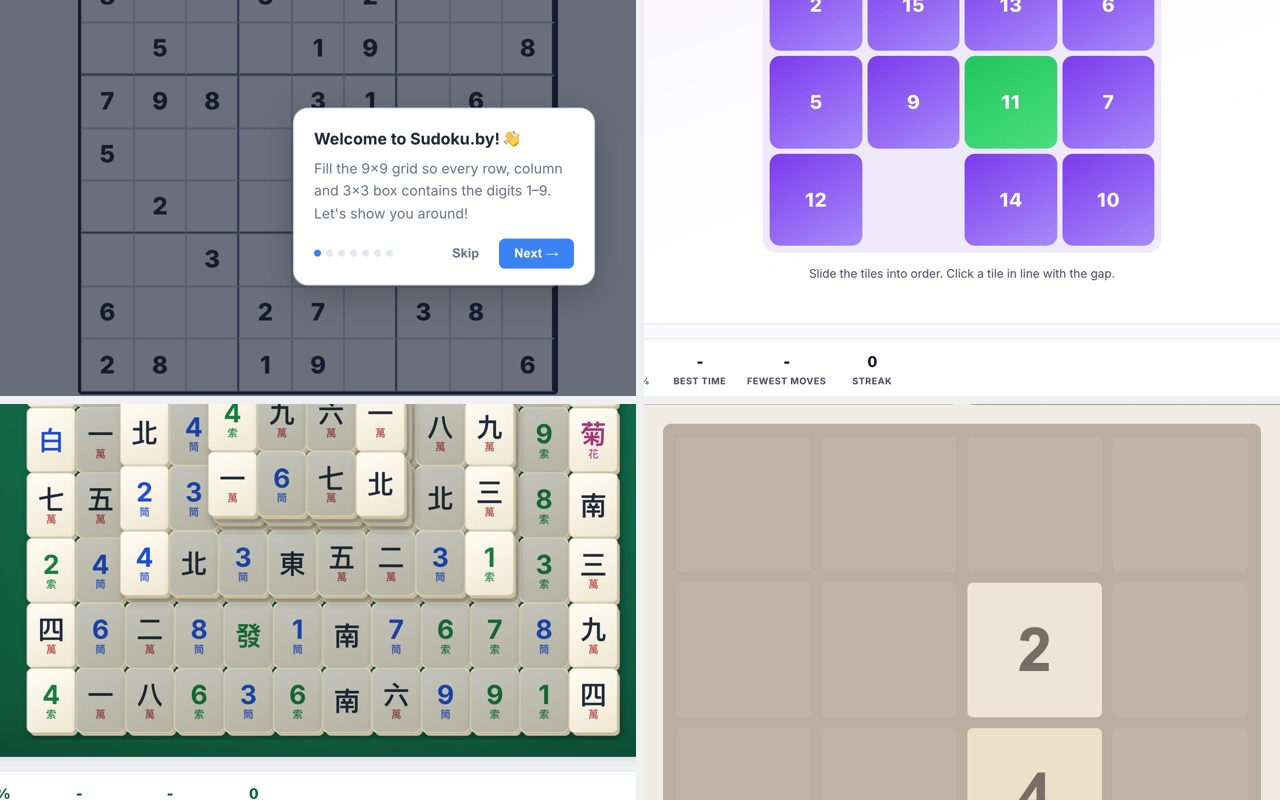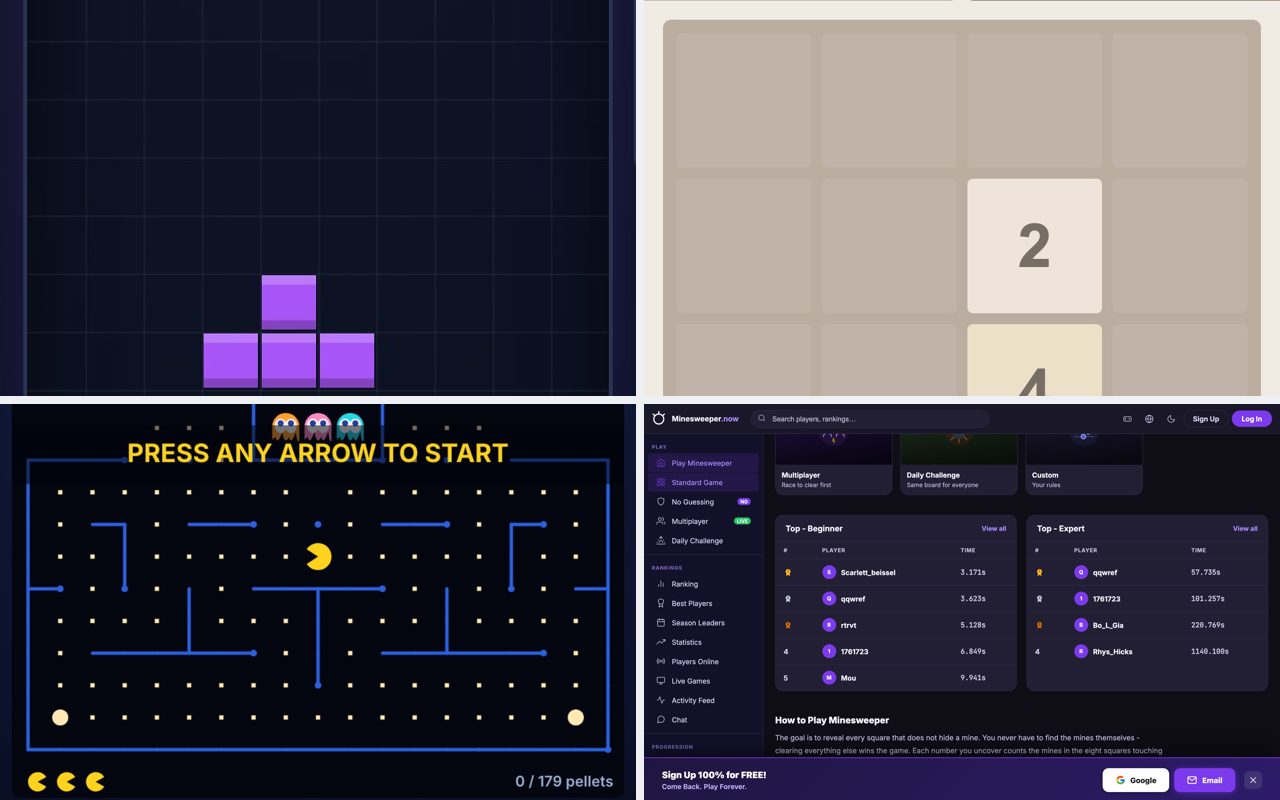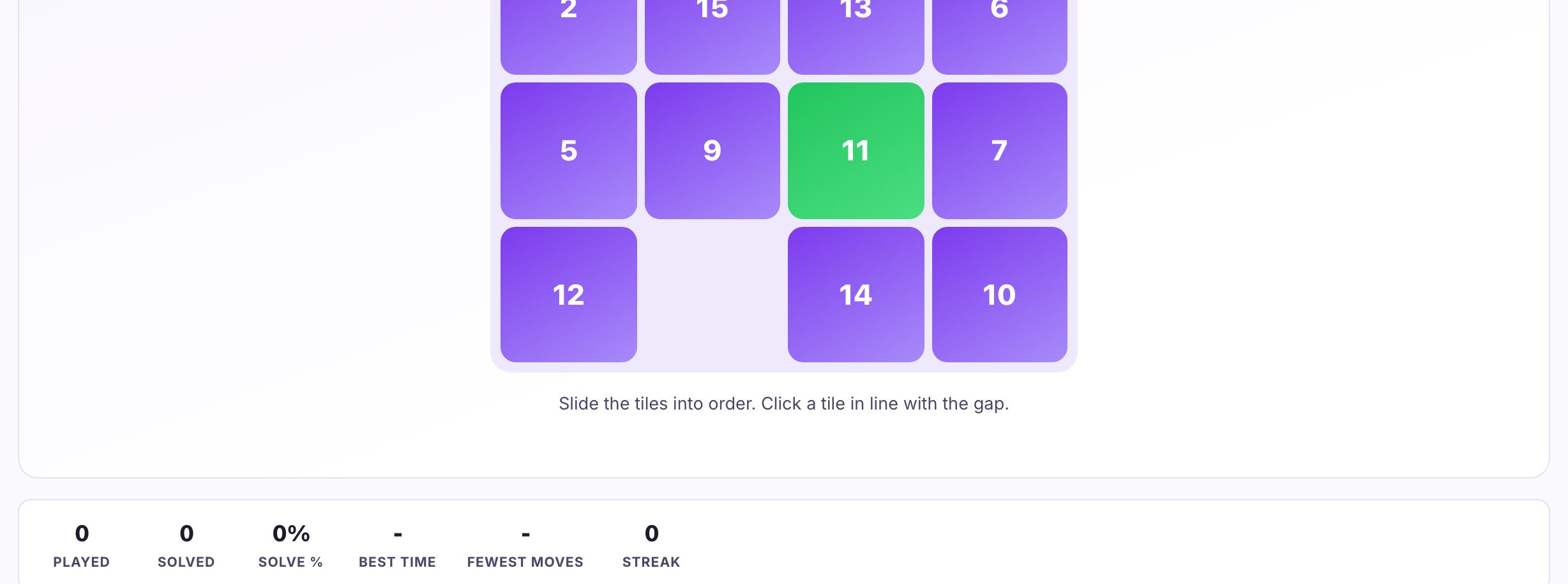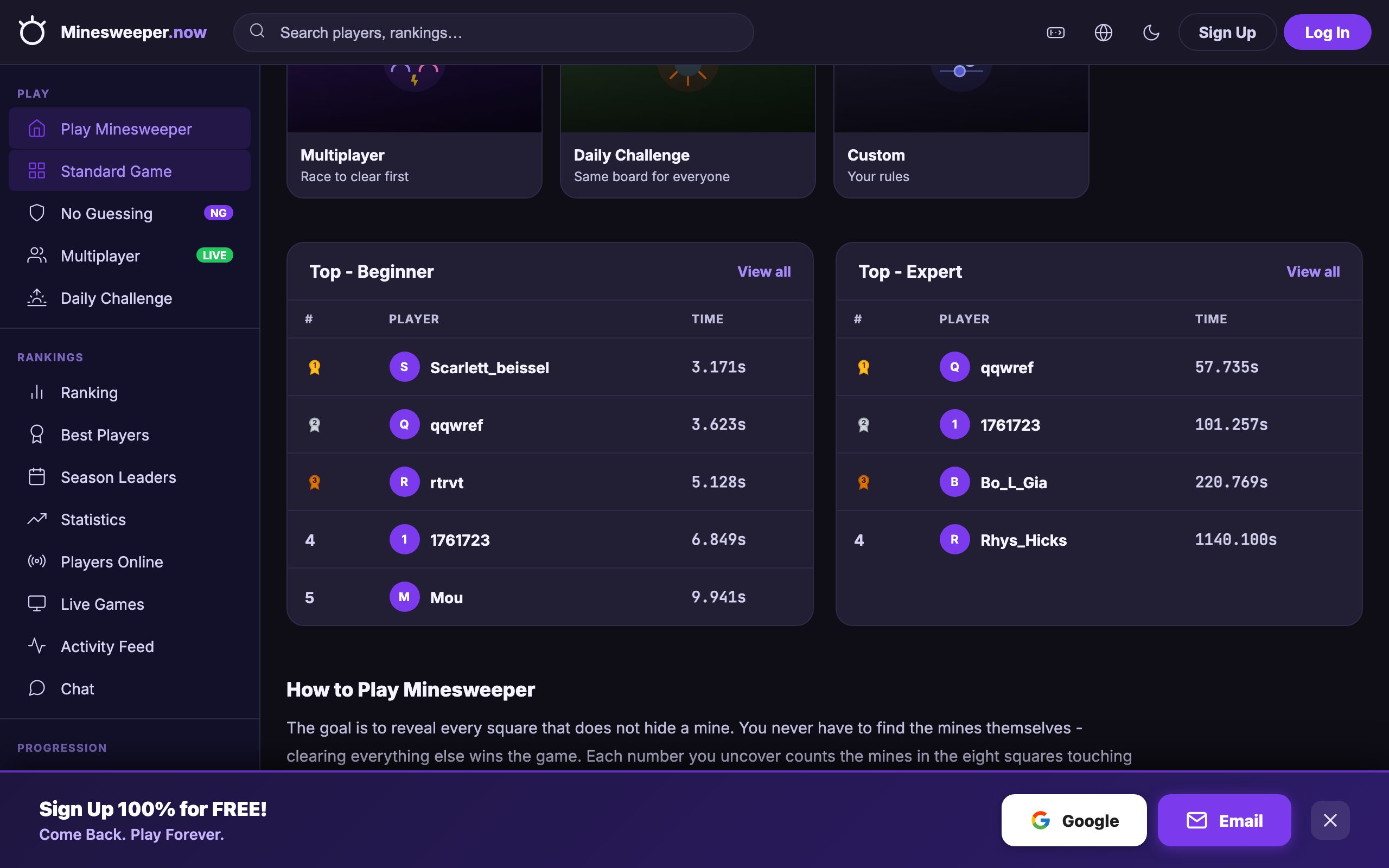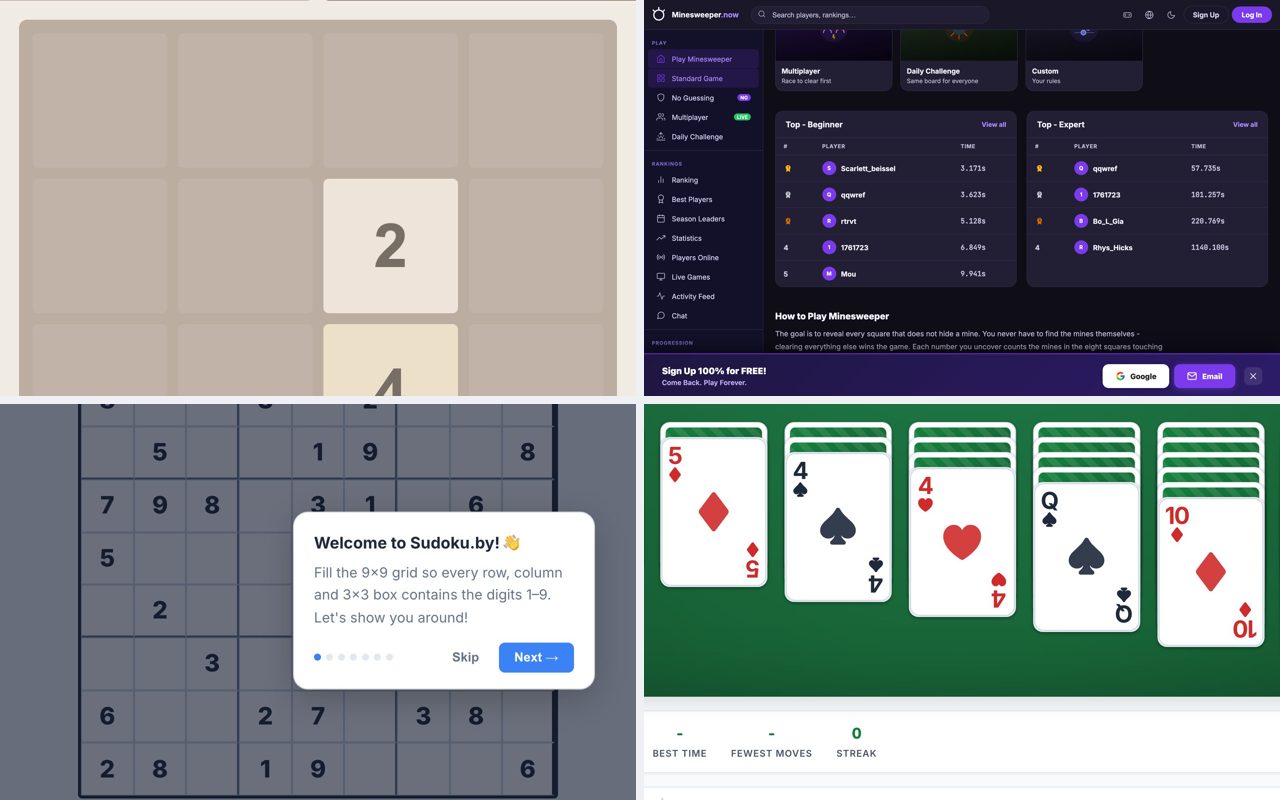
If you are reading this on a work or school laptop that blocks installers and restricts you to the browser, you can still play 2048.now, Minesweeper.now, Sudoku.by, Solitaire.now, and Freecell.now. These games run entirely in your browser tab, require no sign-up or download, and work with just a keyboard and mouse. By the end of this article, you will know exactly which one fits your break length, your device, and your mood.
2048
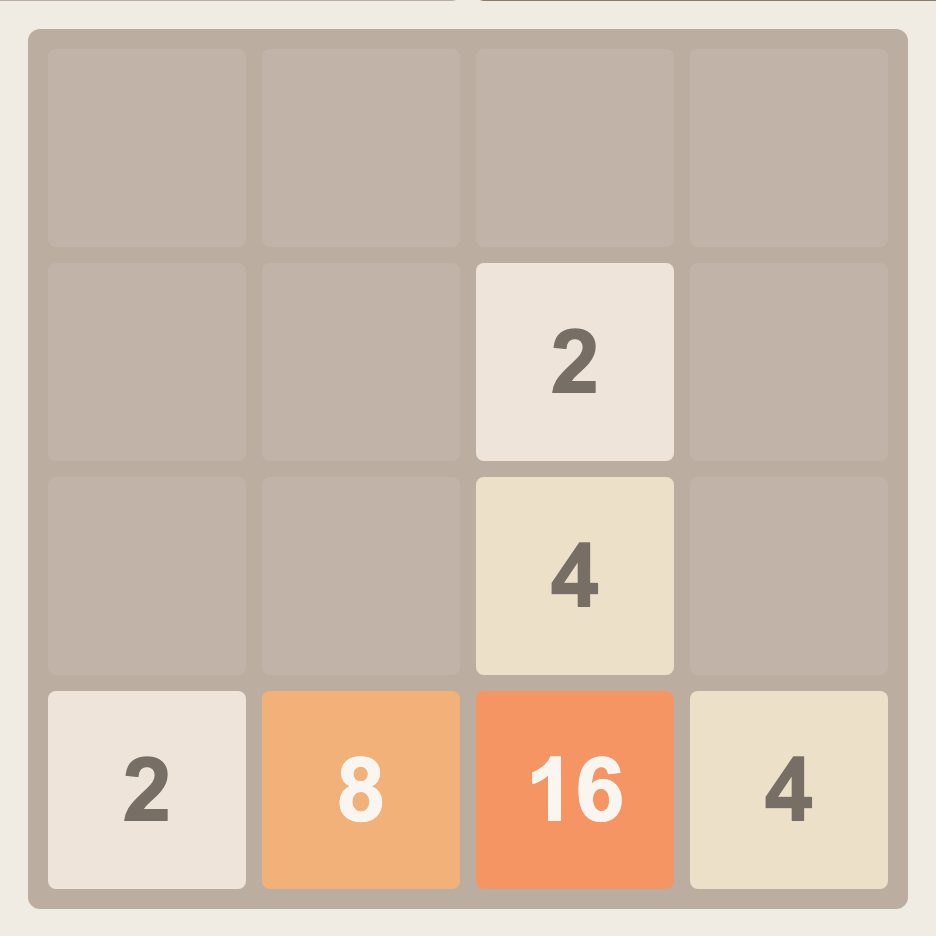
Why it fits: 2048 is a sliding tile puzzle where you merge matching numbers to reach the 2048 tile. Each move is a single arrow key press, and a full game rarely takes more than ten minutes. Because it uses only the keyboard, it is a poor choice if you are sharing a screen on a call, your arrow keys will be obvious to everyone. It is perfect for a quick mental reset between tasks.
How it plays: Use the arrow keys to shift all tiles up, down, left, or right. Tiles with the same number combine into one. The board fills up fast, so you must plan a few moves ahead. The page at 2048.now offers multiple modes, but the classic version is the one to start with.
What to watch out for: The game ends when the board is full and no moves remain. There is no undo, so a single careless arrow press can ruin a run. Keep your hand off the keys when you are thinking.
Minesweeper
Why it fits: Minesweeper is a logic puzzle where you click squares to reveal numbers that tell you how many mines are adjacent. It works entirely with mouse clicks, left click to reveal, right click to flag. A beginner board can be solved in under two minutes, making it ideal for short waits. The game requires no keyboard input, so it is safe to play during a meeting where you are listening but not sharing your screen.
How it plays: Start with the Beginner mode (9x9 grid with 10 mines). Click a square; if it is a mine, you lose. Numbers tell you how many mines touch that square. Use logic to flag all mines and reveal every safe square. The site at minesweeper.now includes a No-Guessing mode where every puzzle is solvable without random clicks.
What to watch out for: Right-clicking to flag is essential, but some laptop trackpads make right-clicking awkward. If your trackpad has two-finger tap for right-click, test it first. Also, the game saves no progress, if you close the tab, your board is gone.
Sudoku
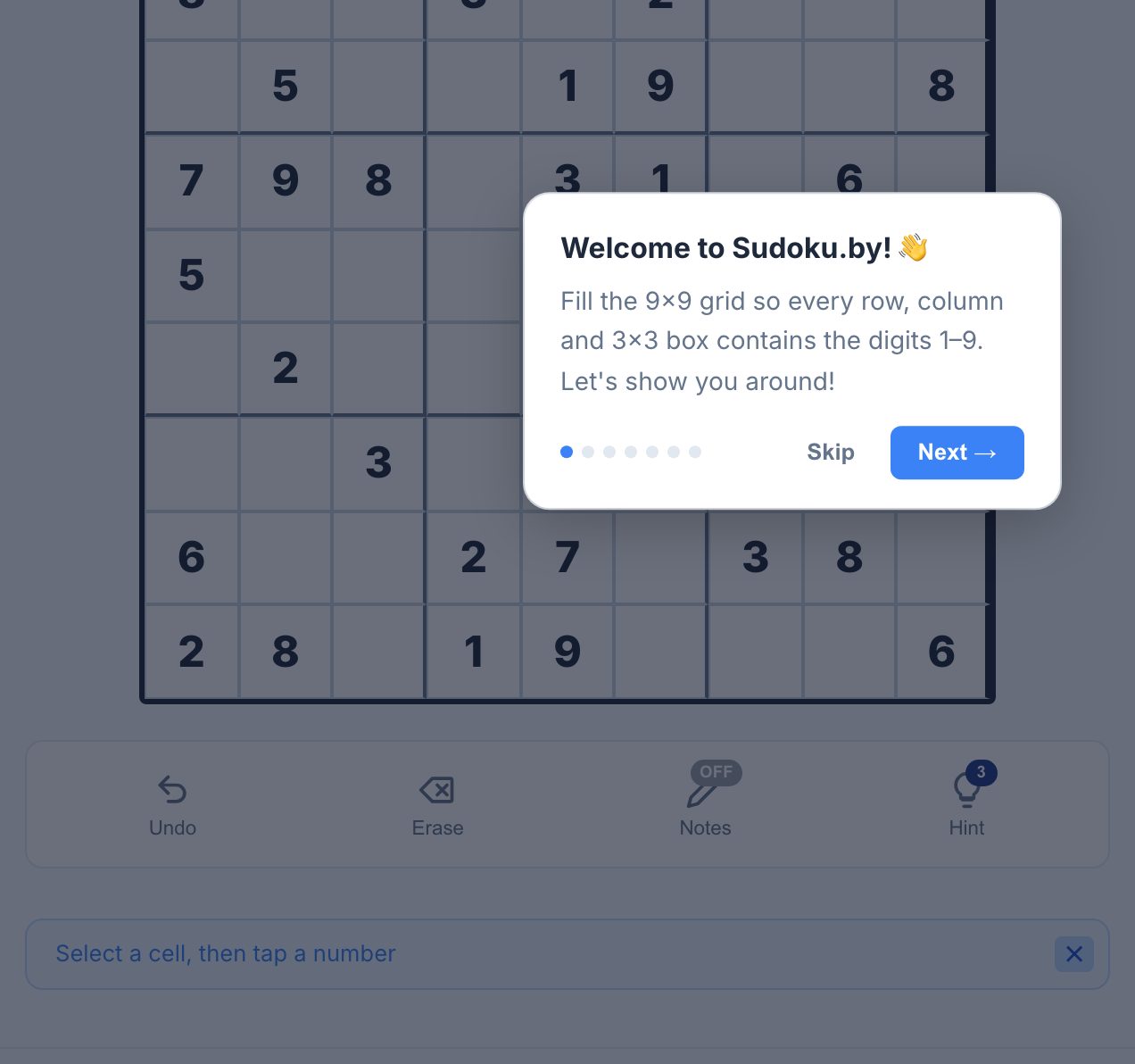
Why it fits: Sudoku is a number placement puzzle that demands focus and patience. A single puzzle can take anywhere from five minutes (Easy) to thirty minutes (Extreme). It is a good fit for a longer break or a lunch period. The game uses only mouse clicks to place numbers, so it works on any device with a browser. It is a poor fit if you only have two minutes, as you will not finish a puzzle.
How it plays: Fill a 9x9 grid so that each row, column, and 3x3 box contains the digits 1 through 9 exactly once. Click an empty cell, then click the number you want to place. The site at sudoku.by offers Easy through Extreme difficulties, plus daily challenges and variants like Killer Sudoku.
What to watch out for: The hardest puzzles require careful note-taking. The site may offer a pencil-mark feature to note candidate numbers, use it. If you are on a shared screen, everyone will see your guesses, so avoid this during a presentation.
Klondike Solitaire
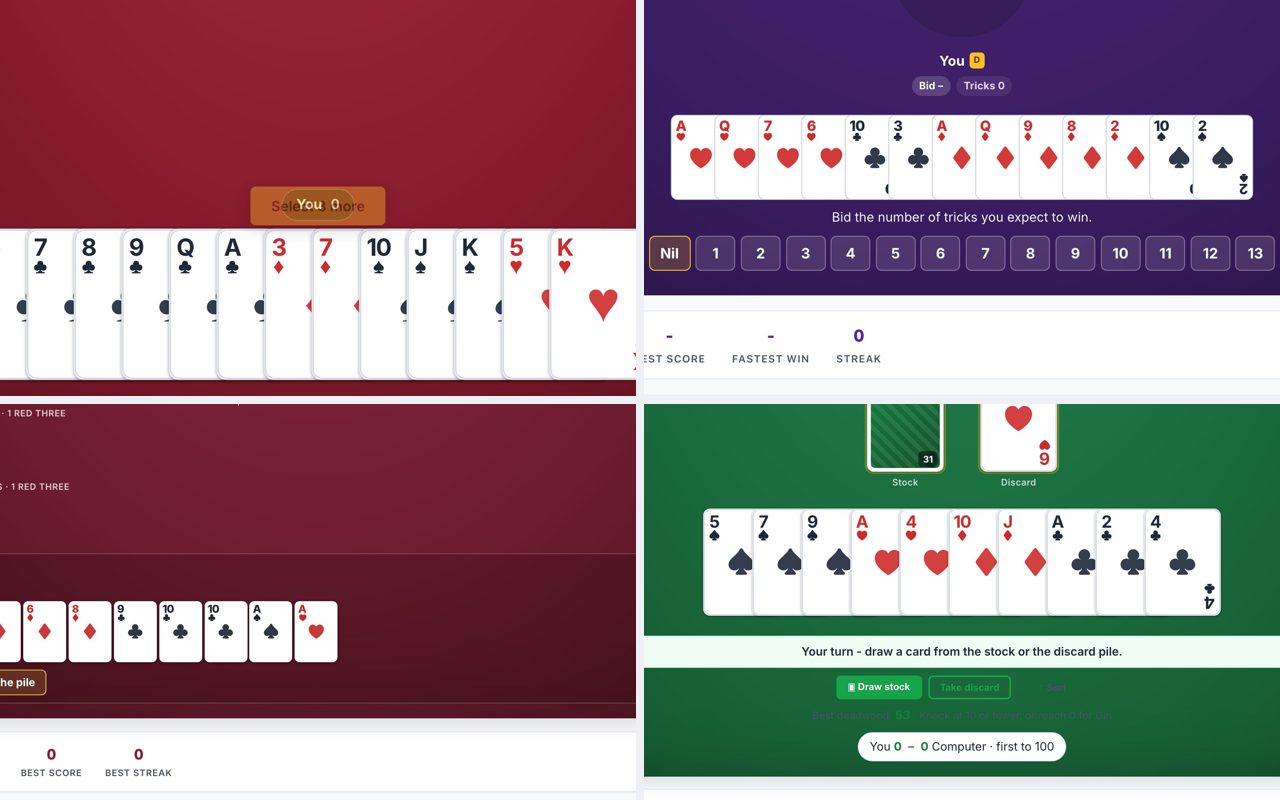
Why it fits: Klondike Solitaire is the classic card game where you build four foundation piles from Ace to King. A single game can last anywhere from three minutes (if you get lucky) to fifteen minutes. It uses only mouse clicks, drag cards or click to move them. It is a strong choice for a mid-afternoon break because you can stop at any point and the game state is saved in your browser session.
How it plays: Cards are dealt into seven tableau columns. Move cards between columns in descending order and alternating colors. Build the four foundation piles in ascending order by suit. The site at solitaire.now offers Turn 1 and Turn 3 modes, undo, hints, and daily challenges.
What to watch out for: Turn 3 is much harder than Turn 1. Start with Turn 1 to learn the flow. The undo button is generous, but if you close the tab, you lose your game unless you are playing a daily challenge that saves progress.
FreeCell
Why it fits: FreeCell is a solitaire variant where every card is face up from the start, meaning the outcome is determined entirely by your decisions, no luck involved. Games typically take five to fifteen minutes. It uses mouse clicks only. Because all cards are visible, you can plan the entire game before making a move, which makes it a good choice for a focused, uninterrupted session.
How it plays: Deal all 52 cards into eight tableau columns. Use four free cells at the top to temporarily hold cards. Build four foundation piles in ascending order by suit. The site at freecell.now offers unlimited undo, hints, daily challenges, and live multiplayer.
What to watch out for: FreeCell looks easier than it is. A single wrong move can block the entire game, but the unlimited undo means you can always backtrack. Avoid this game if you are in a hurry, it rewards careful planning over speed.
Practical Advice for Playing on a Locked-Down Machine
Sharing the link: All five games are web apps that work as soon as the page loads. You can send the link to a colleague or classmate via chat, email, or a shared document. No one needs to sign up or install anything. If your school or work blocks certain domains, test the link first, these sites use standard domains (.now and .by) that are rarely blocked.
Taking turns: If you are sharing a computer, each game runs in a single browser tab. Close the tab when your turn ends, and the next person opens a fresh game. For games like Minesweeper and 2048, a new game starts instantly. For Sudoku and FreeCell, you can pass the mouse back and forth on the same puzzle if you want to collaborate.
Screen sharing: If you are on a video call and sharing your screen, avoid games that use keyboard arrows (2048) because every key press is visible. Mouse-only games like Minesweeper, Sudoku, and Solitaire are less obvious, but your cursor movements still give you away. The safest option is to play only when you are not sharing your screen.
Keeping it discreet: All five sites have clean, quiet interfaces with no auto-playing audio. You can mute your laptop speakers and no one will hear the game. The browser tab title will show the game name, so if your IT department monitors open tabs, consider using a private browsing window or renaming the tab if your browser supports it.
No data left behind: None of these games require an account, so no personal information is stored on the site. Your game progress is kept in your browser’s memory only. Closing the tab erases everything except daily challenges that might use local storage. This means you can play without leaving a trace.
Frequently Asked Questions
Can I play these games on a phone or tablet?
Yes, all five sites are designed to work in mobile browsers. However, 2048 requires a keyboard for the best experience, on a phone you will swipe instead. Minesweeper, Sudoku, Klondike Solitaire, and FreeCell all work with touch controls. The layouts may be smaller on a phone screen, but the games are fully playable.
What if my school or work blocks these websites?
If the site does not load, try using the direct URL without any extra paths. Some filters block entire categories of websites, but these game domains are not typical targets. If they are blocked, you may need to use a different network (like your phone’s hotspot) or ask your IT department for access. There are no alternative links to provide.
Do I need to create an account or provide my email?
No. None of the five sites require any sign-up, login, or email address. You open the page and start playing immediately. There are no trials, no subscriptions, and no data collection prompts that ask for personal information.
Can I play these games offline?
No, because they are web applications that load from a server. You need an active internet connection to open the page. Once the page is fully loaded, some games may continue to work briefly if the connection drops, but refreshing the page or starting a new game will fail without internet.
Which game is best for a very short break (under 5 minutes)?
Minesweeper on Beginner mode or 2048 are the best choices. A Beginner Minesweeper board can be solved in under two minutes, and a single 2048 game can end quickly if you make a mistake. Klondike Solitaire on Turn 1 can also be fast if the cards are favorable, but it is less predictable.
More like this: Where to Play Classic Games Online Free · Free Classic Games You Can Play in Your Browser: The Directory