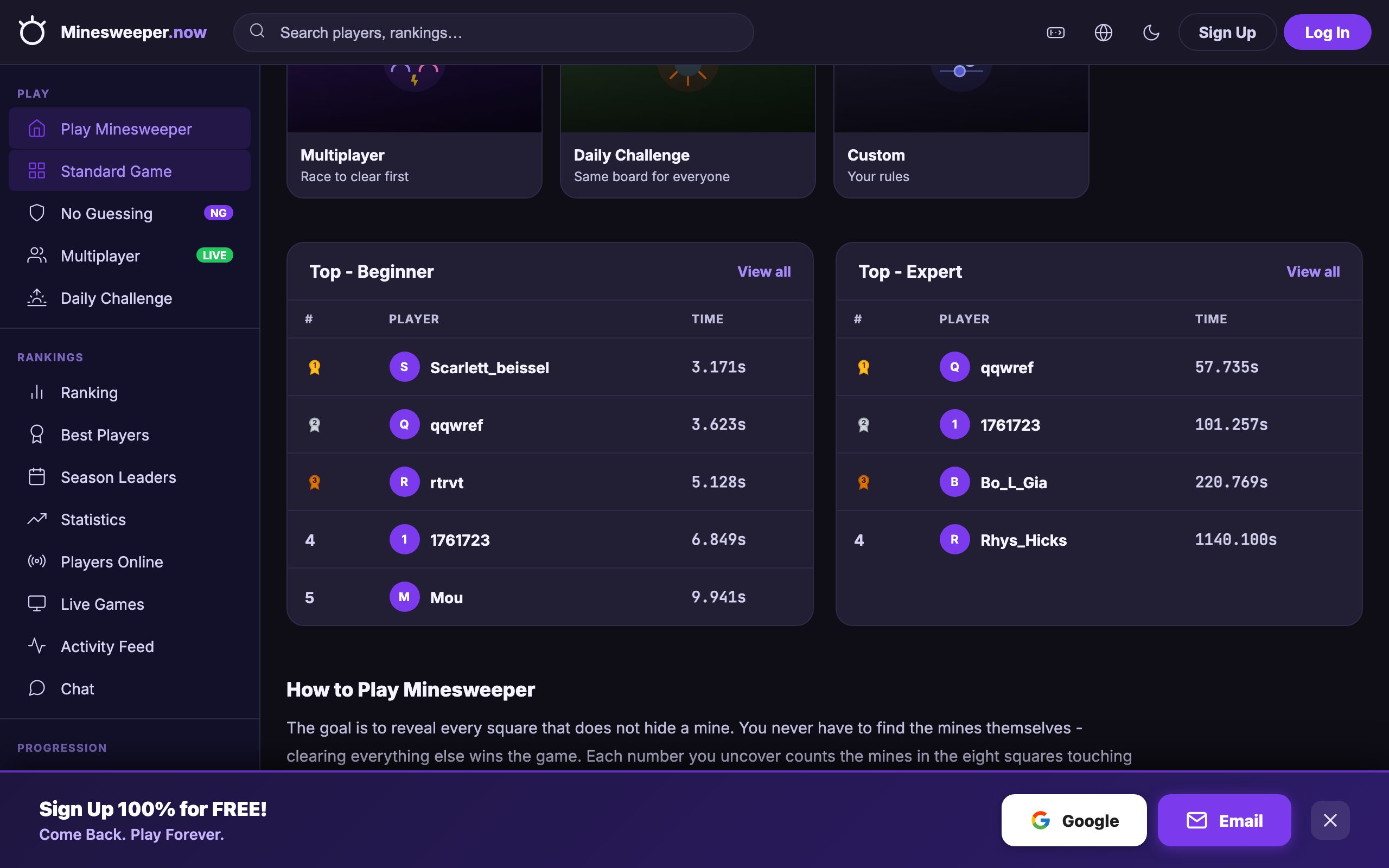
You can play Minesweeper right now in your browser tab at Minesweeper.now, no download, no account, no install. Just open the link, click a tile, and you are already playing. It works on a desktop or laptop with a mouse or trackpad, and you can close the tab the moment you need to do something else.

How the Game Actually Works (If You Haven’t Played in Years)
The board is a grid of hidden squares. Some squares contain mines; most do not. Your job is to reveal every square that does not contain a mine, without clicking on a mine itself.
When you click a square, one of three things happens:
- A number appears, that number tells you how many mines are in the eight surrounding squares (including diagonals).
- A blank area opens, if the square has no adjacent mines, the game automatically reveals a whole region of connected blanks and numbers, which speeds things up.
- A mine explodes, the game ends, and you lose.
You can also right-click (or on a Mac, Ctrl-click) to place a flag on a square you believe is a mine. This is purely for your own marking, it does not affect the game logic, but it helps you keep track of what you know.
The numbers are the only real information you get. A “1” means exactly one mine is in the eight squares around it. A “3” means three mines are in that eight-square neighbourhood. You use those numbers to deduce where mines must be, and where they cannot be.
The Decisions That Separate a Good Player from a Bad One
Minesweeper looks like a game of luck, but the top players win most of their games because they follow a few key principles.
Start with the corners and edges
Your first click is always safe in most versions (the site you are on handles this for you). After that, the best players start clicking in the corners or along the edges. Why? Because a corner square only touches three other squares, and an edge square touches five. That gives you less information to work with, but it also means you can often clear large areas quickly. The middle squares touch eight others, which is more information but also more risk if you click blind.
Use the “chord” or “double-click” trick
Once you have placed flags on all the mines around a number, you can click that number with both mouse buttons (or a middle-click) to reveal all the remaining squares around it. For example, if a “3” has three flags around it, chording that “3” will open every other square touching it. This is the single fastest way to clear a board, it turns a slow deduction game into a fast pattern-matching exercise.
Learn the common patterns
There are a few shapes that come up again and again. A “1-2-1” pattern along a wall usually means the mines are under the two “1”s. A “1-2-2-1” pattern means the mines are under the two “2”s. Recognising these saves you from thinking through every square individually.
When you are stuck, guess with purpose
No matter how good you are, some boards force a guess. The key is to guess where you have the highest chance of being safe, not where you feel lucky. A square that is surrounded by many revealed numbers is usually safer than one in a blank area. And if you have to guess, do it early in the game, a wrong guess costs you less time than a wrong guess on a nearly-finished board.
What to Look for in a Place to Play Minesweeper
Not all online versions are equal. If you are going to play in a browser tab, you want a few things that make the experience smooth rather than frustrating.
- No sign-up, no install, you should be able to click and play instantly. Any site that makes you create an account before you can start is not worth your time.
- Keyboard or mouse controls, a mouse is standard for this game, but some people prefer keyboard shortcuts. Look for a version that supports at least the basic click, right-click, and chord actions.
- Multiple difficulty levels, a good version has at least Beginner (9x9 grid, 10 mines), Intermediate (16x16, 40 mines), and Expert (30x16, 99 mines). More levels are a bonus.
- No-guessing mode, this is a big one for many players. In a no-guessing game, the board is generated so that every move can be solved by logic alone. That removes the frustration of losing to a coin flip.
- Daily challenges or leaderboards, these give you a reason to come back. A daily challenge gives you one specific board to solve, and a leaderboard lets you compare times with other players.
The site you are on, Minesweeper.now, lists all of these features on its page: Beginner, Intermediate, Expert, No-Guessing, daily challenges, and global leaderboards. That is a good sign that it is built for people who actually play the game, not just for a quick demo.
Variants and Modes Worth Knowing
If you finish the classic game and want a twist, there are a few modes that change the rules just enough to keep you thinking.
No-Guessing Mode
This is not really a different game, it is a guarantee. In classic Minesweeper, some boards require you to guess at some point. In No-Guessing mode, the board is generated so that every move can be deduced from the numbers. It is the same game, but it removes the luck element entirely. If you are the kind of player who hates losing to a 50/50, this is the mode for you.
Daily Challenges
A daily challenge gives you one specific board to solve each day. Everyone who plays that day gets the same board, so it becomes a race against the clock and against other players. It is a good way to test your skills under pressure, and it gives you a reason to play even when you are not in the mood for a full game.
Leaderboards
Leaderboards are not a mode per se, but they change how you play. When you are competing for a time, you start caring about efficiency, not just survival. You learn to chord faster, to recognise patterns quicker, and to avoid unnecessary clicks. If you are serious about improving, set a goal on the leaderboard and work towards it.
Frequently Asked Questions
Is it really free to play online?
Yes. The version linked above is free to play in your browser. There is no download, no account creation, and no payment required. You open the page, and you are playing.
Can I play with a keyboard instead of a mouse?
Most browser versions are designed for a mouse or trackpad. You click to reveal, right-click to flag, and middle-click or double-click to chord. Some versions support arrow keys to move a cursor and Enter or Space to click, but that is less common. For the best experience, use a mouse.
What does the “No-Guessing” mode actually mean?
It means the board is generated so that you never have to make a random guess. Every move can be solved by logic alone. If you are the kind of player who hates losing to a coin flip, this is the mode you want.
How do I get faster at Minesweeper?
Speed comes from pattern recognition, not from clicking faster. Learn the common patterns (like 1-2-1 and 1-2-2-1), use the chord trick whenever you can, and try to clear the board in a systematic way, for example, working from the corners outwards. Then practice on the same difficulty until you can do it without thinking.
Is there a way to play without accidentally clicking a mine?
Not if you want to win. Clicking a mine ends the game. But you can reduce the risk by using flags to mark known mines, and by using the chord function to reveal safe areas only when you are sure. In No-Guessing mode, you never have to take a risk at all.
More like this: Where to Play Classic Games Online Free · Free Classic Games You Can Play in Your Browser: The Directory
\nRelated reading: Where to Play Sudoku Online Free (No Download).