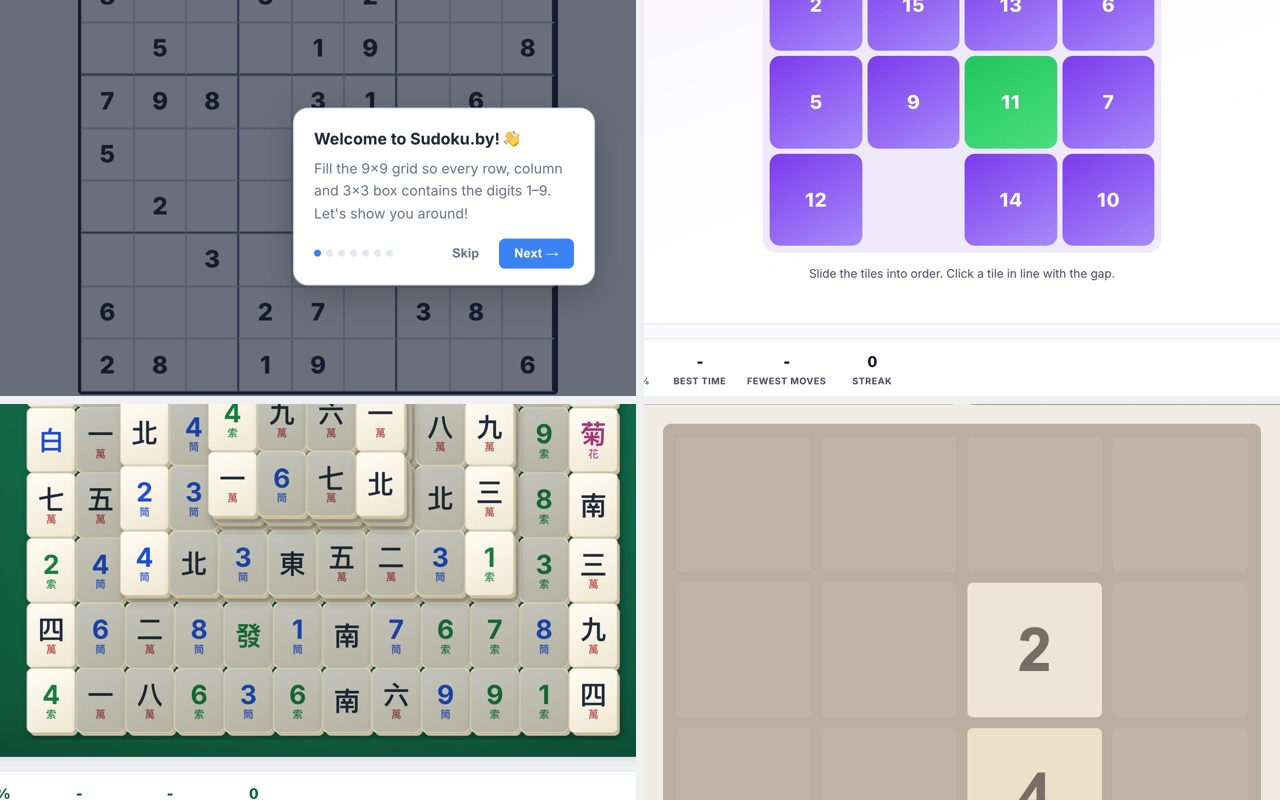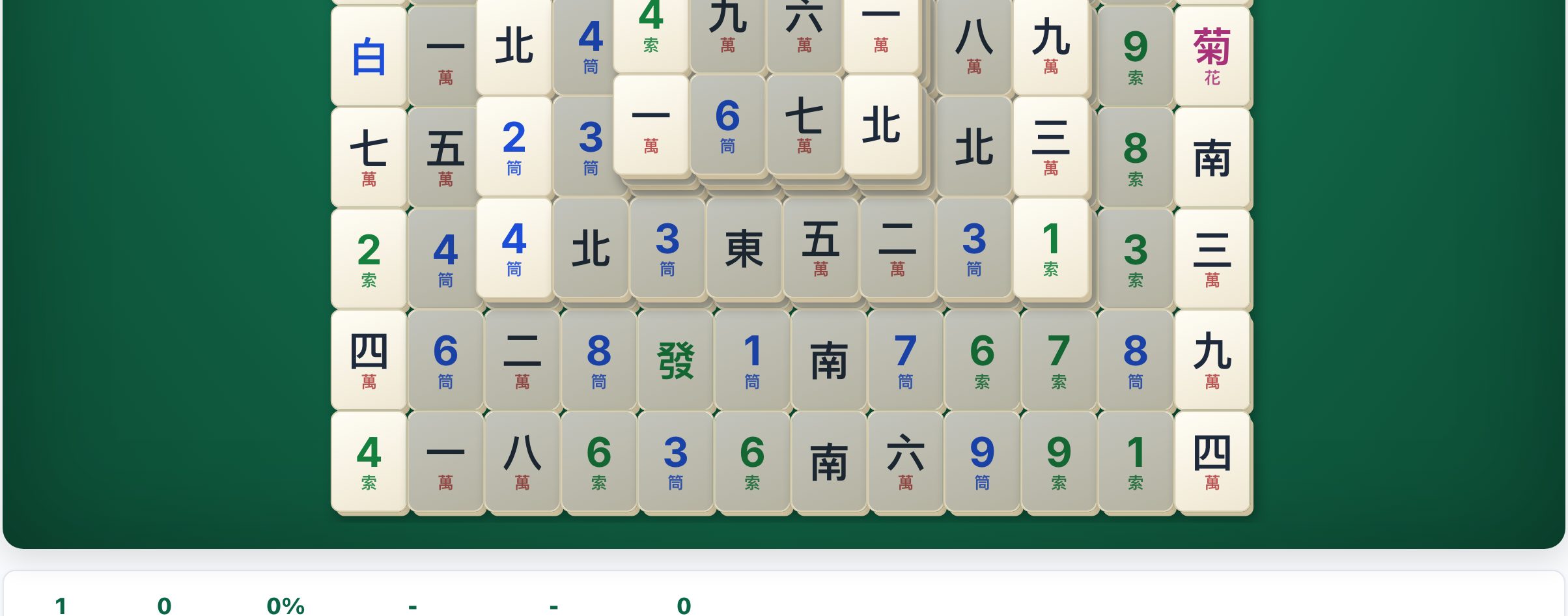
You can play Mahjong Solitaire right now, for free, in your browser tab, with no download and no account. Head to Mahjong.now and you’ll be matching tiles within seconds, it’s that direct. No install, no signup, just a game that runs on any desktop or laptop with a keyboard and mouse.

How Mahjong Solitaire Actually Works
If it’s been a while, here’s the core loop: the board is a stack of tiles arranged in a specific layout (the classic “Turtle” is the default on Mahjong.now). Your goal is to remove all tiles by matching two identical tiles at a time. But you can’t just click any two, a tile is only “free” if it has no tile on top of it and is not blocked on its left or right side. That’s the whole rule. You match, you clear, you win.
The game ends when the board is empty (you win) or when no more legal moves exist (you lose). Most layouts, including the Turtle, are solvable, but only if you play smart. The game tracks your moves and time, so efficiency matters if you care about scores.
On Mahjong.now, you get the Turtle layout plus 10 other layouts. That’s it for the core game, no hidden gimmicks, just the classic puzzle. The interface is clean and functional: you click a free tile to select it, then click its match to remove both. On a desktop, a mouse is all you need. Keyboard-only players can use arrow keys and Enter, but the mouse is faster for most.
The Decisions That Separate Good Players from Bad Ones
Anyone can click matching tiles. The skill is in which tiles you remove and when. Here’s what separates a casual clicker from someone who clears the Turtle consistently:
- Prioritize the top layer. Tiles that are stacked on top of others are the most restrictive. If you see a match that frees two tiles underneath, take it, even if the top pair looks tempting. Freeing space early opens up more options later.
- Don’t chase pairs blindly. A common mistake is to grab the first match you see. But a tile that’s free now might be the only key to unlocking a tile that’s buried later. Before you click, glance at the board: will this match expose a new tile, or just remove an easy pair that could wait?
- Watch the edges. Tiles on the far left and right are blocked only by their own sides, not by neighbors. That makes them “freer” than center tiles. But that also means they’re less urgent, you can leave them for later. Center tiles, especially those under other tiles, are the ones that get you stuck.
- Count your matches. In a standard game, each tile appears in pairs. If you see three identical tiles on the board, you know one of them is a trap, it has no match until you free it. Plan around that.
- Use the “hint” feature sparingly. Mahjong.now doesn’t list a hint button in its description, but if you’re stuck, the best move is to scan for tiles that are only free on one side. Those are your lifelines. If you truly have no moves, you’ve likely made a sequencing error, undo if available, or restart.
Good players also know when to stop. If you’re down to two identical tiles but they’re both blocked, you haven’t lost yet, you just need to free one side. Patience beats speed.
What to Look for in a Place to Play
Not all Mahjong Solitaire sites are equal. Here’s what matters when you’re playing in a browser tab:
- No download, no signup. The whole point is instant play. If a site asks for an email or a plugin, leave. Mahjong.now runs entirely in your browser, no Flash, no Java, no installs.
- Clean layout. You want the tiles to be clearly visible, with no distracting animations or pop-ups covering the board. The description of Mahjong.now lists a daily challenge and live multiplayer races, that’s extra, but the core game should be clutter-free.
- Keyboard and mouse support. On a desktop, you should be able to play with just a mouse. Keyboard shortcuts are a bonus, but not required. Mahjong.now works with a mouse; that’s the baseline.
- Multiple layouts. The classic Turtle is great, but variety keeps it fresh. Mahjong.now offers 10 layouts beyond the Turtle, so you can switch when you want a different shape.
- No time pressure (unless you want it). Some sites force a timer. Mahjong.now’s daily challenge might have a timer, but the standard game should let you think. Check that you can play at your own pace.
One more thing: check that the site doesn’t hijack your browser back button or open ads. A good site just sits there and lets you play. Mahjong.now’s description doesn’t mention ads, so you’re probably fine.
Variants and Modes Worth Knowing
Mahjong Solitaire isn’t one game, it’s a family of layouts and rules. Here’s what you might encounter:
- Turtle (the default). The classic starting layout. It’s symmetrical, which makes it easier to predict where tiles are. Good for beginners.
- Other layouts. Mahjong.now lists 10 additional layouts. These change the shape of the board, not the rules. Some are harder because they have more overlapping layers or fewer free tiles at the start.
- Daily challenge. A fresh puzzle every day, often with a fixed seed so everyone plays the same board. Good for comparing scores with friends (if you both play on the same site).
- Live multiplayer races. This is a twist, you race against other players to clear the same board first. It’s not about speed alone; it’s about who makes the fewest mistakes under pressure. Mahjong.now lists this as a feature, so you can try it if you want a competitive edge.
Don’t ignore the “History of Turtle Mahjong” section on the site if you’re curious about where the layout came from, it’s a nice read, but not required to play.
Frequently Asked Questions
Can I play Mahjong Solitaire on a laptop with a touchscreen?
Yes, but you’ll likely use the mouse or trackpad. The game is designed for click-to-select, and touchscreens work too, just tap a tile to select it, then tap its match. On a desktop, a mouse is more precise, but a touchscreen laptop works fine.
What happens if I get stuck with no legal moves?
You lose that round. But before you restart, check if you have an “undo” button, Mahjong.now’s description doesn’t list one, but many sites have it. If you’re stuck, the best move is to restart the layout. You’ll get the same board, but you can play it smarter the second time.
Is Mahjong Solitaire the same as the tile-matching game in casinos?
No. Mahjong Solitaire is a single-player puzzle game, you’re matching tiles to clear the board. The casino version (Mahjong or Mahjongg) is a four-player game with scoring and different rules. Mahjong.now is strictly solitaire.
Do I need to know the rules of traditional Mahjong to play?
No. The only rule is matching free tiles. There’s no scoring based on hands, no winds, no dragons. If you can match two identical tiles, you can play. The “History of Turtle Mahjong” section on the site might mention the traditional game, but it’s not required knowledge.
Can I play this on my phone?
Mahjong.now is a website, so it works in a mobile browser. But the question asks about a desktop or laptop, and that’s where it shines. On a phone, the tiles are small; on a computer, you get a full view of the board. If you’re on a laptop, use a mouse for best control.
So, open a tab, click the link, and start matching. The Turtle is waiting.
More like this: Where to Play Classic Games Online Free · Free Classic Games You Can Play in Your Browser: The Directory
\nRelated reading: Where to Play Dominoes Online Free (No Download).