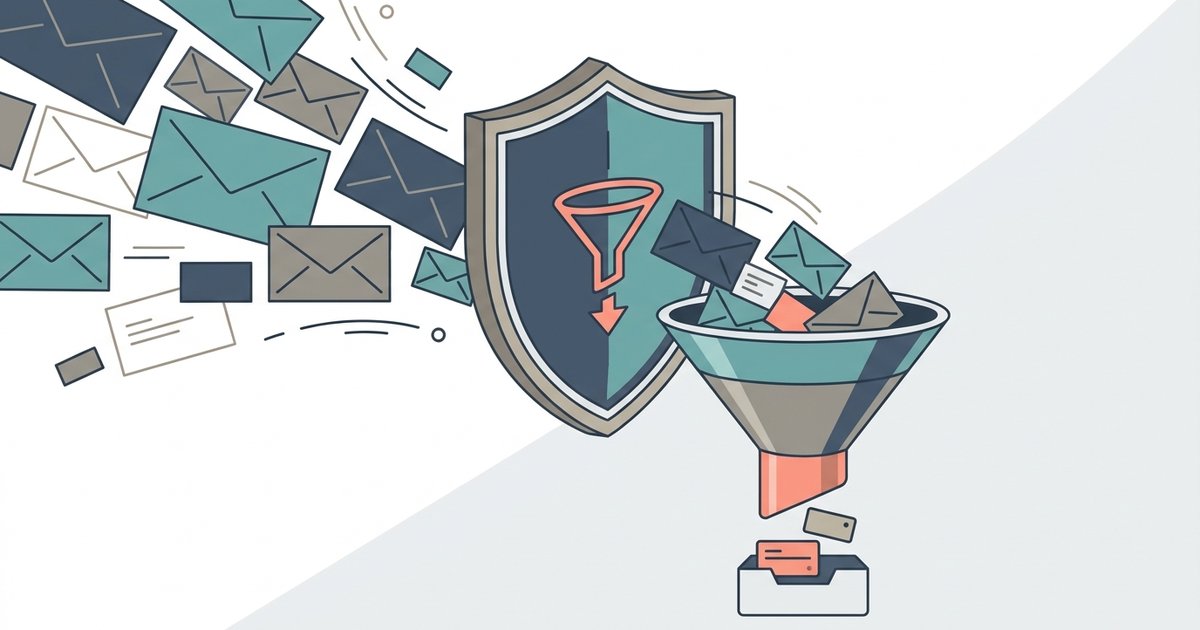
For most people, an email alias protects you better than a temporary email address, because it hides your real address and still lets you receive mail for as long as you need it. A temporary inbox is the better choice only when you are certain you will never need that account again. The two tools solve different problems, and the mistake is using one where the other belongs.
Here is how each works, what the main alias services offer, and where Gmail's plus addressing fits in.
How the two approaches differ
A temporary email address is a standalone inbox on a service's own domain. Mail sent to it stays there, you read it in the browser, and after a while the inbox is deleted. Nothing ever reaches your real mailbox, and there is usually no account connecting the address to you.
An email alias, sometimes called a mask or a relay address, is a unique address that forwards to your real inbox. You create one for each site, the site only ever sees the alias, and messages arrive in the same place as the rest of your mail. If an alias starts receiving spam, or a company leaks it in a data breach, you switch that alias off and everything else keeps working.
So the key difference is who holds the mail. With temp mail, the disposable service holds it briefly and then throws it away. With an alias, the alias service passes it on to you and you keep it.
Apple Hide My Email
Hide My Email generates unique, random addresses that forward to your personal inbox. It is part of iCloud+, so you need a paid iCloud+ subscription, or to be in a Family Sharing group where someone has one. You can create addresses on iPhone by going to Settings, tapping your name, then iCloud, then Hide My Email and Create New Address. They can also be created on a Mac, on iCloud.com, and directly in Safari and Mail when a site asks for an email.
You can reply from a Hide My Email address using Mail on iCloud.com or the Mail app on Apple devices, and the recipient sees the alias rather than your real address. Tapping an address and choosing Deactivate Email Address stops it forwarding, and you can reactivate it later.
Hide My Email is also built into Sign in with Apple. When an app offers that option, you can choose to hide your email, and the app gets a random relay address instead. That part works with Sign in with Apple even without the full iCloud+ management tools.
Firefox Relay
Firefox Relay is Mozilla's alias service, and it calls its aliases email masks. The free plan includes 5 masks, a browser extension for creating them on any site, and removal of common email trackers from forwarded mail. Relay Premium adds unlimited masks, a custom subdomain for creating masks on the fly, anonymous replies, and an option to block promotional emails while still forwarding receipts, password resets and confirmations.
A few limits are worth knowing. Mozilla says emails larger than 10 MB are not forwarded, and Premium replies work within three months of receiving the forwarded message. Premium is only offered in a list of supported countries, which Mozilla publishes on its plans page.
SimpleLogin
SimpleLogin is an open source alias service owned by Proton AG, the Swiss company behind Proton Mail. The free plan includes 10 aliases, unlimited bandwidth, one mailbox and the ability to reply from an alias. The paid plan adds unlimited aliases, custom domains, catch-all domains, multiple mailboxes and the ability to start new emails from an alias.
Replies go through what SimpleLogin calls a reverse alias. When you reply to a forwarded email, you are actually replying to the reverse alias, and SimpleLogin sends the message from your alias so your real address stays hidden. Aliases can be deleted, and the service also lets you block individual senders.
Gmail plus addressing
Gmail lets you add a plus sign and any word after your username, and the mail still arrives in your inbox. Google's own example is that messages sent to janedoe+school@gmail.com or janedoe+notes@gmail.com all go to janedoe@gmail.com. You can then create filters that label, star, forward, archive or delete mail sent to a particular variation.
This is useful for sorting and for spotting who shared your address, since a newsletter sent to your +shopping address that turns up from a stranger tells you where the leak came from. It is not privacy protection. Your real address is visible in every plus address, anyone can delete the part after the plus sign, and some signup forms reject the plus sign entirely. Treat it as an organizing tool rather than a shield.
Side by side
| Feature | Temporary email | Forwarding alias | Gmail plus address |
|---|---|---|---|
| Hides your real address | Yes | Yes | No |
| Needs an account | Usually not | Yes | Your Gmail account |
| How long it lasts | Minutes to days | Until you switch it off | As long as your account |
| Mail reaches your inbox | No | Yes | Yes |
| Can reply | Rarely | Often, sometimes on paid plans | Yes, from your real address |
| Works for account recovery | No | Yes, while the alias is active | Yes |
| Can be shut off if it leaks | Expires on its own | Yes, per alias | Only by filtering |
| Commonly blocked by signup forms | Often | Sometimes | Occasionally |
Which one protects you better
It depends on the threat you have in mind.
If you are worried about spam and data breaches on accounts you plan to keep, an alias is better. The site never learns your real address, but you still get receipts, security alerts and password resets. If the site starts sending junk or suffers a breach, you disable that one alias and nothing else changes.
If you are worried about leaving any lasting trace at all on a site you will use once, a temporary address is better. There is no account linking the address to you, and after it expires there is nothing left to leak or forward.
If you are worried about losing access, temp mail is the riskiest of the three. Any account whose only email is an expired temporary inbox cannot receive a password reset, and you may not be able to prove it is yours.
Aliases have their own trade-off. You are trusting the alias provider with all of your mail as it passes through, and if you stop paying for or using the service, your aliases may stop forwarding. Before you move important accounts onto aliases, check what happens to them if you cancel, and keep a list of which alias belongs to which site.
A setup that covers most people
Use your real address for your bank, your employer, government services and the people you actually write to. Use a forwarding alias for every other account you intend to keep, one alias per site, from whichever service fits the devices you already use: Hide My Email if you pay for iCloud+, Firefox Relay if you use Firefox, SimpleLogin if you want an open source option that works anywhere. Keep a temporary inbox for the true one-offs, and use plus addressing only when you want to sort mail rather than hide it.