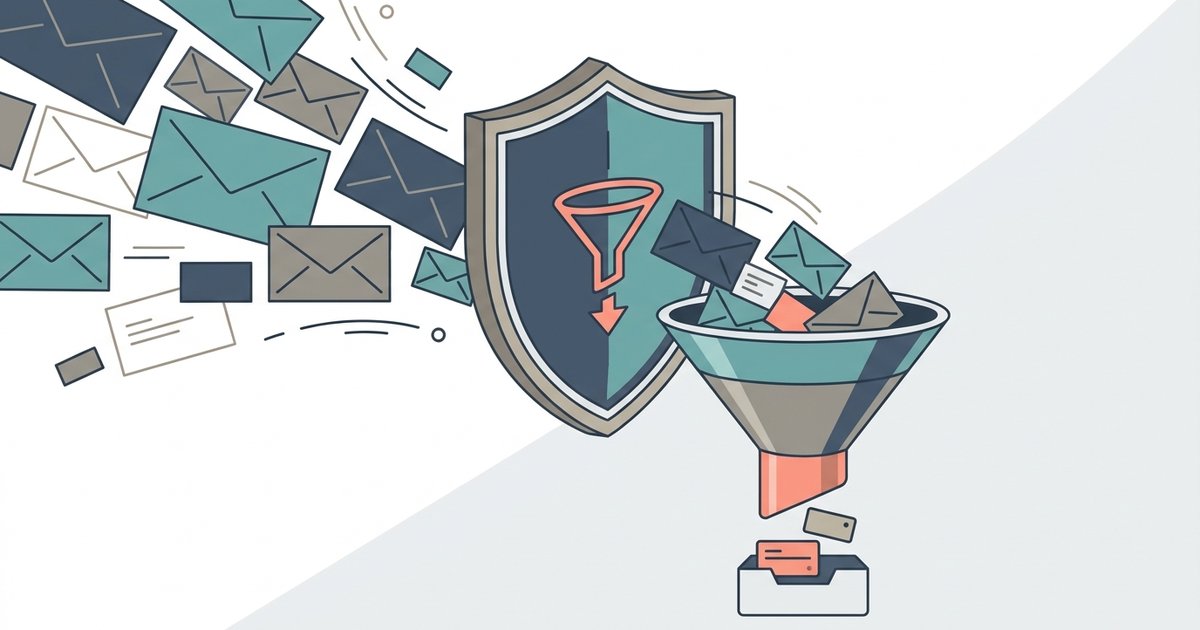
To stop newsletter and signup spam, unsubscribe from legitimate senders using your mail app's built-in unsubscribe control, report and block anything that ignores you, and set up filters for the rest. Then change how you sign up for things, so new lists never get your main address in the first place. Cleanup handles the mail you already get. Aliases and temporary addresses stop it from coming back.
The two kinds of unwanted mail need different treatment, so it helps to tell them apart first.
Newsletters versus real spam
Signup mail comes from companies you gave your address to, even if you did it years ago or only to get a discount code. Retailers, apps, publishers and services you tried once all fall into this group. It is annoying but legitimate, and these senders generally honor unsubscribe requests.
Real spam comes from senders you never dealt with: fake invoices, prize notices, crypto pitches, lookalike delivery alerts. These senders do not follow the rules, and interacting with their messages can make things worse.
The rule of thumb: unsubscribe from the first group, report the second.
Unsubscribe the safe way
In the United States, the CAN-SPAM Act requires commercial senders to include a way to opt out and to honor opt-out requests within 10 business days, and the Federal Trade Commission says they cannot require more than your email address or more than a reply or a visit to a single web page. Large mailbox providers add their own rules. Google requires bulk senders to support one-click unsubscribe for marketing messages and to include a clearly visible unsubscribe link in the message body.
That is why the safest way to unsubscribe is usually the control your mail app puts at the top of the message, rather than a link buried in the footer. In Gmail on a computer, open the message and click Unsubscribe next to the sender's name, then confirm. Some senders only offer a Go to website option instead, which takes you to their own page. Google notes it can take a few days for the emails to stop.
Gmail also has a Manage subscriptions page, found under More in the left-hand menu on a computer or in the menu of the mobile app, which lists the senders you get regular mail from and lets you unsubscribe from each one in a single place. Google says this feature is rolling out gradually, so you may not see it yet. Other mail apps, including Apple Mail and Outlook, offer their own unsubscribe prompts for mail that supports it.
Be more careful when the message itself looks suspicious. If you do not recognize the sender, if the message is a fake invoice or a prize you never entered for, do not click any links in it, including one labeled unsubscribe. Replying or clicking can confirm that your address is active, and the link may lead to a phishing page. Report it instead.
Report and block what will not stop
Every major mail provider has a report spam button, and the Federal Trade Commission recommends using it: marking messages as spam helps the provider's filters recognize similar mail in future. In Gmail, select the message and use the Report spam option. Reporting phishing is a separate option in the same menu.
Blocking is the next step for a sender that keeps writing after you have unsubscribed. In Gmail, open the message, click the three-dot More menu next to Reply, and choose to block the sender. Future messages from that address go straight to Spam. You can review and undo blocks later under Settings, See all settings, Filters and Blocked Addresses.
In the US, you can also report fraudulent messages to the FTC at its ReportFraud site. It will not stop an individual sender immediately, but it feeds enforcement work.
Use filters for mail you want, but not now
Some signup mail is worth keeping without seeing it all day: receipts, shipping updates from a store you use, a newsletter you read once a week. Filters handle that. In Gmail you can create a filter from a search, based on the sender, the words in the message or the address it was sent to, and have matching mail labeled, starred, archived, forwarded or deleted automatically.
A common setup is a filter that sends everything from shopping sites to a folder or label you check once a week, which clears the inbox without losing anything you might need.
Stop it at signup with aliases and temporary addresses
Cleaning up only handles the lists you are already on. The lasting fix is not to put your main address on new ones.
Forwarding aliases for accounts you keep. Services such as Apple's Hide My Email, Firefox Relay and SimpleLogin give each site its own address that forwards to your real inbox. You still get receipts and password resets. If one site starts sending too much, or sells your address, you switch off that alias and the mail stops, whether or not the sender respects unsubscribe requests. Firefox Relay Premium can also block promotional mail on a mask while still forwarding receipts and confirmations.
Plus addressing for tracking. In Gmail, adding a word after a plus sign, such as yourname+newsletters@gmail.com, still delivers to you and lets you filter everything sent to that version. It does not hide your address, but it does show which site passed your address along when spam starts arriving at a particular variation.
Temporary addresses for one-offs. When you only need a single email from a site, a disposable inbox takes the confirmation and absorbs everything that follows. A 10-minute temporary email address is enough for a download link or a discount code, and once the inbox is wiped, there is nothing to unsubscribe from later. Just do not use one for anything you might need again, such as a purchase or an account you plan to keep.
A cleanup plan that sticks
- Spend 15 minutes going through your inbox or your subscriptions page and unsubscribing from every legitimate sender you no longer read.
- Report as spam anything from a sender you never signed up with, without clicking links in it.
- Block the few senders that keep writing a week or two after you unsubscribed.
- Set up filters for mail you want to keep but not see, such as receipts and shipping updates.
- From now on, sign up for new accounts with an alias, and for one-off downloads and codes with a temporary address.
The first pass takes the most effort, and the inbox gets noticeably quieter over the following week as unsubscribes take effect. After that, the signup habit does most of the work: every new site you join with an alias or a throwaway address is one more list your real address never lands on.