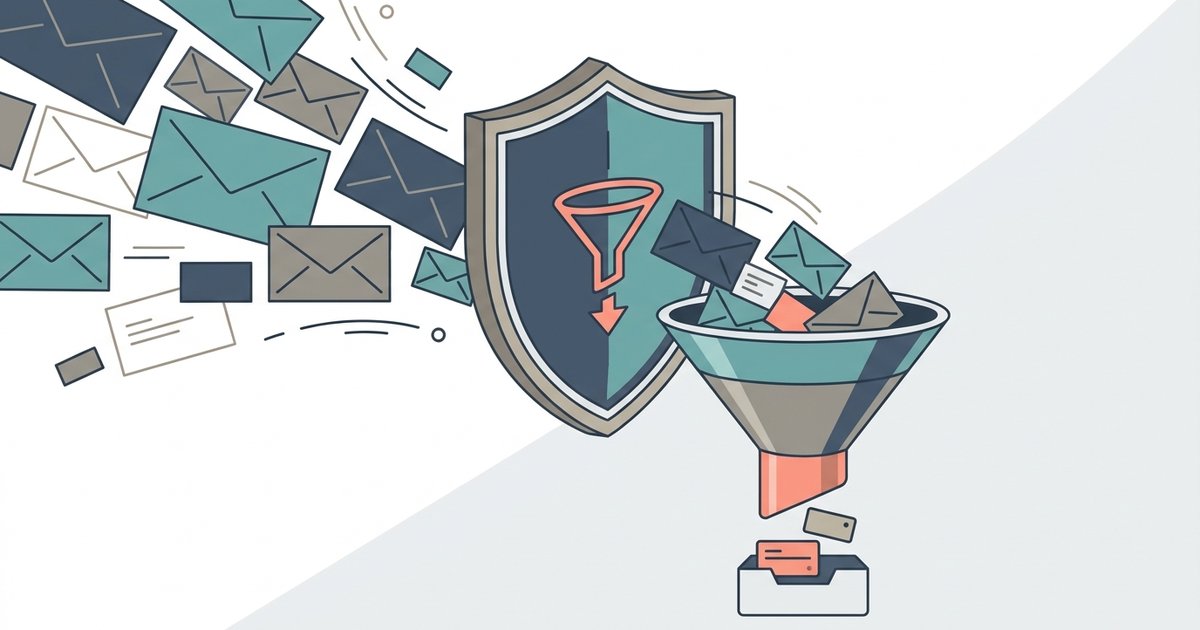
A temporary email address is a working inbox you can use for a short time and then abandon. You give it to a website instead of your real address, read the confirmation code or link that arrives, and walk away. Anything sent to it later, including the marketing mail that usually follows a signup, never reaches the inbox you actually care about.
That is the whole appeal, and it is also the whole limitation. Temp mail is built to be forgotten, so it is excellent for things you will never need again and a poor choice for anything you might have to come back to. Most of the confusion around disposable email comes from using it on the wrong side of that line.
This guide covers how these inboxes work, how they compare with forwarding aliases, where they fit and where they do not, and what to do when a site refuses one. Each section is a short introduction to a topic with its own article.
What a temporary email address is
A disposable email service runs a mail server on domains it controls and accepts messages for addresses on those domains. When you open the site, it generates a random address, or lets you type one, and shows whatever mail arrives for it in the browser. There is usually no account, no password and no personal information involved. After a set period, or once the service needs the space, the messages and sometimes the address itself are deleted.
Most services only receive mail. A few let you reply or send, usually with restrictions, because an anonymous sending service attracts abuse very quickly. Understanding how temporary email works makes it much easier to judge which service fits a task, since the differences come down to lifetime, privacy and whether you can get back in later.
If you just need an inbox for a few minutes, a free temporary email inbox that lets you pick a timer between 5 and 30 minutes covers most one-off signups.
Temporary email versus email aliases
Temporary email is not the only way to keep your real address private. Forwarding aliases take a different approach: you get a unique address for each site, and mail sent to it is passed on to your real inbox. Apple's Hide My Email, Firefox Relay and SimpleLogin all work this way, and you can switch off any alias that starts attracting junk.
The practical difference is permanence. A temporary inbox disappears, which is good for privacy and bad for account recovery. An email alias lasts as long as you keep it, so it suits accounts you intend to keep while still hiding your main address. Gmail's plus addressing is a lighter version of the same idea, although it does not hide your real address at all.
When a disposable address is the wrong choice
There are accounts where a throwaway inbox causes real harm. Anything with money attached, anything that relies on email for password resets, and anything that sends you receipts, warranties, tickets or legal notices needs an address you will still control next year. If you lose access to the only email on an account, you may lose the account.
The short version: you should not use disposable email for banking, shopping you might need to return, work or school accounts, government services, or the account that recovers your other accounts. Use it where losing the inbox costs you nothing.
Why some sites refuse temporary addresses
Plenty of services check signups against lists of known disposable domains and reject them. They do it to cut down on fake accounts, repeated free trials and mail that bounces once an inbox expires. Temp mail providers respond by adding new domains, and the lists are updated to catch them, so a given address may work on one site and fail on the next.
When sites block temporary email, the legitimate answer is not to hunt for a domain that slips through. It is to use an alias or a separate address you actually own, which the site is far more likely to accept and which you can still reach later.
How long temporary inboxes last and who can read them
Lifetimes vary widely. Some inboxes last 10 minutes, some an hour, some a week, and some stay valid until you close the browser tab. A 10-minute email address suits a single confirmation code, while longer-lived services are better when a message is slow to arrive.
Privacy varies just as much. Several popular services use public inboxes: anyone who types the same address can read the mail, with no password at all. Others generate hard-to-guess addresses or protect the inbox with a password. Knowing how long a temp inbox lasts, and whether it is public, tells you what is safe to receive there.
Stopping signup and newsletter spam
Temporary addresses prevent future spam, but they do nothing for the mail already flowing into your main inbox. For that you need the ordinary tools: unsubscribe links from legitimate senders, your mail provider's built-in subscription controls, filters, and the report spam button for anything that ignores you.
The important habit is to unsubscribe safely. Using the unsubscribe control your mail app shows for a legitimate newsletter is fine. Clicking links inside a message that looks like a scam is not, because it can confirm your address is live or lead to a phishing page. The best way to stop signup spam long term is to combine cleanup with aliases or temporary addresses for new signups.
Choosing a disposable email service
There are dozens of disposable email services, and they differ in ways that matter: how long the inbox lives, whether it is private, whether you can reply, whether you can get back in after closing the tab, and how much advertising comes with it. Some are aimed at software testers rather than privacy, and a few older names have shut down or redirected to other products.
Our roundup of the best disposable email services goes through a dozen that are still running, describing what each one actually does rather than ranking them, so you can match one to the job in front of you.
Protecting your main inbox with a throwaway email
Your main email address is the key to almost everything else you own online. Password resets, bank alerts and security codes all land there, so every site that holds a copy of it is one more place it can leak from in a data breach. Using a throwaway email for low-stakes signups reduces the number of places your real address is stored.
The idea is simple. Keep your main address for people, banks, employers and the handful of services you depend on. Give everything else either an alias or a temporary address, depending on whether you will ever need to hear from that site again.
How temporary email keeps your inbox spam-free
Spam usually starts with a signup. You hand over an address to read an article, claim a discount or download a file, and that address ends up on a marketing list, gets shared with partners, or leaks. A temporary inbox breaks the chain because the address stops being checked, so whatever arrives later has nowhere to land in your life.
It is not a spam filter and does not clean up existing mail. What it does is keep new lists from ever getting your real address, which over time means far less to filter in the first place.
Where to start
Split your signups into two groups. Anything you will need again, or that touches money or identity, gets your real address or a forwarding alias you control. Anything you will use once gets a temporary address, chosen with a lifetime long enough for the confirmation to arrive. Before you paste a temp address anywhere, ask one question: if this inbox vanished tomorrow, would I lose anything? If the answer is yes, use something permanent.