Most people hand over their real email address without a second thought. A new app needs it. A forum registration asks for it. A one-time download requires it. And just like that, your address lands in a database managed by a company you know almost nothing about. Over time, that address multiplies across lists, gets sold to third parties, and eventually starts pulling in spam, phishing attempts, and promotional noise that makes checking your inbox feel like wading through garbage. This is not really a technology problem. It is a habit problem, and the solution is easier to build than most people assume.
Your real address is worth protecting before the damage starts, not after.
- Once your email is in a third-party database, there is no practical way to remove it.
- Disposable addresses absorb all the noise from unvetted services so your main inbox stays signal-only.
- Zero-registration throwaway tools remove the friction that usually causes people to hand over their real email without thinking.
Why Your Real Email Address Is Worth Protecting
Think of your email address the way you think of your home address. You would not write it on a random form in a parking lot just because someone asked. But online, that instinct disappears. The request feels low-stakes, the form looks professional, and you want access to whatever is behind the sign-up wall.
The problem is that email spam and address harvesting are deeply embedded in how large parts of the internet generate revenue. Many services exist specifically to collect addresses and monetize them, either by hammering you with their own promotions or by selling your data to networks of advertisers and marketers. By the time the spam starts arriving, the address is already circulating in places you will never see.
The more unsettling reality is that data breaches make the problem permanent. A company that collected your address five years ago, in a moment of careless sign-up, might get breached today. Your address then ends up in leak databases, used for credential stuffing attacks, or simply added to spam lists by whoever buys the stolen data. None of that is reversible.
The Difference Between Convenience and Hygiene
There is a meaningful distinction between using a throwaway address for convenience and using one as part of a consistent data minimization habit.
Convenience is using a disposable address because you do not want to deal with a mailing list after downloading a PDF. That is fine, and it works. But it is reactive. You are solving a problem after it has already presented itself.
Inbox hygiene is different. It means deciding, as a standing rule, that your real address only goes to services you have fully vetted and genuinely trust. Every new service, every unfamiliar form, every speculative sign-up gets a throwaway address by default. Your real inbox becomes something you protect proactively, not something you clean up reactively.
This shift in mindset is the actual habit worth building. The tools to support it exist and are easy to use. The harder part is changing the default from "hand over the real address" to "start with a throwaway and upgrade only if needed."
What Throwaway Addresses Actually Do For You
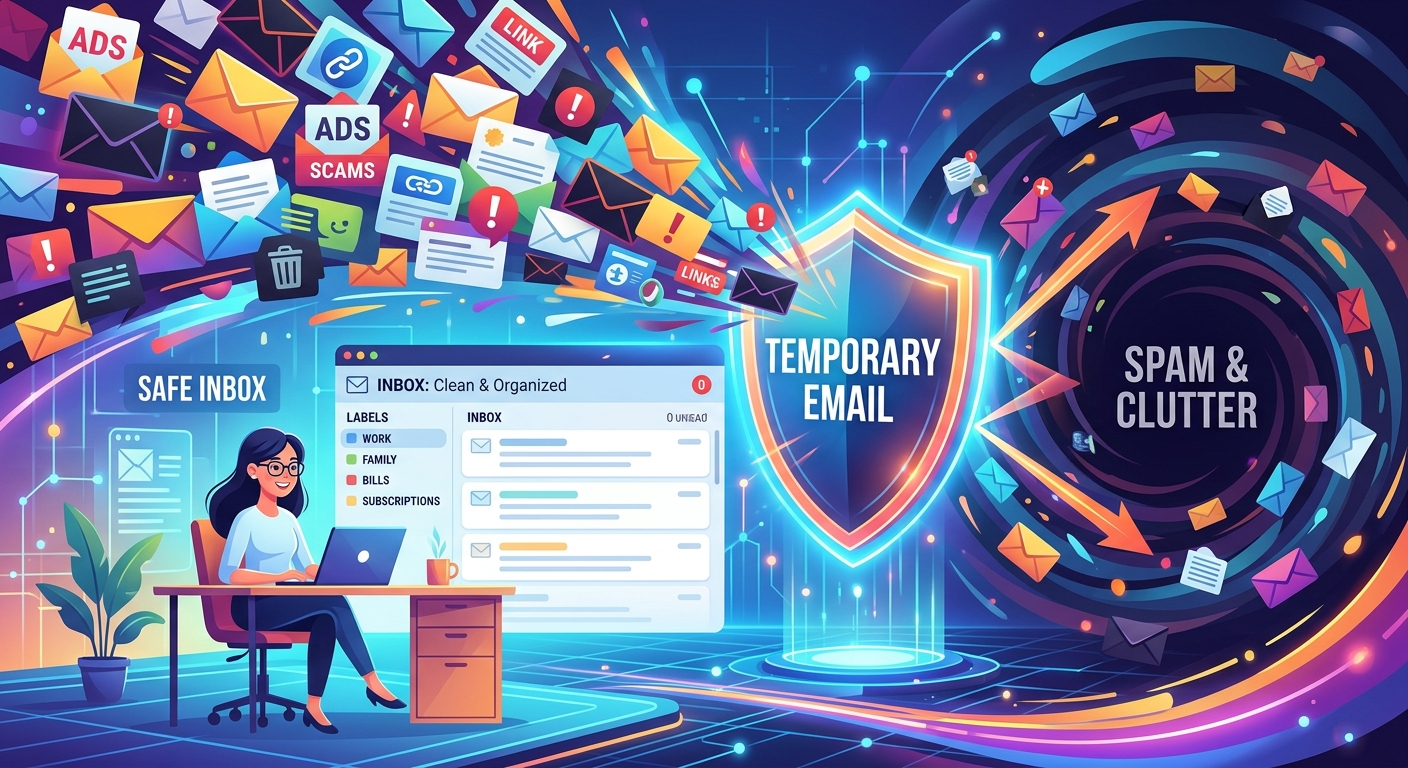
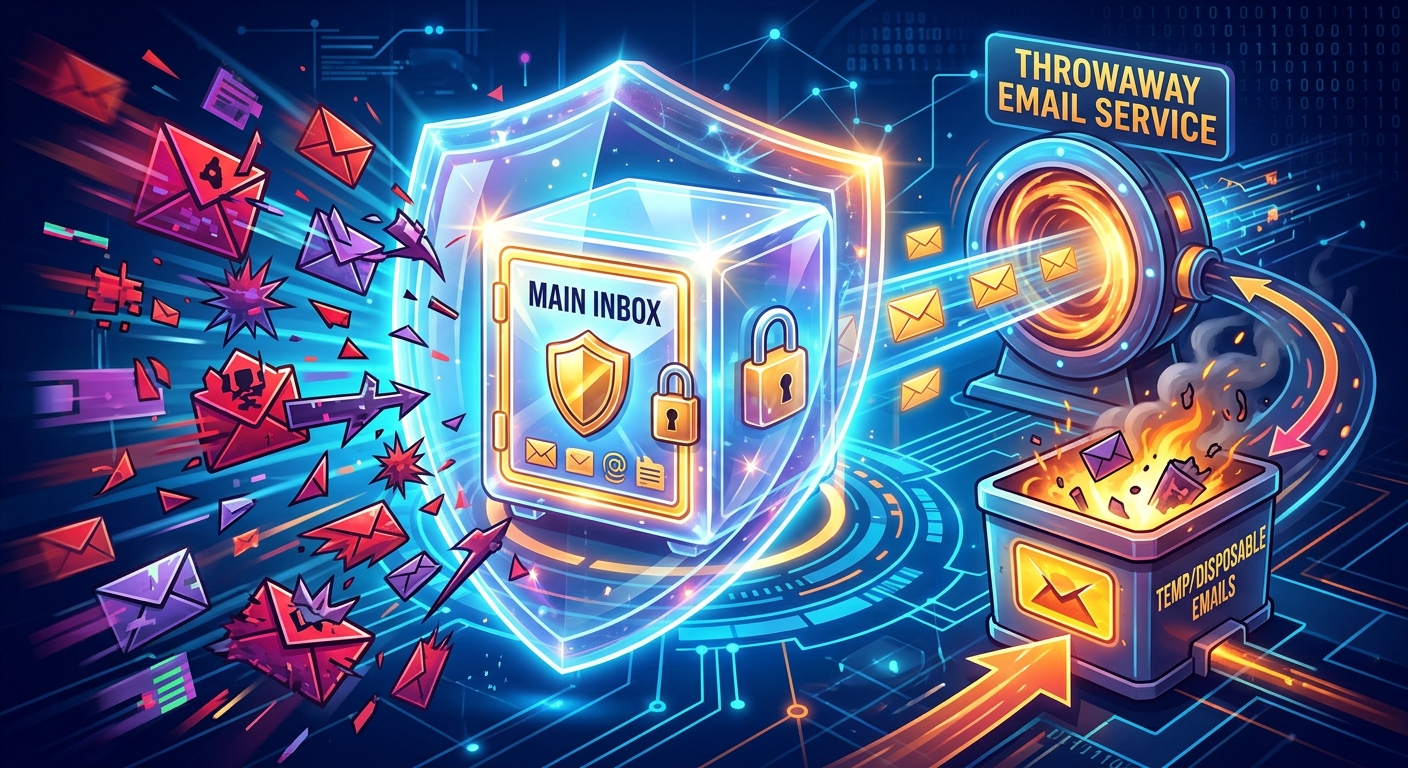
A disposable address functions as a buffer between your identity and the service you are interacting with. It receives email on your behalf for as long as you need it to, and when that window closes, so does the exposure.
Here is what this buffer accomplishes in practice:
- It absorbs all promotional and transactional email from the service, so your main inbox never sees any of it.
- It prevents the service from correlating your activity across other platforms using your real address.
- It makes it trivially easy to "walk away" from a service with no lingering connection to your real identity.
- It protects you from breach exposure, since a leaked throwaway address cannot be used to target your real accounts.
- It eliminates the unsubscribe problem entirely. There is nothing to unsubscribe from when the address simply stops receiving mail.
The key point is that a throwaway address is not just spam protection. It is identity hygiene. You are controlling how much of yourself you expose to each new service you try.
How To Make This a Default Habit
The reason most people do not use throwaway addresses consistently is friction. Creating a secondary email account takes time. Managing aliases in a client requires setup. Free email providers often require their own registration. All of that adds enough friction that people default to their real address instead.
This is where zero-registration tools change the equation. A service like temp email generates a working inbox in under a second. No account needed. No password to remember. You get an address, you use it for the sign-up, and the inbox is right there waiting for the confirmation link. When you are done, you close the tab and move on.
That level of frictionlessness is what makes the habit sustainable. If using a throwaway address takes longer than just typing your real one, you will not do it consistently. If it takes a single second and requires nothing from you, it becomes the path of least resistance.
Situations Where Throwaway Addresses Belong
Not every situation calls for a disposable address. Part of building a good inbox hygiene habit is knowing where the line is. Here is a practical framework:
- Unfamiliar services you found through an ad or a social media post. These are the highest-risk sign-ups. You know almost nothing about the company, its data practices, or whether the service will even survive the year. Use a throwaway.
- One-time access you do not plan to return to. A calculator tool, a template download, a read-only dashboard. If you are not building a long-term relationship with the service, your real address has no business being there.
- Any service with aggressive sign-up incentives. Discounts, free trials, limited-time bonuses. These are often designed to capture email addresses as much as to convert users. Throwaway address every time.
- Forum registrations and community platforms. These are long-lived accounts where your email sits in a database for years and often gets breached. Many people use a dedicated secondary address for forums rather than their primary inbox.
- Beta software and early-access products. These companies are often small, move fast, and may not have robust security practices in place yet. Protect yourself with a buffer address until you trust the product.
Situations where your real address makes sense: banking, healthcare portals, government services, and services you actively rely on for communication and account recovery. Those are the accounts worth anchoring to your real identity.
The Addresses You Already Handed Out
Building a better habit going forward is the priority, but it is worth acknowledging the past. If you have been using your real address carelessly for years, your inbox is probably already in a difficult spot. There are a few things worth doing:
- Run your address through a reputable breach notification service to see how many known leaks it has appeared in.
- Consider creating a completely fresh email address for your most sensitive accounts (banking, identity verification, primary recovery email) and keeping it entirely off sign-up forms.
- Use your existing secondary addresses as a middle layer for moderately trusted services, and reserve fresh throwaway addresses for anything new and unvetted.
This is not about starting from zero. It is about drawing a line from today forward and being more deliberate about where your identity ends up.
Your Inbox Is Your Digital Front Door
The habit of inbox hygiene is really about drawing a boundary between your digital identity and the open internet. Your main email address is often the thread that connects your accounts, your recovery options, and your personal communications. Treating it as something that belongs on every sign-up form is the same as leaving your front door open because the neighborhood seems fine.
Building the discipline to use throwaway addresses by default, and to treat your real inbox as something earned by trusted services rather than something freely available to any form that asks, is one of the most practical privacy habits you can develop. The tools are there. The friction is gone. The only thing left is the decision to make it the default.
\nRelated reading: How Using Temporary Email Addresses Keeps Your Inbox Spam-Free, How Can I Retrieve A Deleted Email, and 10 Best Browsers for Privacy That Aren't Google Chrome.