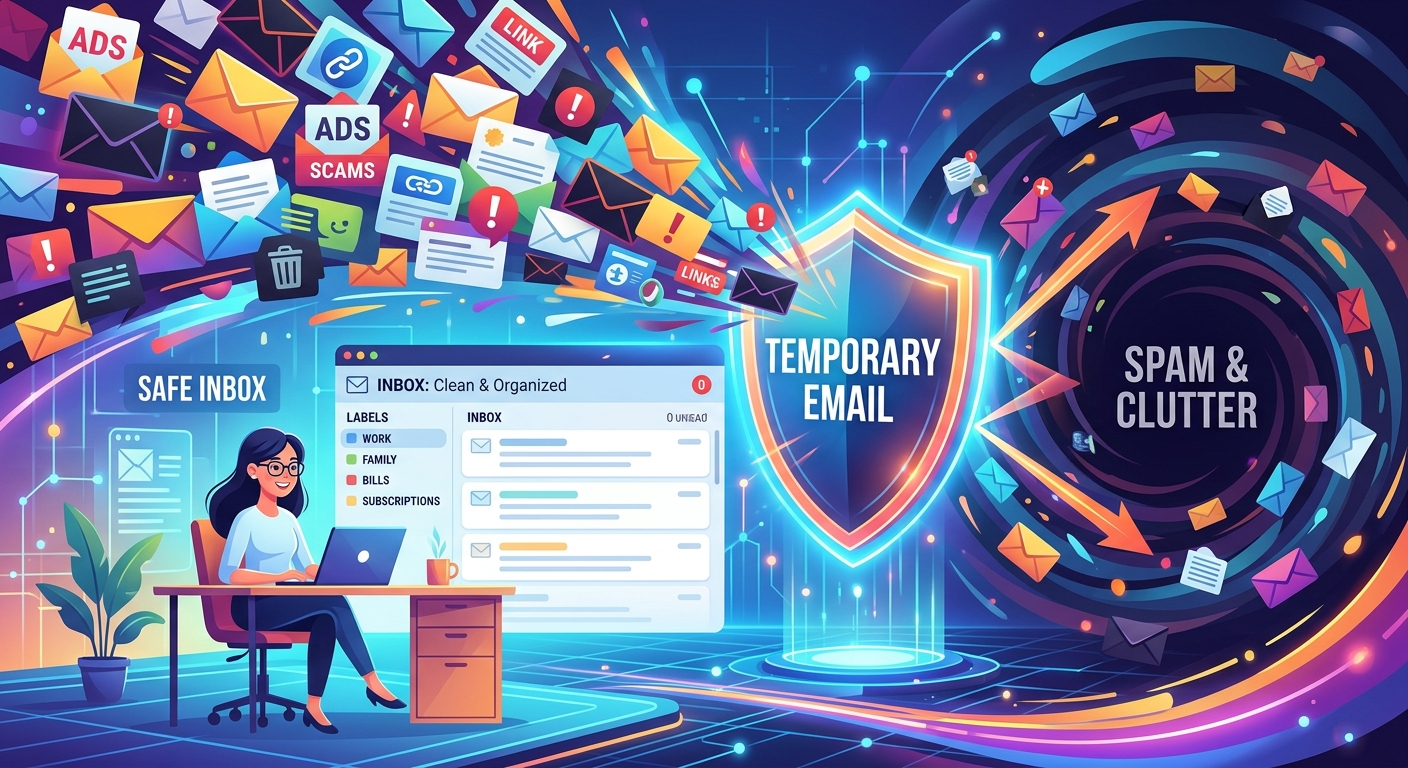
You've done it before. A website asks for your email, you hesitate, and you type something like "test@fake.com" just to get through the gate. It doesn't work, of course. The confirmation never arrives. You either give up or surrender your real address, and three days later your inbox fills up with newsletters you never wanted. There's a smarter way to handle this, and it doesn't involve making up addresses that go nowhere.
Key Takeaway: Disposable email addresses let you create a working inbox that lasts just long enough to complete a signup or download. They protect your primary email from spam without requiring fake addresses that block you out. If you regularly hit paywalls, free-trial gates, or one-time registrations, a temporary inbox is the practical privacy tool your workflow is missing.
Why Your Real Email Is Too Valuable to Give Away Freely
Your primary email address is closer to a digital identity than most people realize. It connects to your bank, your cloud storage, your password manager, and years of correspondence. Handing it to every website that asks is a habit that compounds over time.
Email spam has been one of the defining problems of internet communication for decades. The more places your address appears, the more surfaces exist for it to be scraped, sold, or leaked. A data breach at a forum you visited once can expose an address you use everywhere.
The instinct to protect it is correct. The execution, for most people, just needs a better tool.
Three Situations Where a Temporary Inbox Makes Complete Sense
Not every signup deserves your real address. Here are the three scenarios where a disposable inbox pays for itself immediately.
Signing Up for a Free Trial
Free trials are one of the most common reasons people hand over a real email address without thinking. The service asks, you comply, and before the trial even ends you're receiving upsell emails, reminder sequences, and promotional newsletters.
Worse, many services sell or share subscriber lists. You signed up for a two-week trial of a project management tool, and now you're getting pitches from integrations, partners, and "curated" lists you never agreed to.
A temporary inbox gives you the confirmation email and nothing else. The trial runs, you evaluate the product, and when the inbox expires, the follow-up sequence has nowhere to land.
Downloading Gated Content
White papers, research reports, templates, and toolkits are frequently locked behind an email form. The content is often genuinely useful. The tradeoff is that you're entering a sales funnel the moment you submit.
The document arrives, it's helpful, and then a "nurture sequence" begins. You get a follow-up email. Then another. Then a call-to-action buried in a digest.
If you needed the content once and have no interest in the company's broader marketing, using a temporary inbox is not dishonest. It's appropriate. You're accessing freely offered content. You just don't want a relationship that comes with it.
Registering on a Forum You'll Visit Once
Forums and community sites often require registration just to read a thread, post a single reply, or download an attachment. If you have no intention of becoming a regular member, creating a full account with your real email is disproportionate.
These registrations also carry a specific risk. Forum databases are targeted frequently. A breach at a small community site can expose credentials and addresses that attackers test across larger platforms.
A throwaway inbox sidesteps the risk entirely. You get in, do what you came to do, and leave nothing of value behind.
What a Disposable Inbox Actually Does
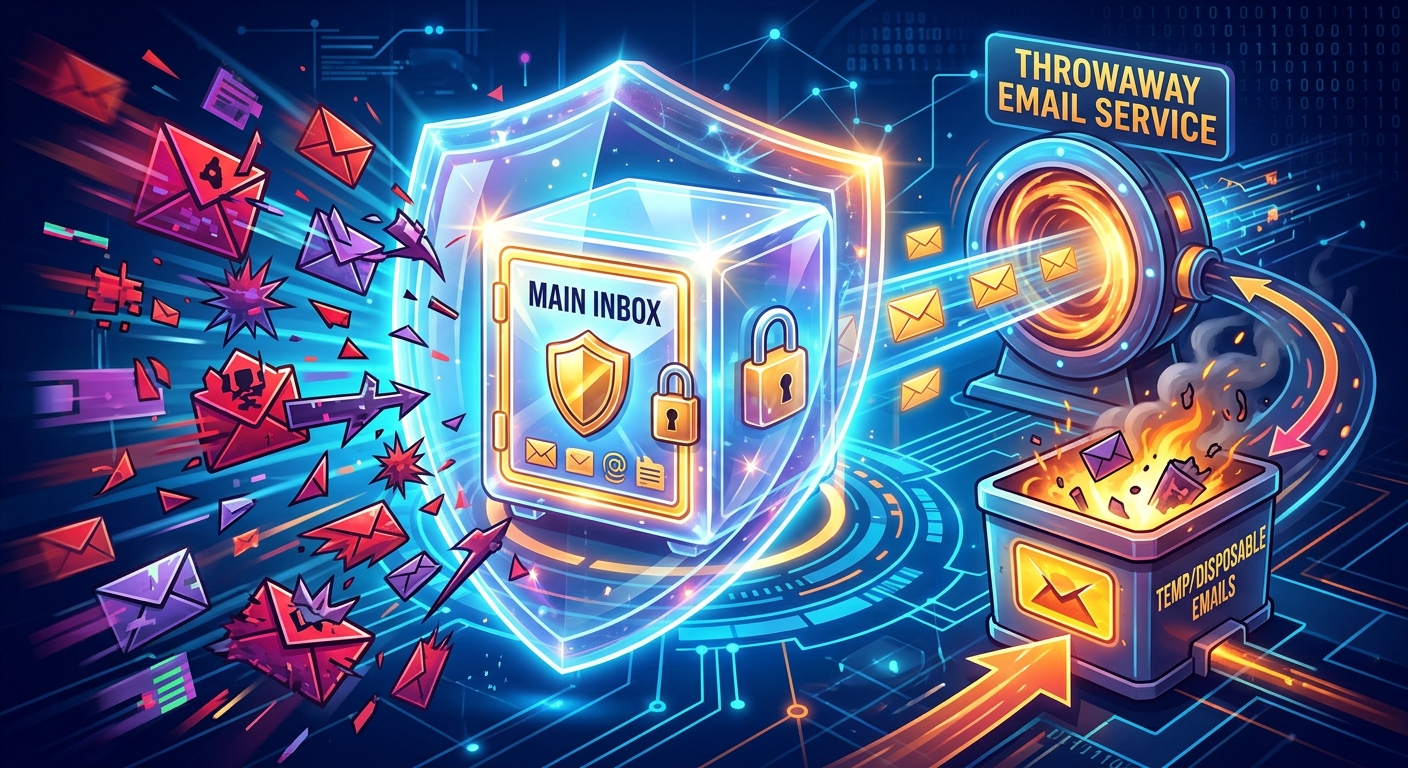
A disposable email service gives you a real, functional inbox with a randomly generated address. It can receive messages. Confirmations arrive. Links work. The difference is that the address has a short lifespan, and you never had to create an account to get it.
Here is how the typical flow works:
- You visit the disposable email service before attempting a signup.
- A temporary address is generated automatically.
- You use that address on the site requiring registration.
- The confirmation or download link arrives in the temporary inbox.
- You click through and complete whatever you came to do.
- The inbox expires, and no further emails reach you.
No account to manage. No settings to configure. No inbox to check weeks later.
So What Do You Actually Use?
This is where most articles leave you hanging with a vague recommendation. For something you need to work immediately, without registration, the answer is a 10 minute mail service. You open it, copy the address, use it, and close it. The inbox is there for the duration you need and gone after.
The appeal is in the lack of friction. You don't sign up to avoid signing up. The address works long enough to receive a confirmation and no longer. That's the entire point.
Habits That Make Disposable Emails Work Better
Using a temporary inbox effectively is mostly about recognizing the right moment to reach for one. A few patterns help:
- Keep a disposable email tab open when you're browsing content-heavy sites where gated downloads are common.
- Use your real email only for services where you genuinely want ongoing communication, like tools you pay for or newsletters you chose.
- Treat any signup with a "free" offer as a default case for a disposable address unless you have a specific reason to stay connected.
What Disposable Emails Won't Solve
It's worth being clear about the limits. A temporary inbox protects your primary address from mailing lists. It doesn't make you anonymous. The site you're visiting still logs your IP address, browser fingerprint, and any other identifiers your session produces.
If you need stronger privacy protections, a temporary inbox is one layer among several. For most people reading this, though, the goal isn't anonymity. It's inbox hygiene. And for that, a disposable address is exactly the right tool.
There are also cases where a temporary inbox doesn't work. Some services block known disposable email domains. Others require phone verification in addition to email. And if you need to return to a service later and recover access, a temporary address that has expired won't help you. Know the difference between a one-time interaction and something you'll need to revisit.
Common Misconceptions Worth Clearing Up
A few things people often get wrong about disposable email addresses:
- They aren't illegal or unethical. Using a temporary inbox for a free signup is no different from not handing your home address to every store that offers a loyalty card.
- They don't block you from legitimate services. Reputable services care that their emails are delivered. A disposable inbox receives mail just like any other address while it's active.
- They don't require technical knowledge. There's nothing to install or configure. The tool does one thing and does it immediately.
Your Inbox Is Worth Protecting
Email didn't start as a marketing channel. It was a communication tool. Most people's primary inboxes have drifted far from that, cluttered with promotional sequences from signups they barely remember.
The behavior this article is describing, giving out a placeholder address to avoid spam, is already widespread. The problem is that placeholder addresses don't work. They block you out instead of protecting you.
A real disposable inbox does what the fake address was supposed to do. It absorbs the confirmation, lets you through, and disappears. Your primary address stays clean, your account stays recoverable, and you haven't traded your inbox for a white paper.
That's not a workaround. That's just the right tool for the situation.
\nRelated reading: How To Download Free Mcafee From AT&T.