To protect your privacy in an era where tech companies and governments monitor your every move, you need to understand exactly where your data leaks and take targeted action to close those gaps. Constant surveillance isn't a distant threat, it's happening now through your smartphone, your voice assistant, and the apps you use daily, so reclaiming control starts with debunking myths and applying concrete settings that limit what others can see, and recognizing that cybersecurity is important for a modern day society to shield the infrastructure your personal data relies on.
Why you need to protect your privacy now more than ever
The erosion of privacy isn't a slow drift; it's a deliberate extraction of your personal data by tech companies that monetize your behavior and government programs that justify mass collection in the name of security. Every click, location ping, and voice command feeds a system that builds a detailed portrait of your life, your habits, your relationships, your movements, often without your explicit consent. This isn't about hiding something illegal; it's about control. When you lose control over who accesses your data, you lose the ability to decide how you're perceived, targeted, and even manipulated. The stakes are higher now because surveillance is embedded in the infrastructure of daily life, from the phone in your pocket to the speaker in your living room, making privacy a practical necessity rather than a philosophical ideal.
Debunking common privacy myths that leave you exposed
The most dangerous myth is the belief that "I have nothing to hide, so privacy doesn't matter." This misconception ignores that privacy is about control over personal information to prevent identity theft, unwanted targeting, and unauthorized data sales, not about concealing wrongdoing. Even if you're law-abiding, your data can be used to discriminate against you in housing, employment, or insurance, or leaked in a breach that exposes your financial details. Another false sense of security comes from thinking that simply using a VPN makes you anonymous. The idea that using a VPN inherently increases privacy is misleading, as the VPN provider still has access to your browsing data, necessitating careful selection of providers. A VPN routes your traffic through another server, but that server's operator can log your activity unless they have a strict no-logs policy and independent audits. Trusting a random VPN blindly is just swapping one watcher for another.
How to secure your smartphone’s biggest privacy weak spots
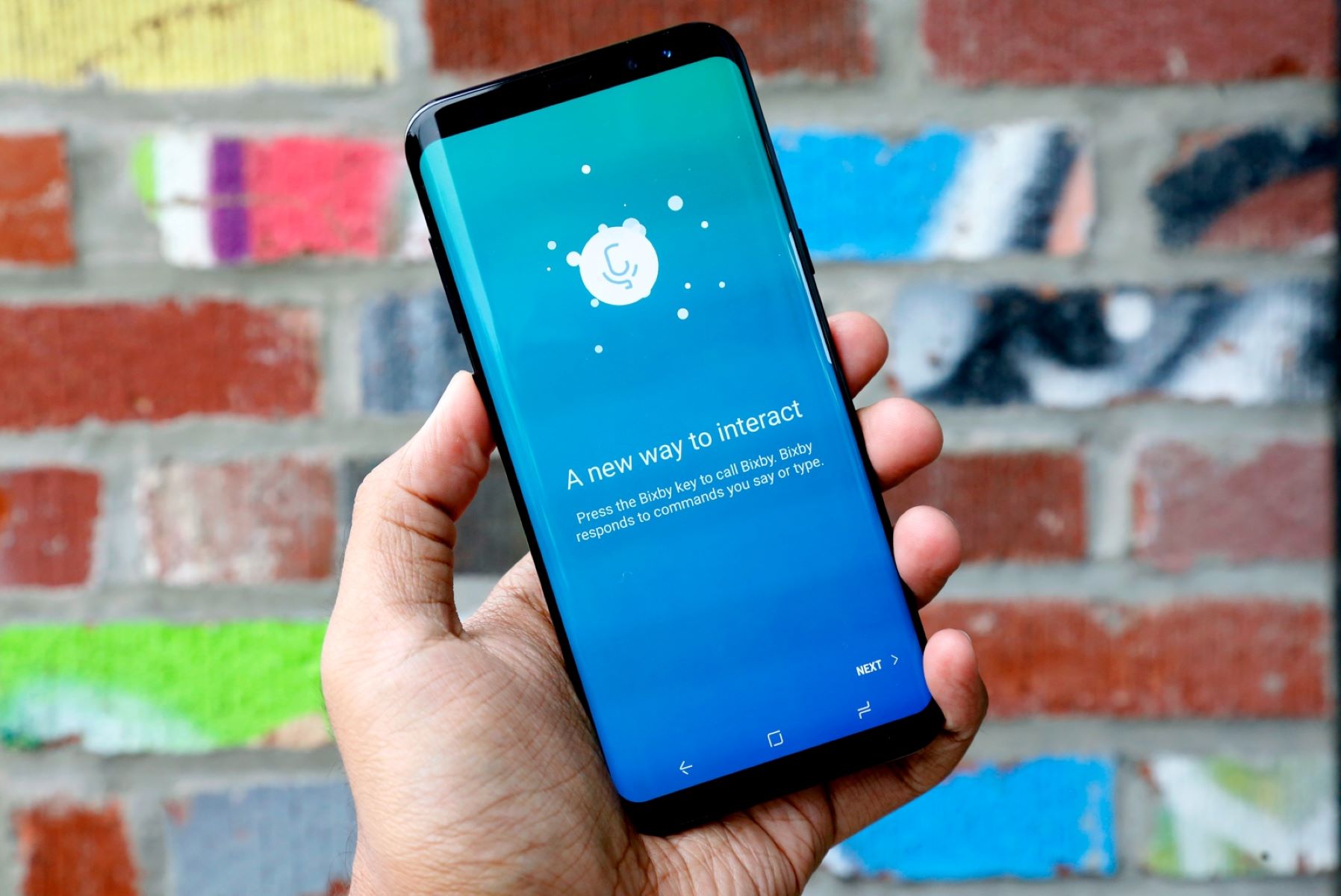
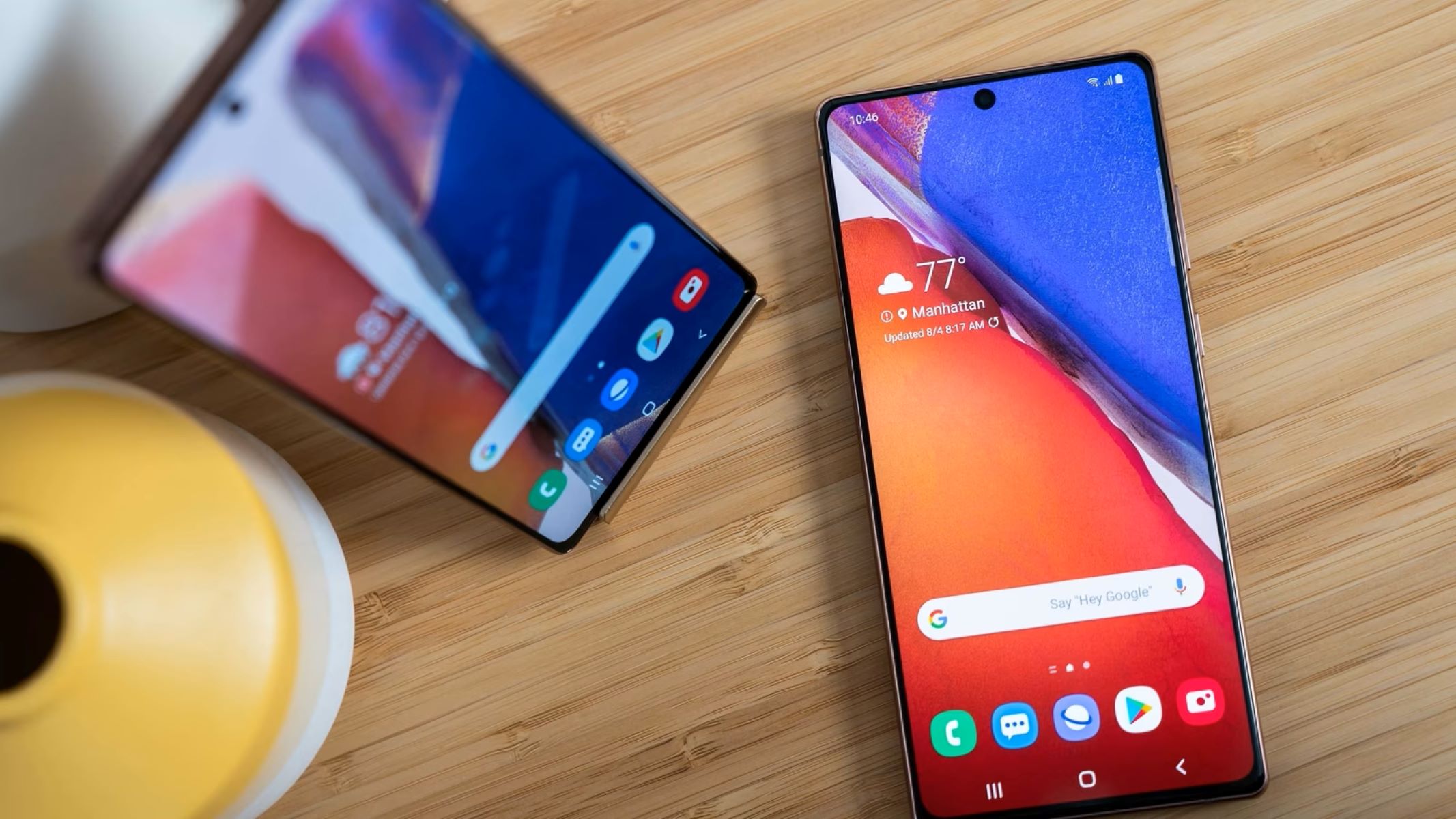
Your smartphone is a tracking device you carry willingly, but you can tighten its most glaring vulnerabilities with a few deliberate changes. The key is to stop relying on default settings and actively review what your device shares.
- Disable Face ID if you're concerned about biometric data. While Apple encrypts Face ID data, including mathematical representations of your face, within the Secure Enclave and never backs it up to iCloud, you can still turn it off by going to Settings > Face ID & Passcode and selecting Reset Face ID. This removes the stored facial scan from your device entirely, giving you the option to rely on a passcode instead.
- Control precise vs. approximate location sharing on iOS. Instead of granting an app your exact coordinates, you can share only your approximate location. In Settings, go to Privacy & Security > Location Services, select the app, and toggle from Precise to Approximate. This limits how closely a service can pinpoint your whereabouts while still allowing basic functionality.
- Manage app location permissions individually. Review the list of apps that have location access and change each one to "While Using" or "Never" rather than "Always." For apps that don't need your location at all, revoke access entirely. This prevents background tracking that runs even when you're not actively using the app.
Location tracking on smartphones uses GPS, Wi-Fi, and cellular data, so disabling Location Services entirely is an option if you want maximum privacy, but that breaks many useful features. A balanced approach is to audit permissions monthly and strip away anything unnecessary.
Stop your voice assistant from recording private conversations
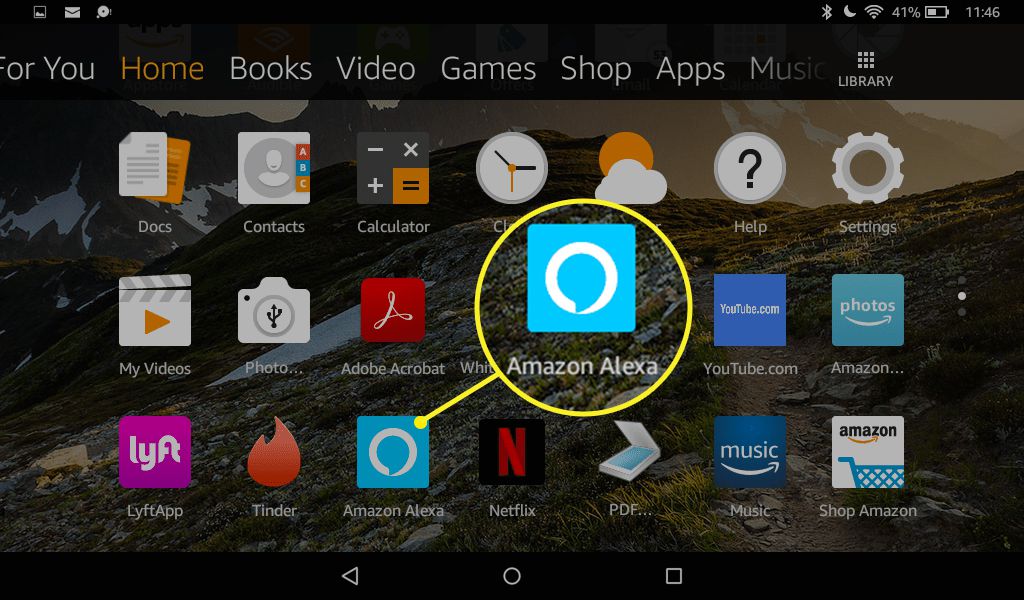
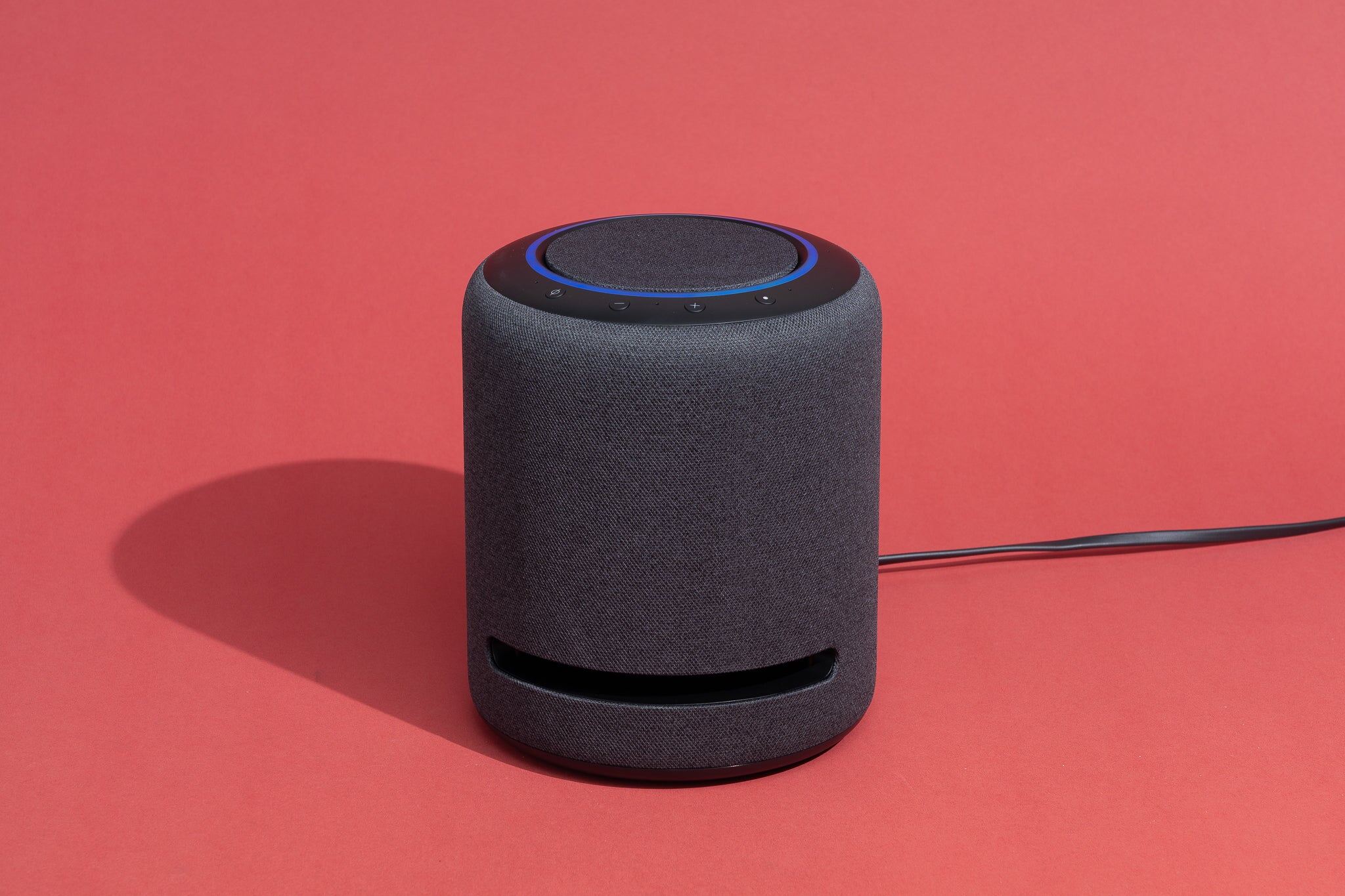
Voice assistants like Google Assistant and Amazon Alexa are designed to activate with a "wake word" but can unintentionally record and send data to company servers if similar sounds are detected. A word that sounds like "Hey Google" or "Alexa" can trigger a recording, and these clips may be stored and reviewed by human employees or used for ad targeting. To protect your privacy, start by muting the microphone when you're not actively using the assistant. Most devices have a physical mute switch or a button that disables the mic, which stops all audio capture until you unmute it. Additionally, review your voice history regularly. Both Google and Amazon allow you to delete recorded audio clips through their respective apps or web dashboards, and you can set automatic deletion rules for recordings older than a few months. For sensitive conversations, simply unplug the device or place it in a room where you don't discuss private matters. The convenience of a voice assistant comes with a trade-off, so you must decide when the risk of accidental recording outweighs the benefit of hands-free control.
Building a stronger privacy shield with the right tools and habits
Beyond smartphones and voice assistants, your broader digital habits determine how much data you leak. For messaging, use encrypted apps like Signal or WhatsApp (with end-to-end encryption enabled) so that only the intended recipient can read your messages, not the service provider or interceptors. When installing new apps, scrutinize the permissions they request; if a flashlight app asks for your contacts, that's a red flag. Minimize data sharing by using temporary email addresses for sign-ups, denying optional permissions, and logging out of services you don't use regularly. These individual steps compound into a meaningful shield, but they're not enough on their own. Systemic change matters too: support privacy legislation like the GDPR or state-level data protection laws, and push companies to adopt privacy-by-design principles. Advocacy for stronger regulations forces tech giants to treat your data as a right, not a commodity, and it creates pressure for default privacy settings that protect everyone, not just the tech-savvy. Ultimately, protecting your privacy is a continuous process of vigilance, not a one-time fix, so build these habits into your routine and revisit your settings whenever an app updates or a new service enters your life.
\nRelated reading: How To Change Bixby Back To English.