eSIM can work without a phone, but only on devices that have built-in cellular hardware and are supported by the manufacturer or carrier. GSMA's eSIM overview explains that the SIM is downloaded into an embedded secure element, while Apple's Dual SIM guidance shows that some devices can also use more than one mobile plan on the same device, depending on model and carrier support.
What eSIM is doing inside the device
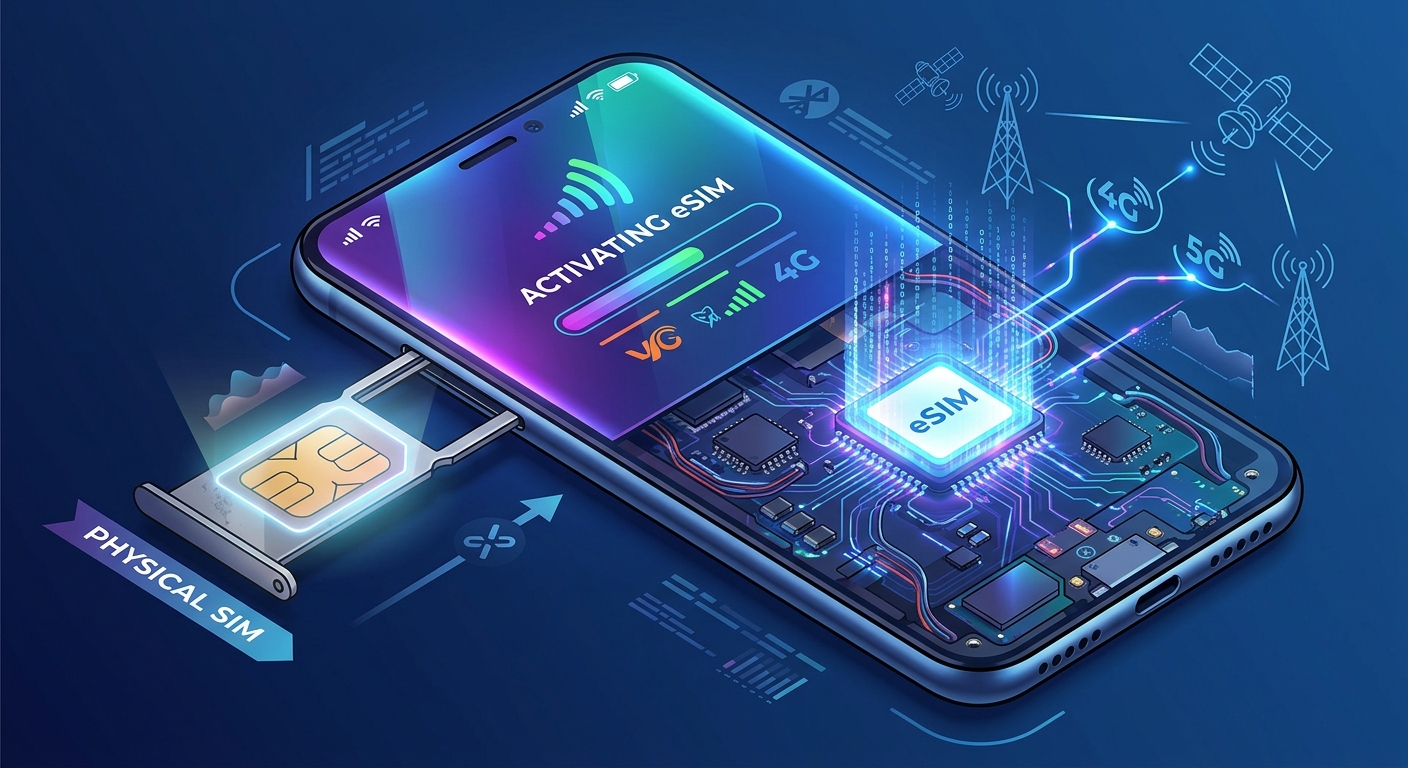
An eSIM is a digital SIM profile stored on an embedded chip rather than on a removable card. The GSMA says the SIM can be securely downloaded into a permanently embedded Secure Element and that the approach is designed to provide security and protection equivalent to a removable SIM card.
This matters because the device must be built to accept a downloaded mobile profile. A phone-only travel profile does not automatically appear on a tablet, watch, or laptop unless that device has its own supported eSIM-capable radio and software support.
Which device classes can use eSIM
Support is not limited to phones. Manufacturer and carrier documentation commonly places eSIM on three other device classes:
- Tablets with cellular hardware, including some iPad models and other manufacturer-specific cellular tablets.
- Smartwatches with cellular support, which use eSIM as part of the watch’s own mobile service.
- Laptops with built-in cellular modems or WWAN hardware, where the cellular connection is part of the laptop itself.
That means the key requirement is not the form factor alone but the presence of supported cellular hardware and an eSIM-capable variant. Wi-Fi-only tablets, Bluetooth-only watches, and laptops without a cellular modem are not documented as eSIM devices.
Companion wearables are different from standalone service
Smartwatches often work as companion wearables rather than fully independent devices. In that setup, the watch may mirror, extend, or share a number or plan provisioned through the watch maker and carrier. The actual mobile service depends on the watch model, the paired phone ecosystem, the carrier, and the plan.
Apple’s Dual SIM guidance shows how mobile identity can stay device-specific: an iPhone can use a physical SIM and an eSIM, and iPhone 13 models and later can support two eSIMs. That does not mean every watch or tablet can use the same profile in the same way. A watch or tablet needs its own supported activation flow and carrier support if it is to operate on mobile data by itself.
Independent cellular plans versus shared or linked plans
Some tablets and laptops are meant to have their own data plan, separate from a phone. Others are built for carrier-linked service or add-on plans that ride on an existing account. The plan type is set by the device maker and carrier, not by the eSIM format itself.
For example, a tablet with cellular support may accept an independent data-only eSIM, while a smartwatch may require a companion service attached to a phone account. The available options vary by model, region, carrier, and sometimes by whether the device is unlocked.
Why phone travel profiles do not automatically cover every device
A travel eSIM downloaded to a phone is bound to that phone’s hardware and carrier provisioning. It does not automatically transfer to a watch, tablet, or laptop just because the same person owns the devices. Each device needs its own compatible eSIM path, and the carrier must support that specific product category.
Apple’s Dual SIM guidance also shows that even on phones, plan behavior depends on carrier rules. It says that to use two network providers, the iPhone must be unlocked or both plans must come from the same provider. That kind of carrier rule is one reason a phone profile cannot be assumed to work everywhere.
What to check before buying or activating
Before relying on eSIM for a tablet, smartwatch, or laptop, confirm the exact model and cellular variant. The usual checks are straightforward:
- Confirm the device is the cellular or WWAN version, not Wi-Fi-only.
- Check the manufacturer’s support page for eSIM support on that exact model.
- Confirm carrier support for that device category and that region.
- Check whether the plan is independent data-only service or a companion wearable plan.
- Confirm whether the device must be unlocked before activation.
For shoppers comparing options, the practical question is whether the device is listed as one of the eSIM-compatible devices by its maker or carrier and whether that listing applies to the exact model sold in the user’s market.
Trade-offs and limits
eSIM simplifies setup because the profile is downloaded instead of inserted as a card. It also removes physical slot swaps, which is useful for devices that are meant to stay thin or sealed. The trade-off is that support is stricter: the device, the region, the carrier, and sometimes the plan type all have to line up.
That is why one device can support multiple mobile identities while another can only support a single carrier-specific setup. In practice, the best results come from checking the exact product page, the carrier help center, and the activation rules for the device category before purchase or travel.
More eSIM resources: Browse our eSIM guides and troubleshooting resources for compatibility, setup, travel-data and account-safety advice.
\nRelated reading: The Complete eSIM Guide: Setup, Transfers, Security and Travel Data, How eSIM Works and Why Your Next Phone Might Not Have a SIM Slot, and How to Transfer an eSIM to a New iPhone or Android Phone.