There is no button in WhatsApp that shows you a deleted message, and WhatsApp itself says it cannot recover deleted messages for you. What can work is narrow: restoring a backup that was made before the message was deleted, or, on some Android phones, reading the notification that arrived before the sender removed it. Almost everything else sold as WhatsApp "recovery" is a risk to your account rather than a solution.
Which of those options you have depends on who deleted the message, when, and what was already switched on at the time. Nothing on this list can be turned on after the fact and still catch a message that is already gone.
What happens when a message is deleted
WhatsApp has two kinds of deletion, and they leave different traces.
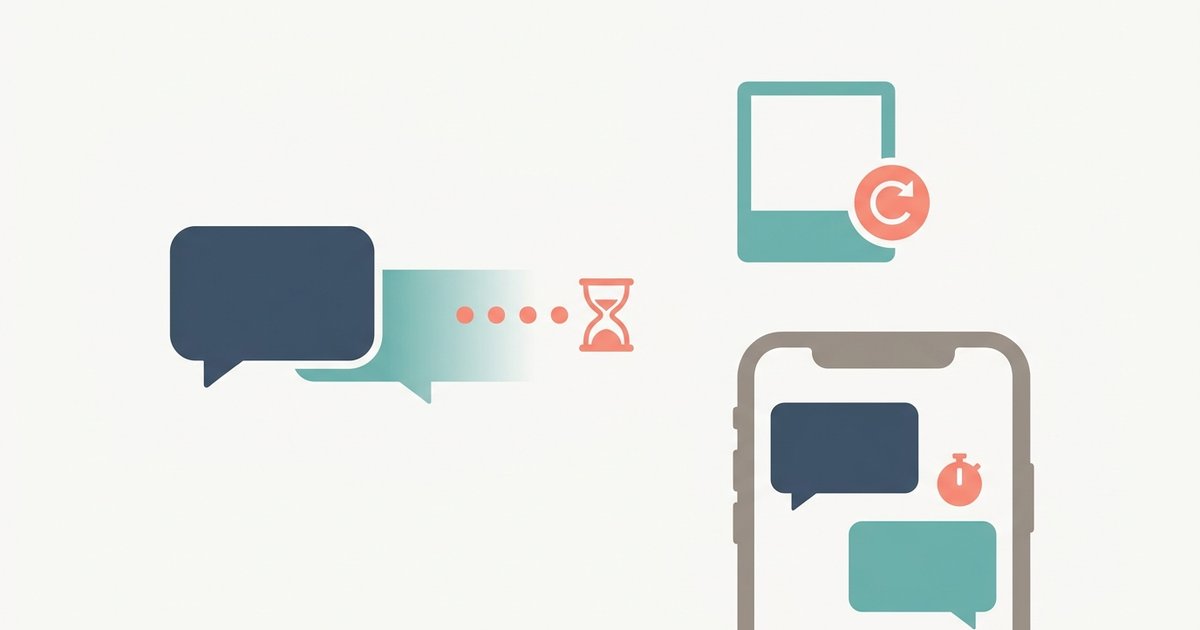
- Delete for everyone. The sender removes the message from the chat for all recipients. It is replaced with the line "This message was deleted", or with a note naming the admin if a group admin removed it. Senders have two days and 12 hours after sending to request this, and group admins have two days and 12 hours after a member's message to do the same.
- Delete for me. This removes only your own copy. The other people in the chat still see the message. After you tap it, WhatsApp gives you about five seconds to tap Undo, and after that it is gone from your phone.
Either way, the deletion syncs across every linked device that is online, so opening WhatsApp Web or the desktop app afterwards will not show you a leftover copy. WhatsApp's help pages are blunt about the rest: once a message is deleted, there is no way to get it back unless it was included in a backup.
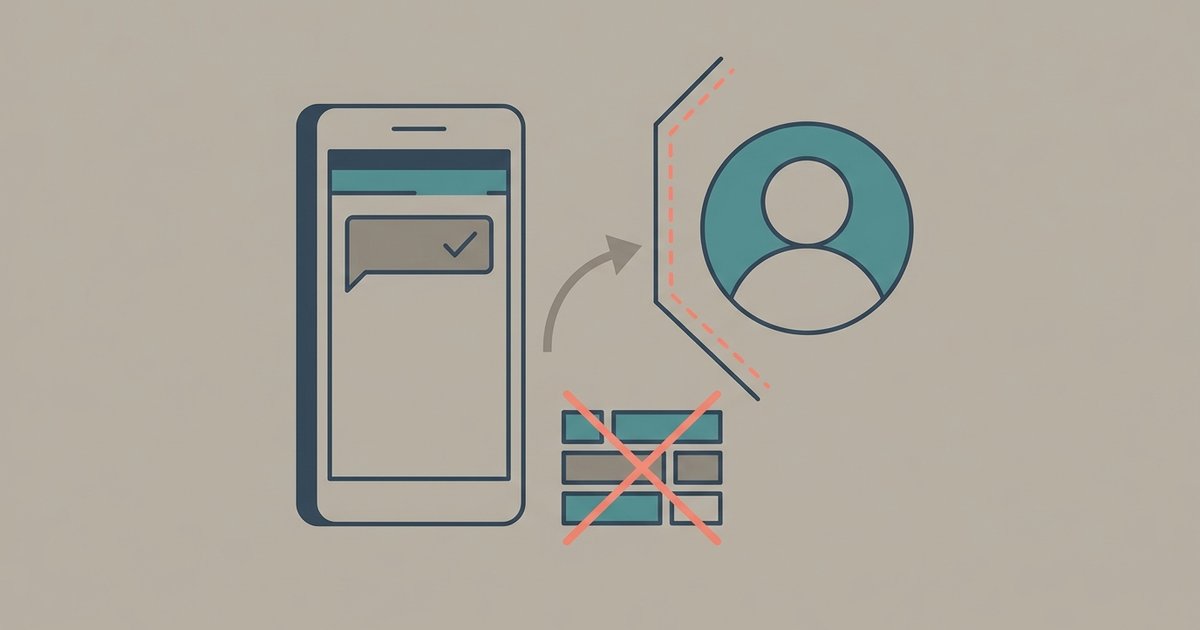
Two details in that same guidance are worth knowing if you are the recipient. First, people often see a message before it is deleted, because deletion for everyone is a request that arrives after the original did, and WhatsApp notes that the sender is not told if the deletion fails. Second, media can outlive its message: WhatsApp warns that recipients on iPhone may still have media saved to their Photos after the message is deleted from the chat, and Android saves downloaded media to the phone by default through the Media visibility setting. If someone deleted a photo, check your gallery before anything else.
Restoring from a backup
A chat backup is a snapshot of your chats at the moment it ran. If a message arrived and the backup ran before it was deleted, the message is inside that backup. Restoring it is the only method WhatsApp supports for bringing back message text.
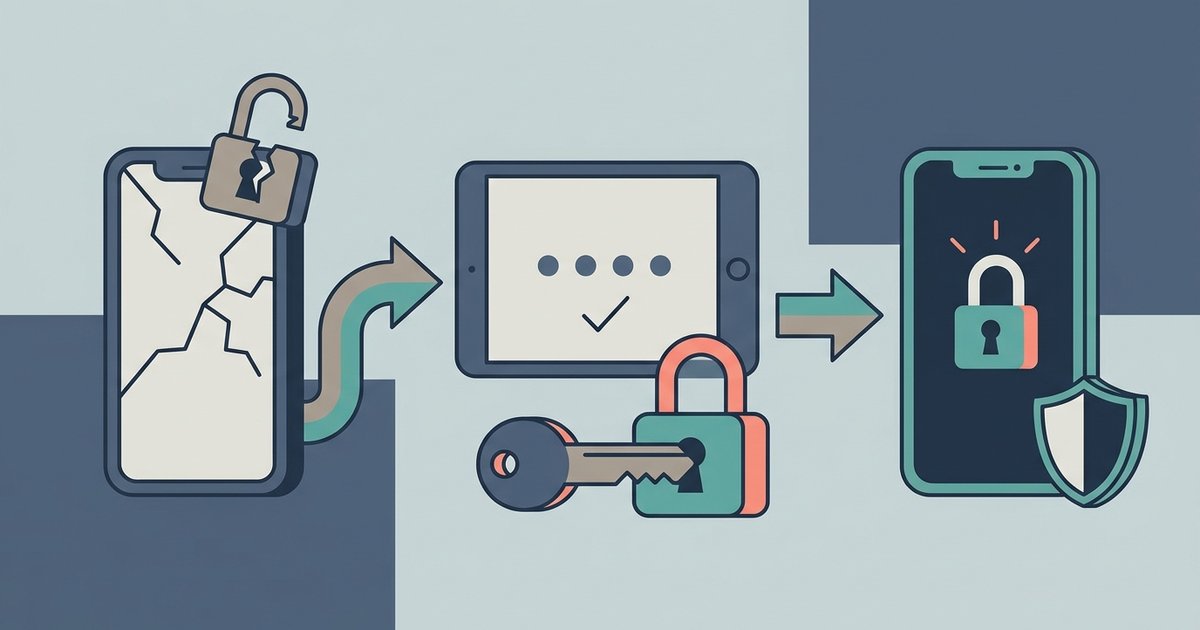
The catch is that restoring is all or nothing. You cannot open a backup and pull one message out of it. To restore, you remove and reinstall WhatsApp, verify the same phone number, and accept the restore offer during setup, which replaces what is on the phone with what is in the backup. Anything that arrived after that backup was made will not be in it, and each new backup overwrites the last one, so a nightly backup quickly replaces the version that still had your message. If you are going to try this, turn off automatic backups or avoid triggering a manual one until you have decided, and accept that you may lose recent chats in exchange.
Backups are less help with messages that were designed to vanish. Disappearing messages that were still present when the backup ran are included, but WhatsApp deletes them when you restore. View once media is restorable only if it had not been opened when the backup ran.
On Android there is sometimes an extra local backup kept on the phone itself, which WhatsApp creates alongside the cloud backup. Restoring an older local file is a fiddly process and depends on your Android version and file access, so treat it as a last resort rather than a plan.
Android notification history
Many Android phones keep a history of notifications, and when a WhatsApp notification arrives it usually contains the text of the message. If the sender deletes the message later, the notification that already arrived is not recalled.
On Pixel phones, Google's instructions are to open Settings, tap Notifications then Notification history, and turn on Use notification history. Once it is on, the phone keeps a list of notifications you have dismissed in the last 24 hours. You can open it from the same settings screen or by swiping down the notification shade and tapping History at the bottom. Other Android brands place the setting differently or do not offer it at all.
The limits are serious, and they explain why this trick works less often than people hope:
- It only records notifications that arrived after you turned it on. It cannot show you anything from before.
- It keeps a short window, 24 hours, and older entries fall off.
- No notification means no record. If you had the chat open, had it muted, or had WhatsApp notifications or previews turned off, there is nothing to find.
- Long messages may be cut short, and photos, videos and voice notes show only as a label.
- In busy group chats, notifications are often bundled, and only part of the conversation may be visible.
iPhone has no equivalent history of dismissed notifications, so this route is effectively Android only.
Why "recovery apps" are a bad idea
Search for a way to read deleted WhatsApp messages and you will find a crowd of apps and websites promising exactly that. They fall into a few groups, and none of them is a good trade.
The honest ones do the same thing as notification history: they ask for permission to read all of your notifications and keep a log. That permission covers every app on the phone, including banking alerts and the one-time sign-in codes that other services text you. Handing it to an unknown developer is a far bigger privacy cost than one missed message is worth.
The rest are worse. Some are modified or unofficial versions of WhatsApp, which WhatsApp warns can compromise your account and get it used to send spam to others. Some are desktop programs or websites that ask for your phone number, a verification code or a payment and then deliver nothing. A service that asks for your six-digit registration code is trying to take over your account, whatever it claims to be doing. WhatsApp's messages are end-to-end encrypted and stored on the devices in the chat, not on a server that someone else can query, so any offer to pull someone else's deleted messages from "the cloud" is not real.
Asking is still an option
If the message was deleted for everyone, the sender still knows what it said. That sounds obvious, but it is often the fastest way to get the content back, and it is the only one that works for messages you never saw at all. If someone else in a group read it before it was removed, they may be able to tell you too, though they cannot restore it any more than you can.
Set things up for next time
The useful work happens before anything is deleted. Keep a regular chat backup running and check that it succeeds. On Android, turn on notification history now if your phone offers it, and leave Media visibility on if you want received photos to land in your gallery. If a conversation matters, such as a receipt, an address or an agreement, save it the moment it arrives: take a screenshot or copy it somewhere outside WhatsApp. None of these guarantees you will see a message someone chooses to remove, but they are the only things that ever do.