This tag collects practical guides for everyday data recovery and device access problems, written for the non-technical reader who just wants their files, photos, or messages back. Whether you are dealing with a forgotten password, a dead tablet, or a drive that will not show up on your computer, these articles walk through the steps in plain language. The focus is on solving the problem yourself, safely and legally, without resorting to risky tricks or third-party hacks.
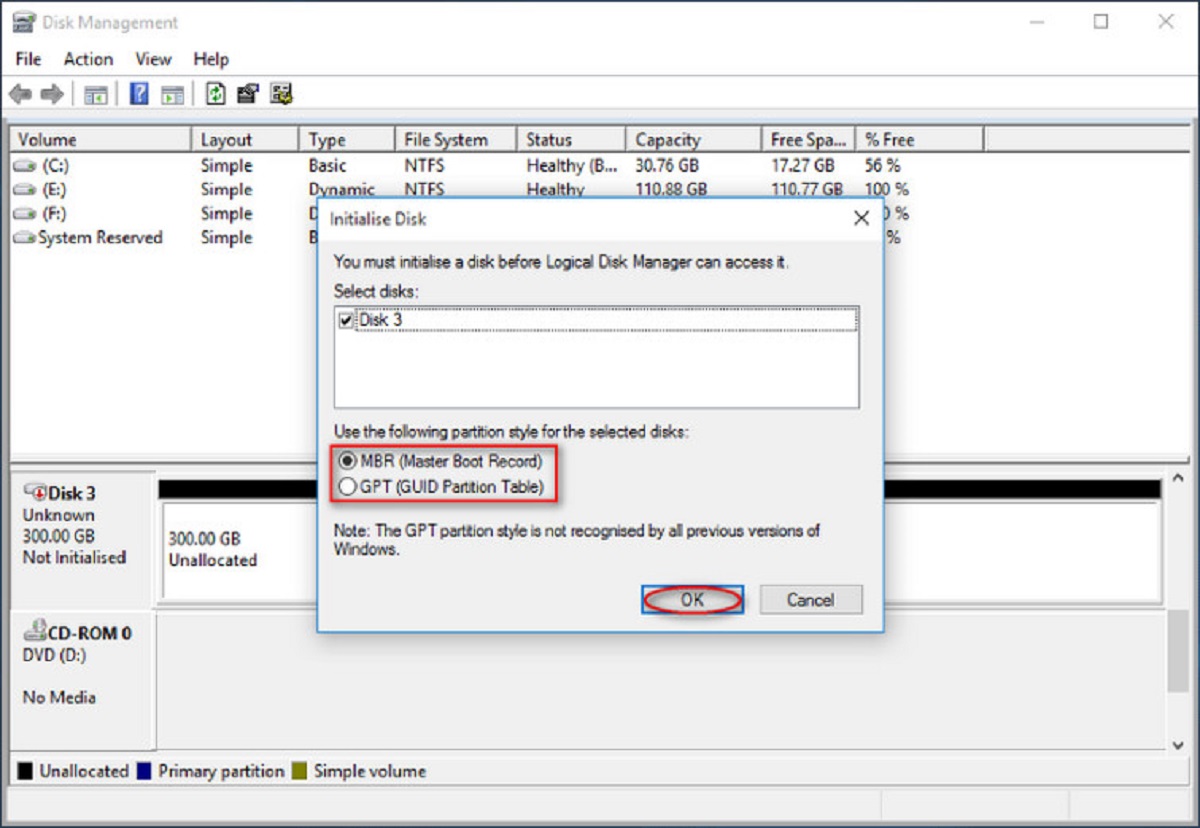
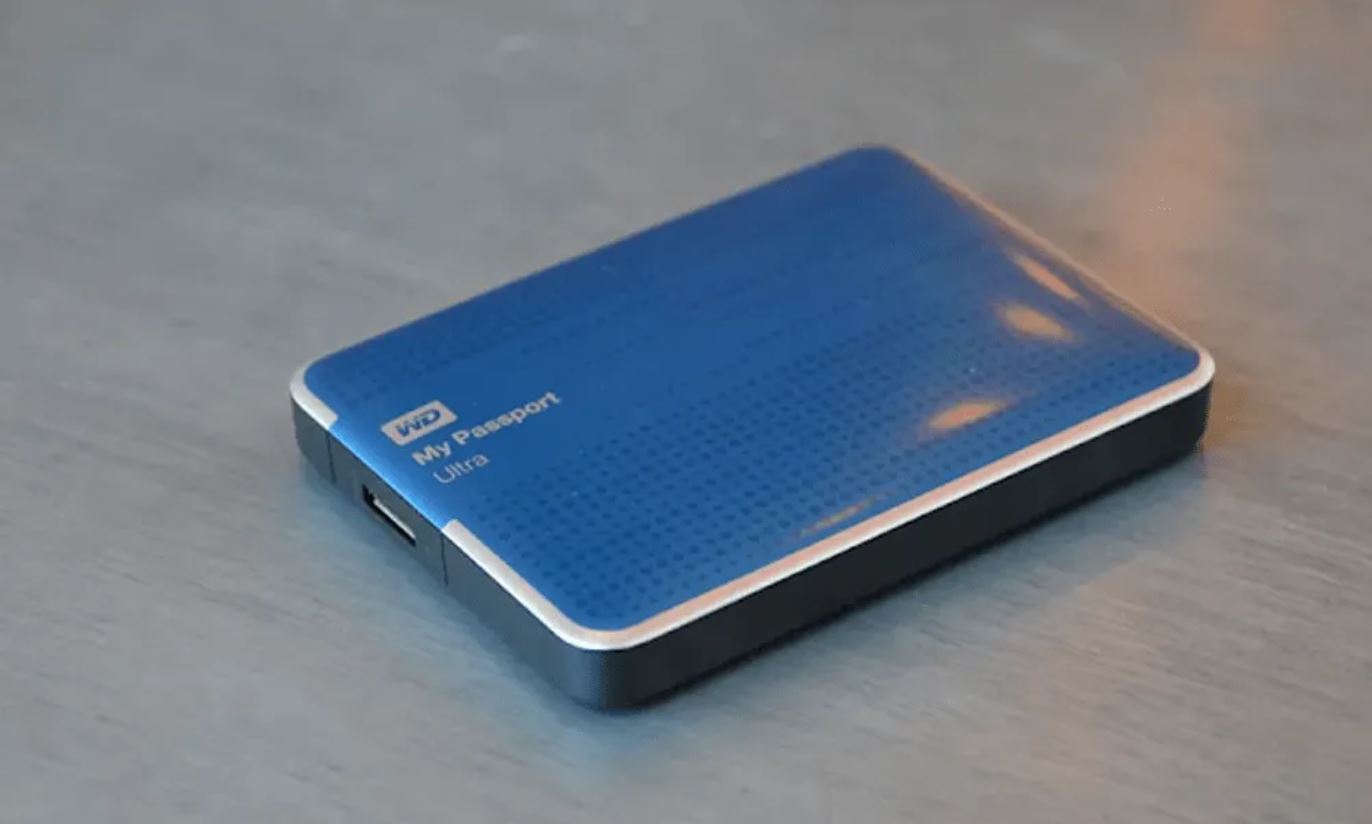
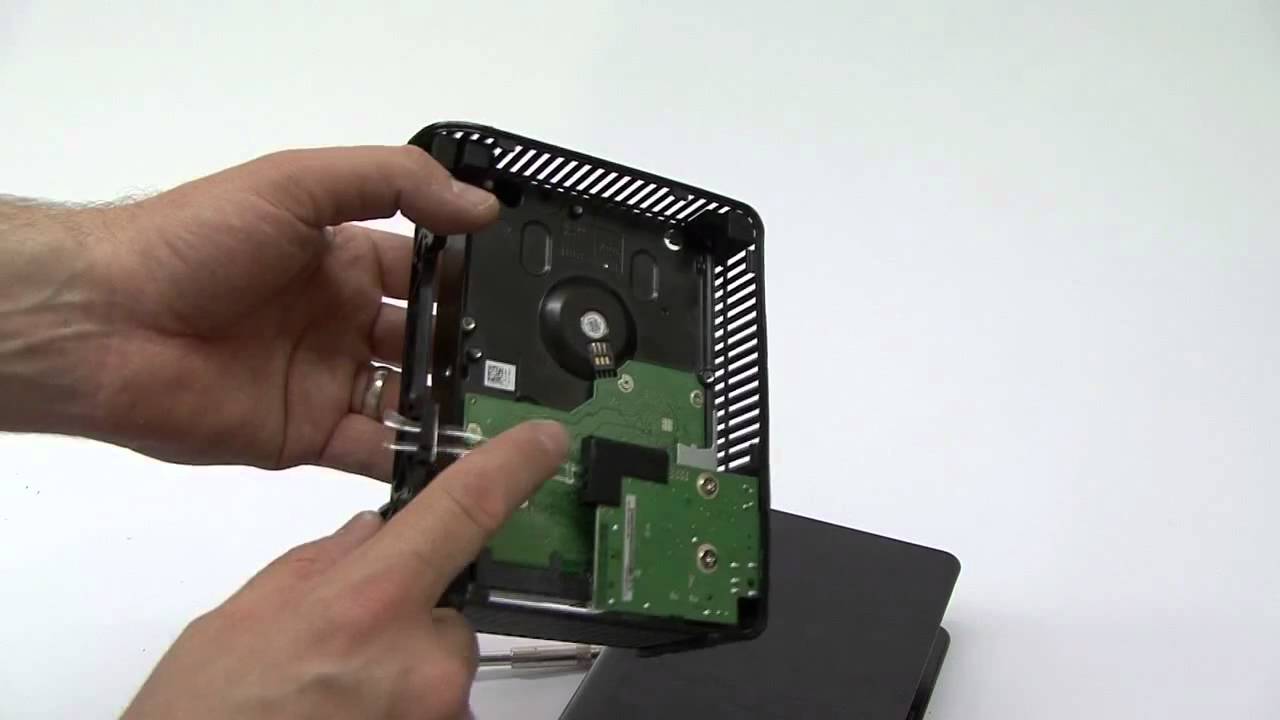
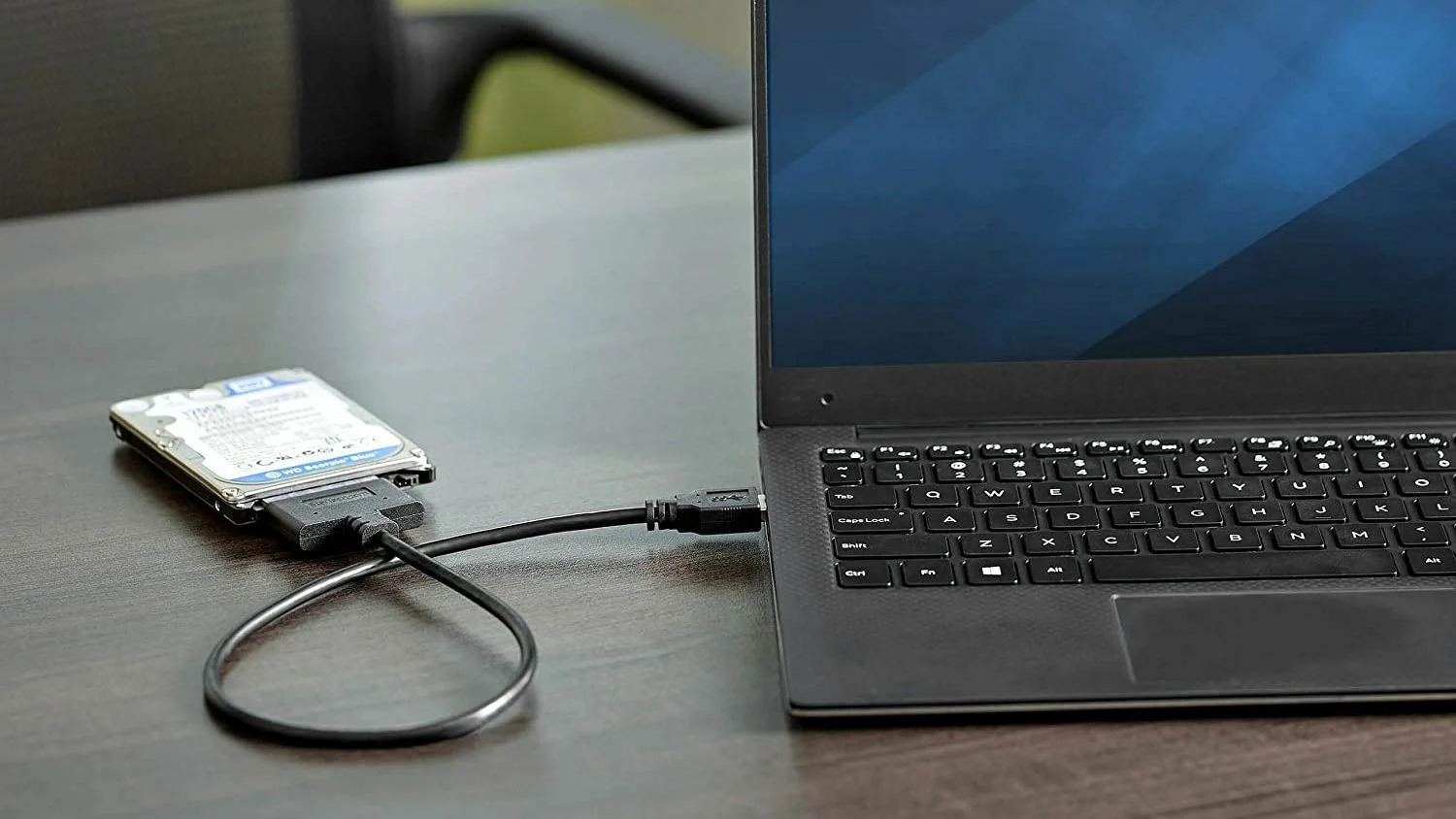
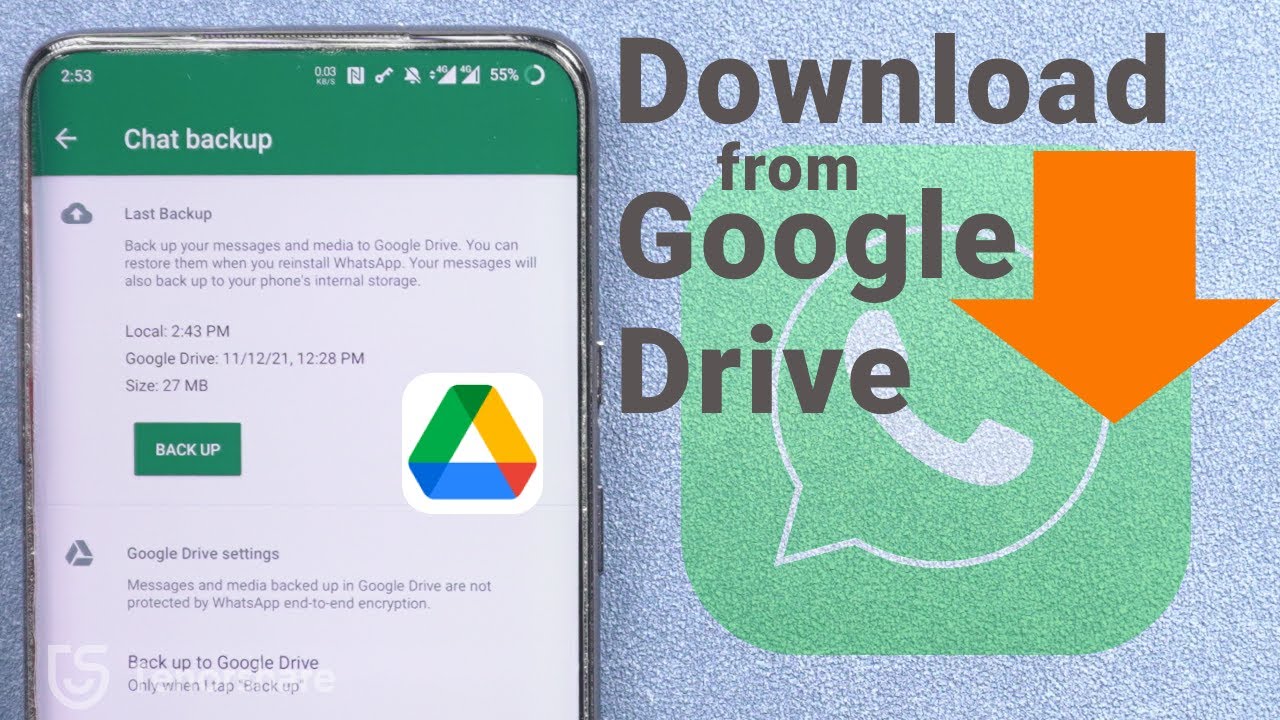
The articles fall into three broad themes. One theme is recovering deleted or lost content from apps and cloud services: you will find help restoring Messenger and Instagram messages, recovering permanently deleted photos after 60 days, and downloading your phone backup from Google Drive. Another theme is unlocking or accessing your own devices when you are locked out, such as unlocking an Android phone or resetting a forgotten WD external hard drive password. The third theme is troubleshooting hardware that has stopped cooperating, including transferring data from a dead tablet, fixing a Seagate drive that Windows does not detect, and diagnosing why a LaCie drive is blinking or not appearing in Disk Utility.
For readers concerned about privacy or account management, some articles also cover the opposite direction, like how to delete an email or what “revert” means in QuickBooks, so you understand your options before you act. The goal is to help you regain access to your own data, avoid permanent loss, and make informed choices about your devices and accounts.