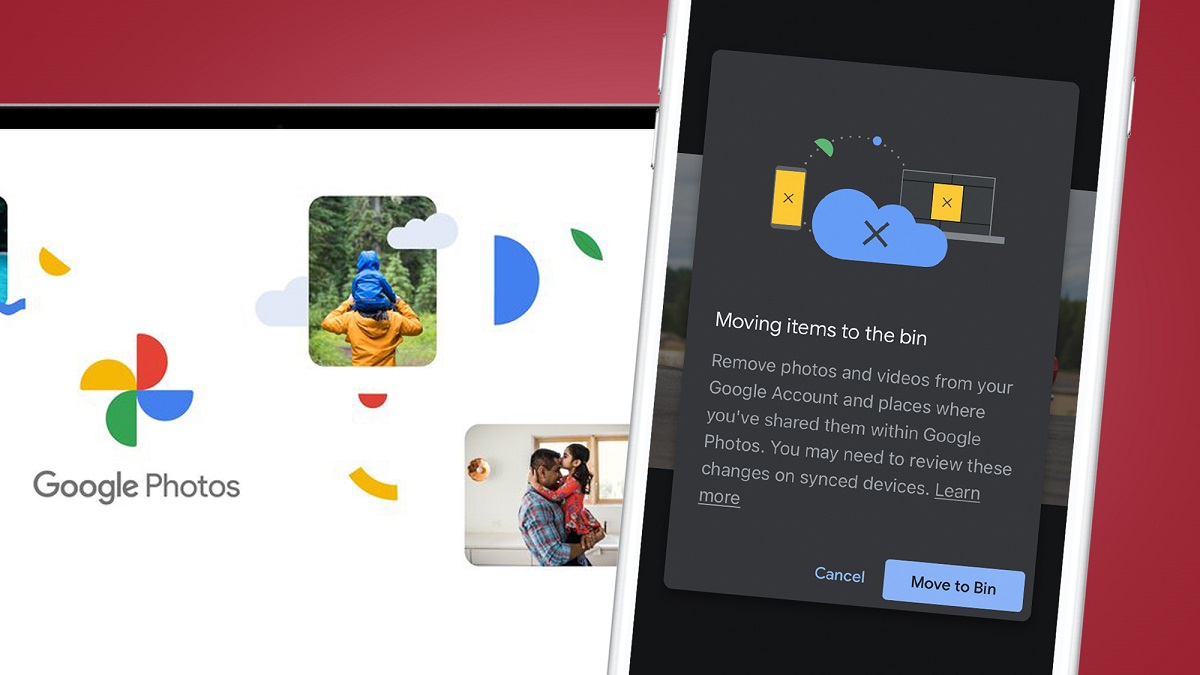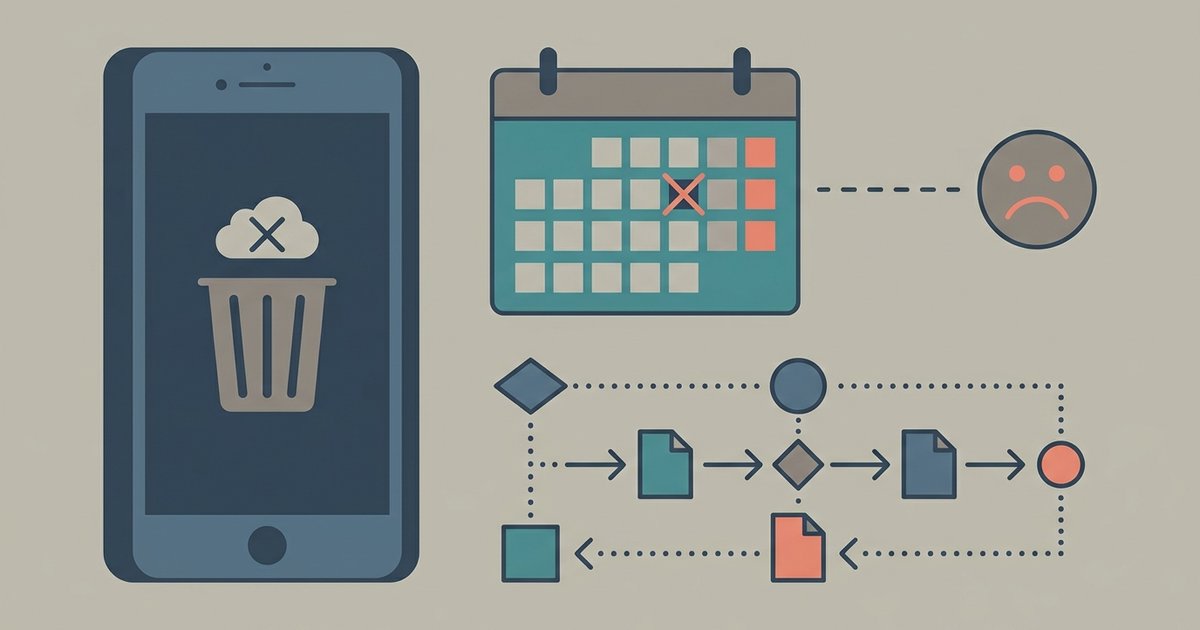
Once photos have been permanently deleted from Google Photos trash after 30 days, they cannot be recovered through your account, Google support, or any data recovery tool. The deletion is permanent and irreversible by design.
What happens to permanently deleted photos after 60 days
Google Photos maintains a trash folder that holds deleted items for exactly 30 days. During this period, you can restore photos by selecting them and tapping “Restore.” After the 30th day, Google’s system automatically and permanently purges those files from all of its servers. This is not a soft delete, the data is overwritten and removed from backup systems, so even Google support agents cannot reverse the process. The company’s privacy and storage architecture is built to ensure that once the timer expires, no copy remains accessible on their side. No amount of contacting support, filing a ticket, or escalating the issue will change this outcome.
The common mistake with third-party recovery tools
Many users turn to desktop or app-based data recovery software hoping to retrieve cloud-deleted photos. This is a dead end. Third-party recovery tools scan the local storage of your device, your phone’s internal memory, your computer’s hard drive, or an SD card, for traces of files that were physically written there. But the photos you deleted from Google Photos were never stored locally on your device’s storage in the first place; they existed only as copies in the cloud. The app on your phone or browser only shows thumbnails or cached previews, not the original full-resolution files. Recovery software cannot reach into Google’s servers, so it will find nothing to restore. Spending money on such tools will not yield results.
The one place to check before giving up
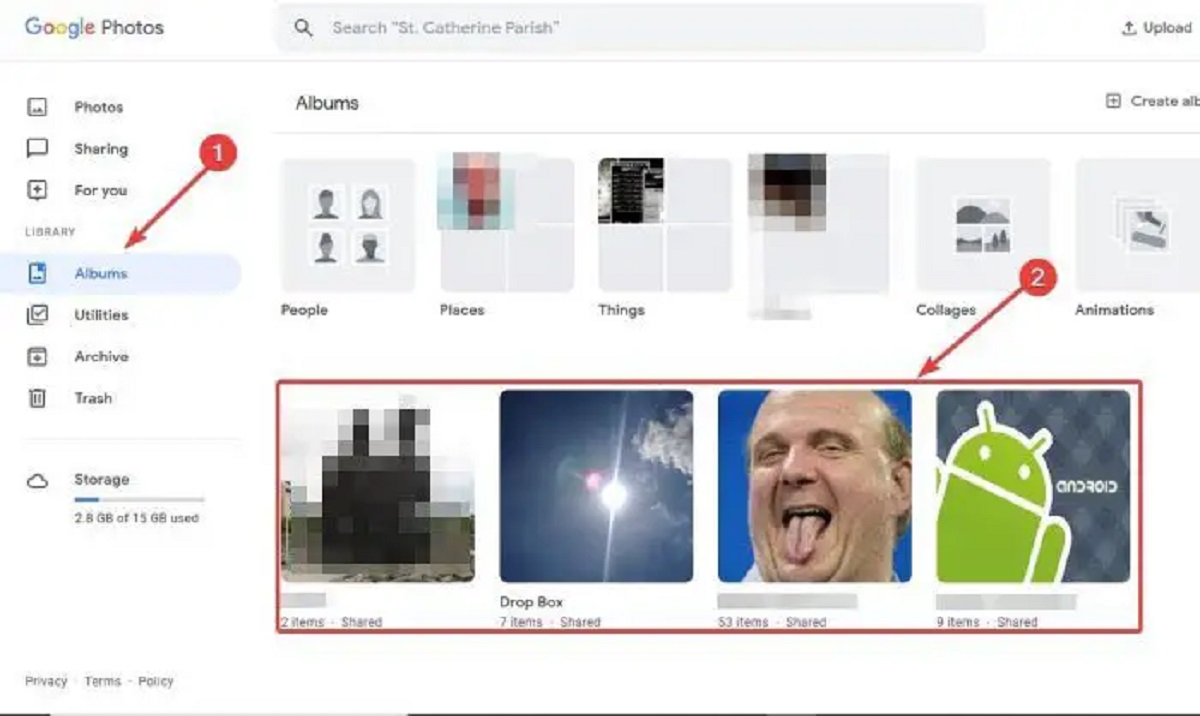
Before you accept the loss entirely, verify whether the photos exist in any other location. Start with your device’s native gallery or camera roll, if you had the “Back up & sync” setting enabled in Google Photos, the original files may still reside on your phone’s internal storage or an SD card. Check any shared albums you participated in; if someone else uploaded the same photo to a shared album, you can download it from there. Also look at other cloud services you might have synced to, such as iCloud, Dropbox, OneDrive, or a private NAS drive. If you ever used a different email account to back up photos, log into that account and check its Google Photos trash as well. This is your last realistic chance. Once you have exhausted these sources, the only forward action is to change your backup habits. To prevent future loss, you can organize Google photos to keep duplicates and backups structured. If you want to move your library elsewhere, you can download all photos from Google photos at once to PC for offline safekeeping. For cleaning up your account without permanent loss, learn how to remove backed up photos from Google photos while preserving originals on your device. And if you decide to start fresh, understand how to delete all Google photos in bulk, but only after confirming you have copies elsewhere.