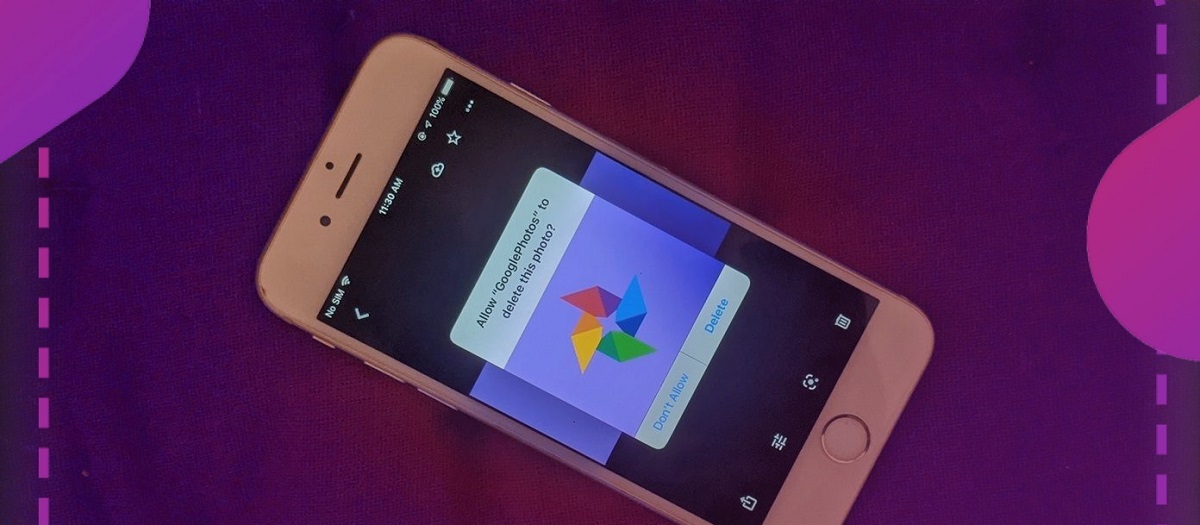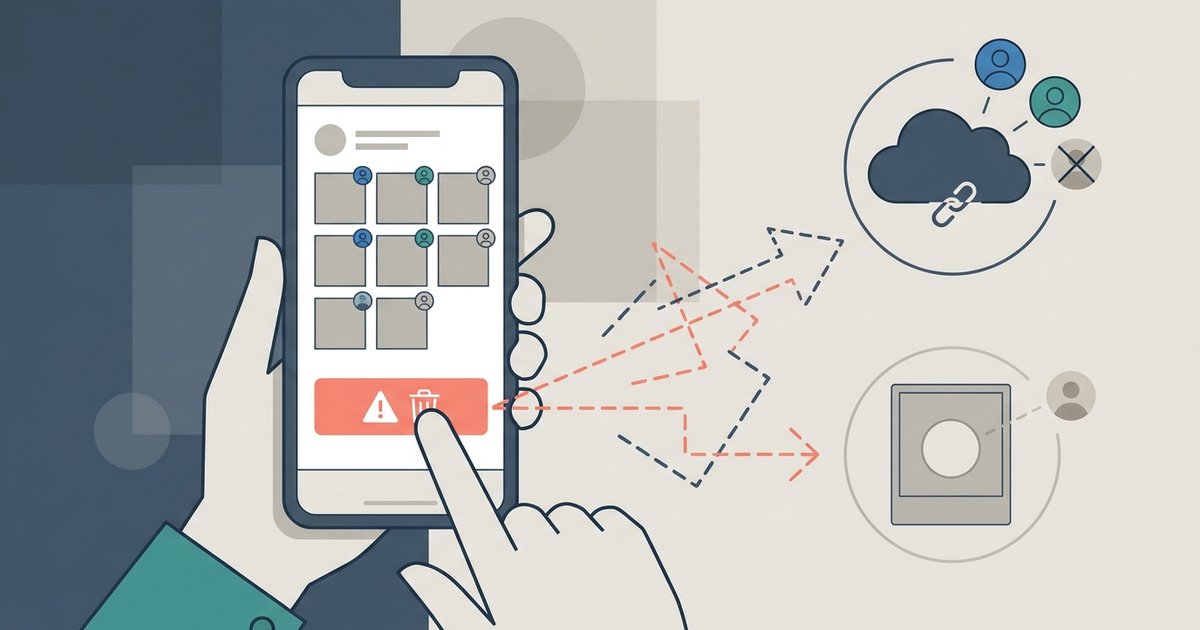
When you delete your Google Photos account or individual photos, any pictures you contributed to a shared album will disappear for everyone else unless they already saved them to their own library.
Your photos vanish from the shared album when you delete Google Photos
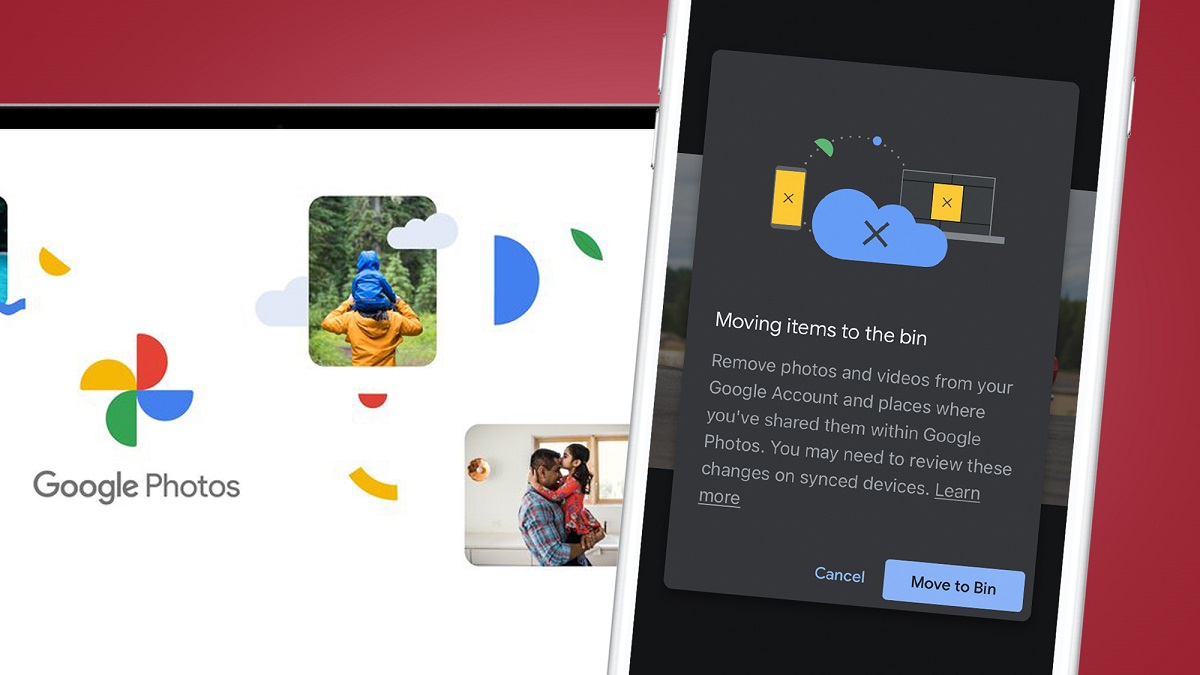
Once you delete your Google Photos library or delete specific photos that you added to a shared album, those photos are removed from the album view for every other member, including the album owner. This deletion is instantaneous. If you delete your entire library, every photo you ever contributed to any shared album disappears from those albums simultaneously. The album's activity feed will not show a removal event; the images simply stop rendering. This applies whether you used the "delete account" option in your Google settings or the "delete all Google photos" option within the Photos app itself.
Photos others added stay untouched
Only your own contributions are affected. Any photos that other members added to the shared album remain fully visible to the rest of the group, exactly as they were before you left. Comments from other members stay. The album’s title, description, and collaboration settings are unaffected by your departure. If you only deleted a subset of your photos, rather than your entire collection, then the other members will only see gaps where those specific images used to be, while your remaining contributions stay visible.
The one way others can keep your photos
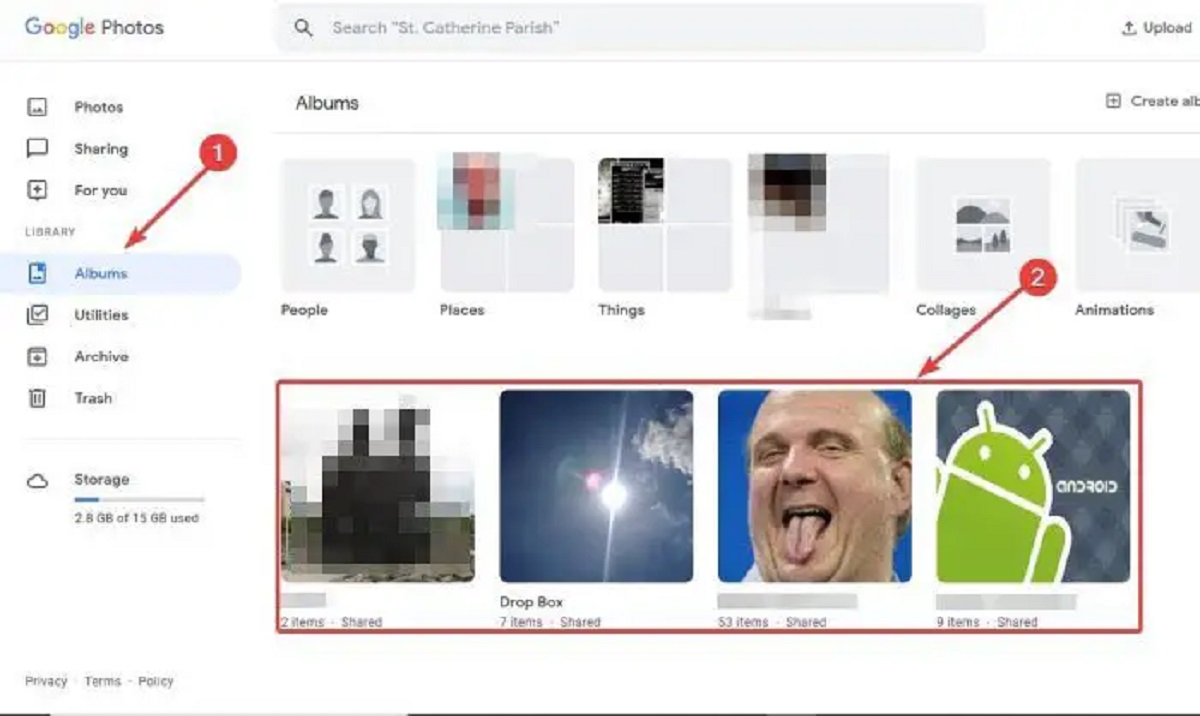
Many people mistakenly believe that adding a photo to a shared album transfers ownership or creates a permanent copy for everyone. It does not. The only safeguard is if collaborators manually saved your photos to their personal library before you delete them. They can do this by opening the album, tapping the three-dot menu on any of your photos, and selecting "Save to library." This copies the image into their own Google Photos storage, independent of your profile. Without that manual save, your photos are gone for them the moment you delete your library or the individual images. There is no notification to the album owner that your photos are at risk. To prevent this loss, you may want to warn collaborators ahead of time if you plan to delete your profile or to "delete all Google photos" from your library.
What the album owner sees after you leave
After you delete your photos, the album owner and all other members will no longer see your contributed photos. The album’s photo count will decrease by the number of photos you removed. If you delete your entire library, your name may no longer appear in the participant list. The album itself remains active, it is not deleted or archived just because you left. The owner can still invite new members, add new photos, and continue using the album normally. If you want to avoid leaving broken placeholders, you can first save your own copies of the album’s photos elsewhere, then use the "stop sharing photos with Google Photos" option to remove yourself from the collaboration before deleting your library. This approach gives you control over your own copies while letting the album owner know you are leaving, though it still does not preserve your contributions for them unless they save them first.
How to organize Google photos before making changes
Before you take any action that affects shared albums, you can organize Google photos into clearly named albums or favorites to easily identify which images you contributed to collaborations. This preparation step ensures you have a clear view of what others might lose, giving you the chance to notify them or pull back only the images you intend to remove.
How to delete photos from phone but not Google photos
If your goal is to free up local storage without affecting shared albums, you can delete photos from phone but not Google photos by using the “Free up space” feature in the app. This removes the device copy while keeping the cloud original untouched, so your contributions to any shared album remain fully visible to every collaborator.
The one sentence that could not appear on a competitor’s page
Only Google Photos instantly erases your contributed images from every shared album the moment you delete your storage library, without notifying any of the other members.