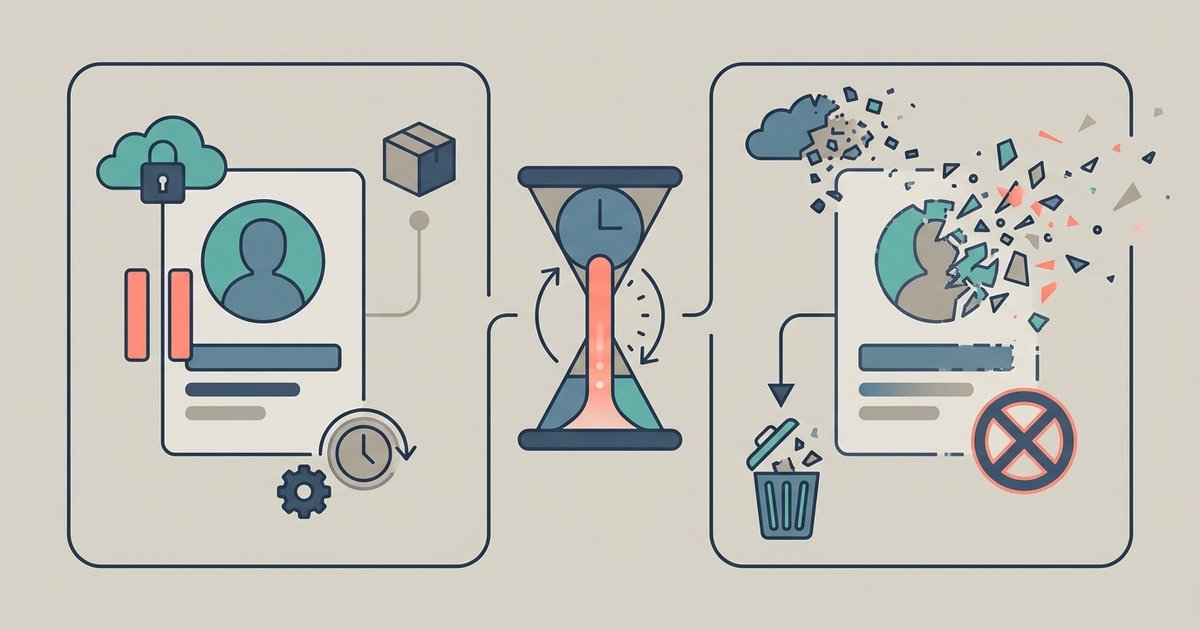
To delete your HBO Max account, you must first cancel your subscription and then submit a deletion request through the official Max Privacy Portal. This process permanently removes your account and all associated personal data, so it is different from simply deleting a user profile or pausing your subscription.
Before you delete your HBO Max account
Deletion is permanent and cannot be undone. You will lose access to the entire Max library, and your personal information will be erased. You must cancel your subscription before you can request account deletion. Note that deleting a user profile within Max is not the same as deleting the entire account, and you cannot delete the primary profile associated with the account. If you only want to manage your viewing activity, you might consider clearing watch history on streaming apps or learning how to delete your HBO Max watch history instead. You can also remove shows or movies from your Continue Watching list on HBO Max without affecting your account. If you just need to switch devices, you can sign out of HBO Max temporarily. For billing updates, you can change your payment method for HBO Max without canceling. Before taking the irreversible step of account deletion, you can delete history HBO max to simply clear your viewing activity instead.
Step 1: Find out who bills you for Max
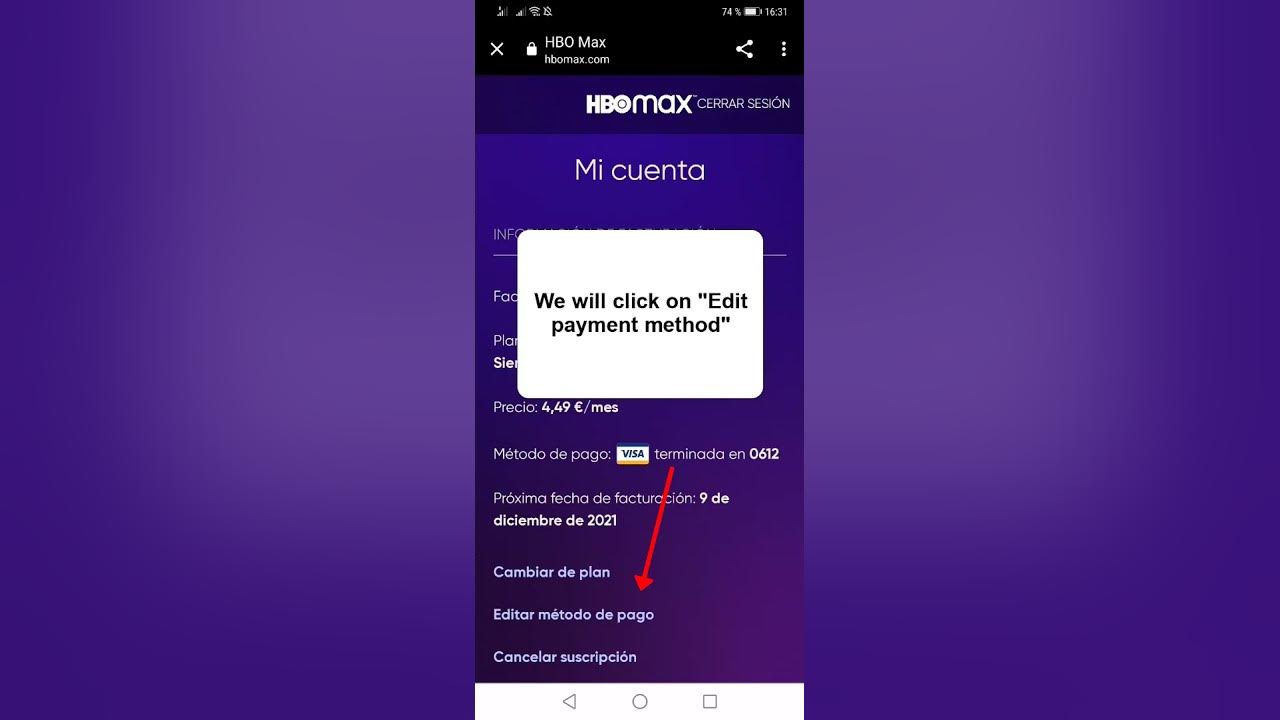
Your cancellation method depends on the provider that bills you for Max. To identify your billing provider, go to max.com/subscription and sign in, or in the Max app, select your Profile icon, then Subscription. This will show whether you are billed directly by Max, through Apple, Google Play, Roku, or another third party.
Step 2: Cancel your Max subscription
Follow the instructions below based on your billing provider. You must complete this step before you can submit an account deletion request.
-
Billed directly by Max (Warner Bros. Discovery)
Log into max.com, select your Profile icon, then go to Settings > Subscription > Manage Subscription > Cancel Subscription.
-
Billed through Apple (iOS)
On your iPhone or iPad, open the Settings app, tap your name/Apple ID banner, then tap Subscriptions. Select Max (or HBO Max) and choose Cancel Subscription.
-
Billed through Google Play (Android)
Open the Google Play Store app, tap your profile icon, then go to Payments & subscriptions > Subscriptions. Select Max (or HBO Max) and tap Cancel subscription.
-
Billed through Roku
Go to my.roku.com and sign in. Select Manage your subscriptions, find Max, and choose Turn off auto-renew.
Step 3: Submit your account deletion request
After canceling your subscription, go to the official Max Privacy Portal. Complete and submit the form to permanently delete your account and associated data. This is the only way to fully remove your account; canceling alone does not delete it.
What happens after you delete your Max account
Once your deletion request is processed, you will lose access to the Max library, and your personal information will be erased. This action cannot be undone, so be certain before proceeding. If you change your mind later, you will need to create a new account from scratch.
For the wider topic, see clearing watch history on streaming apps.